1. Introduktion
Denne manual indeholder vigtige instruktioner til sikker og effektiv brug af din Blackview BV6200 Plus rugged smartphone. Please read this guide thoroughly before operating your device to ensure optimal performance and longevity. The Blackview BV6200 Plus is designed for durability, featuring a robust construction, a large capacity battery, and advanced communication capabilities.
2. Produktet er slutview
Den sorteview BV6200 Plus is a rugged smartphone built to withstand challenging environments. It features a durable exterior, a powerful 11000mAh battery, a 3W ultra-loud speaker, and a high-resolution camera system. The device operates on Android 14 and supports dual SIM functionality.
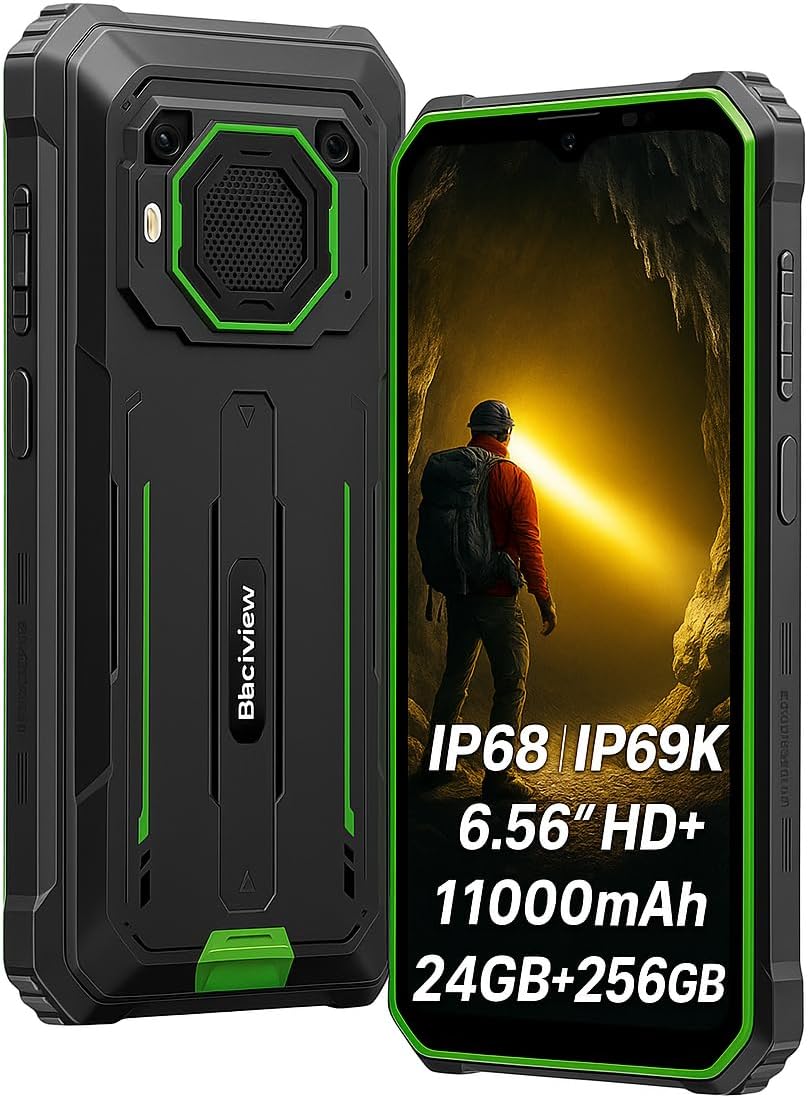
Figur 2.1: Foran og bagpå view af den sorteview BV6200 Plus smartphone.
2.1 Pakkens indhold
Upon unboxing, please verify that the following items are included:
- Sortview BV6200 Plus-smartphone
- USB Type-C-kabel
- Strømadapter
- SIM Ejector Tool
- Brugervejledning (dette dokument)
3. Opsætning
3.1 Installation af SIM-kort og SD-kort
- Find SIM-kortbakken på siden af enheden.
- Sæt SIM-kortudkastningsværktøjet i det lille hul ved siden af bakken, og tryk forsigtigt, indtil bakken springer ud.
- Place your Nano-SIM card(s) and/or microSD card (up to 1TB) into the designated slots on the tray. Ensure the gold contacts face downwards.
- Sæt forsigtigt bakken tilbage i telefonen, indtil den klikker på plads.
3.2 Indledende tænding
Press and hold the Power button (located on the right side of the device) for a few seconds until the Blackview logo appears. Follow the on-screen instructions to complete the initial setup, including language selection, Wi-Fi connection, and Google account setup.
3.3 Opladning af enheden
Before first use, it is recommended to fully charge the device. Connect the USB Type-C cable to the phone's charging port and the other end to the power adapter. Plug the adapter into a wall outlet. The device supports 18W fast charging, allowing a full charge in approximately 3 hours.

Figure 3.1: The Blackview BV6200 Plus supports 18W fast charging.
4. Betjeningsvejledning
4.1 Grundlæggende funktioner
- Foretage opkald: Åbn Telefon-appen, indtast nummeret, og tryk på opkaldsikonet.
- Afsendelse af beskeder: Åbn Beskeder-appen, tryk på 'Start chat', indtast modtager og besked, og send derefter.
- Internetforbindelse: Connect to Wi-Fi via Settings > Network & internet > Wi-Fi, or enable mobile data via Settings > Network & internet > Mobile network.
4.2 Kamerabetjening
Den sorteview BV6200 Plus features a 16MP AI rear camera and a 13MP AI front camera. Open the Camera app to capture photos and videos. Various modes, including an underwater camera mode, are available.

Figure 4.1: The 16MP AI rear camera system.
4.3 Ultra-Loud Speaker
The device is equipped with a 3W ultra-loud stereo speaker, capable of producing sound up to 98dB. This feature is ideal for outdoor use or situations where high volume is required.

Figure 4.2: Detail of the 3W ultra-loud stereo speaker.
4.4 Skærmfunktioner
The 6.56-inch HD+ display offers clear visuals. It features an intelligent 90Hz dynamic refresh rate for smooth scrolling and responsive touch interactions.
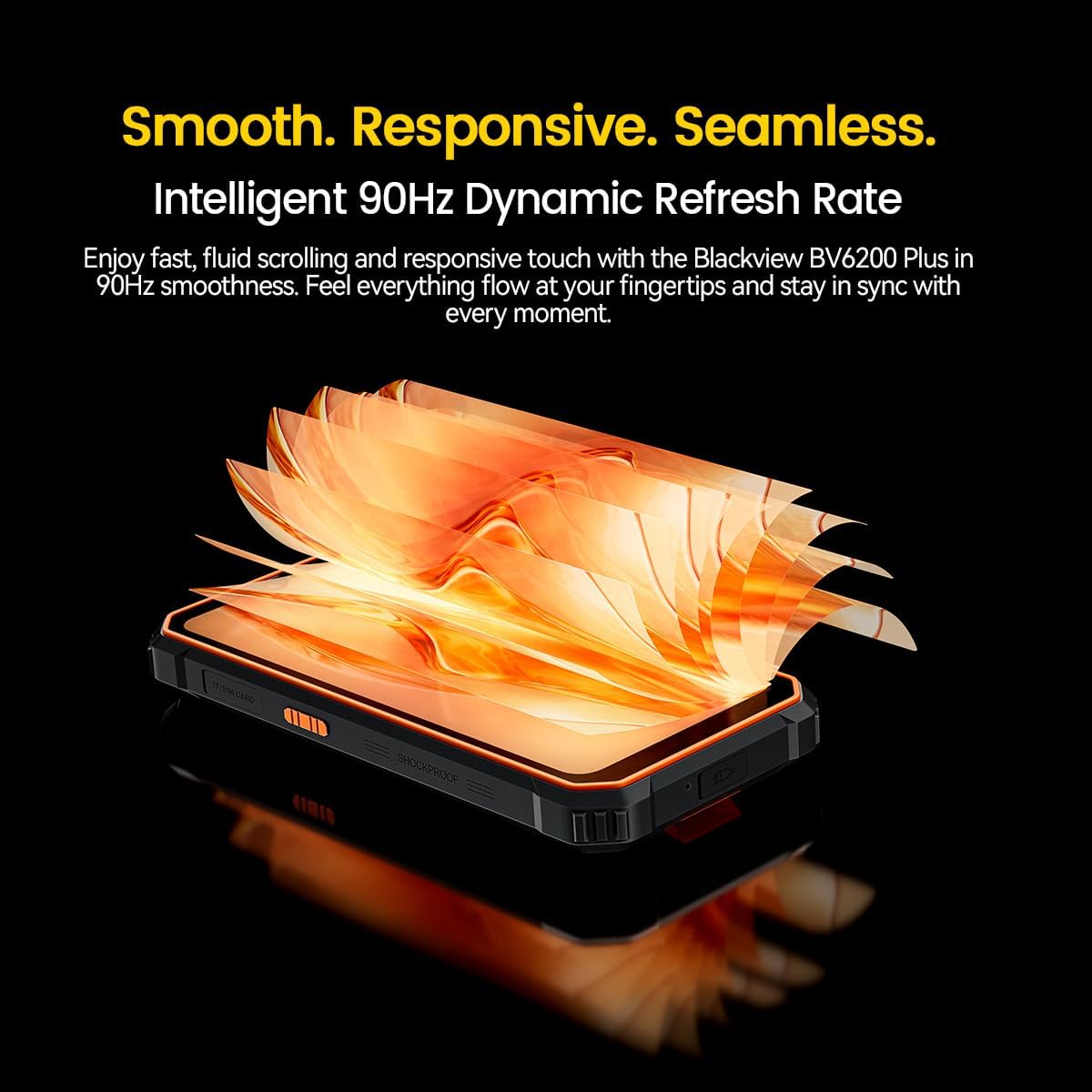
Figure 4.3: The 90Hz dynamic refresh rate display.
4.5 Handsketilstand
Den sorteview BV6200 Plus includes a Glove Mode, allowing you to operate the touchscreen effectively even while wearing gloves. This is particularly useful in cold weather or industrial environments. To activate/deactivate Glove Mode, navigate to Settings > Smart Assistant > Glove Mode.
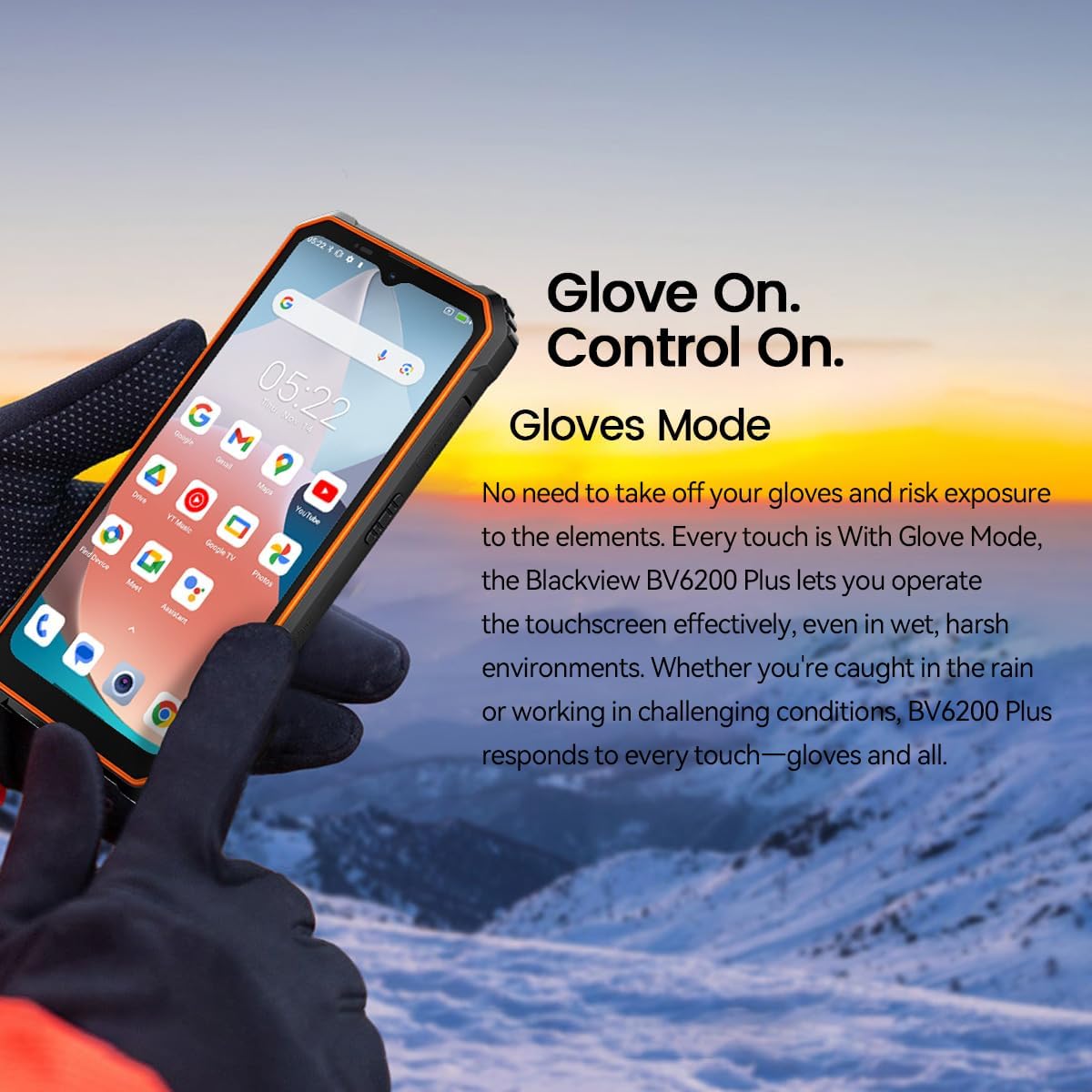
Figure 4.4: Operating the device with gloves using Glove Mode.
4.6 NFC-funktionalitet
The device supports Near Field Communication (NFC) for contactless payments, quick pairing with compatible devices, and data exchange. Ensure NFC is enabled in Settings > Connected devices > Connection preferences > NFC.
5. Vedligeholdelse
5.1 Water and Dust Resistance (IP68 & IP69K)
Den sorteview BV6200 Plus is certified with IP68 and IP69K ratings, indicating resistance to dust ingress and water immersion. It can withstand submersion in water up to 1.5 meters for 30 minutes. While designed to be robust, avoid intentional prolonged submersion or exposure to high-pressure water jets beyond specified limits. Ensure all ports are securely closed before exposing the device to water or dust.
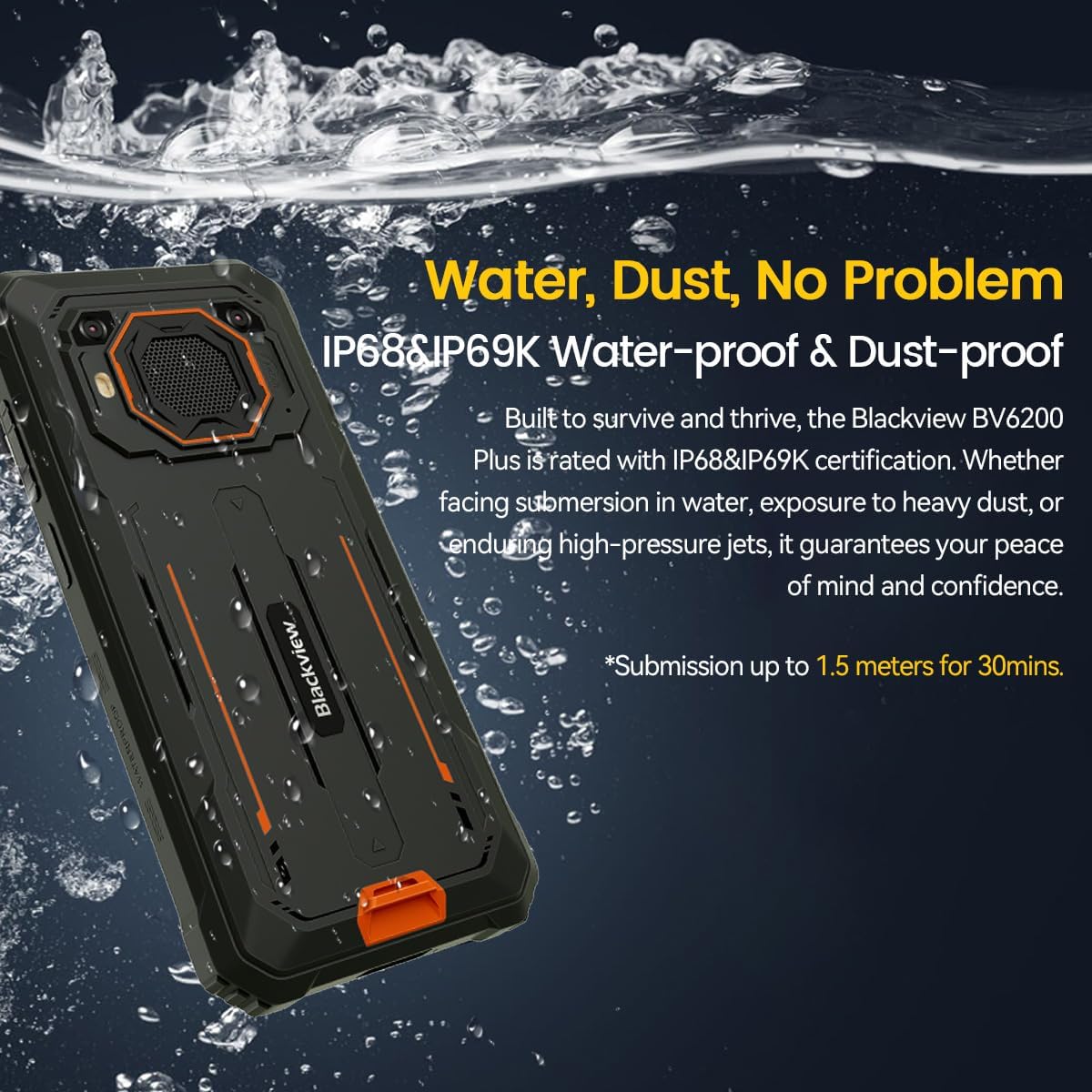
Figure 5.1: The device's water and dust resistance.
5.2 Drop Protection
The device features a reinforced, shock-absorbing frame and is MIL-STD 810H certified, providing 360° drop protection. It is designed to withstand drops from up to 1.2 meters. Despite its ruggedness, extreme impacts should still be avoided to prevent potential damage.

Figure 5.2: The device's robust drop protection design.
5.3 Pleje af batterier
For at maksimere batterilevetid og ydeevne:
- Undgå at udsætte enheden for ekstreme temperaturer.
- Brug kun den originale oplader og det medfølgende kabel.
- Lad ikke batteriet aflades helt ofte.
- Hvis enheden ikke skal bruges i en længere periode, skal den oplades til ca. 50%, før den opbevares.
6. Fejlfinding
Hvis du støder på problemer med din Blackview BV6200 Plus, refer to the following common solutions:
- Enheden tænder ikke: Sørg for, at batteriet er opladet. Tilslut det til opladeren i mindst 15 minutter, før du forsøger at tænde det igen.
- Opladningsproblemer: Check if the charging cable and adapter are securely connected. Try a different outlet or charging accessory.
- Problemer med netværksforbindelse: Verify that your SIM card is correctly inserted and activated. Check network settings and ensure mobile data or Wi-Fi is enabled. Restart the device.
- Apps der går ned eller fryser: Close and reopen the app. Clear the app's cache and data in Settings > Apps. If the issue persists, uninstall and reinstall the app.
- Berøringsskærmen reagerer ikke: Restart the device. If the issue continues, perform a factory reset (backup data first).
For more complex issues, please contact Blackview kundesupport.
7. Specifikationer
| Feature | Specifikation |
|---|---|
| Mærke | Sortview |
| Modelnummer | BV6200 PLUS |
| Operativsystem | Android 14 |
| Skærmstørrelse | 6.56 tommer |
| Skærmopløsning | 720 x 1280 |
| VÆDDER | Up to 24GB (8GB + 16GB Extended) |
| Intern opbevaring | 256 GB |
| Udvidelig opbevaring | SD card slot up to 1TB |
| Batterikapacitet | 11000mAh litiumpolymer |
| Opladning | 18W hurtigopladning, 5W omvendt opladning |
| Bagkamera | 16 Megapixels AI |
| Forreste kamera | 13 Megapixels AI |
| Højttaler | 3W Ultra-loud Stereo Speaker (98dB) |
| Forbindelse | TYPE-C, GSM, 3G, 4G, Bluetooth, GPS, WIFI, NFC |
| Holdbarhed | IP68 & IP69K Water/Dust Resistant, MIL-STD 810H Drop Protection |
| CPU hastighed | 1.6 GHz |
8. Garanti og support
Din sorteview BV6200 Plus smartphone comes with a 2 års producentgaranti. This warranty covers manufacturing defects under normal use. Please retain your proof of purchase for warranty claims.
For technical support, warranty service, or further inquiries, please visit the official Blackview website or contact their customer service department. Contact information can typically be found on the Blackview officiel webstedet eller i emballagematerialerne.


