1. Produktet er slutview
The GEMMAC XLN-297SW is a versatile multifunction emergency radio designed for reliability in various situations, including outdoor activities and emergencies. It integrates AM/FM/SW radio reception, multiple charging options, a power bank function, an LED flashlight, and an SOS alarm.

Billede 1.1: Forside view of the GEMMAC XLN-297SW Emergency Radio.
2. Nøglefunktioner
- AM/FM/SW Radio: Access to a wide range of radio frequencies for news, weather, and entertainment.
- Flere strømkilder: Rechargeable via solar panel, hand crank dynamo, or USB-C cable.
- 2000mAh powerbank: Built-in lithium-ion battery to charge smartphones and other USB devices.
- LED lommelygte: Integrated flashlight with multiple modes for illumination.
- SOS Alarm: Aktiverer en høj sirene og blinkende lys til nødsignalering.
- Kompakt og bærbar: Designed for easy transport and storage.
3. Pakkens indhold
Tjek venligst pakken for følgende varer:
- GEMMAC XLN-297SW Emergency Radio
- USB opladningskabel
- Keychain Cord
- Brugervejledning (dette dokument)
4. Produktdiagram
Familiarize yourself with the components of your emergency radio:

Image 4.1: Detailed diagram showing the antenna, solar panel, flashlight, SOS button, frequency dial, speaker, volume control, channel knob, AM/FM/SW switch, Type-C input, headphone jack, USB output, battery compartment, and crank handle.
5. Indledende opsætning
- Batteriinstallation/kontrol: The radio comes with a pre-installed 2000mAh lithium-ion battery. Ensure it is securely in place in the battery compartment.
- Indledende opkrævning: For optimal performance, fully charge the radio using the USB-C cable before first use. Connect the USB-C cable to the radio's Type-C input and the other end to a standard USB power adapter (not included) or computer USB port. The charging indicator will illuminate.
6. Betjeningsvejledning
6.1. Radiofunktion
- Tænd/sluk: Drej på BIND (Volume) knob clockwise to turn on the radio and adjust the volume. Rotate counter-clockwise until it clicks to turn off.
- Vælg bånd: Brug AM/FM/SW switch to select the desired radio band (AM, FM, or SW).
- Indstil station: Drej på TUNE knob to scan for radio stations. Extend the telescopic antenna for better FM/SW reception. For AM, the internal antenna is generally sufficient.
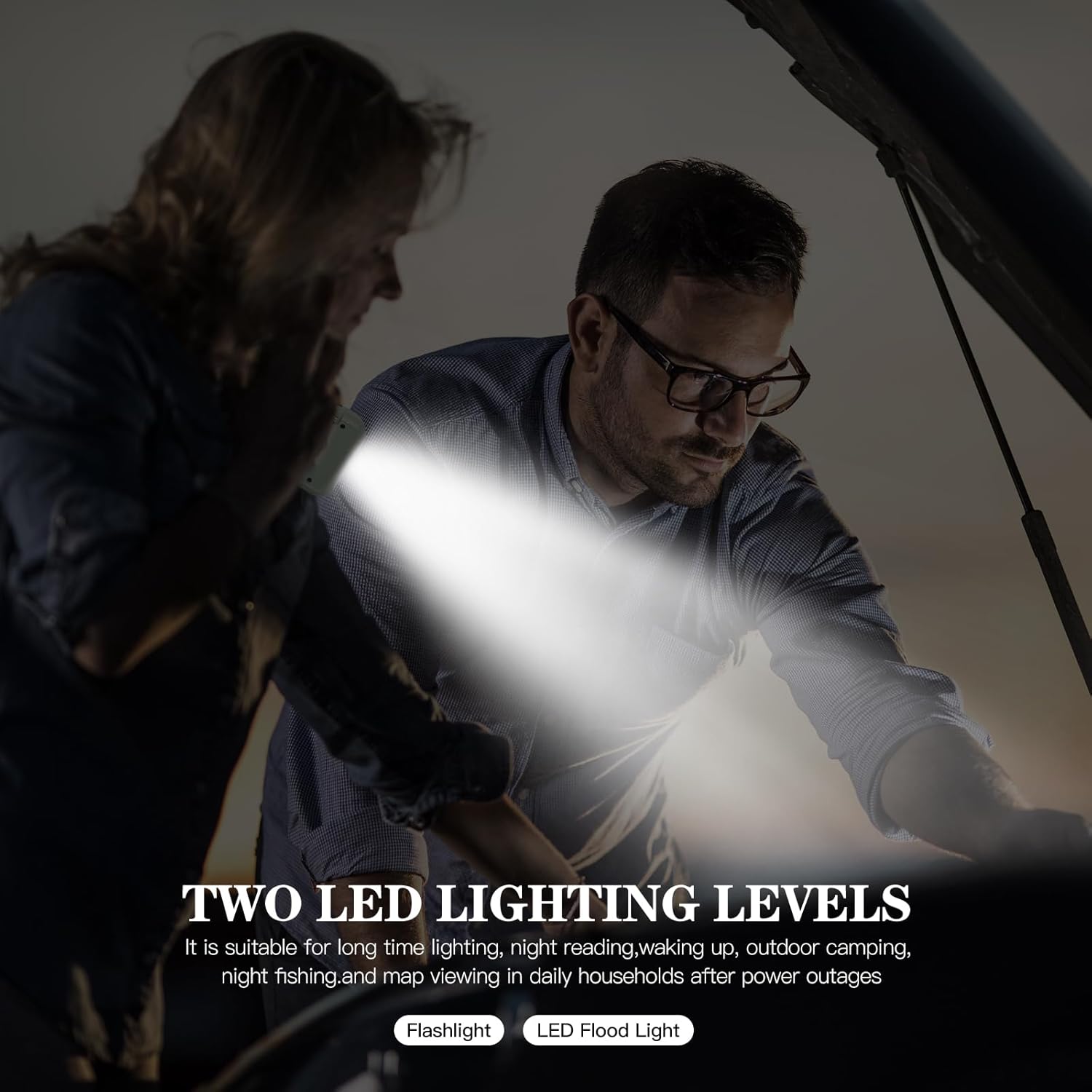
Image 6.1: The radio with its telescopic antenna extended for improved signal reception.
6.2. Opladning af radioen
The radio offers three methods for charging its internal 2000mAh battery:
- USB-opladning: Connect the provided USB-C cable to the radio's Type-C input and a USB power source. This is the fastest charging method.
- Håndsving opladning: Rotate the hand crank handle (located on the back) clockwise or counter-clockwise at a steady pace of 120-180 cycles per minute. This method is ideal for emergencies when other power sources are unavailable.
- Solopladning: Place the radio with the solar panel (on top) facing direct sunlight. The solar charging indicator will light up. This method is suitable for maintaining battery charge or slow charging in outdoor environments.

Image 6.2: Illustration of the three charging methods: hand crank, solar panel, and USB port.
6.3. Powerbank-funktion
The radio can act as a power bank to charge external USB devices:
- Connect your smartphone or other USB device to the radio's USB udgang port using your device's charging cable.
- The radio's internal 2000mAh battery will begin charging your device.
Note: The power bank function will drain the radio's internal battery. Use judiciously in emergency situations.

Image 6.3: The emergency radio being used to charge a smartphone, demonstrating its power bank capability.
6.4. LED-lommelygtebetjening
The integrated LED flashlight provides illumination:
- Tryk på Flashlight/SOS Button once to turn on the flashlight in high brightness mode.
- Press again to switch to eco mode (lower brightness).
- Press a third time to activate the strobe mode (flashing light).
- Tryk en fjerde gang for at slukke for lommelygten.

Image 6.4: The emergency radio with its powerful LED flashlight activated.
6.5. SOS Alarm
In an emergency, activate the SOS alarm to signal for help:
- Tryk længe på Flashlight/SOS Button i cirka 3 sekunder.
- The radio will emit a loud siren sound and the flashlight will flash in a distress pattern.
- To deactivate the SOS alarm, long press the Flashlight/SOS Button igen.

Image 6.5: The emergency radio with its SOS alarm function active, indicating a distress signal.
7. Vedligeholdelse
- Rensning: Tør radioen af med en blød, tør klud. Brug ikke slibende rengøringsmidler eller opløsningsmidler.
- Opbevaring: Opbevar radioen et køligt, tørt sted væk fra direkte sollys og ekstreme temperaturer.
- Batteripleje: For at forlænge batteriets levetid skal radioen oplades helt mindst én gang hver tredje måned, selvom den ikke er i brug.
- Vandtæthed: The radio is designed for outdoor use but is not fully waterproof. Avoid submerging it in water.
8. Fejlfinding
| Problem | Mulig årsag | Løsning |
|---|---|---|
| Radioen tænder ikke. | Batteriet er afladet. | Charge the radio using USB, hand crank, or solar power. |
| Dårlig radiomodtagelse. | Antennen er ikke strakt ud, eller signalet er svagt. | Extend the telescopic antenna fully. Try repositioning the radio. |
| Kan ikke oplade ekstern enhed. | Radioens batteri er lavt, eller kablet er defekt. | Ensure the radio is sufficiently charged. Try a different USB cable. |
| Lommelygten virker ikke. | Batteriet er afladet. | Oplad radioen. |
9. Specifikationer
- Model: XLN-297SW
- Mærke: Gemmac
- Radiobånd: AM, FM, SW
- Batteri: 2000mAh Lithium-ion (replaceable)
- Opladningsmetoder: USB-C, Solar Panel, Hand Crank Dynamo
- Power Output (Power Bank): USB
- Særlige funktioner: LED Flashlight (3 modes), SOS Alarm, Integrated AM Antenna, Portable
- Dimensioner: 13.3L x 4.3B x 7.4H cm
- Forbindelse: USB
- Inkluderede komponenter: Keychain cord, USB cable, User manual
10. Garanti og support
10.1. Garantioplysninger
This product is covered by a return or refund policy within 30 days of purchase. Please retain your proof of purchase for any warranty claims.
10.2. Kundesupport
For any questions, issues, or support needs regarding your GEMMAC XLN-297SW Emergency Radio, please contact your retailer or the manufacturer's customer service. Refer to the product packaging or retailer's webwebsted for kontaktoplysninger.