Indledning
This manual provides instructions for the setup, operation, and maintenance of your Incase Wireless Mobile Mouse 1850. This compact and comfortable mouse is designed for both left and right-handed users and offers reliable wireless connectivity for various computing environments.
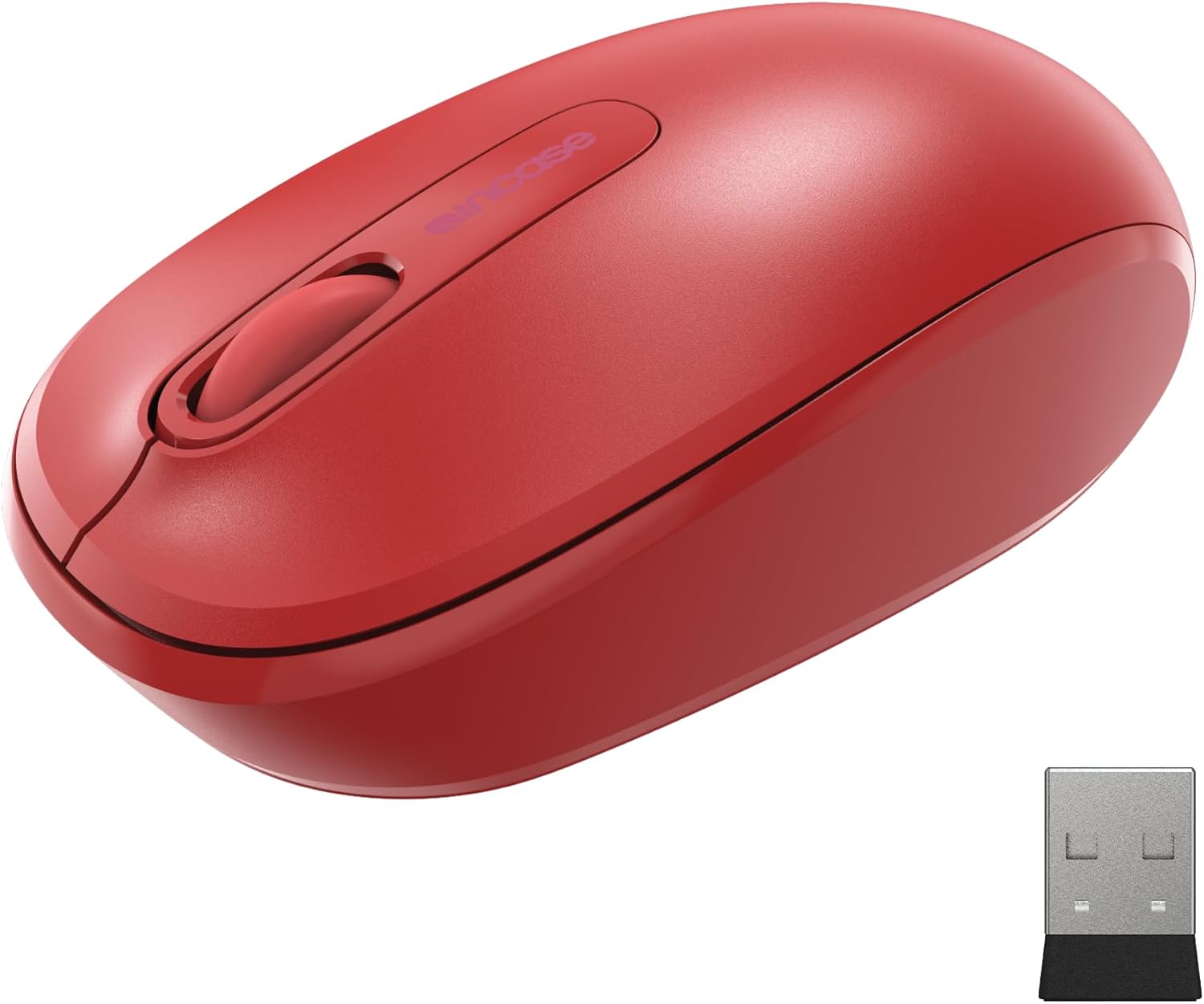
Image: The Incase Wireless Mobile Mouse 1850 in Flame Red, shown alongside its compact USB nano transceiver.
Pakkens indhold
Sørg for at alle varer er til stede i pakken:
- Incase Wireless Mobile Mouse 1850
- USB Nano Transceiver
- 1 AA batteri
Opsætning
1. Installation af batteriet
- Find batterirummet på undersiden af musen.
- Skub batterirummets dæksel åbent.
- Isæt det medfølgende AA-batteri, og sørg for at polariteten (+/-) vender korrekt.
- Luk batterirummets dæksel forsvarligt.

Image: The underside of the mouse, illustrating the battery compartment and the slot for storing the USB nano transceiver.
2. Connecting the USB Nano Transceiver
- Remove the USB nano transceiver from its storage slot on the underside of the mouse (if stored).
- Plug the USB nano transceiver into an available USB port on your computer (Mac or Windows 8/10/11).
- Din computer burde automatisk registrere og installere de nødvendige drivere. Dette kan tage et par øjeblikke.
The nano transceiver is designed for "plug-and-go" convenience and can be left plugged into your computer or stored in the mouse when not in use.
Operation
Tænd/sluk
Locate the On/Off power switch on the underside of the mouse. Slide the switch to the "On" position to activate the mouse. Slide it to "Off" when not in use to conserve battery life.
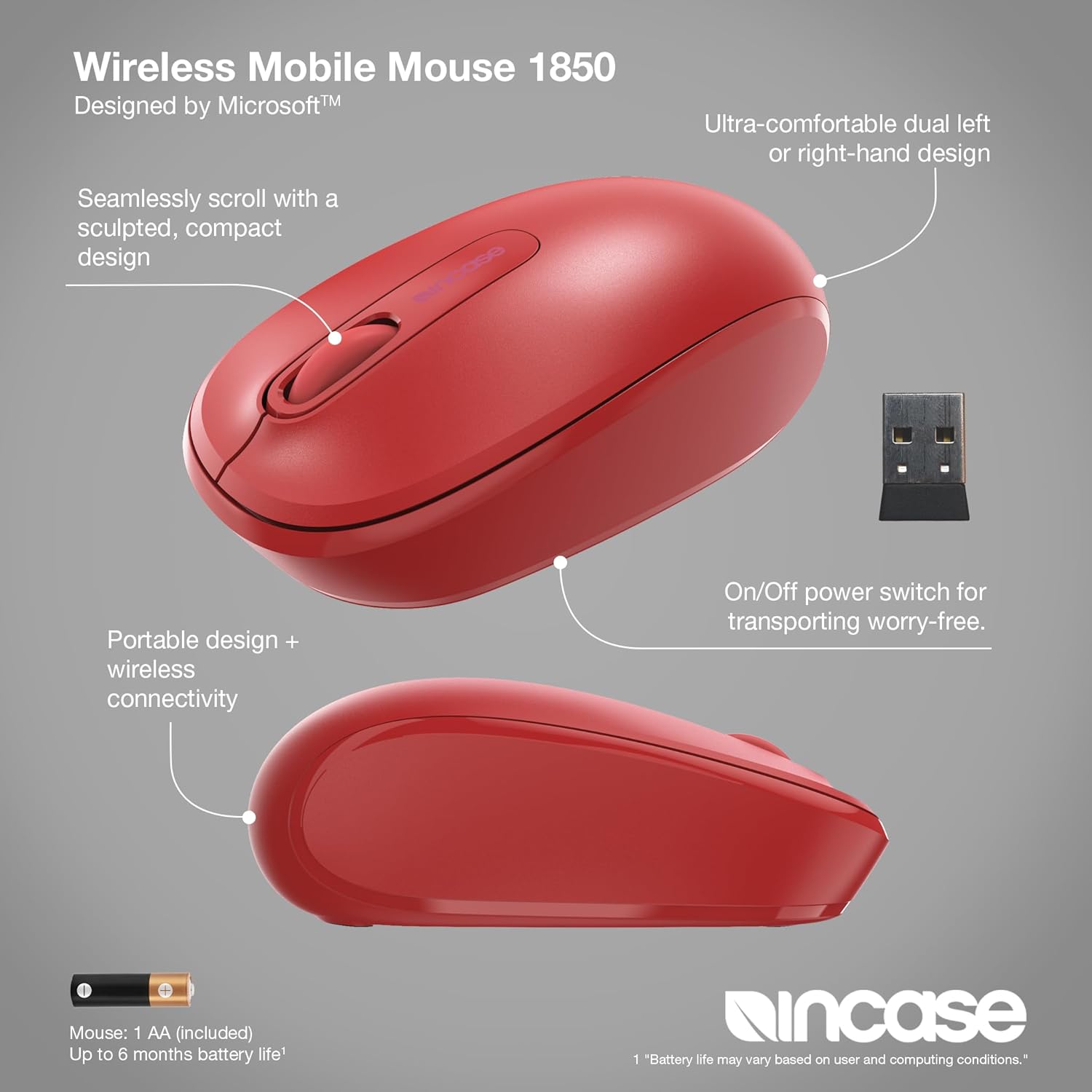
Billede: En detaljeret view of the mouse, pointing out its ambidextrous design, scroll wheel, and the location of the On/Off power switch.
Grundlæggende funktioner
- Venstre klik: Tryk på venstre knap for at vælge elementer eller aktivere funktioner.
- Højreklik: Press the right button to access context menus.
- Scrollhjul: Rul scrollhjulet op eller ned for at navigere gennem dokumenter og web pages. The scroll wheel can also be pressed for middle-click functionality, depending on your operating system settings.
Ambidextrous design
The Incase Wireless Mobile Mouse 1850 features a symmetrical design, making it comfortable for both left-handed and right-handed users. No special configuration is required for ambidextrous use, though you may adjust primary button settings in your operating system's mouse preferences.
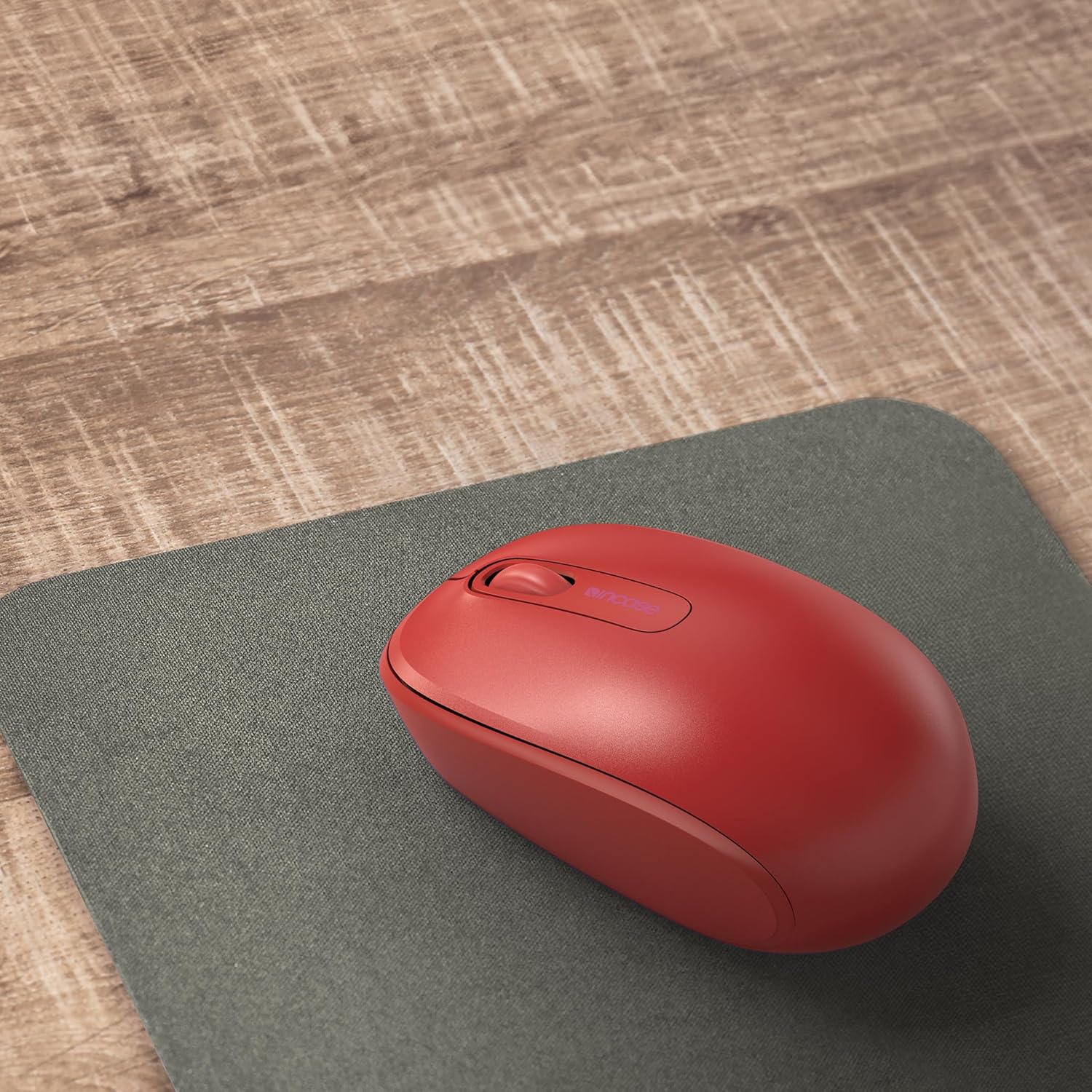
Image: The mouse positioned on a mousepad, demonstrating its ergonomic shape suitable for general use.
Opretholdelse
Rensning
- Brug en blød, fnugfri klud til at tørre musens overflade af.
- Til genstridigt snavs, let dampRengør kluden med vand eller en mild rengøringsopløsning. Undgå for meget fugt.
- Brug ikke skrappe kemikalier, slibende rengøringsmidler eller opløsningsmidler.
Udskiftning af batteri
The mouse is designed for up to six months of battery life. When the mouse performance degrades or stops responding, replace the AA battery by following the "Installing the Battery" steps in the Setup section.
Fejlfinding
| Problem | Løsning |
|---|---|
| Musen reagerer ikke |
|
| Uregelmæssig markør bevægelse |
|
| Problemer med trådløs forbindelse |
|
Specifikationer
- Modelnummer: U7Z-00001
- Forbindelse: 2.4 GHz Wireless (USB Nano Transceiver)
- Bevægelsesdetektering: Optisk
- Batteritype: 1 x AA (inkluderet)
- Batterilevetid: Op til 6 måneder (typisk brug)
- Dimensioner (L x B x H): Cirka 4.0 x 2.3 x 1.5 tommer
- Vægt: 3.2 ounces (med batteri)
- Kompatibilitet: Windows 8, Windows 10, Windows 11, Mac OS
- Særlige funktioner: Ambidextrous design, Portable, Lightweight, Nano Transceiver storage

Image: A visual representation of the mouse with its approximate length (4.0 in), width (2.3 in), and height (1.5 in) indicated.
Garanti og support
Garantioplysninger
The Incase Wireless Mobile Mouse 1850 is backed by a 1 års begrænset garanti from the date of purchase. This warranty covers defects in materials and workmanship under normal use. It does not cover damage caused by accident, abuse, misuse, or unauthorized modification.
Gem venligst dit købsbevis for garantikrav.
Kundesupport
For technical assistance, warranty claims, or further information, please visit the official Incase support website or contact their customer service department. Refer to the product packaging or the Incase webhjemmeside for de seneste kontaktoplysninger.
Du kan også besøge Incase-butik på Amazon for yderligere produktinformation.


