Indledning
Welcome to the world of the OnePlus 13. This device is engineered for exceptional speed and performance, featuring the Snapdragon 8 Elite processor, a vibrant 120Hz Super Fluid AMOLED display, and an advanced 5th Generation Hasselblad Camera System. This manual provides detailed instructions to help you get the most out of your new smartphone.
Hvad er der i æsken
Upon unboxing your OnePlus 13, please verify that all the following items are included:
- OnePlus 13 Handset
- Oplader (80W SUPERVOOC)
- USB datakabel
- SIM Ejector Tool
- Hurtig guide
- Sikkerhedsvejledning
- Medlemskort
- Mærkeklistermærke
- Velkomstbrev
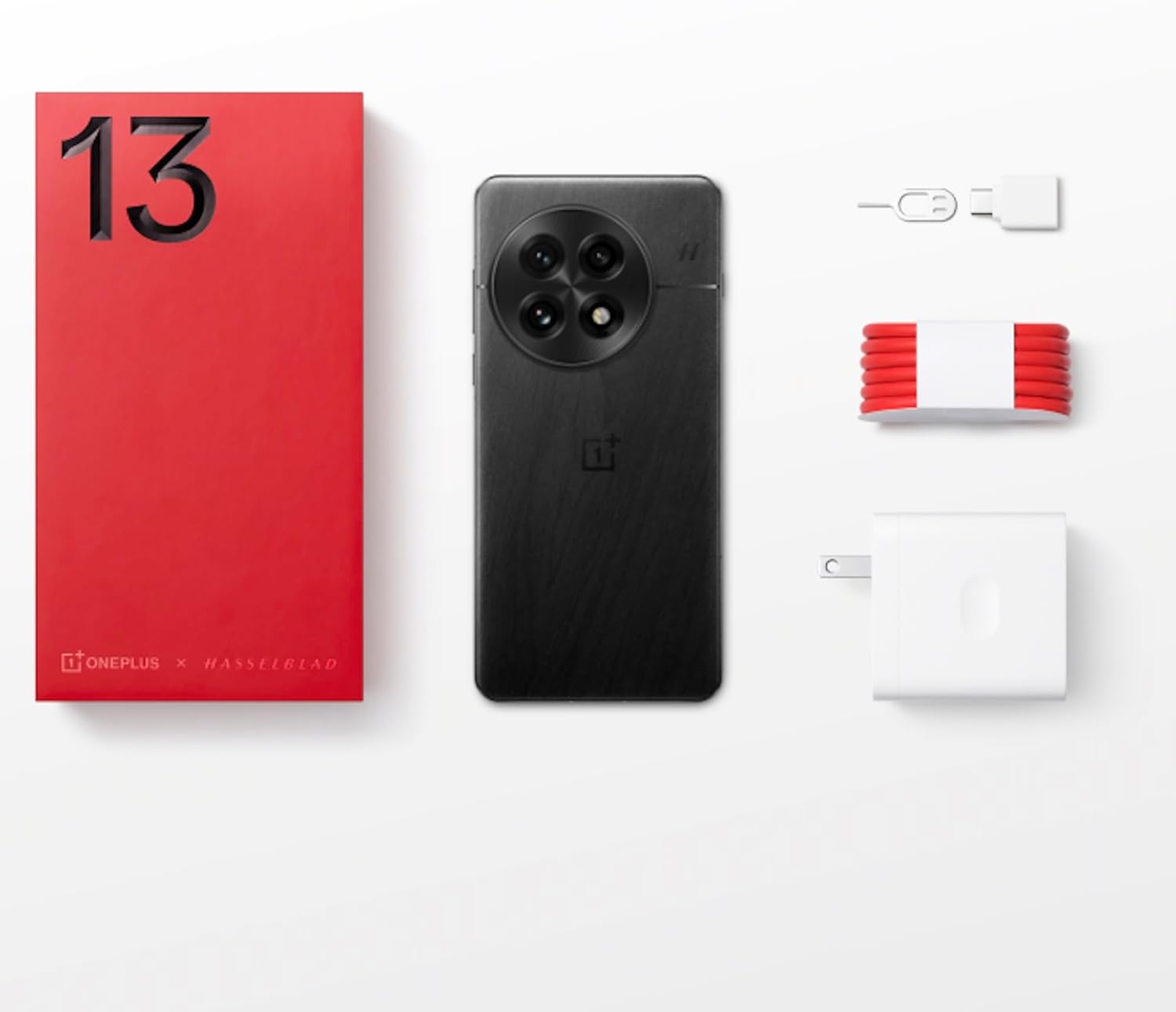
Figure 1: OnePlus 13 Box Contents
Opsætning
1. Isætning af SIM-kortet
- Find SIM-kortbakken på siden af din OnePlus 13.
- Sæt SIM-kortudkastningsværktøjet i det lille hul ved siden af bakken, og tryk forsigtigt, indtil bakken springer ud.
- Place your Nano-SIM card(s) into the tray with the gold contacts facing down. The OnePlus 13 supports Dual SIM functionality.
- Skub forsigtigt bakken tilbage i åbningen, indtil den flugter med telefonens kabinet.
2. Tænd og indledende opsætning
- Tryk og hold tænd/sluk-knappen (placeret på højre side) nede, indtil OnePlus-logoet vises.
- Følg vejledningen på skærmen for at vælge dit sprog, oprette forbindelse til Wi-Fi og konfigurere din Google-konto.
- Configure security features such as the built-in ultrasonic fingerprint sensor and facial recognition.
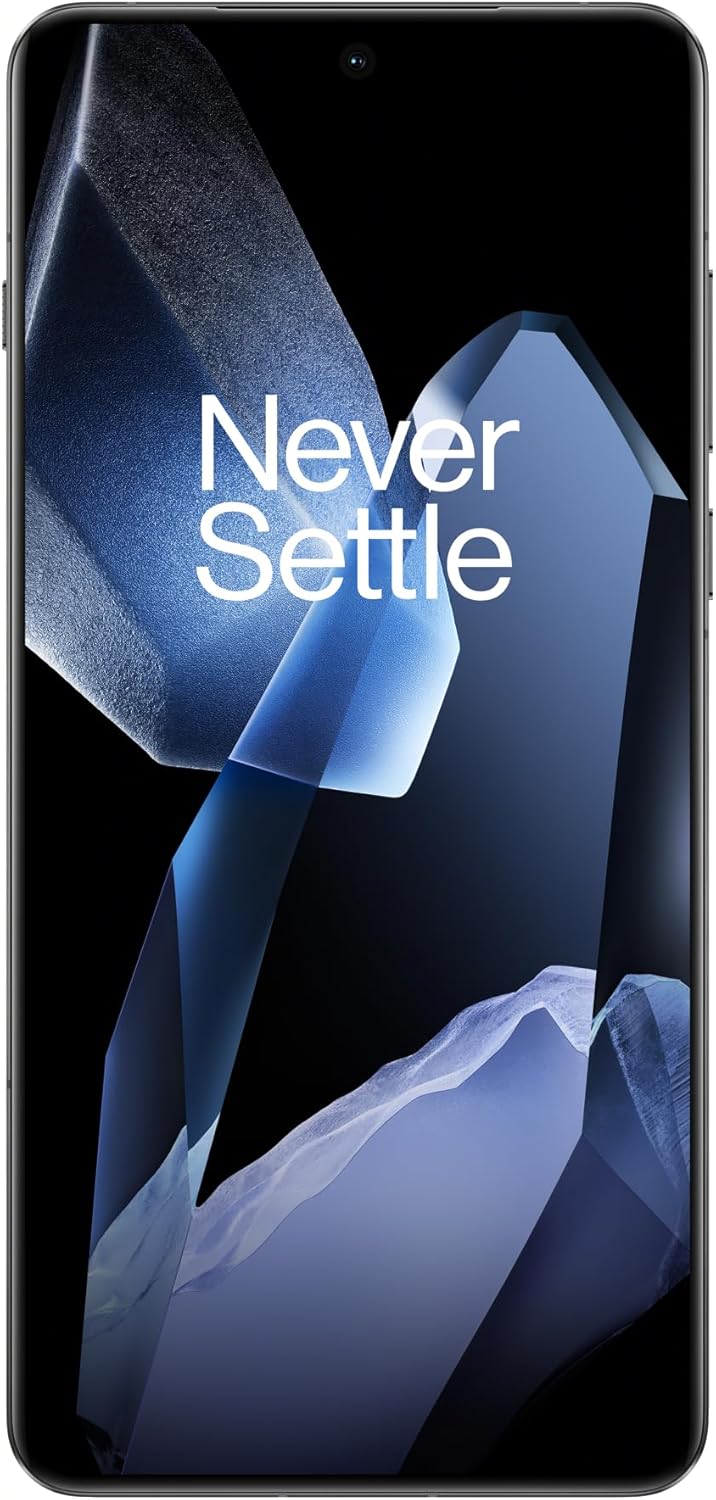
Figure 2: OnePlus 13 Front View
Operating Your OnePlus 13
OxygenOS 15
The OnePlus 13 runs on OxygenOS 15, providing a smooth, intuitive, and customizable Android experience. Explore various features and settings to personalize your device.
Nøgleegenskaber og funktioner
- AI Notes: Your meeting companion. This feature allows for intelligent transcription and organization of notes, enhancing productivity.
- Intelligent søgning: Know instantly. Quickly find files, contacts, and information across your device with smart search capabilities.
- Fluid Cloud: Touch and go. Experience seamless interaction and data synchronization across your devices.
- StrålendeView Vise: Bright in any light. The display automatically adjusts to provide optimal visibility even in direct sunlight.
- Built-In Ultrasonic Fingerprint Sensor: Unlock your phone securely and effortlessly with the advanced ultrasonic fingerprint sensor for quick access to your device.

Figure 3: Ultrasonic Fingerprint Sensor in action
Kamera System
The OnePlus 13 features a 5th Generation Hasselblad Camera System, designed to capture every moment in breathtaking detail. The advanced triple-camera setup includes a versatile 50MP lens for stunning photos and videos, day or night.
- Portrættilstand: Achieve studio-grade portraits with professional-looking depth and bokeh effects.
- Snapshot Photography: Eye for speed. Capture fast-moving subjects with clarity and precision.
- Clear Burst: Capture the whole moment. This feature allows you to take multiple shots in quick succession, ensuring you don't miss any action.

Figure 4: Hasselblad Camera System

Figure 5: Capturing Moments with the OnePlus 13 Camera
Batteri og opladning
The OnePlus 13 is equipped with a massive 6000mAh battery, designed to keep you powered throughout the day. It supports advanced charging technologies:
- 80W SUPERVOOC Fast Charging: Get back up and running quickly with incredibly fast wired charging speeds.
- 50W AIRVOOC Wireless Charging: Enjoy the convenience of rapid wireless charging, ensuring you stay powered up with North America's fastest wireless charging speed.
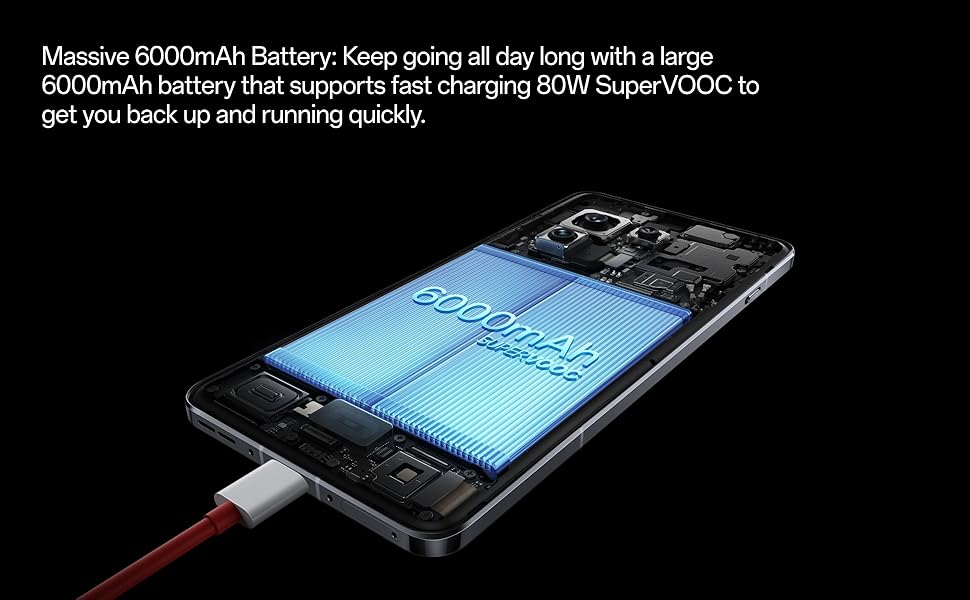
Figure 6: Massive 6000mAh Battery with SUPERVOOC Charging
Præstation
Experience unparalleled speed and efficiency with the OnePlus 13:
- Lightning-Fast Snapdragon 8 Elite Processor: Powered by the latest Qualcomm Snapdragon 8 Elite chipset, enjoy exceptional speed, efficiency, and performance for gaming, multitasking, and productivity.
- AmpHukommelse og lagring: With up to 16GB of RAM and 512GB of storage, the OnePlus 13 handles demanding applications and large files med lethed.

Figure 7: Snapdragon 8 Elite Processor and Memory Configuration
Vise
The OnePlus 13 features a stunning 120Hz ProXDR Display:
- Levende billeder: Experience vibrant colors and ultra-smooth visuals on a QHD+ ProXDR display.
- 120 Hz opdateringshastighed: Perfect for gaming, streaming, and everyday use, providing a highly responsive and fluid visual experience.

Figure 8: Stunning 120Hz ProXDR Display
Holdbarhed
The OnePlus 13 is built to withstand the elements:
- IP68 & IP69 Water and Dust Resistance: The OnePlus 13 is built to withstand the elements with an IP69 rating, offering superior protection against dust, dirt, and water. Whether you're caught in the rain or working in harsh environments, your device remains safe and fully functional.

Figur 9: IP69 Vand- og støvafvisende
Specifikationer
| Feature | Detalje |
|---|---|
| Modelnavn | OnePlus 13 (CPH2655) |
| Mærke | OnePlus |
| Operativsystem | Android 15 |
| CPU model | Snapdragon 8 Elite |
| CPU hastighed | 4.32 GHz |
| Installeret RAM-hukommelsesstørrelse | 16 GB |
| Hukommelseslagringskapacitet | 512 GB |
| Skærmstørrelse | 6.82 tommer |
| Opløsning | 2K DCI 1080p |
| Opdateringshastighed | 120 Hz |
| Batterikapacitet | 6000 mAh |
| Telefonens taletid | 38.2 timer |
| Særlige funktioner | Dobbelt SIM-kort, trådløs opladning, ultralydsfingeraftrykssensor |
| Forbindelsesteknologier | Bluetooth, GPS (Dual band: GPS(L1+L5) Galileo(E1+E10a)) |
| Produktdimensioner | 6.41 x 3.01 x 0.33 tommer |
| Varens vægt | 7.5 ounces (213 gram) |
| Farve | Black Eclipse |
| Fabrikant | OnePlus |
| Oprindelsesland | Kina |
| Dato først tilgængelig | 15. marts 2025 |
Fejlfinding
If you encounter any issues with your OnePlus 13, please refer to the following general troubleshooting steps:
- Genstart din enhed: En simpel genstart kan ofte løse mindre softwarefejl.
- Tjek forbindelser: Ensure Wi-Fi, Bluetooth, and cellular data are properly enabled and connected.
- Opdater software: Make sure your OxygenOS is updated to the latest version. Go to Settings > About device > OxygenOS version.
- Ryd cache: For app-specific issues, try clearing the app's cache (Settings > Apps > App management > [App Name] > Storage usage > Clear cache).
- Fabriksnulstilling (sidste udvej): Hvis problemerne fortsætter, kan du overveje en fabriksnulstilling. Advarsel: Dette vil slette alle data på din telefon. Sikkerhedskopier vigtige data, før du fortsætter. Go to Settings > System settings > Back up and reset > Reset phone > Erase all data.
Garanti og support
Your OnePlus 13 comes with a standard manufacturer's warranty. Please refer to the warranty card included in your product packaging for specific terms and conditions.
For yderligere assistance, teknisk support eller garantikrav, besøg venligst den officielle OnePlus-support. website or contact their customer service. Keep your proof of purchase handy.
- OnePlus Officiel Webwebsted: www.oneplus.com/support
- Kundeservice: Refer to your region-specific contact information on the official webwebsted.


