1. Introduktion
Thank you for choosing the pTron Bassbuds Prism TWS Earbuds. These earbuds are designed to provide a high-quality audio experience with features such as 3D AudioScape, extended playtime, clear calls with TruTalk AI-ENC, low latency for gaming, and IPX5 water resistance. This manual provides essential information for setting up, operating, and maintaining your earbuds.
2. Pakkens indhold
Sørg venligst for, at alle varer er til stede i pakken:
- pTron Bassbuds Prism TWS Earbuds (Left and Right)
- Opladningsetui
- USB Type-C opladerkabel
- Ørepropper (forskellige størrelser)
- Brugermanual

Image: pTron Bassbuds Prism TWS Earbuds and their charging case, showcasing the product's design and components.
3. Opsætning
3.1 Opladning af øretelefoner og etuiet
- Indledende opkrævning: Before first use, fully charge the earbuds and charging case. Place the earbuds into the charging case.
- Tilslut oplader: Connect the provided USB Type-C cable to the charging port on the case and the other end to a USB power adapter (not included).
- Opladningsindikatorer: The LED indicators on the charging case will illuminate to show charging status. Once fully charged, the indicators may turn solid or turn off, depending on the model.
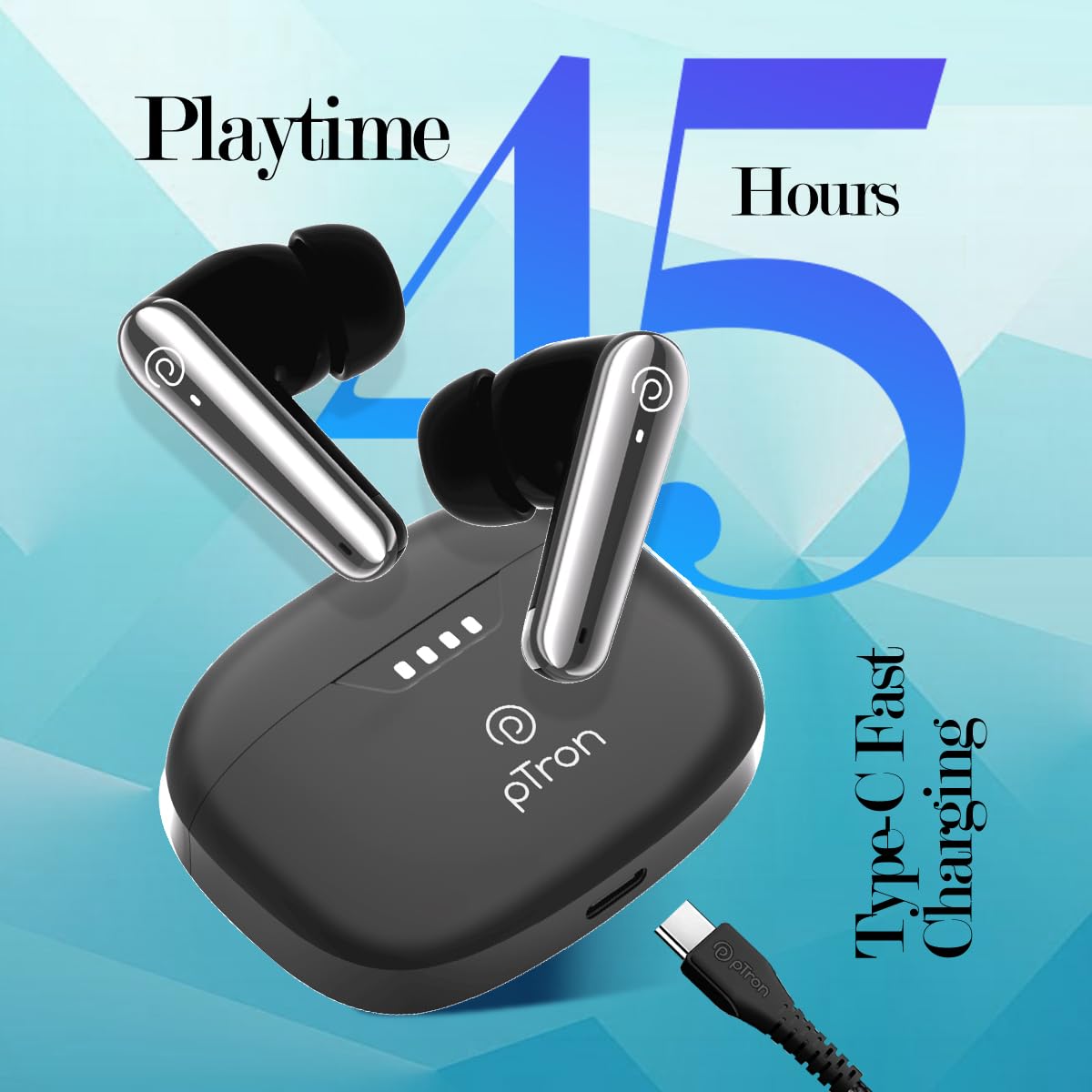
Image: The pTron Bassbuds Prism charging case connected via a Type-C cable, illustrating the fast charging capability and 45 hours playtime.
3.2 Parring med din enhed
- Tænd: Open the charging case. The earbuds will automatically power on and enter pairing mode. The LED indicator on one earbud will flash, indicating it's ready to pair.
- Aktiver Bluetooth: On your smartphone, tablet, or laptop, enable Bluetooth.
- Vælg enhed: Søg efter available Bluetooth devices and select "pTron Bassbuds Prism" fra listen.
- Bekræftelse: Once connected, a voice prompt will confirm successful pairing, and the LED indicators on the earbuds will turn off or flash slowly.
- Tilslut igen: Ørepropperne genopretter automatisk forbindelse til den sidst parrede enhed, når de tages ud af etuiet, forudsat at Bluetooth er aktiveret på enheden.
4. Betjening af øretelefonerne
4.1 Tryk på kontrolelementer
The pTron Bassbuds Prism feature intuitive touch controls on each earbud:
| Fungere | Handling |
|---|---|
| Tænd | Open charging case or long press touch sensor for 3 seconds. |
| Sluk | Place earbuds back into charging case or long press touch sensor for 5 seconds. |
| Afspil/pause musik | Et enkelt tryk på begge øretelefoner. |
| Næste spor | Dobbelttryk på den højre øreprop. |
| Forrige spor | Dobbelttryk på den venstre øreprop. |
| Besvar/afslut opkald | Et enkelt tryk på begge øretelefoner. |
| Afvis opkald | Long press on either earbud for 2 seconds. |
| Aktiver Voice Assistant | Tryk tre gange på en af øretelefonerne. |
| Toggle Low Latency Mode | Tryk fire gange på begge øretelefoner. |
4.2 Nøglefunktioner
- 3D AudioScape: Giver en fordybende lydoplevelse.
- TruTalk AI-ENC: Environmental Noise Cancellation for clear call quality.
- 50ms lav latenstid: Reduces audio delay, ideal for gaming and video synchronization.
- Stemmeassistent: Compatible with your device's native voice assistant.
- Stereo/Mono Use: Hver øretelefon kan bruges uafhængigt.
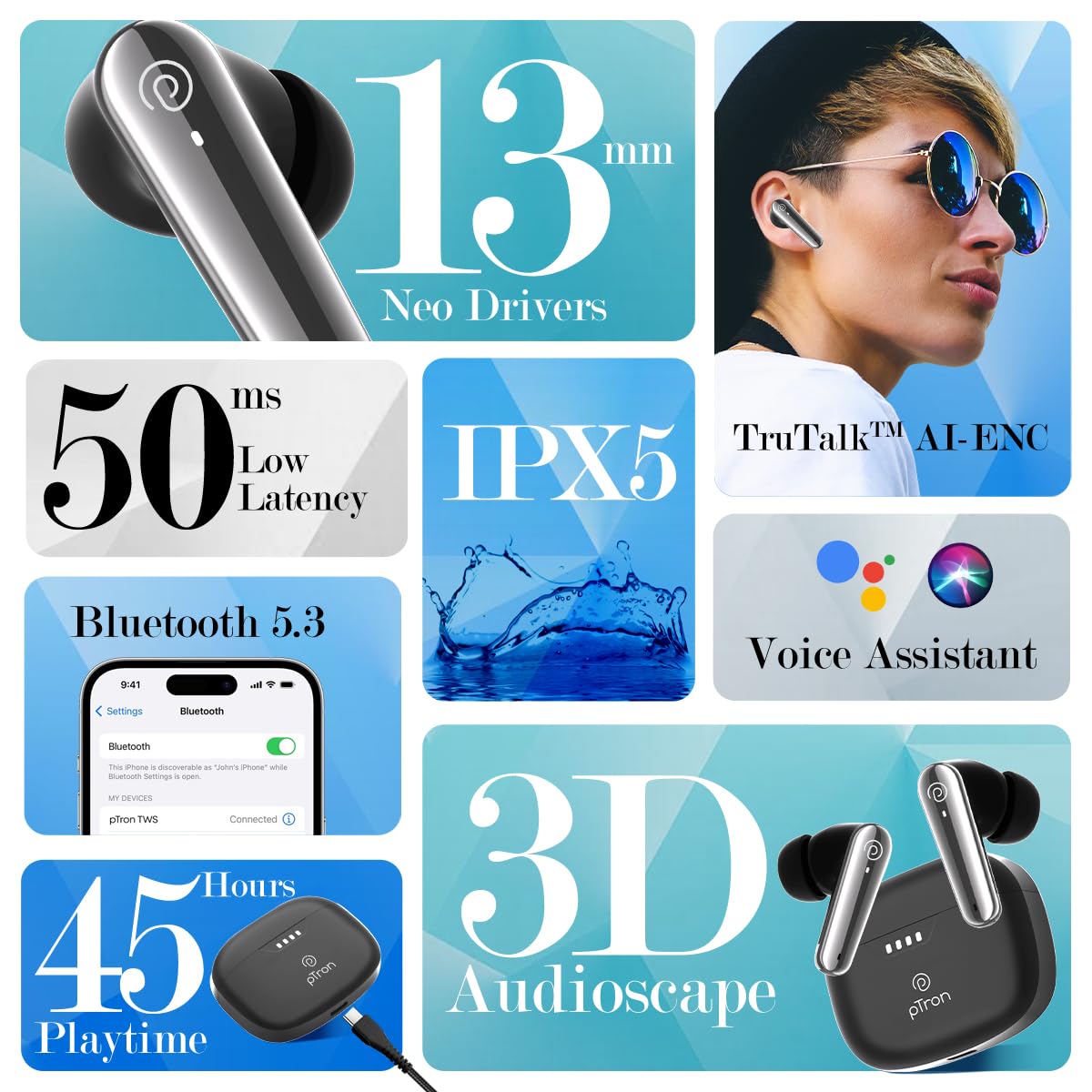
Image: A collage highlighting key features of the pTron Bassbuds Prism, including 13mm Neo Drivers, 50ms Low Latency, IPX5 rating, TruTalk AI-ENC, Bluetooth 5.3, Voice Assistant, 45 hours playtime, and 3D AudioScape.

Image: The pTron Bassbuds Prism earbuds and charging case, with text indicating "Experience Immersive AudioScape" and a large "3D" graphic.

Image: A person wearing a pTron Bassbuds Prism earbud, with text indicating 'TruTalk AI-ENC' for clear communication.

Image: pTron Bassbuds Prism earbuds in their case, with '50ms Low Latency' text, suggesting suitability for gaming.
5. Vedligeholdelse
- Rensning: Brug en blød, tør og fnugfri klud til at rengøre ørepropperne og opladningsetuiet. Brug ikke skrappe kemikalier eller slibende materialer.
- Vandtæthed: The earbuds are IPX5 water-resistant, meaning they can withstand splashes and sweat. They are not designed for submersion in water. Ensure the charging port is dry before charging.
- Opbevaring: Opbevar ørepropperne i deres opladningsetui, når de ikke er i brug, for at beskytte dem og holde dem opladede. Undgå ekstreme temperaturer.
- Batteripleje: For at forlænge batterilevetiden bør du undgå at aflade ørepropperne og etuiet helt ofte. Oplad dem regelmæssigt, selvom de ikke er i konstant brug.
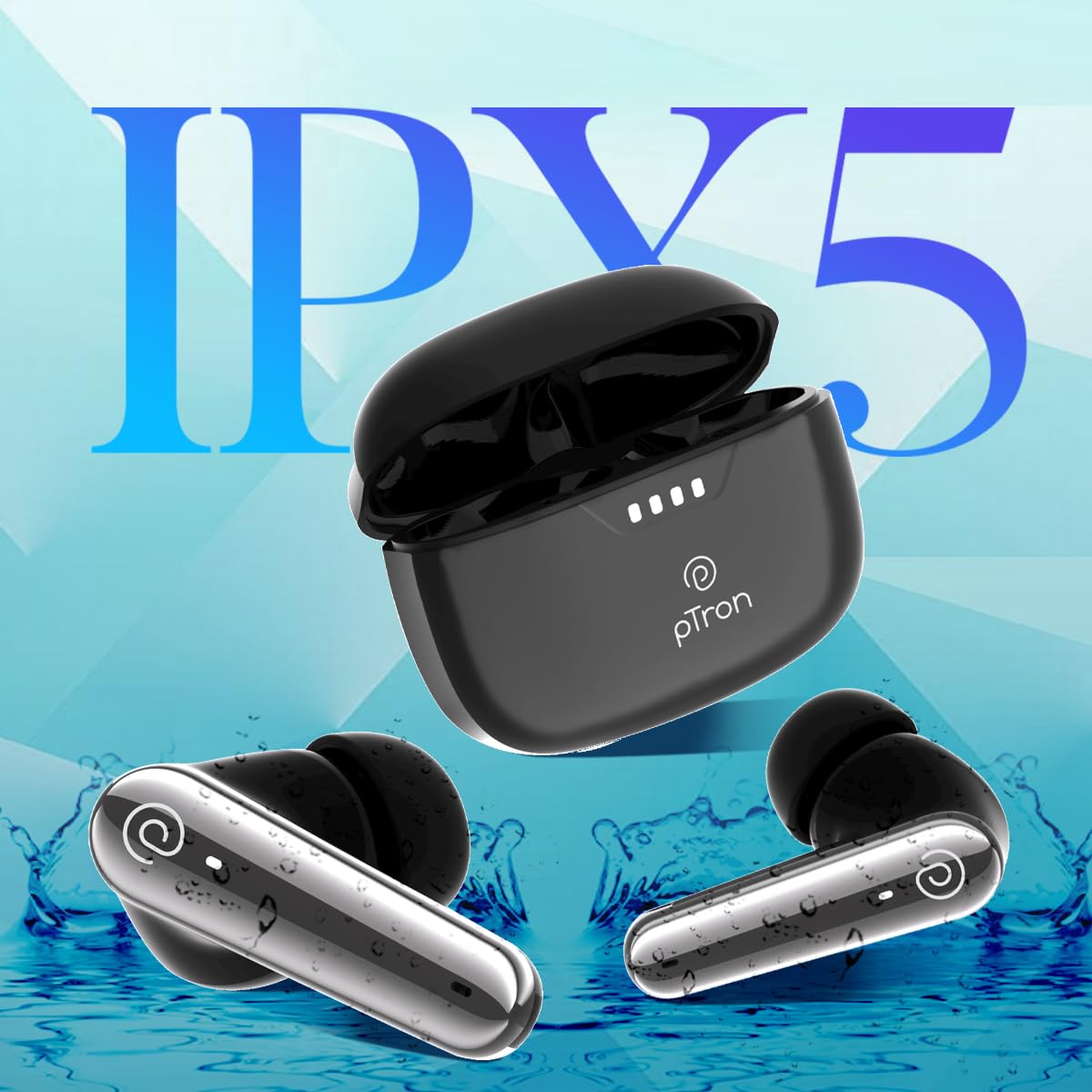
Image: pTron Bassbuds Prism earbuds with water splashes, illustrating their IPX5 water resistance rating.
6. Fejlfinding
| Problem | Løsning |
|---|---|
| Øretelefoner parrer ikke |
|
| Kun én øretelefon virker |
|
| Lav lydstyrke eller dårlig lydkvalitet |
|
| Ladeetui oplader ikke |
|
7. Specifikationer
| Feature | Detalje |
|---|---|
| Modelnavn | Bassbuds Prism |
| Forbindelsesteknologi | Trådløs (Bluetooth) |
| Bluetooth version | 5.3 |
| Bluetooth rækkevidde | 10 meter |
| Audio driver størrelse | 13 millimeter |
| Battery Life (Combined) | 45 timer |
| Opladningsport | Type-C |
| Vandmodstandsniveau | IPX5 |
| Støjkontrol | Sound Isolation (TruTalk AI-ENC for calls) |
| Kontroltype | Tryk, stemme |
| Varens vægt | 47 gram |
| Materiale | Acrylonitril Butadien Styren (ABS) |
| Produktdimensioner | 6.3 x 4.9 x 2.6 cm |
8. Garanti og support
The pTron Bassbuds Prism TWS Earbuds come with a 1 års producentgaranti fra købsdatoen, dækker fabrikationsfejl.
For warranty claims, technical support, or any other inquiries, please contact:
- Fabrikant: Palred Electronics Pvt. Ltd.
- Kundeservice e-mail: support@ptron.in
- Kundeservice telefon: 040-67138888
- Adresse: SY.NR. 56, 1. SAL, GUNDLAPOCHAMPALLY VILLAGE, TECH PARK MTP, TSIIC-IALA NACHARAM, HYDERABAD - 500076, TELANGANA, INDIEN
Gem venligst din købskvittering som købsbevis i forbindelse med garantiservice.


