Indledning
Welcome to the user manual for your new Boult Crown R Pro Smart Watch. This guide provides essential information on setting up, operating, maintaining, and troubleshooting your device. Please read this manual thoroughly to ensure optimal performance and longevity of your smartwatch.
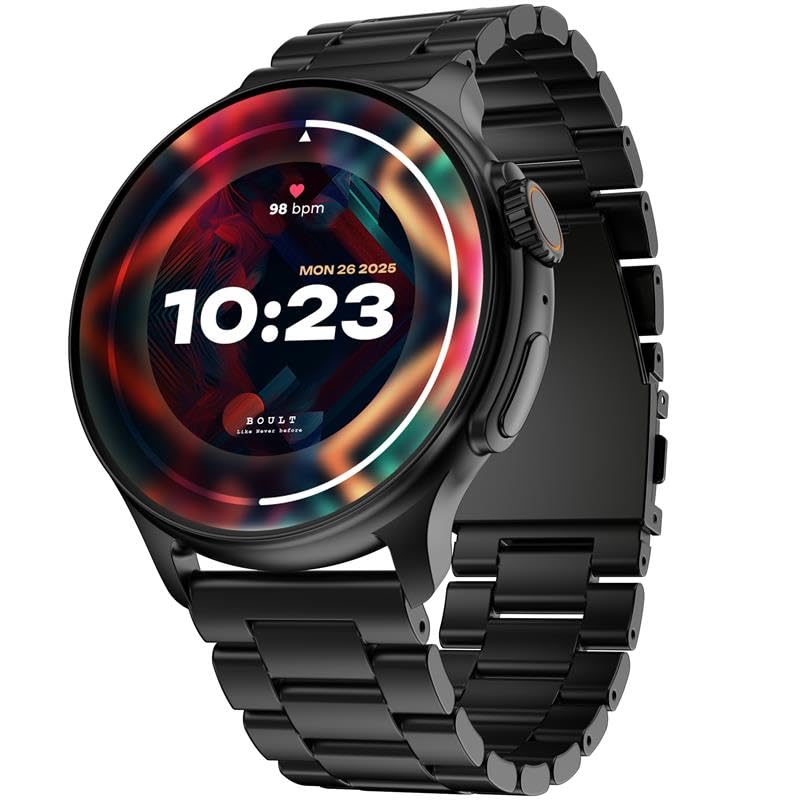
Image: The Boult Crown R Pro Smart Watch in Jet Black, showcasing its round display and metallic strap.
Hvad er der i æsken
Upon unboxing your Boult Crown R Pro Smart Watch, verify that all the following components are present:
- Boult Crown R Pro Jet Black Smart Watch
- Ladekabel
- Brugervejledning (dette dokument)
- Garantikort
Opsætningsvejledning
1. Første opladning
Before first use, fully charge your smartwatch. Connect the provided charging cable to the charging port on the back of the watch and plug the other end into a USB power adapter (not included). A full charge takes approximately 1.3 hours.
2. Tænd/sluk
- For at tænde: Press and hold the side button until the Boult logo appears.
- For at slukke: Press and hold the side button, then select 'Power Off' on the screen.
3. Parring med din smartphone
To unlock all features, pair your smartwatch with the official Boult app on your smartphone (iOS or Android).
- Download the Boult app from your device's app store.
- Sørg for, at Bluetooth er aktiveret på din smartphone.
- Open the Boult app and follow the on-screen instructions to add a new device.
- Select 'Boult Crown R Pro' from the list of available devices.
- Bekræft parringsanmodningen på både dit ur og din smartphone.

Billede: Overview of key features including the 1.43" Super AMOLED Display, 120+ Sports Modes, Health Monitor, and the functional working crown.
Betjening af dit smartwatch
Display og navigation
The Boult Crown R Pro features a 1.43-inch AMOLED HD display with 466 x 466 pixels resolution and 600 nits brightness for clear visibility. It supports an Always-On Display mode.
- Berøringsskærm: Swipe left/right, up/down to navigate menus and access features.
- Working Crown: Rotate the crown for scrolling through lists or adjusting settings. Press the crown to return to the home screen or confirm selections.
- Side knap: Press to access the app menu or return to the previous screen. Long press for power options or AI Voice Assistant activation.

Image: Close-up of the working crown, illustrating its mechanical design and "One Tap Customisation" feature.
Nøglefunktioner
- Bluetooth-opkald: Make and receive calls directly from your wrist using the built-in speaker and microphone.
- Sundhedssporing: Monitor SpO2 (blood oxygen), 24/7 heart rate, female menstrual cycle, activity, sleep, and perform breath training.
- Sportstilstande: Track over 120 different sports activities. A dedicated button is available for quick activation.
- Tilpasning: Choose from 150+ cloud-based watch faces or create a custom watch face.
- Smarte meddelelser: Receive SMS, social media notifications, sedentary alerts, and drink water reminders.
- AI Voice Assistant: Press the side button for 3 seconds to activate the AI voice assistant for hands-free commands.
- Find min telefon: Use this feature to locate your connected smartphone by making it ring/vibrate.
- Lommeregner: Access a basic calculator directly on your watch.

Image: The smartwatch screen showing the AI voice assistant icon and a calculator interface, alongside text indicating SMS and push notification capabilities.

Image: The smartwatch displaying a sports tracking interface, emphasizing its support for over 120 sports modes.

Image: The back of the smartwatch with its sensors, illustrating the "Boult Health" features including 24x7 Heart Rate Monitor, SpO2 Blood Oxygen Saturation Monitor, Female Menstrual Cycle Tracking, Activity Tracker, Sleep Monitoring, and Breath Training.
Opretholdelse
Rengøring af dit smartwatch
Regelmæssig rengøring hjælper med at bevare din enheds udseende og funktionalitet.
- Tør skærmen og kabinettet af med en blød, fnugfri klud.
- Til genstridige pletter, let dampRengør kluden med vand. Undgå at bruge skrappe kemikalier eller slibende materialer.
- Rengør opladningskontakterne med jævne mellemrum for at sikre korrekt opladning.
Vand- og støvmodstand
The Boult Crown R Pro is IP67 water resistant, meaning it can be submerged in water up to 1.0 meter for 30 minutes. It is also dust proof, offering complete protection against ingress of dust and airborne particles. While resistant, avoid prolonged exposure to water, hot water, or steam.
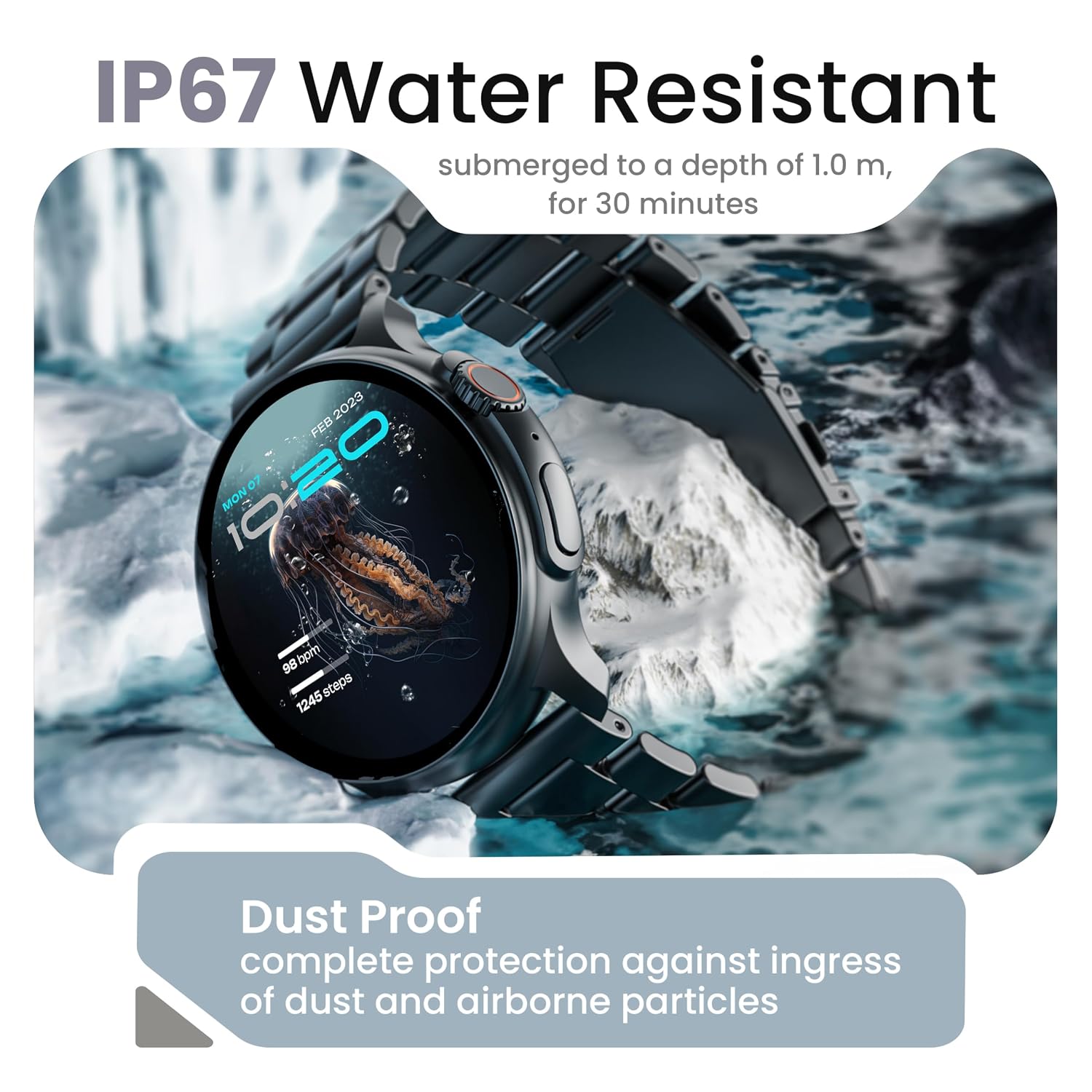
Image: The smartwatch partially submerged in water, illustrating its IP67 water resistance and dust-proof capabilities.
Fejlfinding
| Problem | Mulig løsning |
|---|---|
| Uret tænder ikke | Ensure the watch is fully charged. Connect to the charging cable and allow it to charge for at least 15 minutes before attempting to power on again. |
| Kan ikke parres med smartphone |
|
| Unøjagtige sundhedsdata | Ensure the watch is worn snugly on your wrist, not too tight or too loose. Clean the sensors on the back of the watch. Ensure your profile information (age, height, weight) in the app is accurate. |
| Notifikationer vises ikke |
|
| Kort batterilevetid | Reduce screen brightness, disable Always-On Display, limit frequent heart rate monitoring, and turn off unnecessary notifications. Ensure no background apps are excessively draining power. |
Specifikationer
| Feature | Detalje |
|---|---|
| Modelnavn | Crown R Pro |
| Varemodelnummer | e5ea99c5-e835-4962-9b05-7df26e37b8ae |
| Skærmstørrelse | 1.43 tommer |
| Display Type | AMOLED HD |
| Opløsning | 466 x 466 pixels |
| Lysstyrke | 600 nit |
| Forbindelse | Bluetooth 5.2 |
| Operativsystemkompatibilitet | iOS, Android |
| Batteritype | Lithium polymer |
| Batterikapacitet | 300 mioamp Timer |
| Batteriopladningstid | 1.3 timer |
| Vandmodstandsvurdering | IP67 (Submersible up to 1.0m for 30 minutes) |
| Rammemateriale | Zinklegering |
| Varens vægt | 57 g |
| Inkluderede komponenter | Smart Watch, Charging Cable, User Manual, Warranty Card |
Garanti og support
Your Boult Crown R Pro Smart Watch comes with a Warranty Card included in the box. Please refer to the Warranty Card for detailed terms and conditions of your product warranty.
For technical support, service, or further inquiries, please contact Boult customer service through their official webwebstedet eller kontaktoplysningerne på dit garantikort.
You can also visit the official Boult Store on Amazon for additional product information and support: Boult Audio Store


