1. Introduktion
Thank you for choosing the pTron Basspods P181 True Wireless Stereo (TWS) Earbuds. These earbuds are designed to provide a high-quality audio experience with advanced features for convenience and durability. This manual will guide you through the setup, operation, and maintenance of your new earbuds.
2. Hvad er der i æsken
- pTron Basspods P181 TWS øretelefoner
- Opladningsetui
- USB Type-C opladerkabel
- Brugermanual
- S/M/L Size Eartips (one set pre-installed)
3. Produktet er slutview

Figure 1: pTron Basspods P181 Earbuds in their open charging case.

Figure 2: Key features including 13mm dynamic drivers, 300mAh charging case, Type-C charging port, and DC5V/1A charging input.
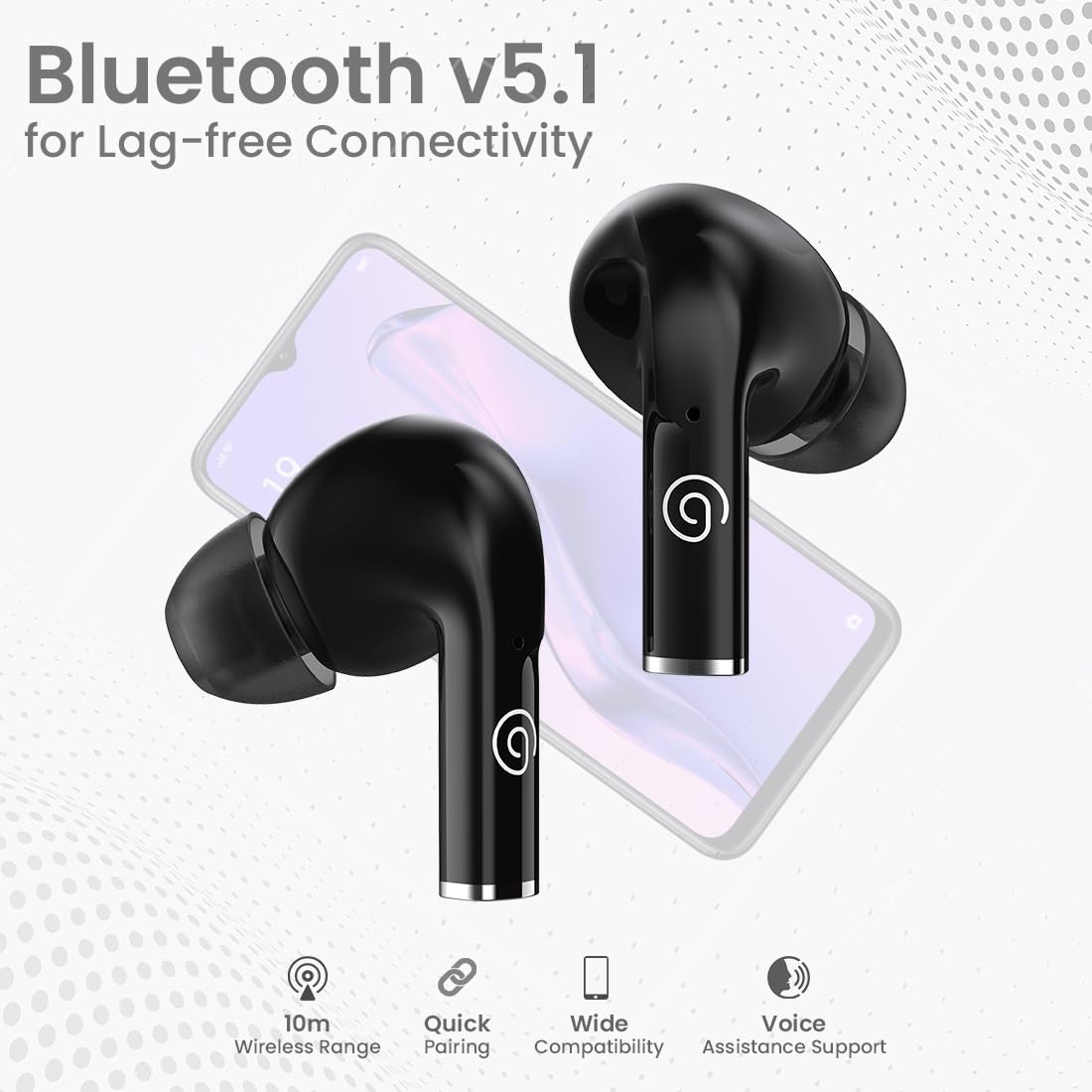
Figure 3: Bluetooth 5.1 for lag-free connectivity, featuring a 10-meter wireless range, quick pairing, wide compatibility, and voice assistance support.
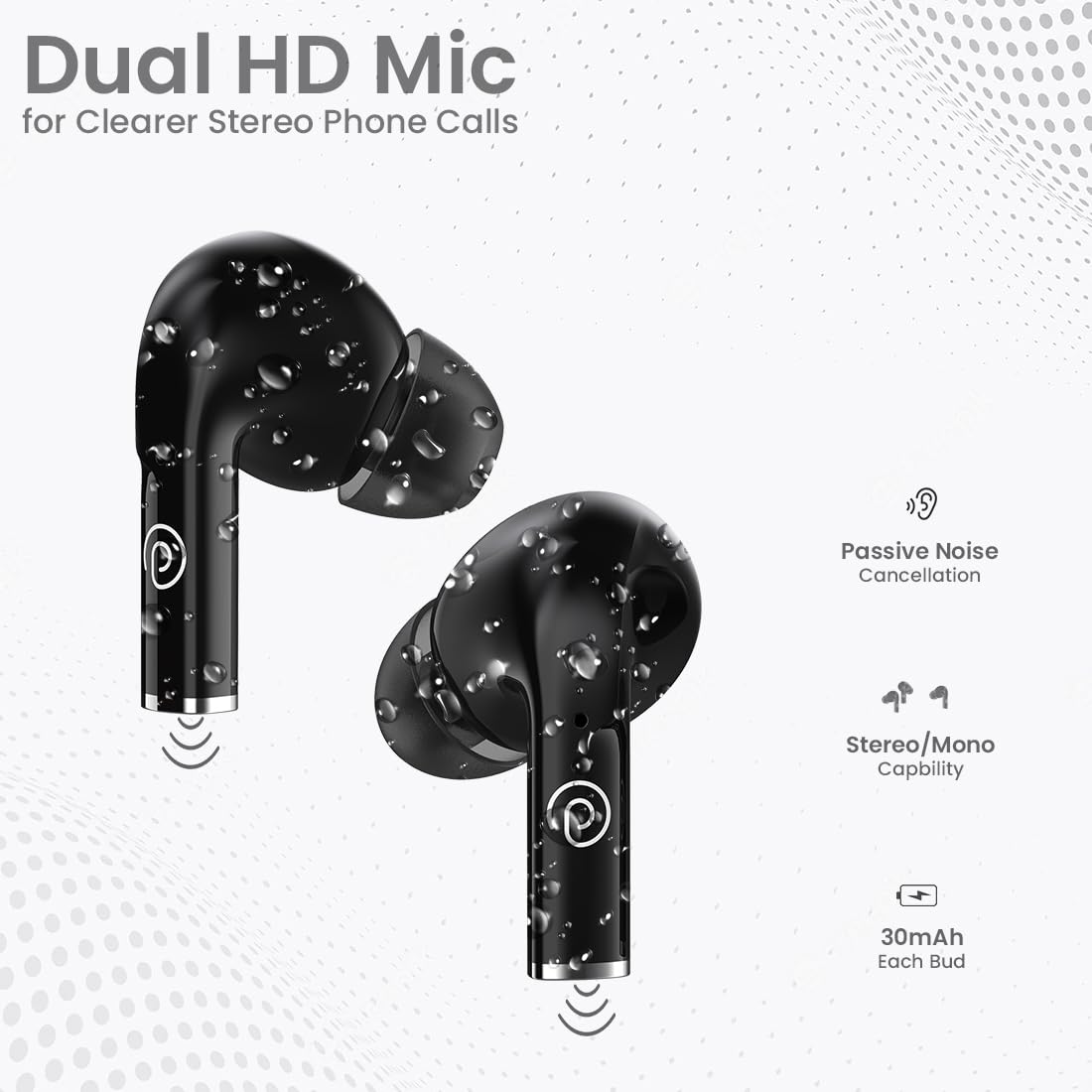
Figure 4: Dual HD Microphones for clear stereo phone calls, passive noise cancellation, stereo/mono capability, and 30mAh battery in each earbud.

Figure 5: Touch sensor controls for easy music and call management, including Play/Pause, Call Answer, Call Hangup, Next Track, Previous Track, and Voice Assistance.
4. Opsætningsvejledning
4.1 Indledende opladning
Before first use, fully charge the earbuds and the charging case. Connect the provided USB Type-C cable to the charging port on the case and a compatible power source (DC5V/1A). The indicator light on the case will show charging status. A full charge typically takes 1-1.5 hours.
4.2 Parring med en enhed
- Sørg for, at øretelefonerne er fuldt opladede.
- Åbn opladningsetuiet. Ørepropperne går automatisk i parringstilstand.
- Aktiver Bluetooth på din smartphone eller tablet.
- Søg efter available Bluetooth devices and select "pTron Basspods P181".
- Når ørepropperne er forbundet, vil de indikere en vellykket parring.
Ørepropperne har 1-Step Pairing og Tilslut automatisk igen, meaning they will automatically connect to the last paired device when removed from the case.
5. Betjeningsvejledning
5.1 Tryk på kontrolelementer
The pTron Basspods P181 earbuds feature intuitive touch controls on each earbud. Refer to the following table for common functions:
| Handling | Fungere |
|---|---|
| Enkelt tryk (L/R) | Afspil/pause musik, besvar opkald |
| Dobbelttryk (L/H) | Afslut opkald |
| Tredobbelt tryk (højre) | Næste spor |
| Triple tap (Left) | Forrige spor |
| Long press (L/R) | Aktiver Voice Assistant |
5.2 Stereo/Mono Mode
The earbuds can be used in either stereo (both earbuds) or mono (single earbud) mode. Simply remove one earbud from the case to use it independently. To switch back to stereo, take out the other earbud.
6. Opladning
The pTron Basspods P181 provide up to 32 hours of total playtime with the included charging case. Each earbud has a 30mAh battery, and the charging case has a 300mAh capacity.
- To charge the earbuds, place them back into the charging case. They will automatically begin charging.
- To charge the case, connect it to a power source using the Type-C cable.
- Charging time for both earbuds and case is approximately 1-1.5 hours.
7. Vedligeholdelse
To ensure the longevity and optimal performance of your pTron Basspods P181 earbuds, follow these maintenance guidelines:
- Rensning: Rengør regelmæssigt ørepropperne og opladningsetuiet med en blød, tør klud. Undgå at bruge skrappe kemikalier eller slibende materialer.
- Vandtæthed: The earbuds are IPX4 water/sweat resistant, making them suitable for workouts and light rain. Do not submerge them in water or expose them to heavy downpours. Ensure they are dry before placing them back in the charging case.
- Opbevaring: Opbevar ørepropperne i deres opladningsetui, når de ikke er i brug, for at beskytte dem mod støv og skader.
- Temperatur: Undgå at udsætte ørepropperne for ekstreme temperaturer (varme eller kolde), da dette kan påvirke batteriets levetid og ydeevne.
8. Fejlfinding
Hvis du støder på problemer med dine ørepropper, kan du prøve følgende løsninger:
- Ingen lyd/dårlig lydkvalitet:
- Sørg for, at ørepropperne er korrekt parret og tilsluttet din enhed.
- Kontroller lydstyrkeniveauet på både din enhed og ørepropperne.
- Clean any debris from the earbud nozzles and eartips.
- Prøv at nulstille ørepropperne (se producentens anvisninger). webwebsted for specifikke nulstillingsinstruktioner, hvis det er nødvendigt).
- Øretelefoner oplader ikke:
- Sørg for, at opladningskablet er korrekt tilsluttet til både etuiet og strømkilden.
- Verify the charging case has sufficient power.
- Rengør opladningskontakterne på både ørepropperne og etuiet.
- Parringsproblemer:
- Sluk Bluetooth på din enhed, og tænd den derefter igen.
- Forget the "pTron Basspods P181" from your device's Bluetooth list and attempt to pair again.
- Sørg for, at ingen andre Bluetooth-enheder forstyrrer forbindelsen.
9. Specifikationer
| Feature | Detalje |
|---|---|
| Modelnavn | Basspods P181 |
| Mærke | pTron |
| Forbindelsesteknologi | Trådløs (Bluetooth 5.1) |
| Bluetooth rækkevidde | 10 meter |
| Audio driver størrelse | 13 millimeter |
| Audio driver type | Dynamisk Driver |
| Impedans | 32 Ohm |
| Støjkontrol | Lydisolering (passiv støjreduktion) |
| Mikrofoner | Dual HD Mic for Clear Calls |
| Kontroltype | Tryk på kontrol |
| Vandmodstandsniveau | IPX4 Water/Sweat Resistant |
| Earbud batterikapacitet | 30mAh (each bud) |
| Opladningsetui Batterikapacitet | 300mAh |
| Opladningsport | Type-C |
| Opladningstid | 1-1.5 timer |
| Samlet spilletid | Op til 32 timer (med opladningsetui) |
| Kompatible enheder | Mobiltelefoner, tablets |
| Materiale | Acrylonitril Butadien Styren (ABS) |
| Varens vægt | 43 gram |
| Produktdimensioner | 6 x 4.5 x 2.4 cm |
| Oprindelsesland | Kina |
10. Produktvideoer
Video 1: En kort gennemgangview of the pTron Basspods P181 TWS Earbuds, showcasing key features and design. This video is provided by the seller.
Video 2: Detailed product presentation of the pTron Basspods P181 TWS Earbuds, covering various aspects of functionality and user experience. This video is provided by the seller.
11. Garanti og support
The pTron Basspods P181 comes with a 1 års producentgaranti fra købsdatoen, dækker kun fabrikationsfejl.
For kundesupport, kontakt venligst:
- Telefon: 040-67138888
- E-mail: support@ptron.in


