1. Produktet er slutview
The WAVLINK U41F 40Gbps USB4 M.2 NVMe SSD Enclosure provides a high-speed external storage solution. Equipped with a USB4 port, it supports data transfer speeds of up to 40Gbps for PCIe NVMe SSDs. When properly configured, it can achieve impressive read and write speeds of up to 3800MB/s. This enclosure supports capacity expansion up to 8TB, offering ampplads til files, pictures, videos, and games.
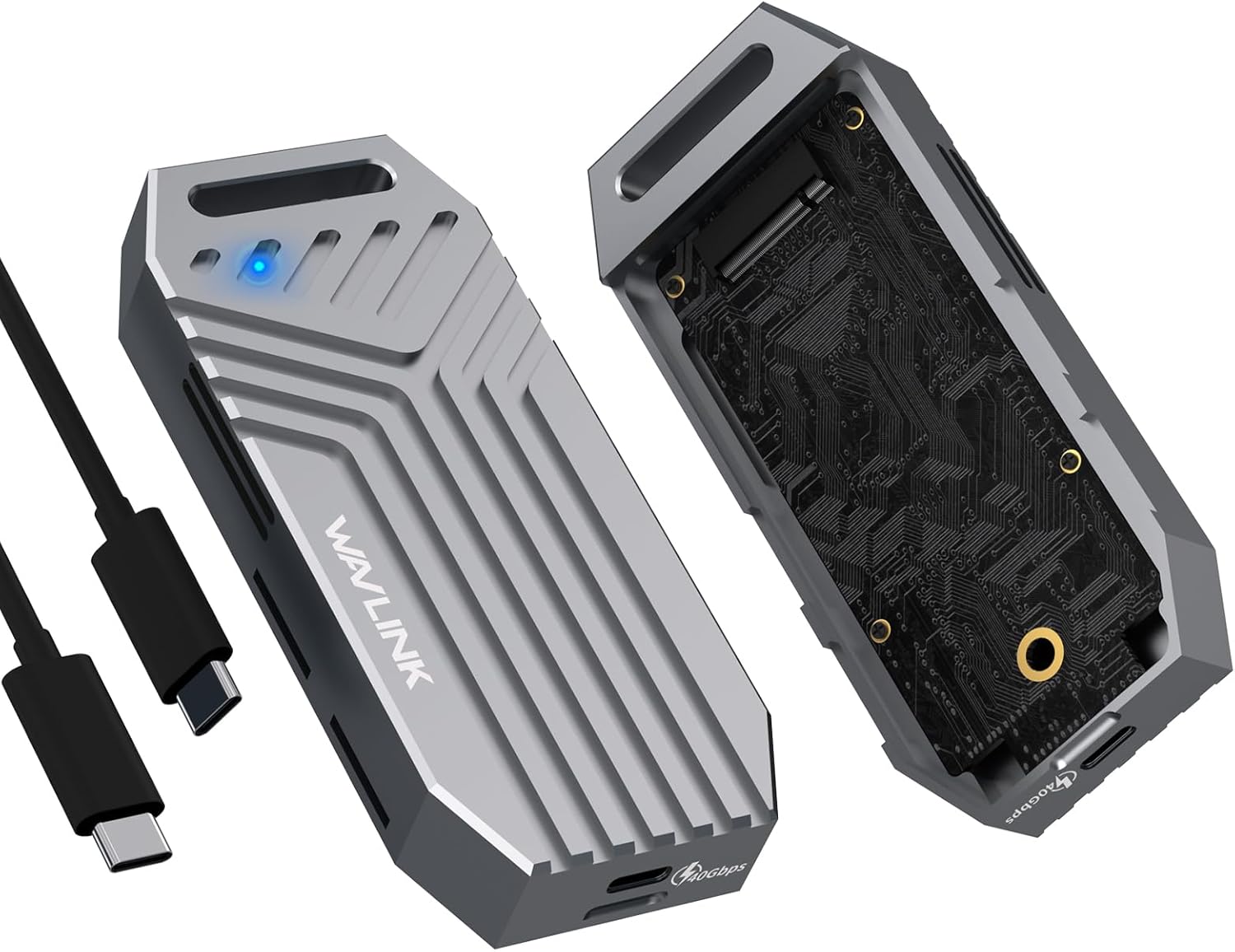
Figure 1: WAVLINK U41F NVMe SSD Enclosure with included USB-C cable.
2. Pakkens indhold
Bekræft at alle varer er til stede i pakken:
- 1 x USB4 PCIe NVMe SSD Enclosure
- 1 x USB-C til USB-C-kabel
- 1 x Handy Strap
- 1 x pose
- 1 x termisk silikonepude
- 1 x Aluminum Strip
- 1 x Quick Start Guide
- Several Screws (for optional use)

Figure 2: All components included in the WAVLINK U41F package.
3. Specifikationer
| Modelnummer | U41F |
| Dataoverførselshastighed | 40 Gigabits Per Second (USB4) |
| Kompatible SSD'er | M key and B&M Key PCIe NVMe SSDs (2280 size, double-sided supported) |
| Incompatible SSDs | AHCI/SATA SSDs |
| Maksimal lagerkapacitet | 8 TB |
| Hardware-interface | USB4 Type C |
| Materiale | Aluminium |
| Dimensioner | 4.7 x 2 x 0.7 tommer |
| Vægt | 1.41 ounce |
4. Opsætning og installation
The WAVLINK U41F enclosure features tool-free installation for quick and convenient setup.
- Åbn kabinettet: Pull up the top cover to open the enclosure and insert the silicone buckle.
- Prepare SSD for Cooling: Attach the thermal silicone pad to the SSD, then place the aluminum strip over it. Ensure protective films are removed from both the pad and the strip.
- Indsæt SSD: Insert the SSD into the M.2 slot at a 45-degree angle and adjust the silicone buckle to secure it.
- Luk indhegning: Reattach the aluminum case to the enclosure, ensuring it clicks securely into place.

Figure 3: Visual guide for the tool-free installation process of an NVMe SSD into the enclosure.
Video: Installation Guide
Video 1: A detailed demonstration of how to install an M.2 SSD into the WAVLINK enclosure.
5. Betjeningsvejledning
Plug and Play
The WAVLINK U41F enclosure supports plug and play functionality. Simply connect the enclosure to your device using the provided USB-C to USB-C cable. No additional drivers are required for most operating systems.
Kompatibilitet
The enclosure is compatible with a wide range of operating systems, including Windows, Mac OS, and Linux. Ensure your device has a USB4, Thunderbolt 4, or Thunderbolt 3 port to achieve optimal performance. Performance may be limited on Thunderbolt 3 and normal USB ports.
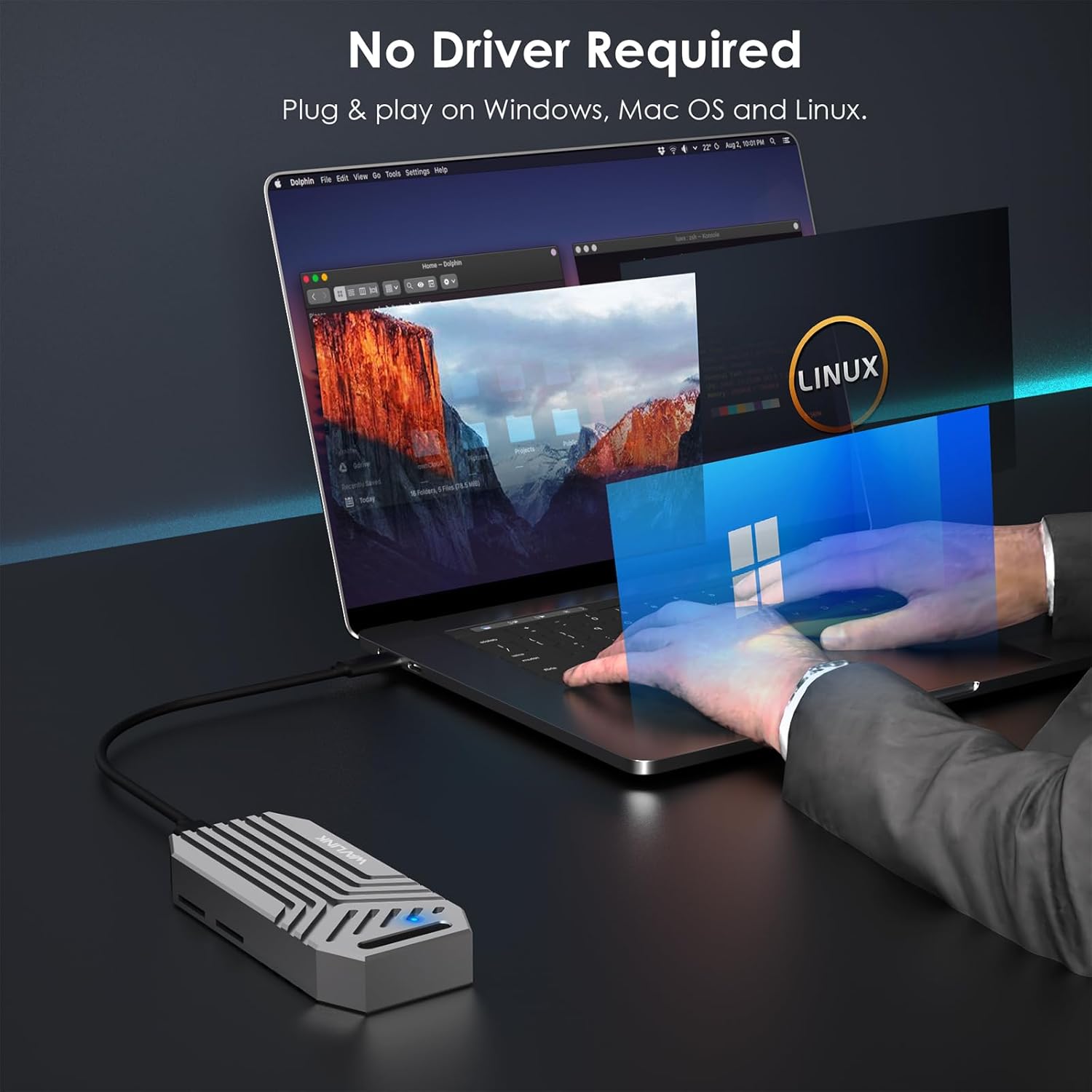
Figure 4: The enclosure offers plug-and-play compatibility across various operating systems.
6. Performance and Cooling
Hurtig dataoverførsel
Experience data transfer speeds of up to 40Gbps with compatible PCIe NVMe SSDs and USB4/Thunderbolt 4/3 ports. This allows for read and write speeds up to 3800MB/s, significantly reducing transfer times for large files.

Figure 5: High-speed data transfer capabilities of the WAVLINK U41F enclosure.
Comprehensive Cooling System
The enclosure features a full aluminum alloy body and a dual-sided perforated design for 360° heat dissipation. A built-in fan, thermal silicone pad, and aluminum strip work together to maintain optimal operating temperatures, ensuring stable performance and extending the lifespan of your SSD.

Figure 6: Internal components and design features for efficient heat dissipation.
Video: Speed Demonstration
Video 2: A short demonstration highlighting the fast data transfer speeds of the enclosure.
7. Fejlfinding
- SSD ikke genkendt: Ensure the SSD is a compatible M key or B&M Key PCIe NVMe SSD (2280 size). AHCI/SATA SSDs are not supported. Check that the SSD is fully seated in the M.2 slot.
- Langsomme overførselshastigheder: Verify that your computer's USB port supports USB4 or Thunderbolt 4/3. Using older USB standards (e.g., USB 3.2/2.0) or incompatible cables will limit performance. Ensure your SSD is capable of the advertised speeds.
- Overophedning: Confirm that the thermal silicone pad and aluminum strip are correctly installed on the SSD to facilitate heat transfer to the enclosure's aluminum body. Ensure the enclosure's vents are not obstructed.
- New SSD Formatting: If using a brand new SSD, it may need to be initialized and formatted before it appears in your operating system's file explorer. Refer to your operating system's disk management tools for instructions.
8. Garanti og support
WAVLINK products are backed by a commitment to quality and customer satisfaction. For technical support, warranty information, or any inquiries, please contact WAVLINK directly.
- Telefonsupport: +1 8889730883 (UTC-5) man-fre kl. 9-6
- E-mail support: Kontakt@wavlink.com
- Online ressourcer: Besøg WAVLINK Store on Amazon for yderligere produktinformation og support.


