1. Introduktion
Thank you for choosing the Hyundai HY-T21 Hybrid Technology Earbuds. These true wireless earphones are designed to provide a superior audio experience with advanced features such as noise cancellation for voice calls, low latency, and a comfortable fit. This manual will guide you through the setup, operation, and maintenance of your new earbuds.
2. Sikkerhedsoplysninger
- Udsæt ikke ørepropperne eller opladningsetuiet for ekstreme temperaturer, direkte sollys eller høj luftfugtighed.
- Undgå at tabe eller udsætte enheden for kraftige stød.
- Forsøg ikke at skille ørepropperne eller opladningsetuiet ad eller ændre dem. Dette vil ugyldiggøre garantien.
- Hold enheden væk fra børn og kæledyr.
- Brug kun det medfølgende opladningskabel eller en certificeret 5V USB-oplader.
- Langvarig lytning ved høj lydstyrke kan forårsage høreskader. Juster lydstyrken til et sikkert niveau.
3. Pakkens indhold
Tjek venligst pakken for følgende varer:
- Hyundai HY-T21 Earbuds (Left and Right)
- Trådløs opladningsetui
- USB opladningskabel
- Brugervejledning (dette dokument)
4. Produktet er slutview
The Hyundai HY-T21 earbuds feature a compact design with touch controls for easy operation. The charging case provides additional battery life and protects the earbuds when not in use.

Image: Hyundai HY-T21 Earbuds and Charging Case. The image displays the black earbuds resting inside their open charging case.
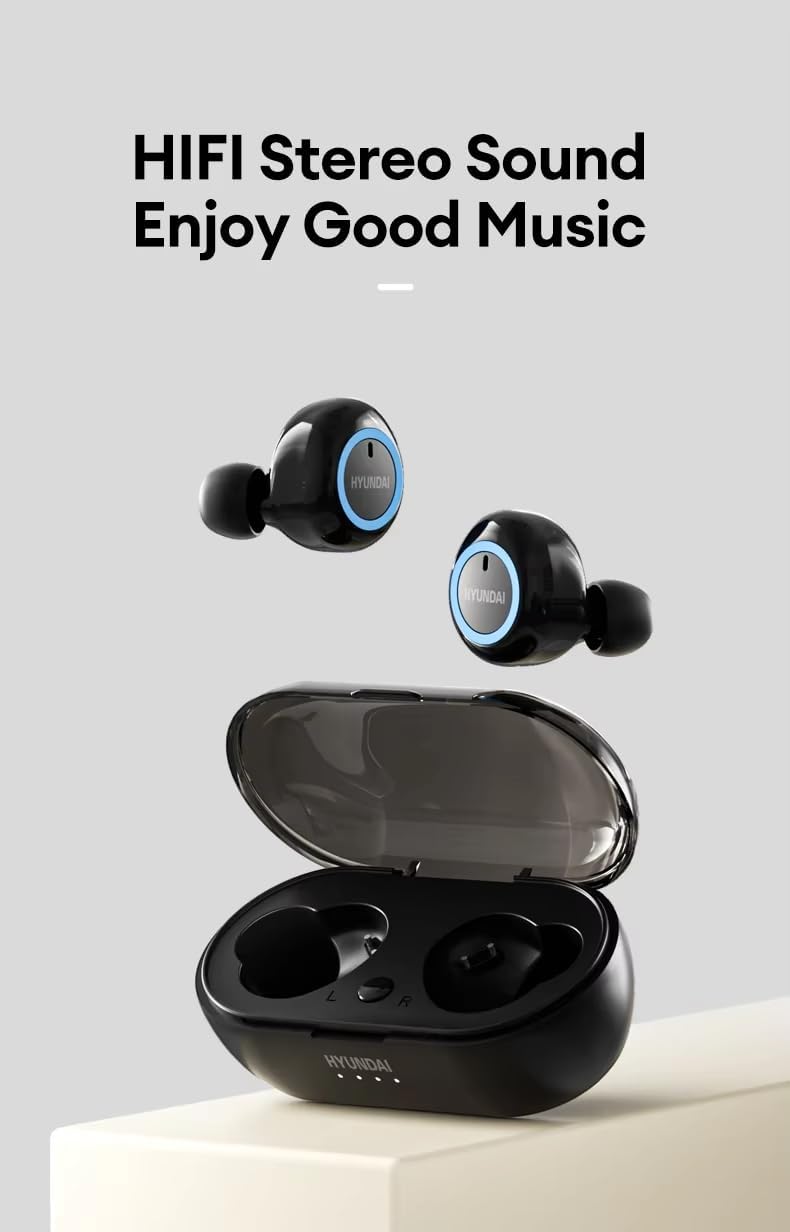
Image: Hyundai HY-T21 Earbuds with charging case. This image shows the earbuds removed from the case, highlighting their design.
Nøglefunktioner:

Image: Product Features of Hyundai HY-T21 Earbuds. This graphic highlights features such as BT 5.3, Surround Stereo, Long Endurance, Sensitive Microphone, Comfortable to Wear, Metal Diaphragm, Micro-USB Interface, HD Voice Call, and Low Latency.
- Bluetooth 5.3: For stabil og effektiv trådløs forbindelse.
- Hybrid teknologi: Delivers exceptional sound quality.
- Noise Cancellation for Voice Call: Sikrer klar kommunikation i støjende miljøer.
- Lav forsinkelse: Provides synchronized audio and video for an immersive experience.
- Komfortabel pasform: Ergonomic design for extended wear.
- Berøringsknapper: For nem styring af musik og opkald.
5. Opsætning
5.1. Opladning af øretelefoner og etuiet
Oplad ørepropperne og opladningsetuiet helt inden første brug.
- Placer ørepropperne i opladningsetuiet. Sørg for, at de er korrekt isat.
- Connect the USB charging cable to the Micro-USB port on the charging case and plug the other end into a 5V USB power source.
- Indikatorlamperne på etuiet viser opladningsstatus. Når den er fuldt opladet, vil lamperne indikere færdigopladning eller slukke.
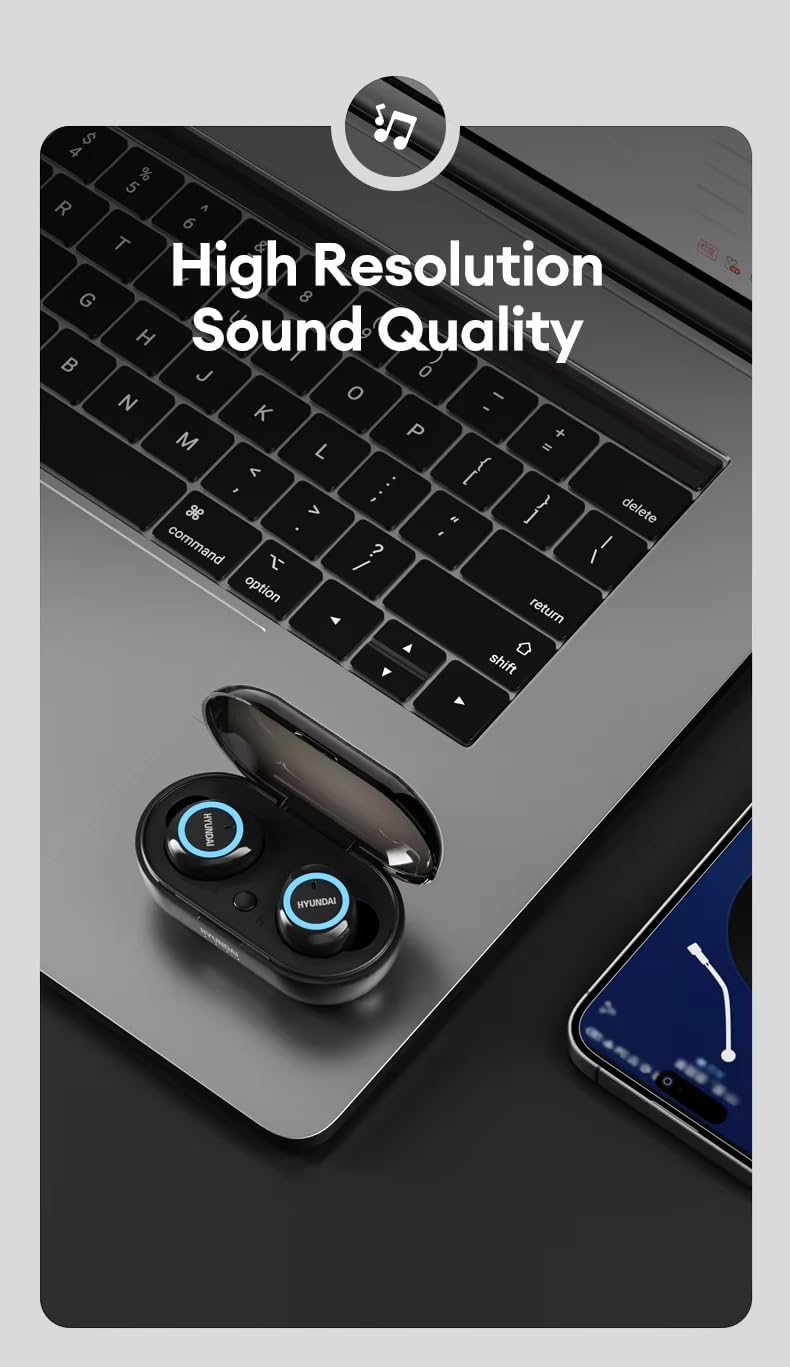
Image: Hyundai HY-T21 Earbuds charging. This image shows the earbuds in their case with a USB charging cable connected, illustrating the charging process.
Opladningstid: Cirka 1.5 timer for en fuld opladning.
5.2. Parring med en enhed
- Åbn opladningsetuiet. Ørepropperne går automatisk i parringstilstand, hvilket indikeres af en blinkende LED-lampe på ørepropperne.
- Aktiver Bluetooth på din enhed (smartphone, tablet osv.).
- Søg efter available Bluetooth devices and select "HY-T21" from the list.
- Når der er forbindelse, holder indikatorlamperne på ørepuderne op med at blinke, og du vil høre en bekræftelsestone.
- Ørepropperne genopretter automatisk forbindelse til den sidst parrede enhed, når de tages ud af etuiet, hvis Bluetooth er aktiveret på enheden.
6. Betjeningsvejledning
6.1. Tænd/sluk
- Tænd: Open the charging case, and the earbuds will power on automatically. Alternatively, press and hold the touch area on both earbuds for 3 seconds.
- Sluk: Place the earbuds back into the charging case and close the lid. They will power off automatically. Alternatively, press and hold the touch area on both earbuds for 5 seconds.
6.2. Musikafspilning
- Afspil/pause: Tryk én gang på berøringsområdet på begge øretelefoner.
- Næste nummer: Dobbelttryk på berøringsområdet på den højre øreprop.
- Forrige nummer: Dobbelttryk på berøringsområdet på den venstre øreprop.
- Lydstyrke op: Tryk tre gange på berøringsområdet på den højre øretelefon.
- Skrue ned for lyden: Tryk tre gange på berøringsområdet på venstre øretelefon.
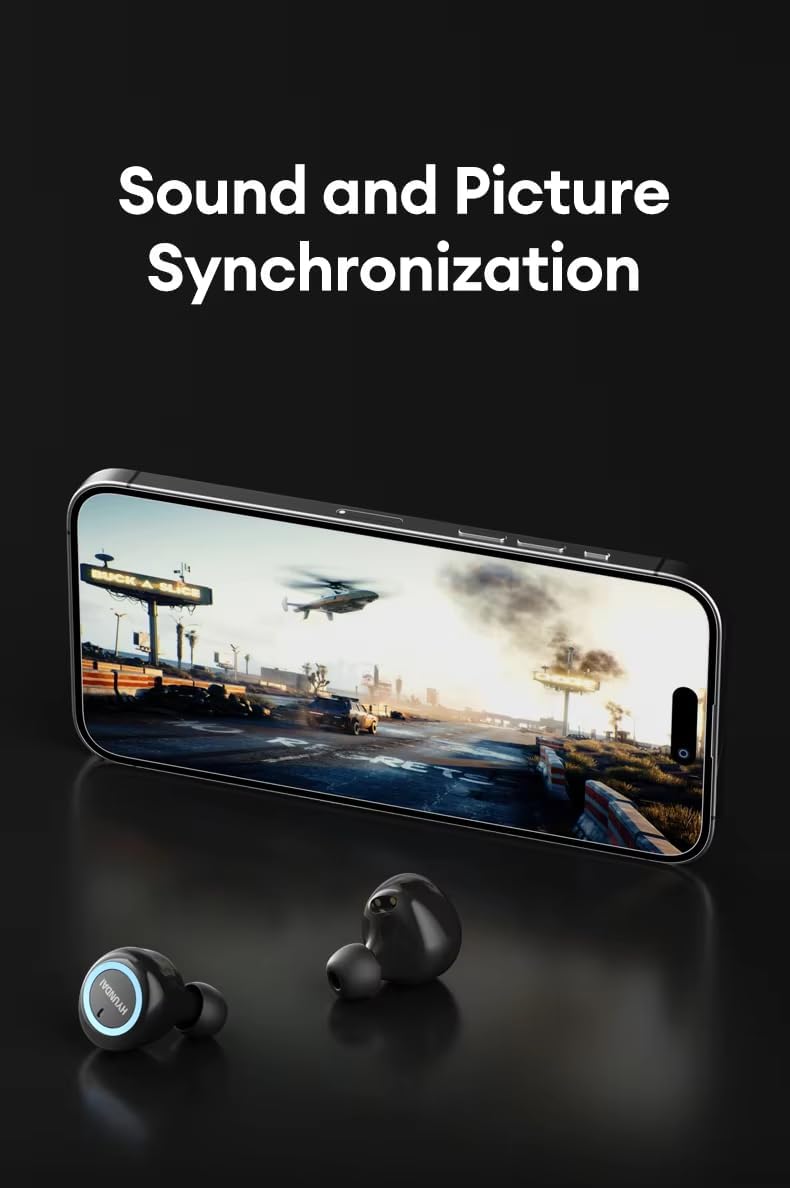
Image: Hyundai HY-T21 Earbuds delivering high resolution sound. The earbuds are shown next to a laptop, emphasizing their audio quality.
6.3. Opkaldsstyring
The earbuds feature a sensitive microphone and noise cancellation for voice calls.

Image: Hyundai HY-T21 Earbuds with HD Voice Call and Noise Reduction. The earbuds are shown next to a smartphone displaying a call interface, indicating clear call quality.
- Besvar/afslut opkald: Tryk én gang på berøringsområdet på begge øretelefoner.
- Afvis opkald: Tryk og hold berøringsområdet på begge øretelefoner nede i 2 sekunder.
6.4. Stemmeassistent
- Aktiver stemmeassistent: Tryk og hold berøringsområdet på begge øretelefoner nede i 2 sekunder (når du ikke er i gang med et opkald).
6.5. Lav latenstidstilstand
The HY-T21 earbuds offer low latency technology for synchronized audio and video, ideal for gaming or watching videos.
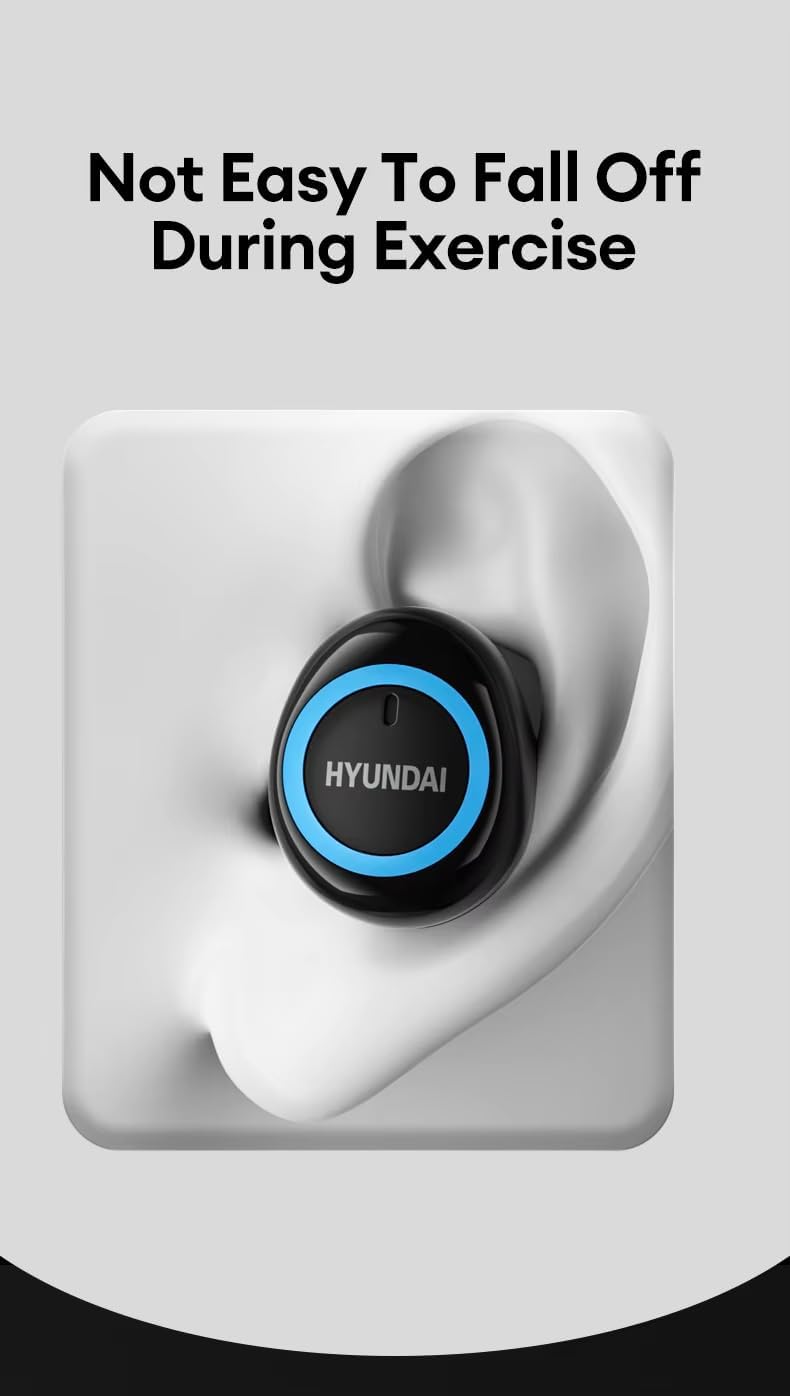
Image: Hyundai HY-T21 Earbuds with sound and picture synchronization. The earbuds are shown in front of a smartphone displaying a video game, illustrating the low latency feature.
This mode is typically activated automatically when playing games or videos, or can sometimes be toggled via a specific touch control (refer to device-specific settings if available).
7. Vedligeholdelse
7.1. Rensning
- Tør ørepropperne og opladningsetuiet af med en blød, tør og fnugfri klud.
- Brug ikke slibende rengøringsmidler, alkohol eller kemiske opløsningsmidler.
- Sørg for, at opladningskontakterne er rene og fri for snavs for optimal opladning.
7.2. Opbevaring
- Når ørepropperne ikke er i brug, skal de opbevares i deres opladningsetui for at beskytte dem og holde dem opladede.
- Opbevares køligt og tørt, væk fra ekstreme temperaturer.

Image: Hyundai HY-T21 Earbuds comfortable fit. An earbud is shown securely placed in an ear, demonstrating its ergonomic design and stability during activity.
8. Fejlfinding
If you encounter any issues with your Hyundai HY-T21 earbuds, please refer to the following common solutions:
| Problem | Mulig løsning |
|---|---|
| Øretelefoner parrer ikke |
|
| Ingen lyd fra et ørepropp |
|
| Øretelefoner oplader ikke |
|
| Dårlig opkaldskvalitet |
|
9. Specifikationer
| Feature | Detalje |
|---|---|
| Modelnavn | HY-T21 |
| Forbindelsesteknologi | Trådløs (Bluetooth 5.3) |
| Formfaktor | In Ear |
| Farve | Sort |
| Nominel voltage | 5V |
| Særlige funktioner | Hybrid Technology, Lightweight, Noise Cancellation (for Voice Call), Rechargeable Battery, Wireless Charging |
| Brugstid | 4-5 timer |
| Opladningstid | 1.5 timer |
| Endurance Time (with case) | Op til 10 timer |
| Opladningsgrænseflade | Mikro-USB |
| Driver enhed | 13mm Large Dynamic Coil Unit |
Image: Hyundai HY-T21 Earbuds endurance and charging times. This graphic displays '4-5H Usage Time', '1.5H Charging Time', and '10H Endurance Time' for the earbuds and case.
Image: Hyundai HY-T21 Earbuds 13mm Dynamic Coil Unit. This image provides an exploded view of the earbud's internal components, highlighting the 13mm dynamic coil unit.
10. Garanti og support
10.1. Producentens garanti
The Hyundai HY-T21 earbuds come with a 6 måneders producentgaranti fra købsdatoen. Denne garanti dækker fabrikationsfejl og udførelse under normal brug. Den dækker ikke skader forårsaget af misbrug, ulykker, uautoriserede ændringer eller normal slitage.
10.2. Kundesupport
For technical assistance, warranty claims, or any other inquiries, please refer to the contact information provided by your retailer or the official Hyundai product support channels. Please have your proof of purchase and product model number (HY-T21) ready when contacting support.