Indledning
This manual provides comprehensive instructions for the setup, operation, maintenance, and troubleshooting of your Mibro GS Explorer Smartwatch. Please read this manual carefully before using the device to ensure proper functionality and to maximize your user experience.

Figure 1: Mibro GS Explorer Smartwatch (Snow color variant).
Opsætning
1. Udpakning og første opladning
Upon unboxing, ensure all components are present: Mibro GS Explorer Smartwatch, charging cable, and this user manual. Before first use, fully charge the device. Connect the magnetic charging cable to the charging points on the back of the watch and plug the USB end into a compatible power adapter (not included).

Figure 2: The Mibro GS Explorer Smartwatch connected to its magnetic charging cable, illustrating the charging process and battery life indicators.
2. Parring med din smartphone
- Download the official Mibro Fit application from your smartphone's app store (iOS App Store or Google Play Store).
- Sørg for, at Bluetooth er aktiveret på din smartphone.
- Åbn Mibro Fit-appen, og følg instruktionerne på skærmen for at oprette en konto eller logge ind.
- Select "Add Device" or similar option within the app and choose "Mibro GS Explorer" from the list of available devices.
- Bekræft parringsanmodningen på både dit ur og din smartphone.
Betjeningsvejledning
1. Display og navigation
The Mibro GS Explorer features a 1.32-inch AMOLED display with a resolution of 466x466 pixels and a brightness of 1500 nits, protected by Corning Gorilla Glass 3. This ensures excellent readability even in direct sunlight and provides enhanced durability against impacts and scratches.

Figure 3: Close-up of the Mibro GS Explorer's 1.32" AMOLED display, highlighting its high resolution and brightness for clear visibility.
Navigate the watch interface by swiping across the touchscreen and using the physical buttons on the side. Specific button functions can be customized via the Mibro Fit app.
2. Sport Modes and GPS Tracking
The watch supports over 150 sport modes, including hiking, running, swimming, cycling, and more. To start a sport mode:
- Swipe to the "Sport" menu on your watch.
- Vælg din ønskede aktivitet.
- Wait for GPS signal acquisition (if applicable) before starting your workout. The integrated dual-frequency GNSS chip provides precise real-time geolocation, typically acquiring a fix within 10 seconds.
- Press the start button to begin tracking.
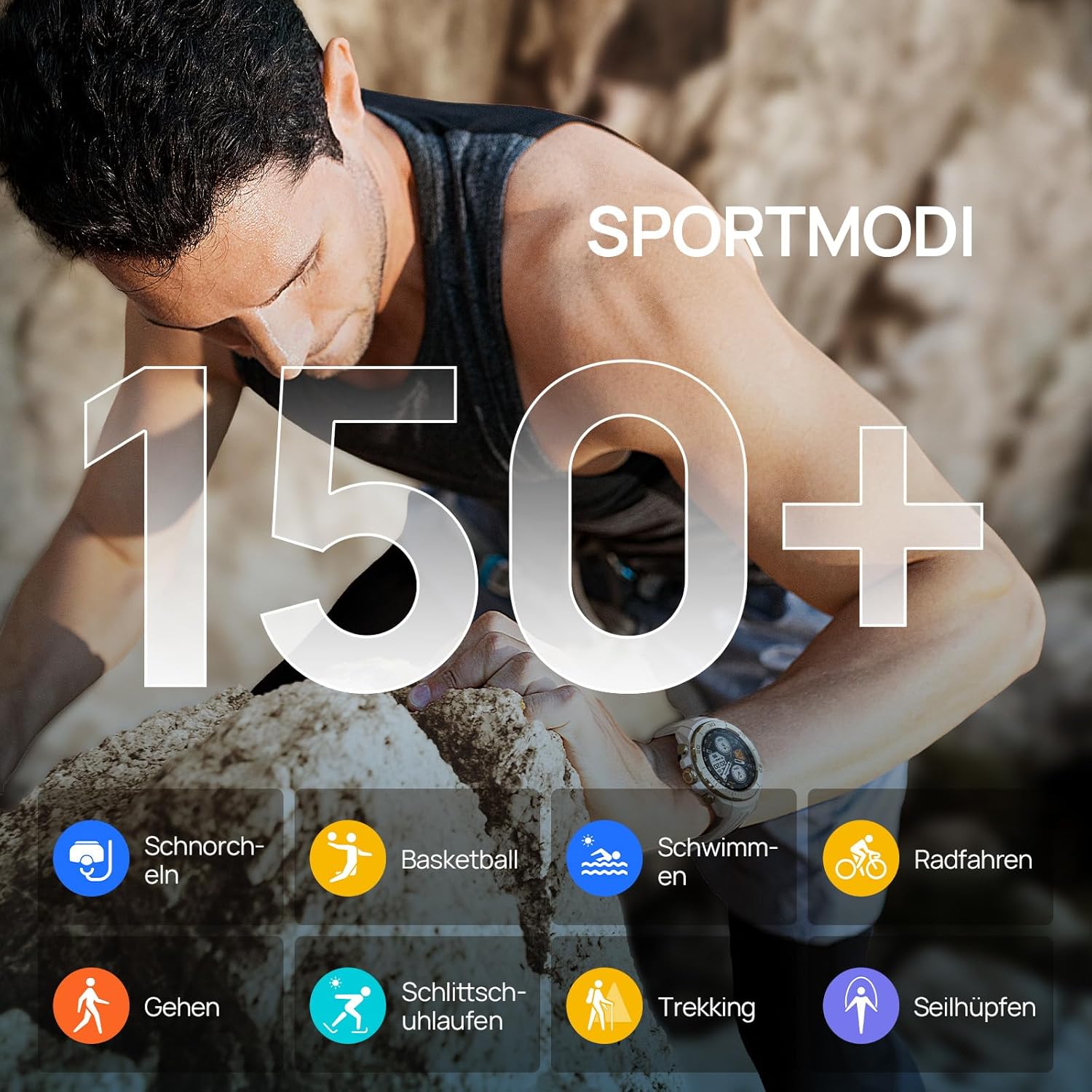
Figure 4: Visual representation of the Mibro GS Explorer's extensive range of over 150 sport modes, including snorkeling, basketball, swimming, cycling, walking, ice skating, trekking, and rope skipping.

Figure 5: The Mibro GS Explorer Smartwatch showcasing its dual-band and global GPS satellite positioning capabilities, supporting GPS/Beidou/GLONASS/Galileo/QZSS for fast and accurate tracking.
3. Sundhedsovervågning
The Mibro GS Explorer offers updated health monitoring features, including heart rate tracking, blood oxygen (SpO2) measurement, breathing training, and intelligent sleep monitoring. Access these features through the watch's health menu or the Mibro Fit app.

Figure 6: The Mibro GS Explorer Smartwatch displaying its updated health monitoring capabilities, including heart rate, blood oxygen, breathing training, and intelligent sleep tracking, as viewed on the watch and a connected smartphone app.
4. Water Resistance (10 ATM)
The watch boasts a 10 ATM water resistance rating, making it suitable for free diving up to 30 meters. It is designed to withstand hand washing, rain, and swimming activities.

Figure 7: Illustration of the Mibro GS Explorer's 10 ATM water resistance, showing its suitability for swimming, hand washing, and rain, with a user swimming in the background.
Opretholdelse
1. Rengøring af dit ur
Rengør regelmæssigt din Mibro GS Explorer med en blød klud.amp cloth. Avoid using harsh chemicals or abrasive materials that could damage the watch's finish or sensors. Ensure the charging contacts are clean and dry before charging.
2. Batteripleje
To prolong battery life, avoid exposing the watch to extreme temperatures. Charge the watch fully before long periods of inactivity. The high-density lithium-ion battery provides up to 20 days of daily use and 15 hours in continuous GPS mode.
3. Military Grade Durability
The Mibro GS Explorer is built to military standards, having passed 15 military tests including temperature extremes (-30°C to 70°C), high altitude, low pressure, dust, salt fog, and liquid contamination. While robust, avoid unnecessary harsh impacts to maintain its integrity.

Figure 8: The Mibro GS Explorer Smartwatch highlighting its 15 U.S. MIL-STD-810H military quality certification, with visuals depicting high-temperature operation, low-temperature operation, shock testing, and 10ATM water resistance.
Fejlfinding
Almindelige problemer og løsninger:
- Uret tænder ikke: Sørg for, at uret er fuldt opladet. Tilslut det til opladeren, og vent et par minutter, før du forsøger at tænde det igen.
- Kan ikke parres med smartphone:
- Sørg for, at Bluetooth er aktiveret på din telefon, og at uret er inden for rækkevidde.
- Genstart både dit ur og din smartphone.
- Ryd Bluetooth-cachen på din telefon (Android), eller glem enheden, og par den igen (iOS/Android).
- Sørg for, at Mibro Fit-appen er opdateret til den nyeste version.
- Unøjagtig GPS-sporing:
- Sørg for at du er i et åbent område med klar view af himlen for optimal satellitmodtagelse.
- Allow the watch sufficient time (approx. 10 seconds) to acquire a GPS signal before starting an activity.
- Check for firmware updates for your watch via the Mibro Fit app.
- Health data not syncing:
- Ensure the watch is properly connected to the Mibro Fit app.
- Tjek din telefons internetforbindelse.
- Restart the app and the watch.
- Skærmresponsivitet:
- Perform a soft reset by holding down the power button until the watch restarts.
- Sørg for, at skærmen er ren og tør.
If issues persist, please refer to the official Mibro support resources or contact customer service.
Specifikationer
| Feature | Detalje |
|---|---|
| Model | Mibro GS Explorer |
| Vise | 1.32" AMOLED, 466x466 pixels, 1500 nits brightness, Corning Gorilla Glass 3 |
| Hukommelseslagringskapacitet | 1 GB |
| Batterikapacitet | 460 mAh Lithium-ion |
| Batterilevetid (typisk brug) | Up to 20 days (daily mode), 15 hours (continuous GPS mode) |
| Forbindelse | Bluetooth |
| GPS | Integrated Dual-frequency GNSS (GPS/Beidou/GLONASS/Galileo/QZSS) |
| Vandmodstand | 10 ATM (suitable for free diving up to 30 meters) |
| Holdbarhed | Military Standard (MIL-STD-810H certified, 15 tests) |
| Sportstilstande | 150+ |
| Sundhedsovervågning | Heart Rate, SpO2, Breathing Training, Sleep Tracking |
| Form | Rund |
| Båndmateriale | Silikone |
| Målgruppe | Unisex Adults |

Figure 9: Dimensions of the Mibro GS Explorer Smartwatch, showing a watch face width of 46.6mm, thickness of 12.7mm, and a total strap length of 256mm.
Garantioplysninger
Specific warranty details for the Mibro GS Explorer Smartwatch are typically provided with your purchase documentation or can be found on the official Mibro webwebsted. Gem venligst din købsbevis til garantikrav.
Support og kontakt
For further assistance, technical support, or customer service inquiries regarding your Mibro GS Explorer Smartwatch, please visit the official Mibro website or contact their customer support channels. Refer to the packaging or the Mibro Fit app for specific contact information.
Du kan også besøge Mibro Brand Store on Amazon for yderligere produktinformation og supportressourcer.


