Indledning
Thank you for choosing the EUQQ Bluetooth Headset Model 520-1-B. This manual provides detailed instructions on how to set up, operate, and maintain your headset to ensure optimal performance and a clear communication experience. Please read this manual thoroughly before using the device.

Image: The EUQQ Bluetooth Headset Model 520-1-B, a sleek black wireless earpiece with an ear hook design.
Pakkens indhold
Sørg for at alle varer er til stede i pakken:
- 1 x EUQQ Headset
- 1 x opladningsetui
- 1 x USB-C opladningskabel
- 3 x Different Size Eartips (S/M/L)
- 1 x Brugermanual (dette dokument)
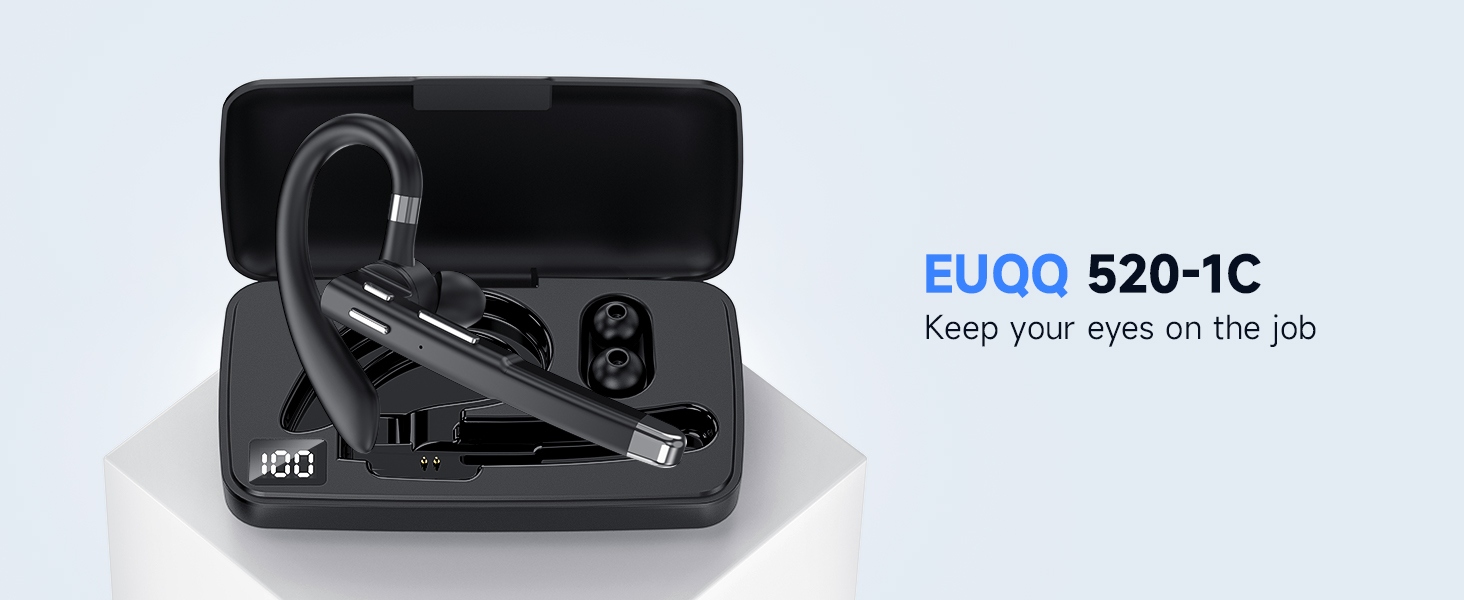
Billede: En overview of the EUQQ Bluetooth Headset package contents, including the headset, charging case, USB-C cable, eartips, and user manual.
Opsætning
1. Opladning af headsettet
Before first use, fully charge the headset. Connect the provided USB-C charging cable to the headset's charging port and a compatible USB power source. The charging indicator will show the charging status.
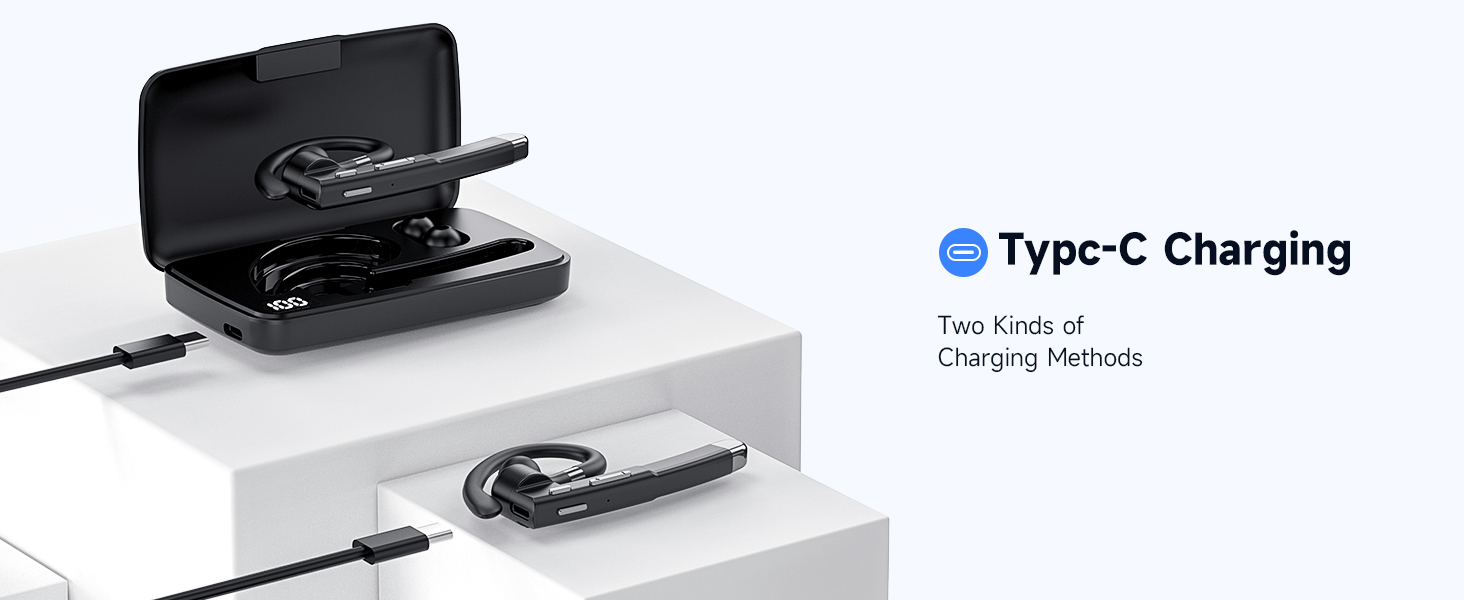
Image: Illustration of the Type-C charging port on the headset and the charging case, demonstrating two methods of charging.
2. Tænd/sluk
- Tænd: Press and hold the Multi-function Button for approximately 3 seconds until the indicator light flashes.
- Sluk: Press and hold the Multi-function Button for approximately 5 seconds until the indicator light turns off.
3. Bluetooth-parring
- Sørg for, at headsettet er slukket.
- Press and hold the Multi-function Button for about 5-7 seconds until the indicator light flashes red and blue alternately, indicating pairing mode.
- Aktiver Bluetooth på din enhed (smartphone, tablet, computer) og søg efter tilgængelige enheder.
- Select "EUQQ 520-1B" from the list of found devices.
- Når der er oprettet forbindelse, blinker indikatorlampen langsomt blåt.
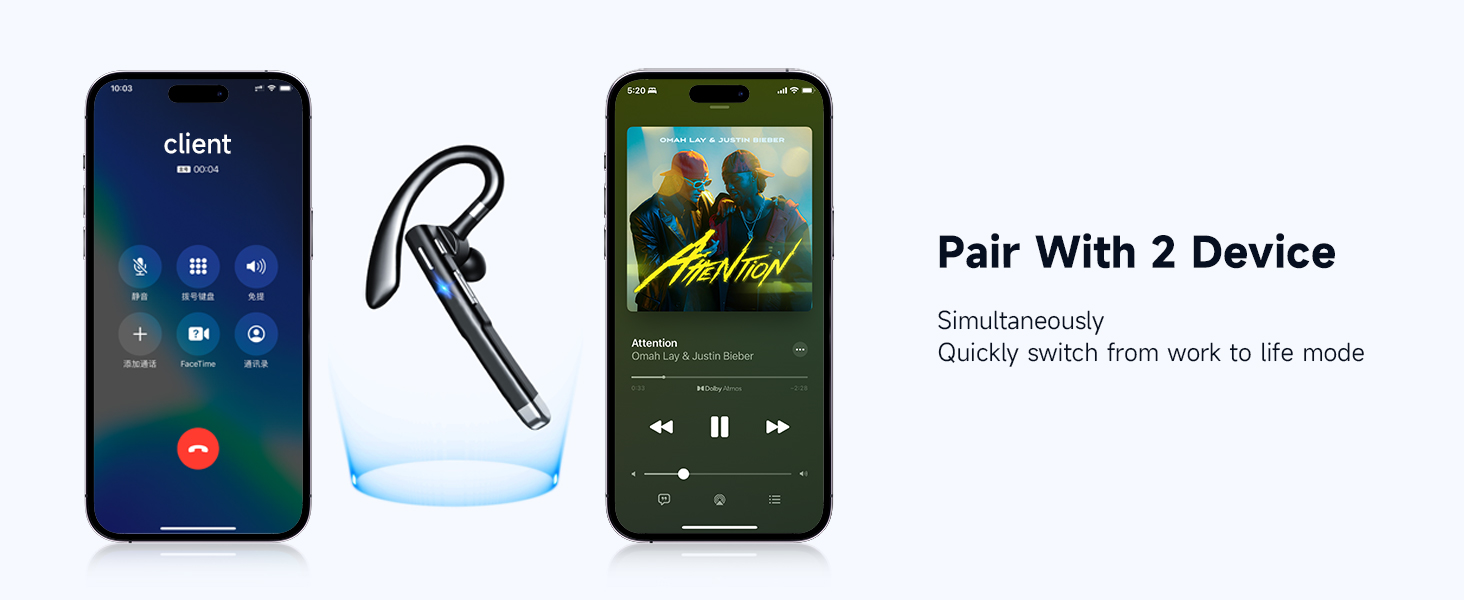
Image: A smartphone screen showing Bluetooth settings with the EUQQ headset listed as connected, demonstrating the one-step pairing process.
The headset supports simultaneous connection to two devices. After connecting to the first device, disable Bluetooth on the first device, pair with the second device, then re-enable Bluetooth on the first device. The headset should connect to both.

Image: The EUQQ Bluetooth Headset positioned between two smartphones, illustrating its ability to connect to two devices concurrently for seamless switching.
4. Bære headsettet
The headset is designed for comfort and can be worn on either the left or right ear. Adjust the ear hook for a secure and comfortable fit. Choose the appropriate ear tip size (S/M/L) for optimal sound and comfort.

Image: Diagrams showing the headset's ear hook rotating 270 degrees and the microphone arm rotating 360 degrees, allowing it to be worn on either the right or left ear. Different ear tip sizes (S, M, L) are also shown.
Betjeningsvejledning
Headset kontrol
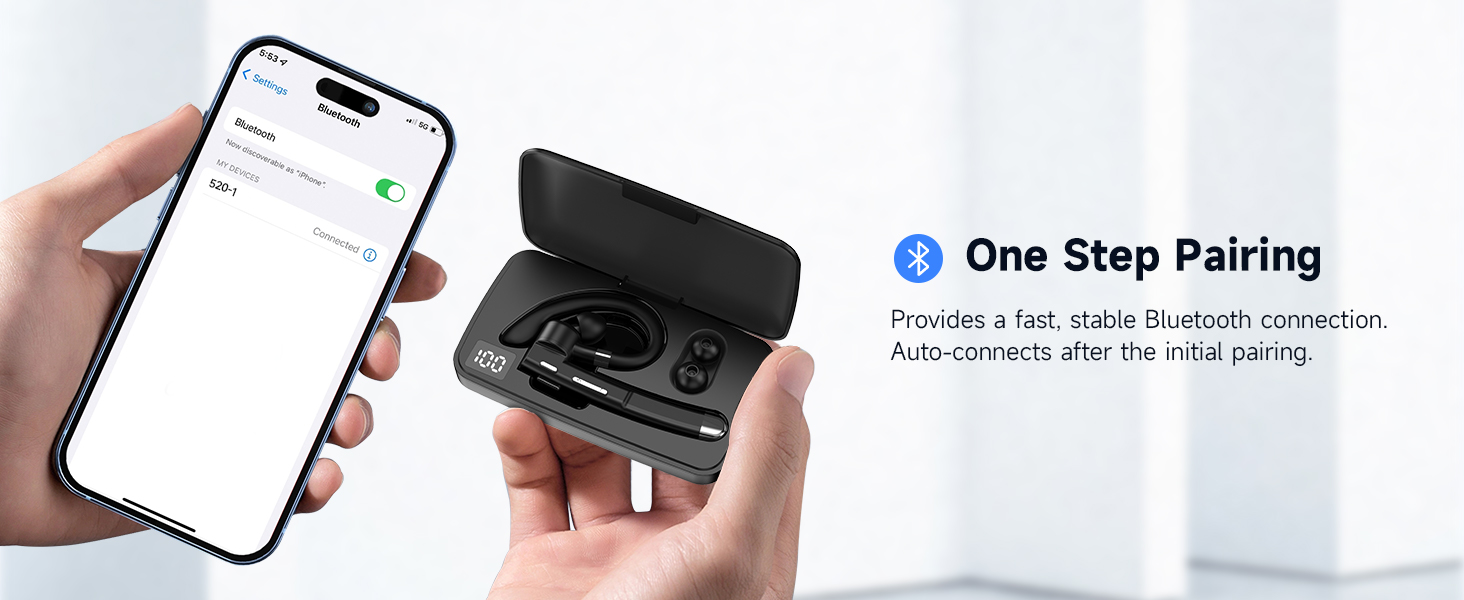
Image: A detailed diagram of the EUQQ Bluetooth Headset highlighting its buttons and their corresponding functions for music playback, call management, volume, and voice assistant activation.
- Afspil/pause: Tryk én gang på multifunktionsknappen.
- Besvar/afslut opkald: Tap the Multi-function Button once during an incoming call or active call.
- Afvis opkald: Tap the Multi-function Button twice during an incoming call.
- Lydstyrke op: Tap the Volume + button once.
- Skrue ned for lyden: Tap the Volume - button once.
- Næste sang: Tryk længe på Lydstyrke + -knappen.
- Forrige sang: Tryk længe på lydstyrkeknappen.
- Aktivér stemmeassistent (Siri): Press the Multi-function Button for 1 second.
- Slå mikrofon til/fra: Press and hold the Mute button (often integrated with volume or a dedicated button) during a call.

Image: A person using the EUQQ Bluetooth Headset while on a video call at a desk, demonstrating the one-button mute function for privacy.
Call Management and Noise Reduction
The headset features advanced ENC (Environmental Noise Cancellation) technology and multiple built-in microphones to ensure clear conversations by reducing background noise. This is particularly useful in noisy environments like offices or while driving.

Image: A man wearing the EUQQ Bluetooth Headset while driving a truck, with a phone screen showing an active call, illustrating the effectiveness of the 4 built-in microphones and noise cancellation in noisy environments.
Opretholdelse
- Rensning: Brug en blød, tør klud til at rengøre headsettet. Undgå at bruge skrappe kemikalier eller slibende materialer.
- Opbevaring: Store the headset in a cool, dry place away from direct sunlight and extreme temperatures. When not in use for extended periods, store it in its charging case.
- Batteripleje: For at forlænge batteriets levetid bør du undgå at aflade headsettet helt ofte. Oplad det regelmæssigt, selvom det ikke er i konstant brug.
Fejlfinding
| Problem | Løsning |
|---|---|
| Headsettet tænder ikke. | Ensure the headset is charged. Connect it to a power source using the USB-C cable. |
| Kan ikke parres med en enhed. |
|
| Ingen lyd eller lav lydstyrke. |
|
| Dårlig opkaldskvalitet eller støj. |
|
| Kort batterilevetid. |
|
Specifikationer
| Feature | Detalje |
|---|---|
| Modelnavn | YYK-520 |
| Varemodelnummer | 520-1-B |
| Forbindelsesteknologi | Trådløs (Bluetooth) |
| Bluetooth version | 5.3 |
| Bluetooth rækkevidde | 15 meter (49 fod) |
| Batterilevetid | Up to 24 Hours (Talk Time) |
| Opladningsport | USB-C |
| Støjkontrol | Active Noise Cancellation (ENC) |
| Mikrofoner | Built-in (4 microphones for ENC) |
| Ørestykke form | Krog |
| Vægt | 0.4 ounce (ca. 11.3 gram) |
| Kompatible enheder | Cellphones, Desktops, Tablets, Television |
| Vandmodstandsniveau | Vandtæt |
| Frekvensområde | 20 Hz - 20,000 Hz |
| Audio driver størrelse | 16.3 millimeter |
| UPC | 762304992602 |
Garanti og support
For warranty information and customer support, please refer to the documentation included with your purchase or contact the seller directly. Keep your purchase receipt as proof of purchase for any warranty claims.


