1. Introduktion
Thank you for choosing the DYONDER Wireless Controller. This controller is designed to provide a superior gaming experience across multiple platforms, including PS4, PS4 Slim, PS4 Pro, and PC. Featuring a 1000mAh battery, dual vibration feedback, a 6-axis motion sensor, and responsive joysticks, it offers immersive and precise control for your favorite games. This manual provides detailed instructions on setup, operation, maintenance, and troubleshooting to ensure optimal performance.

Billede: Forside view of the DYONDER Wireless Controller in black.
2. Produktfunktioner
- Stærk kompatibilitet: Works seamlessly with PS4, PS4 Slim, PS4 Pro, and PC.
- Lang batterilevetid: Built-in 1000mAh battery provides over 15 hours of playtime with only 2 hours of charging.
- Dobbelt vibrationsfeedback: Features dual vibration motors with 4 levels of feedback for an immersive gaming experience.
- Opgraderet joystick: Enhanced responsiveness and precision for faster reactions and reduced input lag or drift.
- 6-akset bevægelsessensor: Provides superior motion sensing for intuitive control in supported games.
- USB-C opladning: Moderne USB-C-port til praktisk og hurtig opladning.
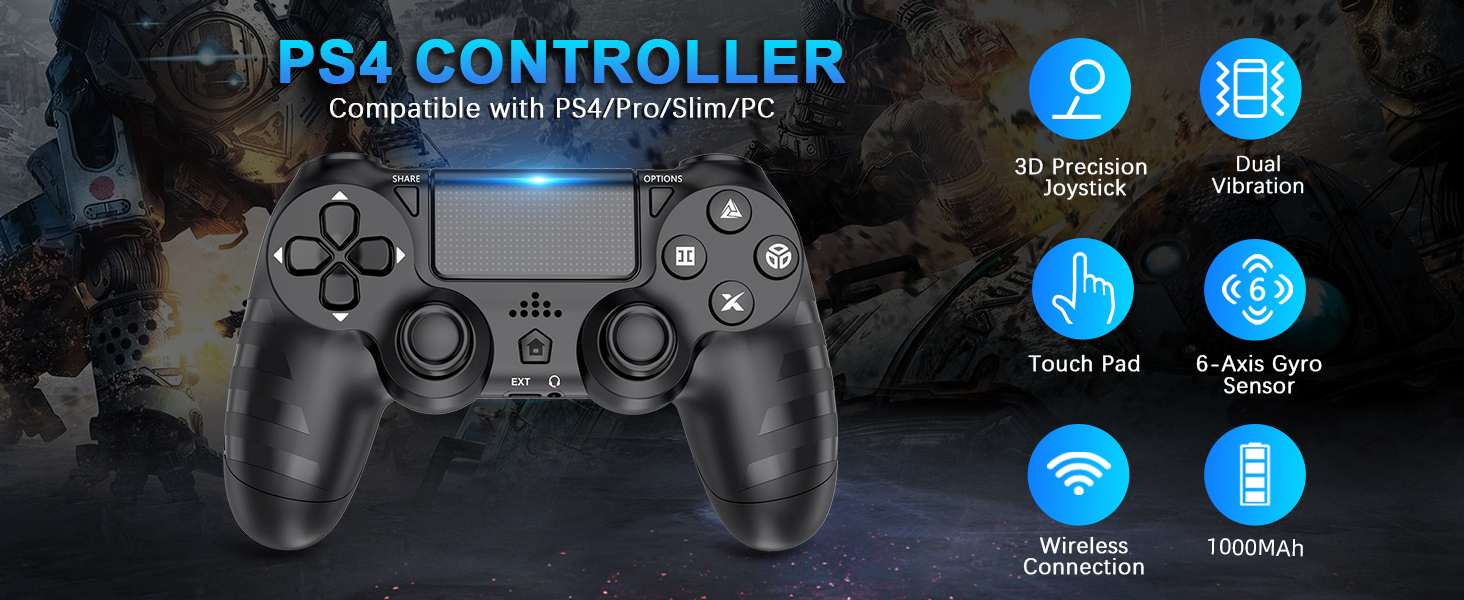
Billede: Overview of key features of the DYONDER Wireless Controller.
3. Controllerlayout
Familiarize yourself with the various buttons and components of your DYONDER Wireless Controller:

Image: Labeled diagram of the controller's buttons and interfaces.
- DEL-knap: Bruges til at dele spilindhold.
- INDSTILLINGER-knap: Giver adgang til menuer og muligheder i spillet.
- D-Pad: Retningsbestemt input.
- Handlingsknapper (Trekant, Cirkel, Kryds, Firkant): Primary game input buttons.
- Venstre/højre joysticks: Analog input for movement and camera control.
- Touchpad: Multi-touch input surface.
- Hjemknappen: Returns to the console's home screen or powers on/off.
- Udvidet grænseflade: For accessories.
- Hovedtelefonstik: Til tilslutning af headsets.
- LED lysbjælke: Angiver spillernummer, opladningsstatus og information i spillet.
- Charging Socket (USB-C): Til opladning af controlleren.
4. Opsætning og tilslutning
Initial Connection to PS4 Console:
- Sørg for, at din PS4-konsol er tændt.
- Connect the DYONDER Wireless Controller to your PS4 console using the included USB-C charging cable.
- Tryk på Hjem button on the controller. The controller will sync with the console.
- Once synced, you can disconnect the USB-C cable for wireless play.
Tilslutning til pc:
- For PC connection, hold the DELE knappen og HJEM knappen samtidigt i 3 sekunder.
- The controller's LED light bar will start flashing rapidly, indicating it is in pairing mode.
- On your PC, go to Bluetooth settings and select the DYONDER Wireless Controller to pair.
- Once paired, the LED light bar will turn solid, indicating a successful connection.
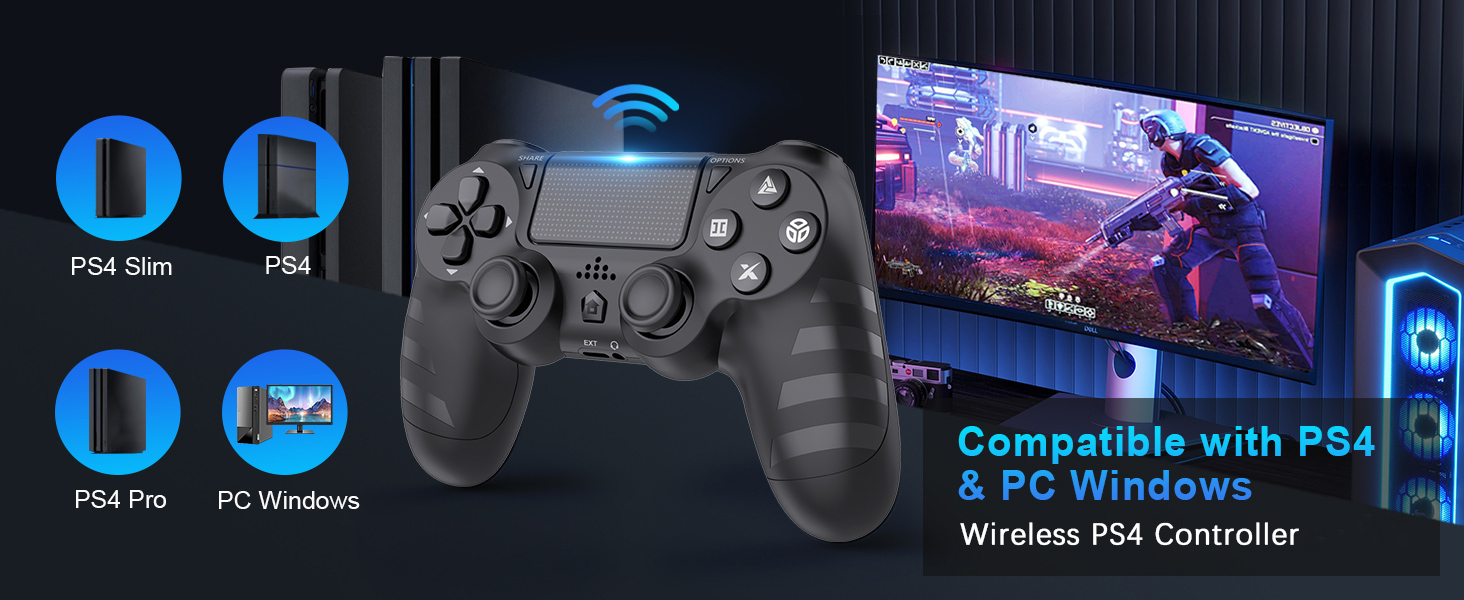
Image: Visual representation of controller compatibility with various platforms.
5. Betjening
Dobbelt vibrationsfeedback:
The controller features dual vibration motors that provide tactile feedback during gameplay. This enhances immersion by simulating in-game actions such as impacts, explosions, and environmental effects. The vibration intensity can vary based on the game and its settings.
6-akset bevægelsessensor:
Equipped with a highly sensitive 6-axis motion sensor (accelerometer and gyroscope), the controller allows for intuitive motion-based controls in compatible games. You can tilt, rotate, and shake the controller to interact with the game environment.

Image: Illustration of the controller's 6-Axis Gyro Sensor in action.
Touchpad Functionality:
The integrated touchpad supports multi-touch gestures, allowing for unique interactions in games that utilize this feature. It can also function as a clickable button.
Lydstik:
Connect your headset to the 3.5mm audio jack for in-game audio and voice chat (where supported by the game and console/PC settings).
6. Opladning og batterilevetid
The DYONDER Wireless Controller is equipped with a built-in 1000mAh rechargeable lithium-ion battery.
- Opladningstid: Approximately 2 hours for a full charge using the included USB-C cable.
- Spilletid: Op til 15 timers kontinuerlig spiltid på en fuld opladning.
Opladningsindikator:
While charging, the LED light bar on the controller will typically display an amber light. Once fully charged, the light will turn off or change color depending on the console/PC status.
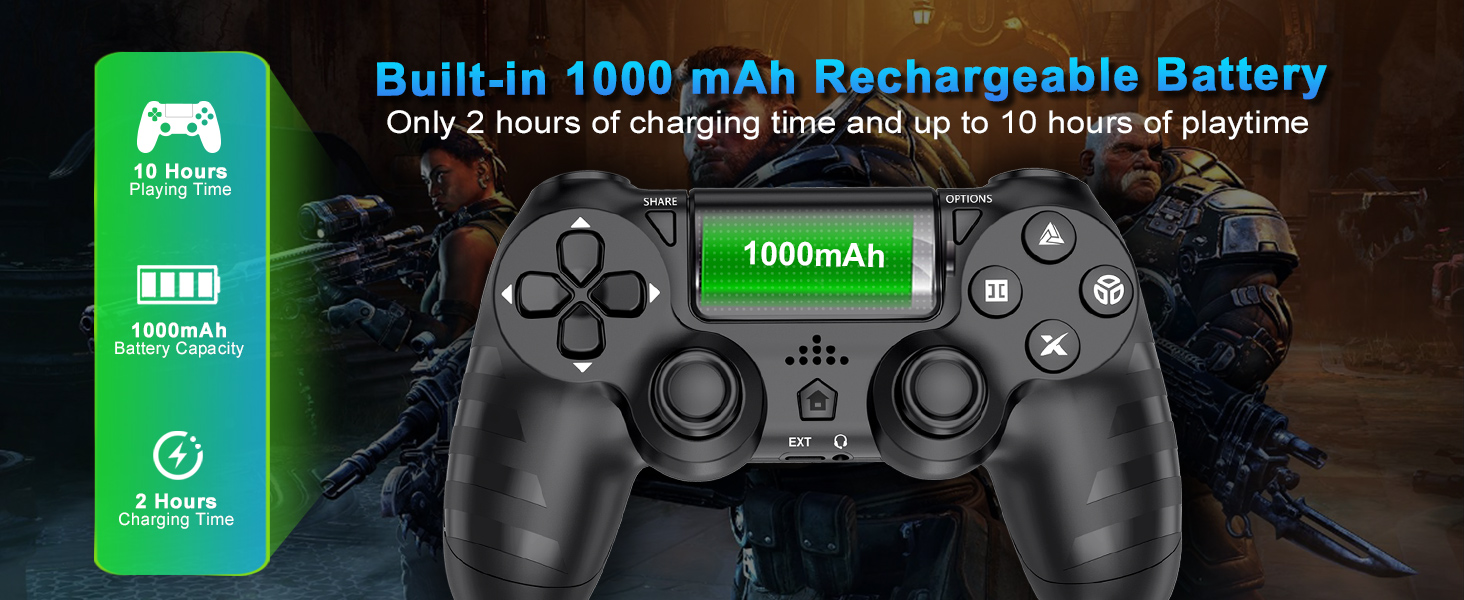
Image: Battery capacity and charging details for the controller.
7. Vedligeholdelse
- Rensning: Brug en blød, tør klud til at tørre controlleren af. Ved genstridigt snavs, tør letampRengør kluden med vand. Undgå at bruge skrappe kemikalier eller slibende rengøringsmidler.
- Opbevaring: Opbevar controlleren et køligt, tørt sted væk fra direkte sollys og ekstreme temperaturer.
- Batteripleje: For at forlænge batteriets levetid bør du undgå at aflade controlleren helt ofte. Oplad den regelmæssigt, selvom den ikke er i brug i længere perioder.
- Håndtering: Tab ikke controlleren, og udsæt den ikke for kraftige stød. Undgå at trække kraftigt i kablet, når du frakobler det.
8. Fejlfinding
| Problem | Mulig årsag | Løsning |
|---|---|---|
| Controlleren opretter ikke forbindelse/parrer ikke. | Low battery, out of range, pairing mode not activated, interference. | Charge the controller fully. Ensure it's within range of the console/PC. Re-enter pairing mode (SHARE + HOME for 3 seconds). Try connecting with the USB-C cable first. |
| Input lag or unresponsiveness. | Wireless interference, low battery, software issue. | Ensure no strong wireless interference. Charge the controller. Restart the console/PC and controller. |
| Joystick-drift. | Wear and tear, dust/debris. | Try resetting the controller (small button on the back). Clean around the joystick base. If persistent, contact support. |
| Headset microphone not working. | Headset compatibility, console/PC audio settings, controller defect. | Ensure your headset is fully plugged in. Check audio input/output settings on your PS4 or PC. Test with another headset if possible. If the issue persists, it may indicate a hardware problem. |
| Controlleren oplader ikke. | Faulty cable, faulty charging port, power source issue. | Try a different USB-C cable and a different power source (e.g., another USB port on console/PC, wall adapter). Ensure the cable is securely connected. |
9. Specifikationer
| Feature | Detalje |
|---|---|
| Model | B0DH22GT2B |
| Mærke | DYONDER |
| Kompatibilitet | PS4, PS4 Slim, PS4 Pro, PC |
| Batterikapacitet | 1000mAh Lithium Ion |
| Opladningstid | Ca. 2 timer |
| Spilletid | Op til 15 timer |
| Forbindelse | Wireless (Bluetooth), USB-C |
| Sensorer | 6-Axis Motion Sensor (Accelerometer, Gyroscope) |
| Feedback | Dual Vibration Motors (4 levels) |
| Lyd | 3.5 mm hovedtelefonstik |
| Varens vægt | 9.9 ounces (ca. 280 g) |
| Pakkedimensioner | 6.5 x 4.37 x 2.6 tommer |
10. Officielle produktvideoer
Video: En kort gennemgangview of the DYONDER Wireless Controller in pink, highlighting features like dual vibration, sensitive joysticks, and anti-slip texture.
Video: A quick look at the black DYONDER Wireless Controller, showcasindens design og funktioner.
11. Garanti og support
For warranty information, technical support, or any inquiries regarding your DYONDER Wireless Controller, please refer to the contact information provided on the product packaging or visit the official DYONDER webwebsted. Gem din købskvittering for garantikrav.
