1. Produktet er slutview
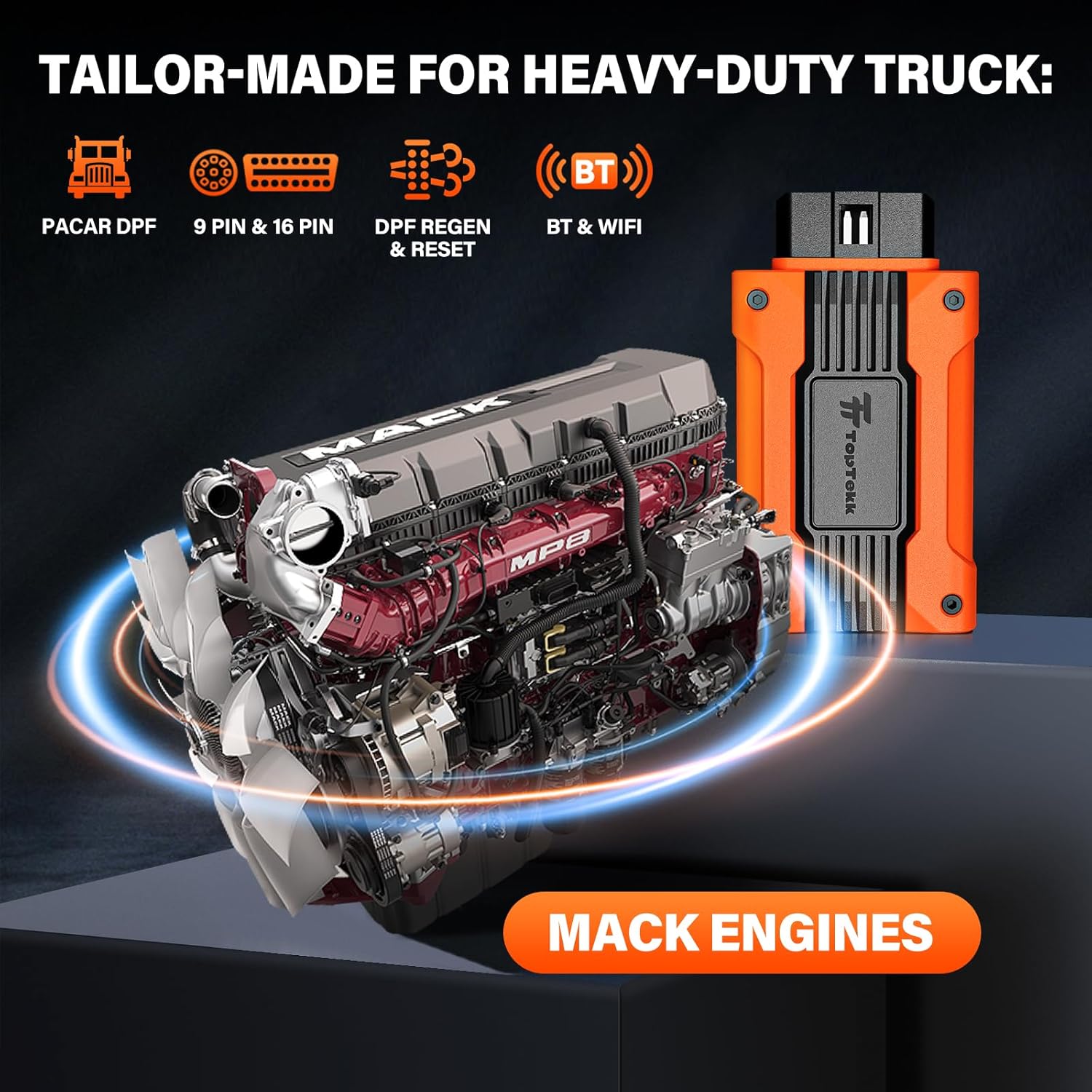
The TopTekk TTB Series DPF Regeneration Scanner is a portable, app-controlled diagnostic tool designed to facilitate Diesel Particulate Filter (DPF) regeneration for Mack Diesel Duty Trucks. This device helps restore engine power by clearing DPF blockages, addressing issues such as slow acceleration and reduced power. It supports one-click operation via a mobile application, offering a convenient solution for DPF maintenance.

2. Opsætningsvejledning
2.1 Pakkens indhold
Verify that your package contains the TopTekk TTB Series DPF Regeneration Scanner device and any accompanying cables or adapters (e.g., 9-pin and 16-pin connectors).
2.2 Appinstallation
- Download the 'TopTekk' application from your mobile device's app store (available on iOS and Android).
- Installer applikationen på din smartphone eller tablet.
- Register for an account within the app using your email address.
2.3 Enhedsforbindelse
- Locate the diagnostic port on your Mack Diesel Duty Truck. This is typically a 9-pin or 16-pin connector.
- Plug the appropriate connector (9-pin or 16-pin) from the TopTekk scanner into the vehicle's diagnostic port. The device is powered directly from the vehicle's port.
- Ensure the vehicle's ignition is on (engine can be off for initial connection, but will need to be idling for regeneration).
- Open the TopTekk app on your mobile device.
- The app will prompt you to connect to the device via Bluetooth or Wi-Fi. Follow the on-screen instructions to establish a connection. The device features signal indicators to confirm connection status.


3. Betjeningsvejledning
3.1 Pre-Regeneration Guidelines
Before initiating any DPF regeneration operation, observe the following critical guidelines:
- Ensure the vehicle is completely stopped and parked safely.
- The engine must be maintained at idle speed throughout the regeneration process.
- Do not activate the air conditioning or any other non-essential electrical equipment during regeneration to ensure stable operation and safety.
- The application will perform a pre-check for environmental suitability and necessary conditions. Address any warnings or unmet requirements before proceeding.
3.2 DPF Regeneration Process
- Once connected, select the 'Mack DPF' option within the TopTekk app.
- The app will conduct a pre-check of the DPF system, clearing any existing error codes and confirming all prerequisites for regeneration.
- Review the displayed preconditions. If all conditions are met, proceed to the next step. If not, the app will indicate what needs to be adjusted.
- Initiate the regeneration process with a single tap on the 'Start' button in the app.
- Monitor the regeneration progress and status through the app interface. The app will display relevant DPF data such as differential pressure and regeneration status.
- Upon completion, the app will notify you. Disconnect the device from the truck's diagnostic port.


4. Vedligeholdelse
4.1 Vedligeholdelse af enheden
- Keep the scanner clean and free from dust and moisture.
- Opbevar enheden på et køligt, tørt sted, når det ikke er i brug.
- Undgå at tabe enheden eller udsætte den for ekstreme temperaturer.
4.2 Softwareopdateringer
The TopTekk TTB series offers lifetime free updates. Regularly check the mobile application for available software updates to ensure optimal performance and compatibility with evolving heavy-duty truck technology and emission standards. Updates are typically downloaded and installed directly through the app.

5. Fejlfinding
5.1 Almindelige problemer og løsninger
- Enhed opretter ikke forbindelse: Ensure the scanner is securely plugged into the truck's diagnostic port and the vehicle's ignition is on. Verify Bluetooth/Wi-Fi is enabled on your mobile device and try reconnecting through the app.
- Regeneration Fails to Start: Check all pre-regeneration guidelines (vehicle stopped, engine idling, no AC/electrical equipment). The app will display specific reasons for failure; address these conditions.
- Error Codes Persist: If DPF blockages are severe or regeneration fails repeatedly, the app provides a reset function to clear codes. If issues persist, professional diagnostic assistance may be required.
- Appen reagerer ikke: Close and restart the TopTekk app. If the problem continues, restart your mobile device.
6. Specifikationer
| Feature | Detalje |
|---|---|
| Mærke | TopTekk |
| Model | Mack Engines (TTB Series) |
| Fabrikant | ZHONGJIAO |
| Produktdimensioner | 11.48 x 25 x 4.5 cm |
| Varens vægt | 400 g |
| Strømkilde | Vehicle 9PIN/16PIN diagnostic port |
| Operativsystem (app) | Android 11.0, iOS |
| Forbindelse | Bluetooth, WiFi |
| Understøttede motorer | Mack Engines (DPF regeneration and reset function only supports heavy-duty trucks, not light-duty or pickup trucks) |
7. Garanti og support
The TopTekk TTB Series DPF Regeneration Scanner comes with lifetime free software updates, ensuring your device remains current with the latest technologies and standards. For specific warranty details or technical support inquiries, please refer to the contact information provided within the TopTekk mobile application or on the official TopTekk website. No specific warranty period or direct support contact information is available in this manual.


