1. Introduktion
Tak for købetasing the AKAI 55 Inch 4K Ultra HD Smart QLED Google TV. This manual provides essential information for the safe and efficient operation of your new television. Please read it thoroughly before use and retain it for future reference.
This television combines a stunning 4K Ultra HD QLED display with the power of Google TV, offering a vast array of entertainment options, smart features, and immersive audio with Atmos Sound technology.
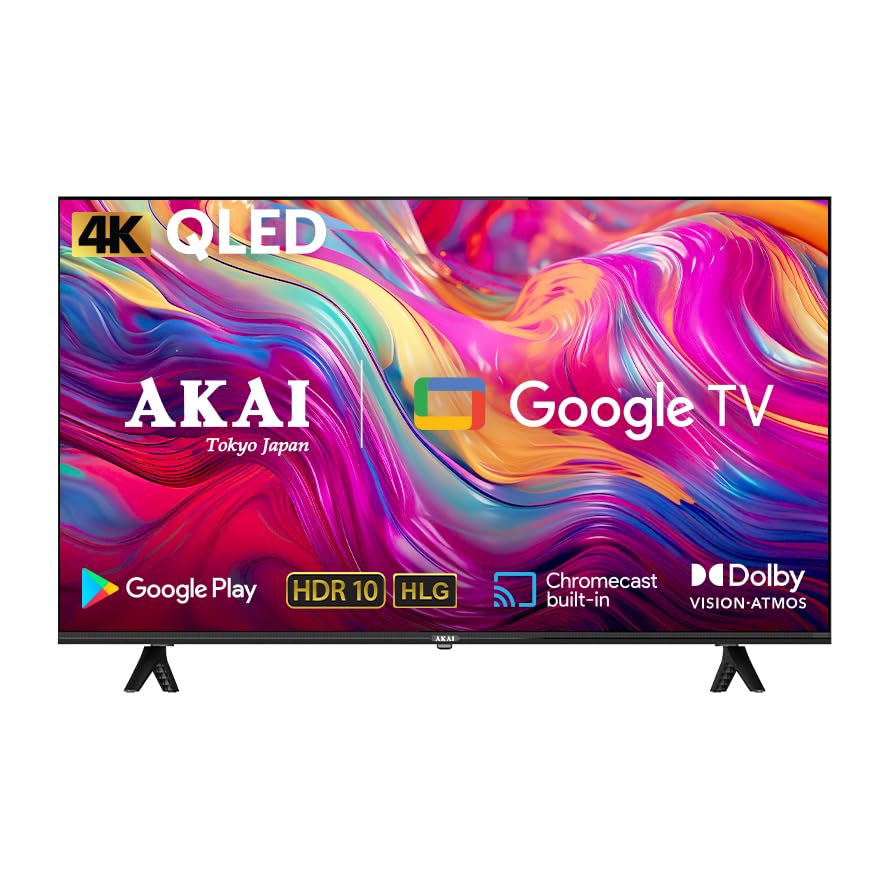
Billede 1.1: Forside view of the AKAI 55 Inch 4K Ultra HD Smart QLED Google TV, highlighting key features.

Billede 1.2: Overview of the AKAI QLED Google TV's advanced features and sleek design.
2. Sikkerhedsoplysninger
Please read and follow all safety instructions carefully to prevent electric shock, fire, or damage to the television.
- Strømkilde: Ensure the television is connected to a power supply within the specified voltage-området (100 volt).
- Ventilation: Do not block ventilation openings. Allow adequate space around the television for proper airflow.
- Vand og fugt: Do not expose the television to rain or moisture. Do not place objects filled with liquids, such as vases, on the television.
- Rensning: Unplug the television before cleaning. Use a soft, dry cloth. Do not use liquid cleaners or aerosol cleaners.
- Placering: Place the television on a stable, level surface or mount it securely to a wall using appropriate mounting hardware.
- Lyn: During lightning storms or when unused for long periods, unplug the television from the power outlet.
- Service: Forsøg ikke selv at servicere dette produkt. Overlad al service til kvalificeret servicepersonale.
3. Pakkens indhold
Bekræft, at alle nedenstående varer er inkluderet i din pakke:
- AKAI 55 Inch 4K Ultra HD Smart QLED Google TV
- Fjernbetjening
- Strømkabler
- Vægmonteringsbeslag
- Bordmonterede stativer
- Brugervejledning (dette dokument)
4. Opsætning
4.1 Fysisk installation
Depending on your preference, you can either mount your TV on a wall or place it on a table using the provided stands.
4.1.1 Table Mount Installation
- Placer forsigtigt tv-skærmen med nedad på en blød, flad overflade for at forhindre skader.
- Attach the table mount stands to the designated slots on the bottom of the TV using the screws provided. Ensure they are securely fastened.
- Placer tv'et på en stabil, plan overflade.
4.1.2 Vægmontering
For wall mounting, use the provided wall mount bracket. It is recommended to have this installation performed by qualified personnel to ensure safety and proper mounting.
- Refer to the separate wall mount installation guide for detailed instructions.
- Ensure the wall can support the weight of the TV (approximately 14.6 kg).
- Securely attach the wall mount bracket to the wall and then to the TV.
4.2 Initial Power On and Connections
- Tilslut strømkablet til tv'ets strømindgang og derefter til en stikkontakt.
- Connect any external devices (e.g., set-top box, gaming console) to the HDMI or USB ports.
- Tryk på tænd/sluk-knappen på tv'et eller fjernbetjeningen for at tænde det.
4.3 Netværksforbindelse
To access Smart TV features and Google TV, connect your television to the internet.
- From the home screen, navigate to Indstillinger.
- Vælge Netværk og internet.
- Choose your Wi-Fi network from the list and enter the password if prompted.
- Alternatively, connect an Ethernet cable to the LAN port on the TV for a wired connection.
4.4 Opsætning af Google TV
Follow the on-screen instructions to complete the initial Google TV setup, which includes:
- Signing in with your Google Account.
- Accepterer vilkår og betingelser.
- Setting up voice assistant (Google Assistant).
- Installation af anbefalede apps.

Image 4.1: Google TV offers personalized entertainment with individual user profiles.
5. Betjeningsvejledning
5.1 Fjernbetjeningsfunktioner
The included remote control allows you to navigate your TV's features. Key buttons include:
- Magt: Tænder/slukker tv'et.
- Google Assistant: Aktiverer stemmestyring.
- Navigationsplade: Til menu navigation.
- OK/Enter: Bekræfter valg.
- Tilbage/Hjem: Returns to previous screen or home menu.
- Volumen +/-: Justerer lydstyrken.
- Kanal +/-: Skifter kanaler.
- Input: Selects input source (HDMI, USB, etc.).
- App-genveje: Direkte adgang til populære streamingtjenester.
Image 5.1: Using the remote control for voice commands with Google Assistant.
5.2 Grundlæggende tv-funktioner
- Ændring af kanaler: Use the CH+/- buttons or enter channel numbers directly.
- Justering af lydstyrke: Use the VOL+/- buttons.
- Valg af inputkilde: Press the 'Input' button to cycle through HDMI, USB, and other connected devices.
5.3 Smart TV-funktioner (Google TV)
Your AKAI QLED TV runs on Google TV, providing a personalized and intuitive smart TV experience.
- Google Assistant: Brug stemmekommandoer via fjernbetjeningen til at søge efter indhold, styre smart home-enheder og få oplysninger.
- Google Play Butik: Download and install thousands of apps, games, and streaming services.
- Chromecast indbygget: Cast indhold direkte fra din smartphone, tablet eller computer til tv'et.
- Personlige anbefalinger: Google TV learns your preferences and suggests content tailored to you.
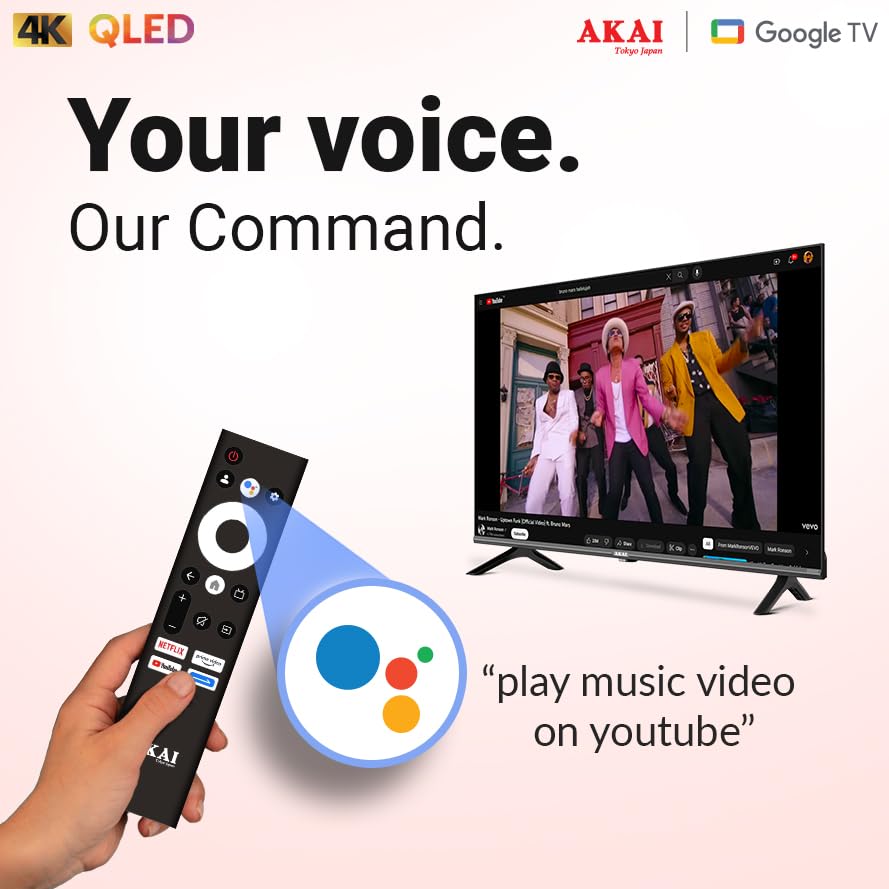
Image 5.2: Access to over 10,000+ apps through Google TV.
5.4 Audio and Video Settings
Optimer din viewlytteoplevelsen via tv'ets indstillingsmenu.
- Billedtilstande: Select from various preset picture modes (e.g., Standard, Vivid, Movie, Game) or customize settings like brightness, contrast, color, and sharpness.
- QLED Display Technology: Experience vibrant colors and enhanced brightness.
- HDR 10 og HLG: For compatible content, these technologies deliver superior contrast and color depth.
- Dolby Vision: Provides dynamic metadata for scene-by-scene optimization of picture quality.
- MEMC (bevægelsesestimering, bevægelseskompensation): Improves motion clarity for fast-paced scenes.
- Lydtilstande: Vælg mellem forudindstillede lydtilstande (f.eks. Standard, Musik, Film, Tale) eller juster equalizer-indstillingerne.
- Atmos Sound: Enjoy immersive, multi-dimensional audio for a cinematic experience.
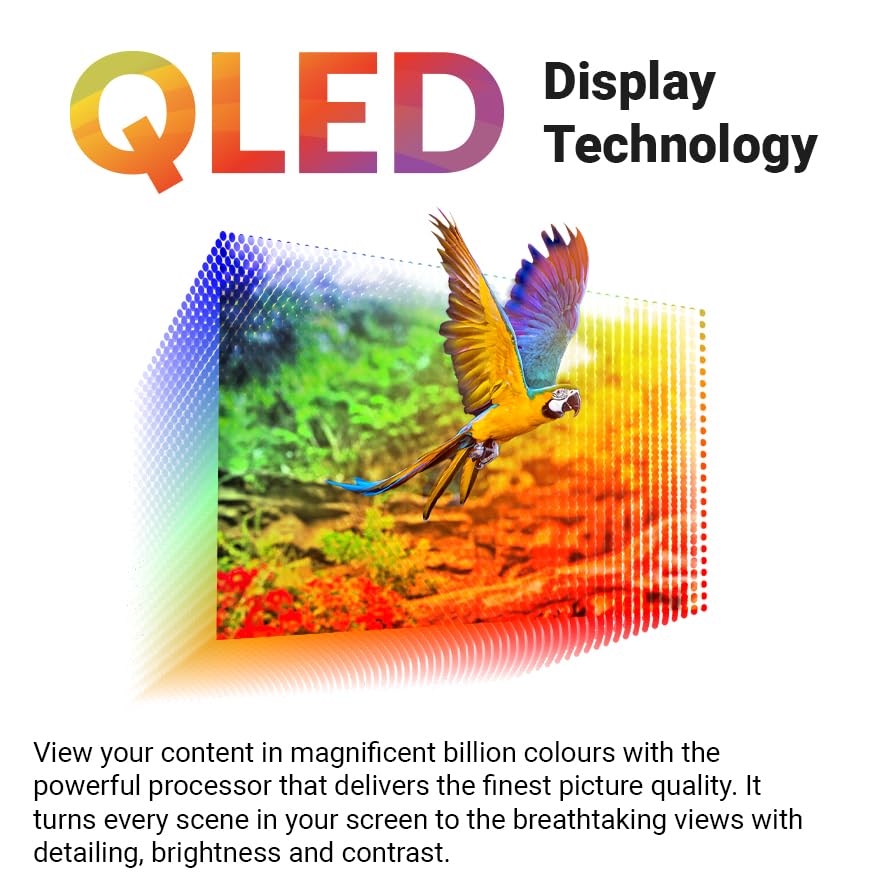
Image 5.3: QLED technology delivers billions of colors for a detailed and vibrant picture.

Image 5.4: Visual comparison demonstrating the enhanced color and clarity of QLED displays.
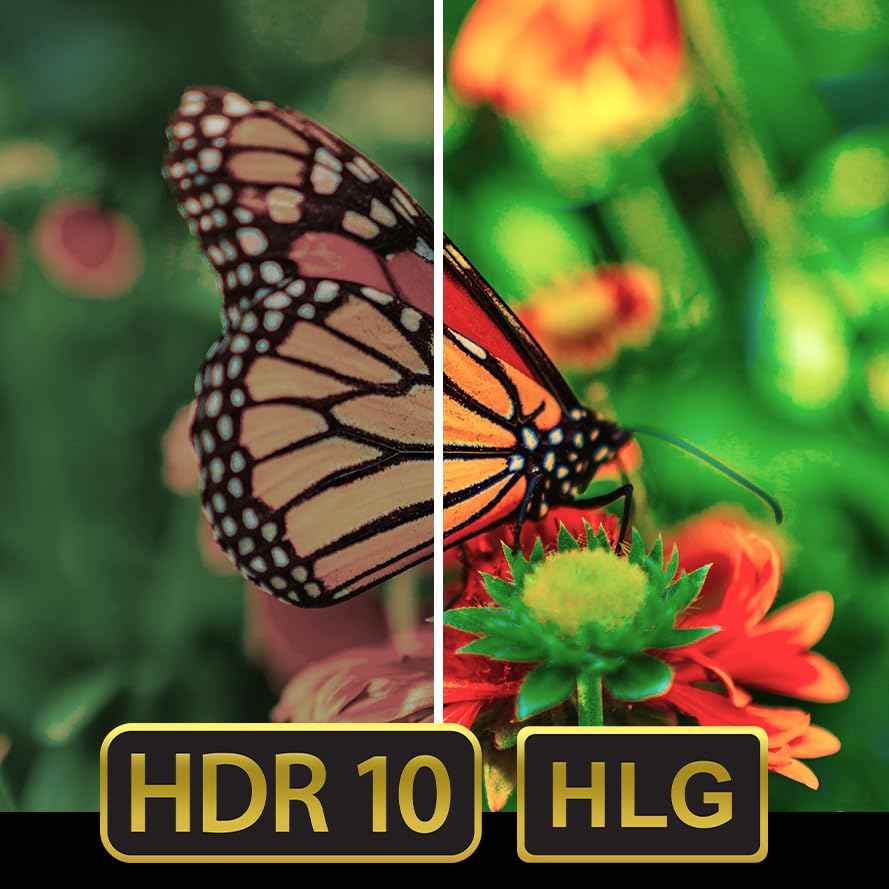
Image 5.5: HDR 10 and HLG technologies provide superior image quality with greater detail in highlights and shadows.
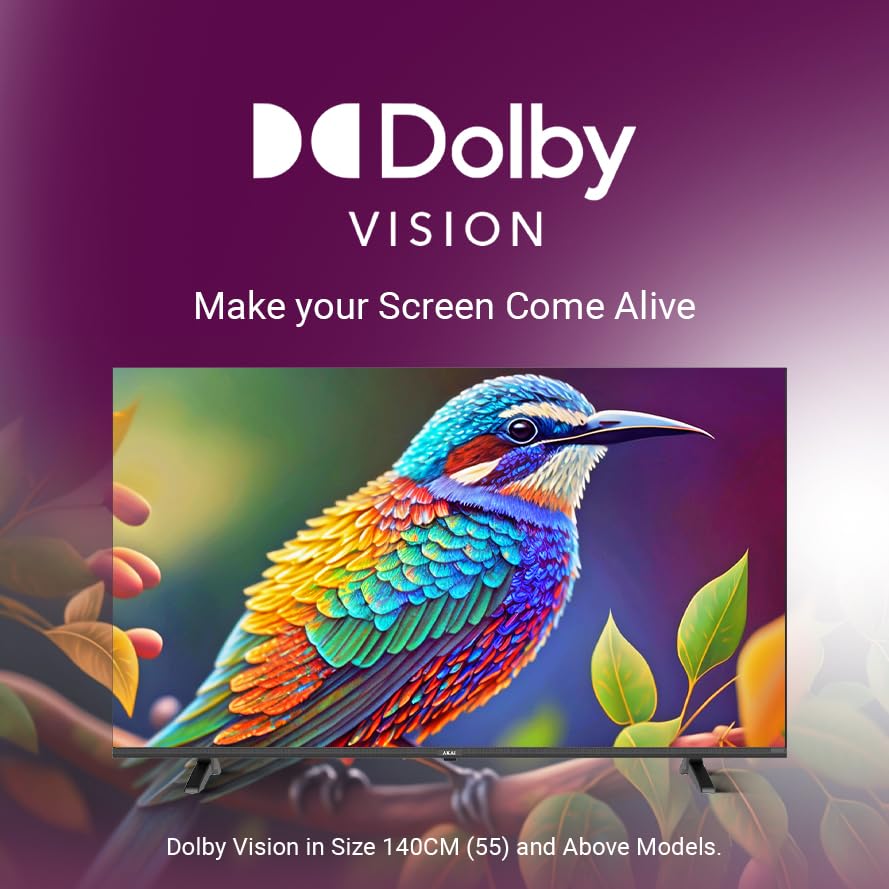
Image 5.6: Dolby Vision enhances screen visuals for a more lifelike experience.

Image 5.7: Digital Noise Reduction feature improves picture clarity by reducing visual artifacts.

Image 5.8: The bezel-less design offers maximal entertainment, complemented by immersive Dolby Audio.
6. Vedligeholdelse
6.1 Rengøring af tv'et
- Tag altid stikket ud af tv'et inden rengøring.
- Brug en blød, tør og fnugfri klud til forsigtigt at tørre skærmen og kabinettet af.
- For genstridige mærker, gnid letampen the cloth with water or a specialized screen cleaner (ensure it's safe for QLED screens) and wipe gently.
- Brug ikke slibende rengøringsmidler, voks eller opløsningsmidler, da de kan beskadige overfladen.
6.2 Generel pleje
- Undgå at placere tunge genstande på tv'et.
- Hold tv'et væk fra direkte sollys og varmekilder.
- Sørg for korrekt ventilation for at forhindre overophedning.
7. Fejlfinding
Hvis du støder på problemer med dit tv, kan du se følgende almindelige problemer og løsninger:
| Problem | Mulig årsag | Løsning |
|---|---|---|
| Ingen strøm | Power cable disconnected; Power outlet not working. | Check power cable connection; Try a different outlet; Ensure power switch is on. |
| Intet billede, men der er lyd | Forkert indgangskilde valgt; Løst HDMI/AV-kabel. | Press 'Input' button on remote to select correct source; Check cable connections. |
| Ingen lyd, men der er billede | Volume muted or too low; Incorrect audio output setting. | Unmute or increase volume; Check audio settings in TV menu. |
| Fjernbetjening virker ikke | Batterierne er opbrugt; der er en blokering mellem fjernbetjeningen og tv'et. | Replace batteries; Remove any obstructions; Ensure remote is pointed at the TV's IR sensor. |
| Problemer med Wi-Fi-forbindelse | Incorrect password; Router issues; TV too far from router. | Re-enter Wi-Fi password; Restart router; Move TV closer or use a Wi-Fi extender. |
If the problem persists after trying these solutions, please contact AKAI customer support.
8. Specifikationer
| Feature | Detalje |
|---|---|
| Mærke | AKAI |
| Model | AL55GQU-SFWS |
| Skærmstørrelse | 55 tommer (139 cm) |
| Displayteknologi | QLED |
| Opløsning | 3840x2160 Pixels (4K Ultra HD) |
| Opdateringshastighed | 60 Hz |
| Operativsystem | Google TV |
| Hukommelseslagringskapacitet | 16 GB |
| VÆDDER | 2 GB |
| Særlige funktioner | Atmos Sound, Google TV, MEMC, QLED TV, HDR 10, Bezelless Design |
| Forbindelsesteknologi | Wi-Fi, USB, HDMI |
| Samlet USB-porte | 2 |
| Voltage | 100 volt |
| Wattage | 150.00 W |
| Produktmål (LxBxH) | 9.4 x 71.8 x 122.6 cm |
| Varens vægt | 14.6 kg |
| Viewi vinkel | 178 grader |
| Billedkontrastforhold | 1200:1 |
9. Garanti og support
9.1 Garantioplysninger
Your AKAI 55 Inch 4K Ultra HD Smart QLED Google TV comes with a manufacturer's warranty. Please refer to the warranty card included in your package for specific terms, conditions, and duration. Keep your purchase receipt as proof of purchase for warranty claims.
For detailed warranty policy, you may visit the official AKAI webwebsted eller kontakt kundesupport.
9.2 Kundesupport
If you require technical assistance, have questions about your product, or need to report a fault, please contact AKAI customer support. Contact details can typically be found on the official AKAI webwebstedet eller på garantikortet.
When contacting support, please have your TV model number (AL55GQU-SFWS) and serial number ready.


