1. Introduktion
The CINOTON Permanent Outdoor Lights are designed to provide versatile and durable lighting for your home's exterior. Featuring RGBW+IC technology, these 50ft eaves lights offer 16 million colors, a dedicated 2700K warm white option, and 111 preset scene modes. They are IP67 waterproof, ensuring reliable performance in various weather conditions. Control is convenient via the Smart Life App, remote control, or voice commands through Alexa and Google Assistant.
2. Hvad er der i æsken
- Outdoot String lights*2 (50ft total, 30 LED beads)
- Remote*1
- ETL Adapter*1
- 12ft extension cable*1
- Accessory Clips*1 bag
- Screw*1 bag
- Brugervejledning*1
3. Opsætning og installation
3.1 Tjekliste før installation
- Ensure the installation surface (e.g., eaves) is clean and free of dust, grease, or grime for optimal adhesive performance.
- Measure the desired length for your light installation to ensure you have adequate string lights and extension cables.
- Test the light string and all components indoors before permanent installation to verify functionality.
3.2 Installationstrin
- Rengør installationsoverfladen: Thoroughly clean the eaves or desired installation area. For optimal adhesion, use rubbing alcohol or a glass cleaner, depending on the surface material.
- Fastgør lysene: Each LED light features a 3M adhesive strip on the back. Peel off the protective film and firmly press each light onto the cleaned surface. Ensure the lights are installed vertically, 2-4 inches away from the wall for the best triangular lighting effect.
- Secure with Clips/Screws: For long-term stability and to withstand various weather conditions, use the provided accessory clips and screws to further secure each light.
- Connect String Segments: The product includes two string segments. Connect them by aligning the arrows on the connectors and twisting to secure.
- Use Extension Cables (if needed): If your installation requires additional length between light segments or from the power source, connect the 12ft extension cable.
- Connect Adapter and Control Box: Connect the light string to the control box, and then connect the control box to the ETL-listed adapter.
- Tænd: Sæt adapteren i en passende udendørs stikkontakt.

3.3 Connecting to Smart Life App
- Download appen: Download the "Smart Life" app from your smartphone's app store (available on iOS and Android).
- Enable Bluetooth/Wi-Fi: Sørg for, at Bluetooth og Wi-Fi er aktiveret på din smartphone.
- Gå ind i parringstilstand: Press and hold the main button on the control box for 3-5 seconds until the lights begin to flash, indicating pairing mode.
- Tilføj enhed: Open the Smart Life app, tap "+" to add a device. The app should automatically detect the lights. Follow the on-screen prompts to complete the pairing process.

4. Betjening
4.1 Kontrolmetoder
- Smart Life App: Offers full control over colors, brightness, scenes, and custom modes.
- Fjernbetjening: Provides basic control for power, color changes, and scene selection.
- Stemmestyring: Kompatibel med Alexa og Google Assistant for håndfri betjening.
4.2 Light Modes and Scenes
- Farvemuligheder: Choose from 16 million colors to match any mood or occasion.
- Varm hvid: A dedicated 2700K warm white setting provides accent lighting for year-round use.
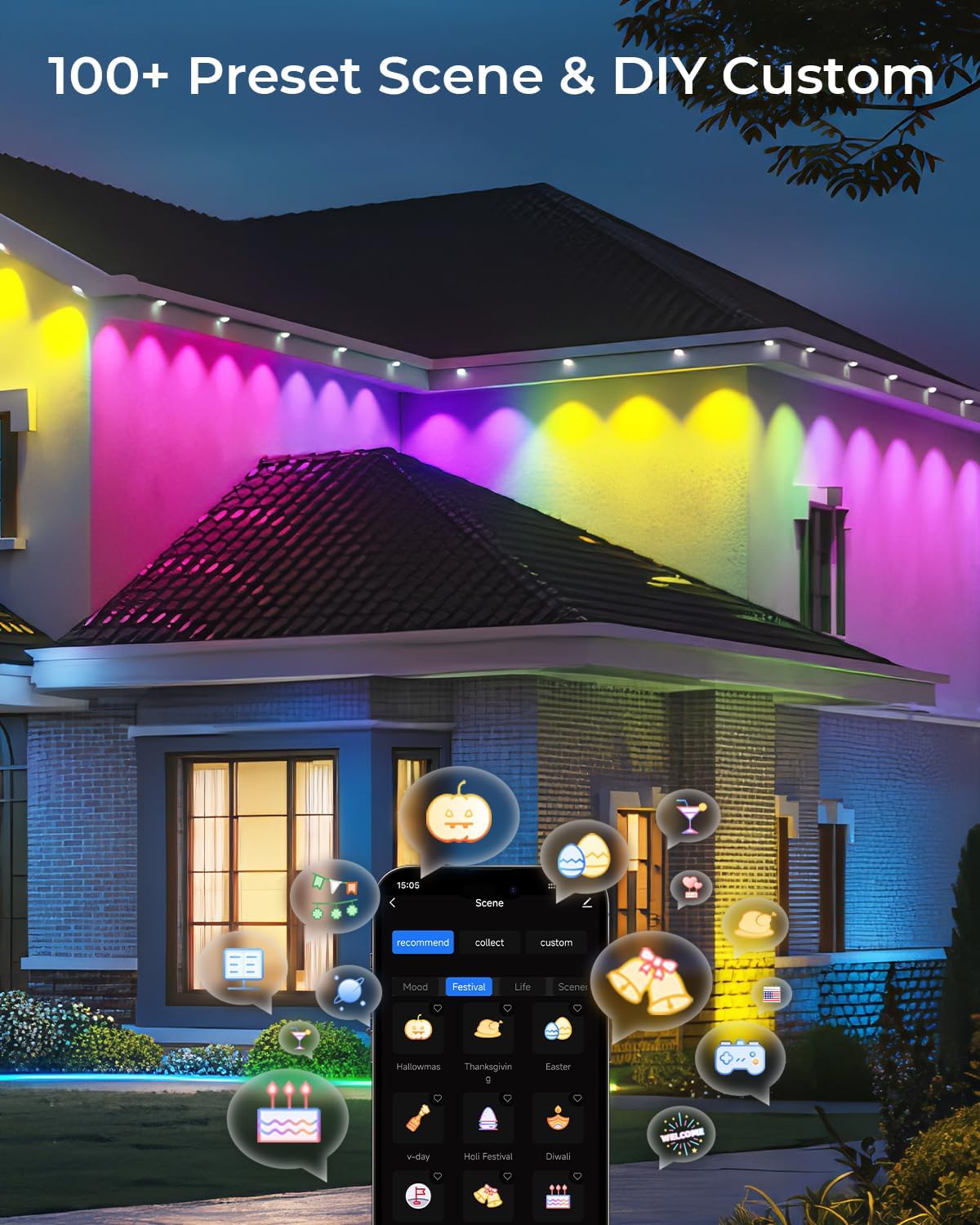
- Forudindstillede scener: Access 111 pre-programmed scenes for various holidays and daily ambiance.
- DIY Mode: Customize your own lighting effects and save them for future use.
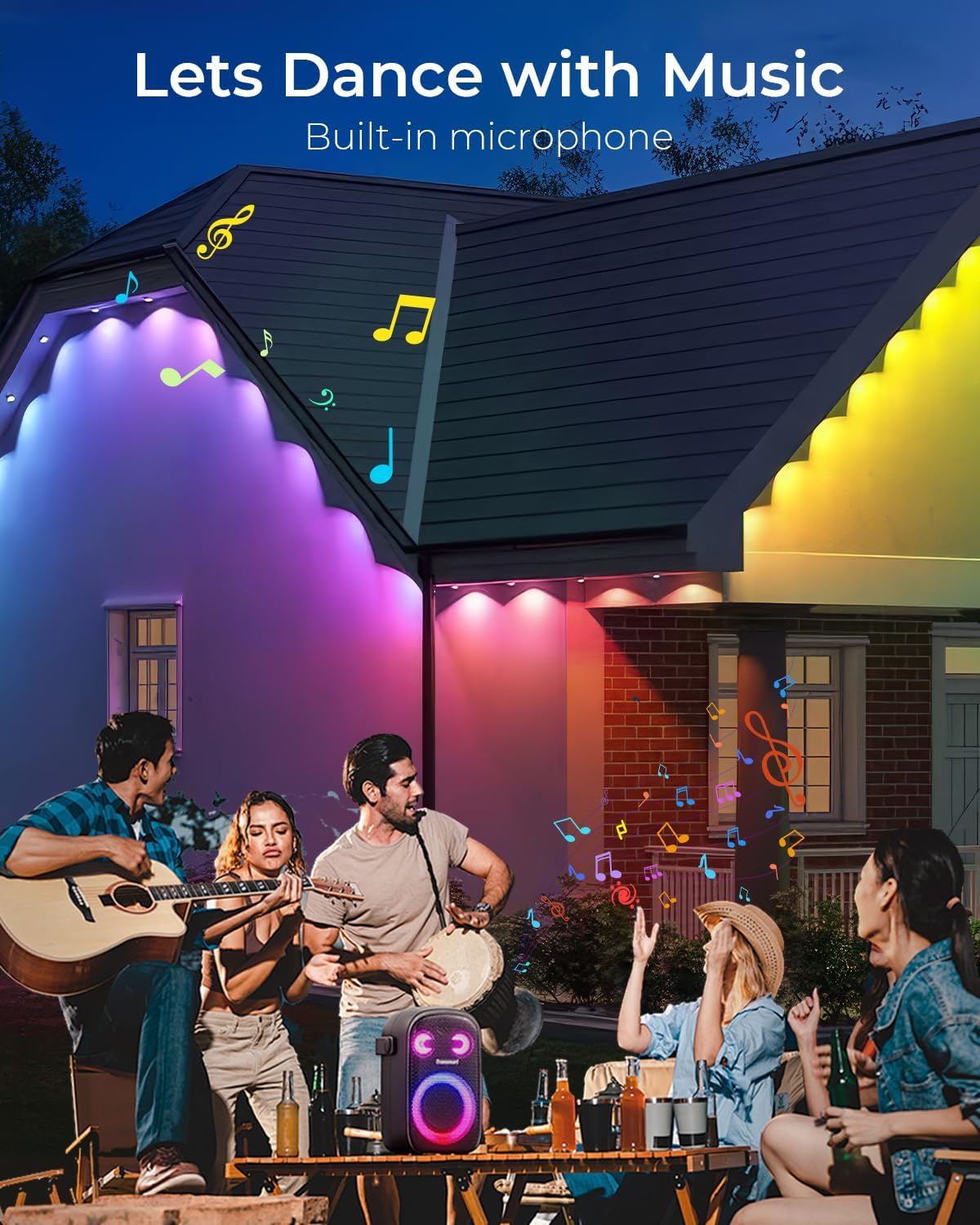
- Musiksynkronisering: Lights can synchronize with music, reacting to the rhythm for dynamic displays.
4.3 Timer Functionality
- Set schedules within the Smart Life app to automatically turn the lights on or off at specific times.
5. Vedligeholdelse
- Rensning: Periodically wipe down the lights and installation surface with a soft, damp cloth to remove dirt and maintain optimal light output.
- Tilslutningskontrol: Ensure all connections (string segments, extension cables, adapter) remain securely fastened, especially after severe weather.
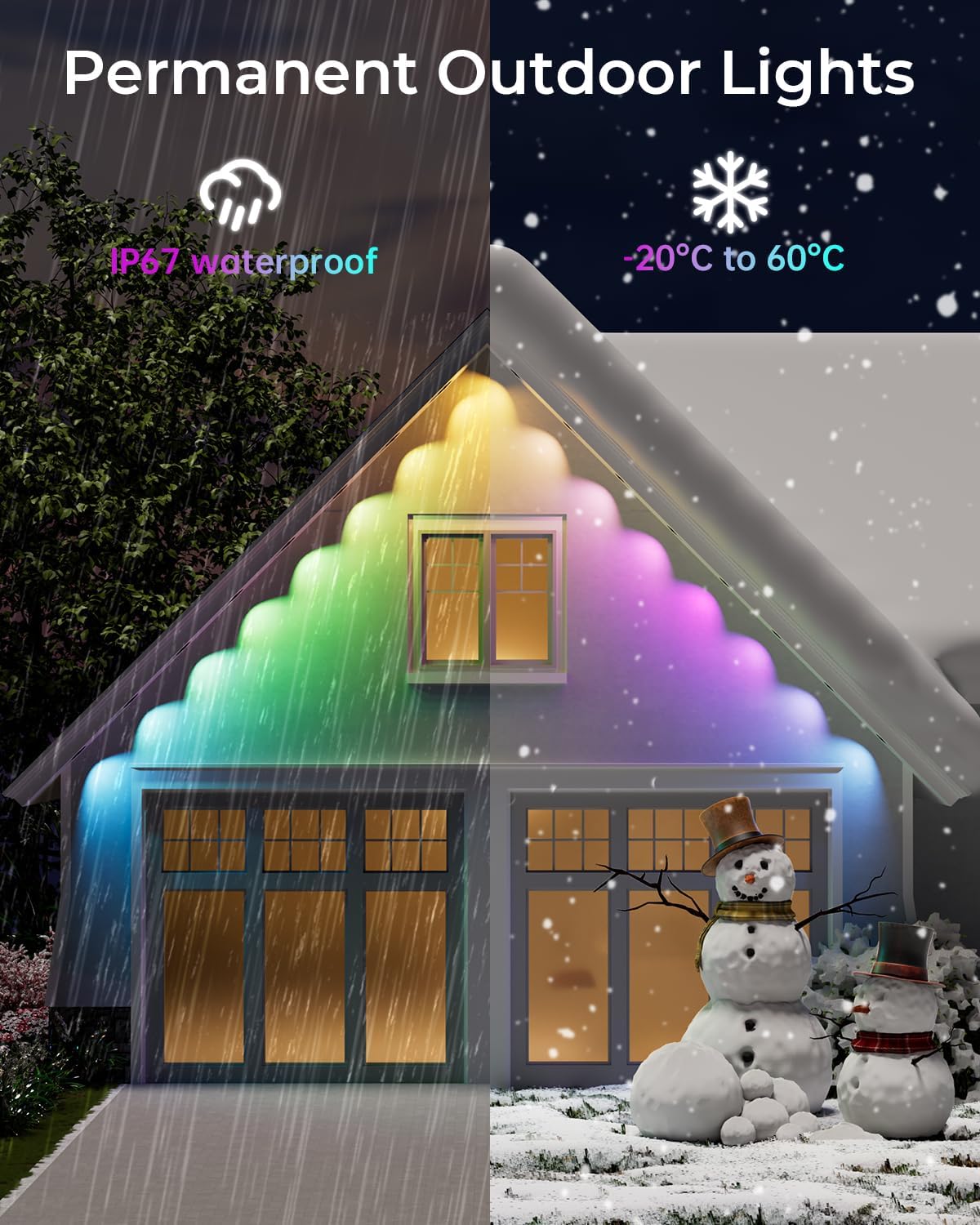
- Holdbarhed: The lights are IP67 waterproof and designed to withstand temperatures from -4°F to 140°F (-20°C to 60°C), making them suitable for year-round outdoor use.
6. Fejlfinding
- Lys tænder ikke: Check if the adapter is securely plugged into a working power outlet. Ensure all cable connections are tight.
- Problemer med appforbindelse: Verify your smartphone's Bluetooth and Wi-Fi are active. Ensure the lights are in pairing mode (flashing) when attempting to connect via the Smart Life app. Restarting the app or your phone may also help.
- Klæbemiddel holder ikke: Ensure the installation surface was thoroughly cleaned and dry before applying the adhesive. For long-term security, always use the provided clips and screws.
- Fjernbetjeningen virker ikke: Kontrollér batteriet i fjernbetjeningen. Sørg for, at der ikke er nogen forhindringer mellem fjernbetjeningen og kontrolboksen.
7. Specifikationer
| Feature | Specifikation |
|---|---|
| Mærke | CINOTON |
| Modelnummer | C5107-E |
| Varelængde | 50 fod |
| Antal lyskilder | 30 LED perler |
| Lyskildetype | LED (RGBW+IC) |
| Lys farve | Multicolor (16 million colors) & 2700K Warm White |
| Lysstrøm | 50 Lumen |
| Ingress Protection (IP) Rating | IP67 (string lights), IP65 (Control Box & Adapter) |
| Voltage | 36 Volts (low voltage) |
| Wattage | 36 watt |
| Kontrolmetode | Remote, Smart Life App, Voice Control (Alexa, Google Assistant) |
| Driftstemperatur | -4°F til 140°F (-20°C til 60°C) |
8. Garanti og support
The CINOTON Permanent Outdoor Lights come with a 2-year protection plan. For any product inquiries, technical support, or warranty claims, please refer to the contact information provided in your user manual or visit the official CINOTON webwebsted.
9. Officielle produktvideoer
Lights Show for CINOTON Permanent Outdoor Lights
This video demonstrates various color options, dimming capabilities, and preset scene modes of the CINOTON Permanent Outdoor Lights. It showcases the lights changing colors and patterns on an interior wall, highlighting the extensive customization available through the app.
CINOTON Permanent Outdoor Lights RGBW
En kort videovisningasing the CINOTON Permanent Outdoor Lights in action, displaying different RGBW color combinations and effects on a house exterior.
Overview for CINOTON Permanent Outdoor Lights
Denne video giver en overview of the CINOTON Permanent Outdoor Lights, demonstrating their installation process, various lighting modes, and smart control features on a house exterior.


