Indledning
Welcome to the user manual for your Lucyd Lyte (2025 Version) Smart Glasses. These innovative smart eyewear combine classic design with advanced technology, featuring Bluetooth connectivity, open-ear speakers, a microphone, and light-adaptive photochromic lenses. This manual provides essential information for setting up, operating, maintaining, and troubleshooting your device to ensure optimal performance and longevity.
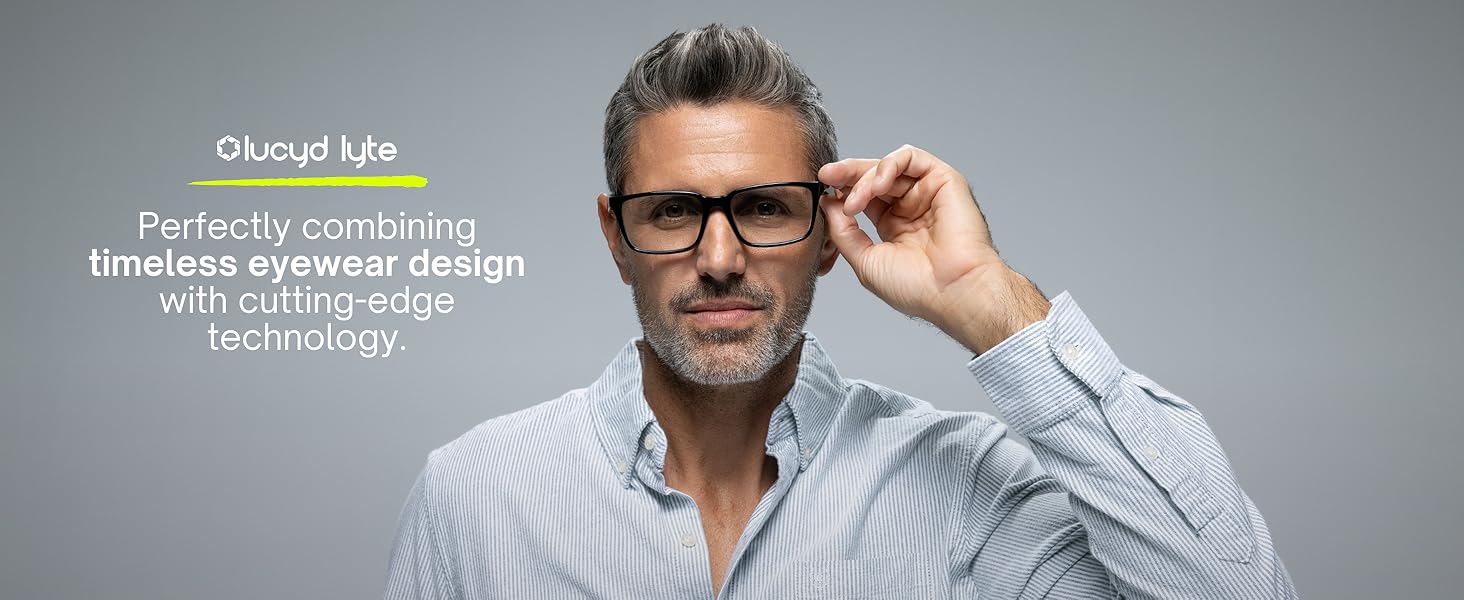
Image: Lucyd Lyte Smart Glasses, showcasing the blend of classic eyewear design with integrated smart technology.
Opsætning
1. Udpakning og pakkeindhold
Upon opening your Lucyd Lyte Smart Glasses package, verify that all components are present. The standard package includes:
- Lucyd Audio Glasses
- Slip Case
- Rengøringsklud
- Brugervejledning (dette dokument)
- Hurtig startvejledning
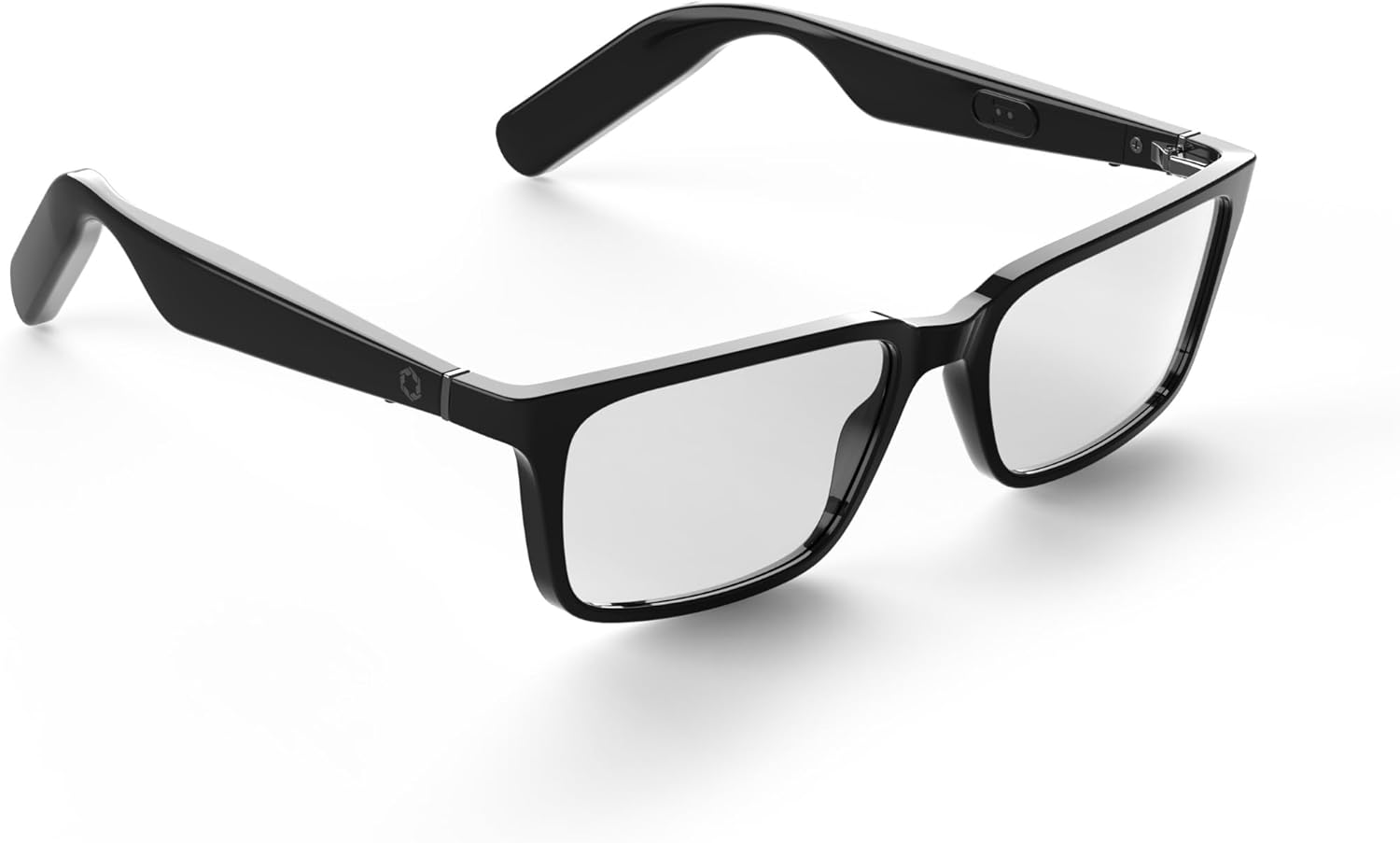
Image: A pair of Lucyd Lyte Smart Glasses, Darkside model, viewed from an angle, highlighting the sleek design.
2. Opladning af brillerne
Before first use, fully charge your Lucyd Lyte Smart Glasses. The glasses are equipped with 2 Lithium Ion batteries (included).
- Locate the charging port on the glasses.
- Connect the provided charging cable to the glasses and a compatible USB power source.
- The charging indicator light will illuminate. Once fully charged, the light will change or turn off, indicating the process is complete.
A full charge provides approximately 12 hours of music/talk time.

Image: Graphic illustrating "All Day Connection" with a battery icon, indicating long battery life for music and talk time.
3. Bluetooth-parring
To connect your Lucyd Lyte Smart Glasses to your smartphone or other Bluetooth-enabled device:
- Sørg for, at brillerne er opladet og tændt.
- Aktiver Bluetooth på din enhed.
- Put the Lucyd Lyte glasses into pairing mode (refer to the Quick Start Guide for specific button presses, usually a long press on a control button).
- On your device, search for available Bluetooth devices and select "Lucyd Lyte" from the list.
- Once connected, you will hear an audio confirmation or see an indicator light change on the glasses.
Betjeningsvejledning
1. Lydafspilning og opkald
Your Lucyd Lyte Smart Glasses feature open-ear speakers for immersive sound and situational awareness, along with an integrated microphone for hands-free communication.
- Musikafspilning: Once paired, audio from your device will stream directly to the glasses. Use your device's controls or the glasses' integrated controls (if available, refer to Quick Start Guide) to play, pause, skip tracks, and adjust volume.
- Foretage/modtage opkald: When a call comes in, you can answer or decline using the glasses' controls. The integrated microphone ensures clear voice transmission during calls.

Image: Graphic "Immersive Sound" with a speaker icon, emphasizing the four powerful open-ear speakers for situational awareness.
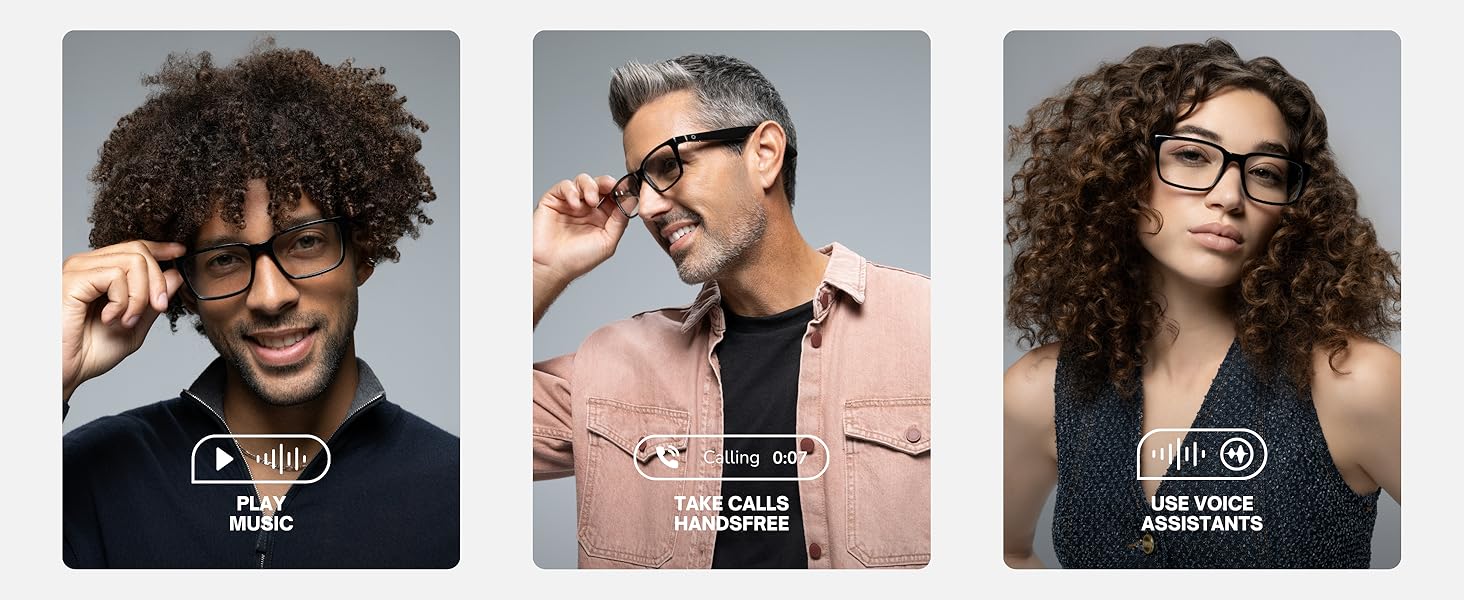
Image: A composite image showing three key functions: playing music, taking hands-free calls, and using voice assistants with the smart glasses.
2. Photochromic Lenses
The Lucyd Lyte Smart Glasses feature photochromic lenses that automatically adapt to changing light conditions.
- Indendørs brug: Indoors or in low light, the lenses remain clear, providing optimal vision.
- Udendørs brug: When exposed to UV light (sunlight), the lenses will darken, providing sun protection similar to sunglasses. The Darkside photochromic lenses tint black in sunlight and offer anti-reflective and UV400 protection.

Image: A side-by-side comparison showing a person wearing the smart glasses indoors with clear lenses and outdoors with tinted lenses, demonstrating the photochromic functionality.
3. AI-drevne funktioner og stemmestyring
The Lucyd Lyte Smart Glasses integrate AI-powered features, including voice control, allowing you to interact with your device and access information hands-free.
- Stemmeassistent: Activate your device's voice assistant (e.g., Siri) directly through the glasses to make calls, send messages, get directions, or control music.
- ChatGPT-integration: Connect to ChatGPT instantly using the AI features for quick answers and information retrieval.

Image: Graphic highlighting "AI-Powered Features" with the ChatGPT logo, indicating instant connection to AI capabilities.
Opretholdelse
1. Cleaning Your Glasses
To maintain the clarity of your lenses and the overall appearance of your glasses:
- Brug den medfølgende rengøringsklud til forsigtigt at tørre linserne og stellet af.
- For genstridige pletter, tør letampen the cloth with a lens cleaning solution specifically designed for eyewear.
- Avoid using abrasive materials, paper towels, or harsh chemicals, as these can scratch the lenses or damage the frame.
2. Opbevaring
When not in use, store your Lucyd Lyte Smart Glasses in the provided slip case to protect them from dust, scratches, and accidental damage. Avoid leaving them in direct sunlight or extreme temperatures.
3. Batteripleje
For at maksimere batterilevetid og ydeevne:
- Undgå at aflade batteriet helt ofte.
- Charge the glasses regularly, even if not used daily.
- Do not expose the glasses to extreme heat or cold, as this can degrade battery performance.
Fejlfinding
If you encounter issues with your Lucyd Lyte Smart Glasses, refer to the following common troubleshooting steps:
| Problem | Mulig årsag | Løsning |
|---|---|---|
| Kan ikke oprette forbindelse via Bluetooth | Glasses not in pairing mode, out of range, or low battery. | Ensure glasses are charged and in pairing mode. Move closer to the device. Restart both devices. |
| Ingen lyd eller lav lydstyrke | Volume too low on glasses or connected device, or not properly paired. | Increase volume on both glasses and connected device. Re-pair the devices. |
| Lenses not tinting/clearing properly | Insufficient UV exposure (for tinting) or prolonged UV exposure (for clearing), or extreme temperatures. | Ensure adequate UV light for tinting. Allow time for lenses to adjust. Avoid extreme temperatures. |
| Batteri holder ikke opladning | Aging battery or improper charging. | Ensure using the correct charging cable and power source. If issues persist, contact Lucyd support. |
Specifikationer
| Feature | Detalje |
|---|---|
| Modelnavn | Darkside v2 |
| Varemodelnummer | LCD006-15 |
| Mærke | Lucyd |
| Produktdimensioner | 5.43 x 2.36 x 5.31 tommer |
| Varens vægt | 11.7 ounce (0.33 kilo) |
| Batterier | 2 lithium-ion-batterier (medfølger) |
| Batterikapacitet | 181.1 mioamp Timer |
| Forbindelsesteknologi | Bluetooth |
| Standard for trådløs kommunikation | Bluetooth |
| Speciel funktion | Stemmekontrol |
| Operativsystem | Proprietary (Lucyd) |
| Linsetype | Photochromic (Darkside: tints black in sunlight, anti-reflective, UV400) |
| Rammemateriale | TR90 (Adjustable & Durable) |
| Hængsler | Spring Hinges for better fit |

Image: Diagram highlighting key features of the Lucyd Lyte Smart Glasses, including photochromic lenses, open-air audio, voice assistance, all-day connection, and AI-powered features.

Image: A woman wearing Lucyd Lyte Smart Glasses, with text indicating TR90 material for adjustable and durable frames.

Image: A man wearing Lucyd Lyte Smart Glasses, with text indicating spring hinges for a better fit.
Garanti og support
For warranty information and customer support, please contact Lucyd directly. You can visit the official Lucyd store on Amazon for more details and contact options: Lucyd Store.
While this manual does not detail specific warranty terms, Lucyd is the manufacturer and can provide comprehensive support for your product.


