Indledning
The Gemmac EM03 is a versatile emergency radio designed for outdoor activities and emergency situations. It features multiple charging options, an integrated power bank, Bluetooth speaker, LED flashlight, and an SOS alarm. This manual provides detailed instructions for its setup, operation, maintenance, and troubleshooting to ensure optimal performance and safety.
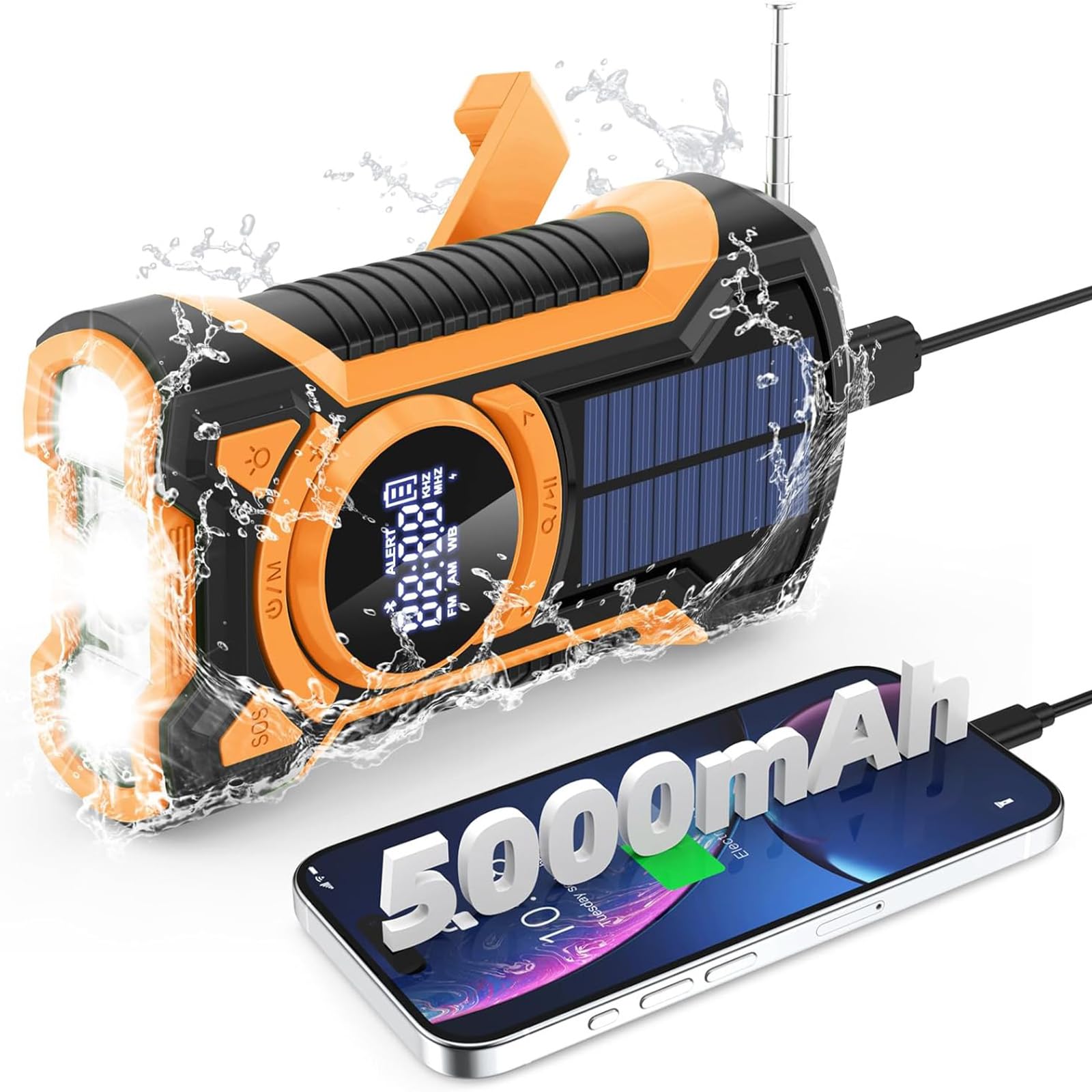
Billede: Forside view of the Gemmac EM03 Emergency Radio, showcasing dens kompakte design og display.
1. Opsætning
1.1 Udpakning og pakkeindhold
Fjern forsigtigt alle komponenter fra emballagen. Sørg for, at følgende dele er til stede:
- Gemmac EM03 Emergency Radio
- USB opladningskabel
- Snor
- Brugervejledning (dette dokument)
1.2 Indledende opladning
Before first use, it is recommended to fully charge the device using the USB charging method. This ensures the internal 5000mAh battery is at full capacity for reliable operation.
- Connect the supplied USB cable to the radio's DC 5V input port.
- Tilslut den anden ende af USB-kablet til en standard USB-strømadapter (medfølger ikke) eller en computers USB-port.
- Batteriindikatoren på LCD-displayet viser opladningsstatus.
- Charging is complete when the battery indicator shows a full charge.

Image: Illustration of the three charging methods: hand crank, solar panel, and USB input.
2. Betjeningsvejledning
2.1 Tænd/sluk
- For at tænde enheden skal du trykke på og holde Power/Mode (U/M) knap.
- For at slukke for enheden skal du trykke på og holde nede Power/Mode (U/M) knappen igen.
2.2 Radiofunktion (AM/FM/SW)
Radioen understøtter AM-, FM- og kortbølgebåndene (SW).
- Turn on the radio by pressing the Power/Mode (U/M) knap.
- Tryk på Power/Mode (U/M) button repeatedly to cycle through FM, AM, and SW bands. The selected band will be displayed on the LCD screen.
- Extend the telescopic antenna for better FM/SW reception. For AM, rotate the device for optimal signal.
- Brug Tuning Up (>) og Tuning Down (<) knapperne til manuelt at stille ind på en station.
- For at automatisk scanne efter stationer skal du trykke på og holde Tuning Up (>) or Tuning Down (<) button. The radio will stop at the next available strong signal.
- Juster lydstyrken ved hjælp af Lydstyrke op (+) og Skrue ned (-) knapper.
- Tilslut 3.5 mm hovedtelefoner til hovedtelefonstikket for at lytte privat.
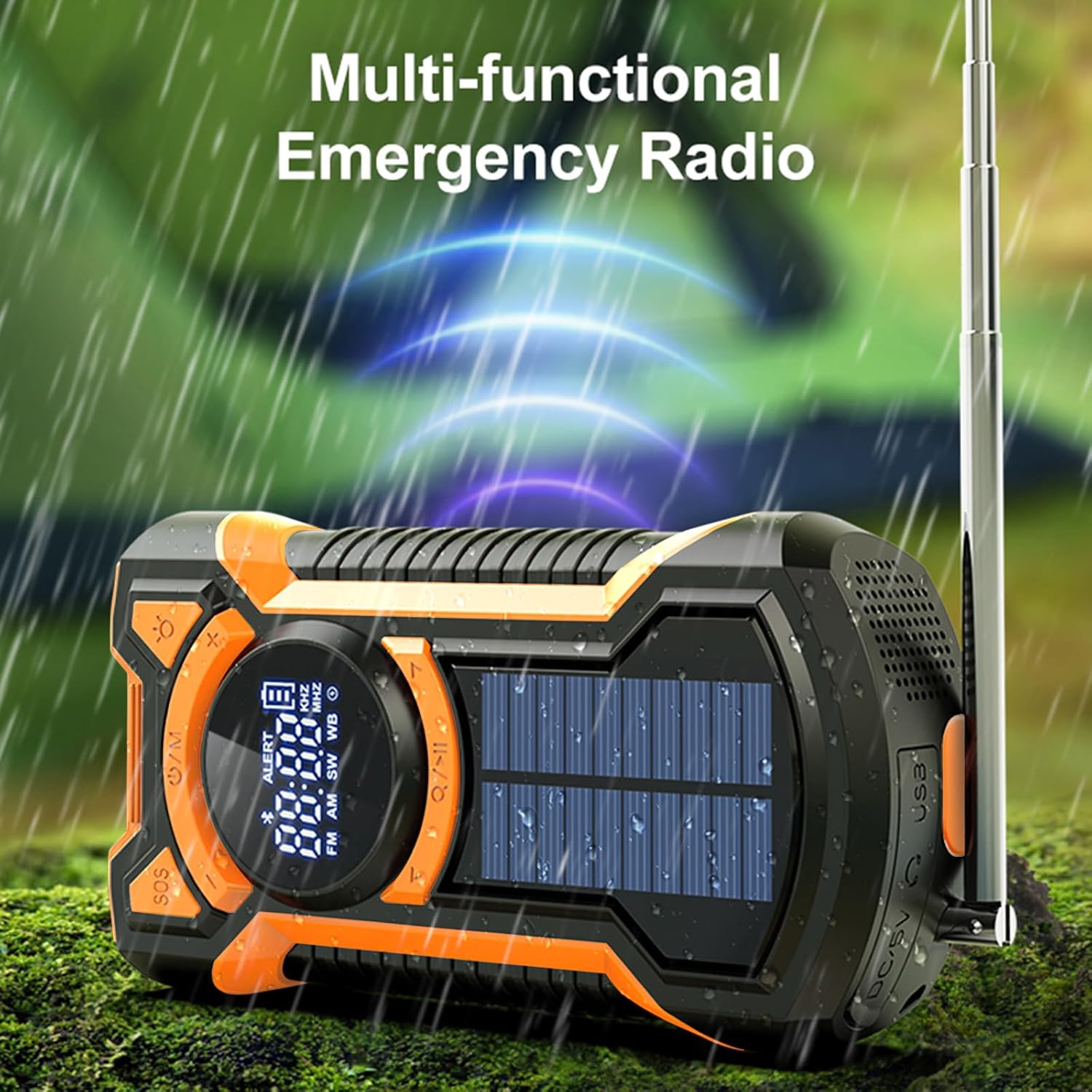
Image: The multi-functional emergency radio shown outdoors, emphasizing its readiness for various conditions.
2.3 Bluetooth-højttalerfunktion
The EM03 features an integrated Bluetooth 5.3 speaker for audio playback.
- Tænd for enheden.
- Tryk på Power/Mode (U/M) button until "BT" or the Bluetooth icon appears on the LCD display, indicating Bluetooth mode.
- Aktiver Bluetooth på din mobilenhed, og søg efter tilgængelige enheder.
- Select "EM03" from the list of devices to pair.
- Once paired, you can play audio from your mobile device through the radio's speaker.
- Adjust volume using the radio's volume buttons or your connected device.

Image: The radio in Bluetooth mode, demonstrating connection to a smartphone for music playback.
2.4 LED Flashlight and Reading Light
The device includes a powerful LED flashlight and a reading light.
- For at aktivere lommelygten skal du trykke på Flashlight (Light bulb icon) knap.
- Press the button again to cycle through different brightness modes (e.g., high beam, low beam) or to turn it off.
- The reading light can be activated by a separate button or by cycling through the flashlight modes, depending on the model. Refer to the icons on the device.

Image: The LED flashlight function of the radio, showing its bright illumination.

Image: Visual representation of the flashlight's far beam, low beam, and SOS light modes.
2.5 SOS Alarm
In emergency situations, the SOS alarm can be activated to attract attention.
- To activate the SOS alarm, press the SOS knap.
- The alarm will emit a loud siren sound and a flashing red light.
- To deactivate the SOS alarm, press the SOS knappen igen.

Image: The SOS alarm feature in action, with a red flashing light indicating an emergency signal.

Billede: Et nærbillede view of the dedicated SOS button for emergency alerts.
2.6 Emergency Power Bank
The built-in 5000mAh battery can be used to charge external devices like smartphones.
- Connect your device's charging cable to the USB output port on the radio.
- The radio will begin charging your connected device.
- Overvåg din enheds opladningsstatus.
- Bemærk, at brug af powerbank-funktionen vil aflade radioens interne batteri.

Image: The emergency power bank feature, showing the radio connected to and charging a smartphone.
3. Opladningsmetoder
The Gemmac EM03 offers three ways to recharge its internal 5000mAh battery:
3.1 USB Charging (DC 5V Input)
This is the primary and fastest charging method.
- Connect the USB charging cable to the DC 5V input port on the radio and to a USB power source.
- En fuld opladning tager typisk cirka 3.5 timer.
3.2 Hand Crank Charging
The hand crank provides power when other charging methods are unavailable.
- Fold håndsvinget på bagsiden af radioen ud.
- Rotate the crank clockwise or counter-clockwise at a steady pace (approximately 130-150 RPM) for 3-5 minutes to generate enough power for short-term use (e.g., 15-20 minutes of radio or flashlight).
- Continuous cranking will charge the internal battery.
3.3 Solopladning
The solar panel is a supplementary charging method, ideal for maintaining battery charge or for slow charging in direct sunlight.
- Place the radio with the solar panel facing direct sunlight.
- The solar charging indicator (if available on the display) will illuminate.
- Solar charging is slower than USB or hand crank charging and is most effective for trickle charging or extending battery life.
Billede: En omfattende view illustrating the hand crank, solar, and USB charging options for the radio.
4. Vedligeholdelse
- Rensning: Tør enheden af med en blød, damp klæde. Brug ikke skrappe kemikalier eller slibende rengøringsmidler.
- Opbevaring: Store the radio in a cool, dry place away from direct sunlight and extreme temperatures. If storing for extended periods, charge the battery at least once every three months to prolong its lifespan.
- Vandtæthed: The device is IPX5 waterproof, meaning it is protected against low-pressure water jets from any direction. Do not immerse the radio in water. Ensure all port covers are securely closed to maintain water resistance.
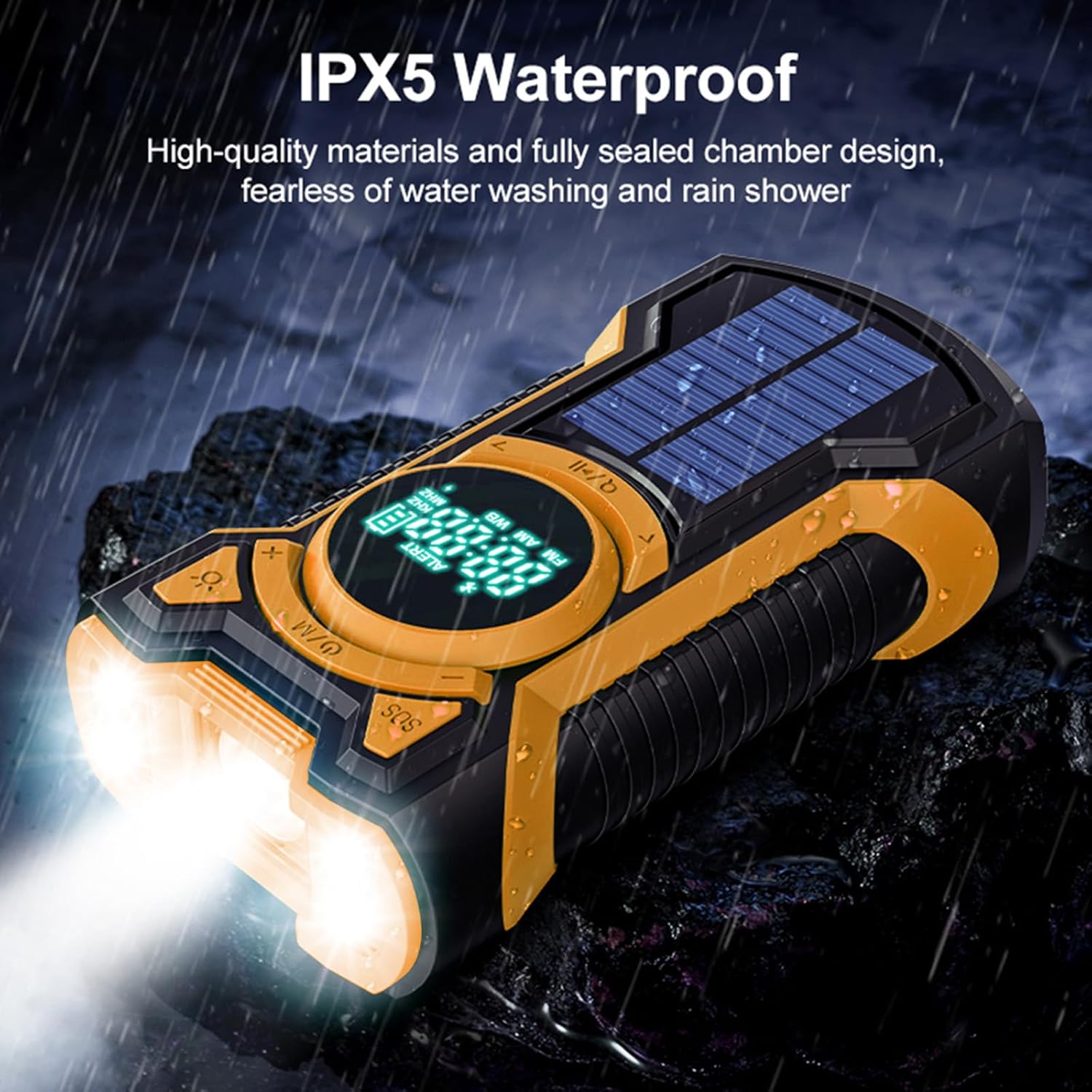
Image: The radio enduring water splashes, illustrating its IPX5 waterproof capability.
5. Fejlfinding
5.1 Radioen tænder ikke
- Ensure the battery is charged. Connect to a USB power source or use the hand crank to provide initial power.
- Press and hold the Power/Mode button for a few seconds to ensure it registers.
5.2 Poor Radio Reception
- Fully extend the telescopic antenna for FM/SW bands.
- For AM band, try rotating the radio to find the best signal.
- Move to an open area away from buildings, trees, or electronic devices that may cause interference.
5.3 Problemer med Bluetooth-parring
- Ensure the radio is in Bluetooth mode ("BT" or Bluetooth icon displayed).
- Make sure Bluetooth is enabled on your mobile device and it is within range (typically 10 meters).
- Forget "EM03" from your device's Bluetooth list and try pairing again.
- Sørg for, at der ikke er andre enheder forbundet til radioen via Bluetooth i øjeblikket.
5.4 External Device Not Charging (Power Bank)
- Check if the radio's internal battery has sufficient charge.
- Ensure the USB cable is securely connected to both the radio's output port and your external device.
- Try a different USB cable or external device to rule out cable or device issues.
5.5 Solar Charging is Slow
- Solar charging is designed as a supplementary or emergency charging method. It is inherently slower than USB charging.
- Ensure the solar panel is exposed to direct, strong sunlight. Cloudy conditions or indirect light will significantly reduce charging efficiency.
6. Specifikationer
| Mærke | Gemmac |
| Model | EM03 |
| Dimensioner | 4 x 7 x 14 cm |
| Vægt | 340 g |
| Batteri | 5000mAh litium-ion (genopladeligt, inkluderet) |
| Opladningsmetoder | USB (DC 5V), Hand Crank, Solar Panel |
| Radio bands | AM, FM, kortbølge (SW) |
| Bluetooth version | Bluetooth 5.3 |
| Vandmodstand | IPX5 |
| Særlige funktioner | Integrated LED Flashlight, SOS Alarm, Emergency Power Bank |
| Materiale | Acrylonitril Butadien Styren (ABS) |
7. Garantioplysninger
Warranty information for this product is typically provided at the point of purchase or within specific documentation included with your product. Please refer to your purchase receipt or the warranty card for details regarding coverage period and terms. For any warranty claims, please contact the seller or manufacturer directly.
8. Kundesupport
If you encounter any issues or have questions not covered in this manual, please contact Gemmac customer support through the retailer where you purchased the product. You may also visit the official Gemmac brand store on Amazon for additional resources and contact information.
Amazon Brand Store: Gemmac Store