1. Introduktion
Welcome to the user manual for your new COLORROOM 2025 Tablet K10. This guide provides comprehensive instructions to help you set up, operate, maintain, and troubleshoot your device. Please read this manual carefully to ensure optimal performance and longevity of your tablet.
The COLORROOM K10 is a 10-inch tablet powered by the Android 14 operating system, featuring a 2.0GHz Quad-core processor, 6GB RAM (2GB+4GB), and 64GB of internal storage, expandable up to 512GB with a MicroSD card. It boasts an HD IPS touchscreen, a 6000mAh battery for extended use, and supports 5G/2.4G Dual WiFi, Bluetooth 5.0, and GPS. Equipped with dual cameras, it is designed for a variety of uses including entertainment, learning, video calls, and e-reading.

Figur 1.1: Forside og bagside view of the COLORROOM 2025 Tablet K10, showcasing dens design og kameramodul.
2. Hvad er der i æsken
Kontroller venligst indholdet af din pakke for at sikre, at alle varer er til stede:
- 1 x COLORROOM 2025 Tablet K10 (Android 14 Tablet)
- 1 x Type-C USB-kabel
- 1 x brugermanual
3. Indledende opsætning
3.1 Opladning af tabletten
Before first use, fully charge your tablet. Connect the provided Type-C USB cable to the tablet's charging port and the other end to a compatible USB power adapter (not included) or a computer's USB port. The battery indicator on the screen will show charging status.
3.2 Tænd/sluk
- For at tænde: Press and hold the Power button located on the side of the tablet until the COLORROOM logo appears on the screen.
- For at slukke: Tryk på tænd/sluk-knappen og hold den nede, indtil der vises en sluk-menu. Vælg "Sluk", og bekræft.
- For at genstarte: From the power-off menu, select "Restart."
3.3 Indledende konfiguration
Upon first power-on, the tablet will guide you through an initial setup wizard:
- Sprogvalg: Vælg dit foretrukne sprog.
- Wi-Fi-forbindelse: Select your Wi-Fi network and enter the password to connect to the internet. This is essential for downloading updates and setting up Google services.
- Google-konto: Sign in with your Google account or create a new one. This is required for accessing the Google Play Store and other Google services.
- Dato og tid: Set the correct date and time, or allow the tablet to set it automatically via network.
- Skærm lås: Set up a screen lock method (PIN, pattern, password, or none) for security.
3.4 Indsættelse af et MicroSD-kort
The tablet supports MicroSD card expansion up to 512GB. Locate the MicroSD card slot on the side of the tablet. Gently insert the MicroSD card into the slot until it clicks into place. Ensure the card is oriented correctly.
4. Betjening af din tablet
4.1 Android 14-system overview
Your COLORROOM K10 tablet runs on the stable Android 14 operating system, providing an intuitive and user-friendly experience. It is powered by a 2.0GHz Quad-core CPU, ensuring smooth performance for various applications. The tablet features 6GB of RAM (2GB physical + 4GB virtual expansion) and 64GB of internal storage, which can be expanded with a MicroSD card for additional space.
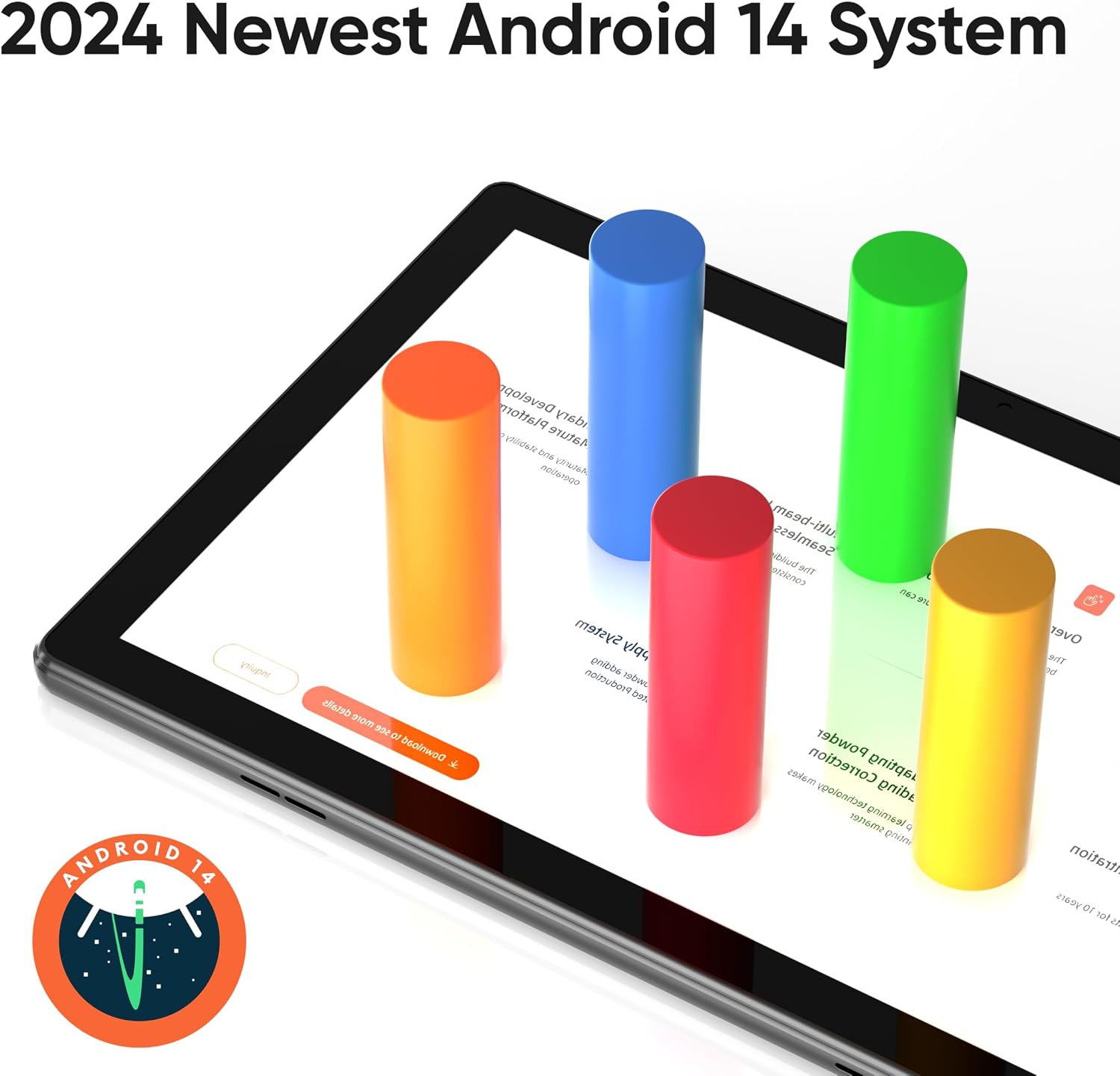
Figure 4.1: Visual representation of the Android 14 system interface on the tablet.

Figure 4.2: Illustration of the tablet's 6GB RAM and 64GB ROM, highlighting the 512GB expandable storage capacity.
4.2 Skærmfunktioner
The tablet features a 10.1-inch HD IPS touchscreen with a resolution of 1280x800 pixels. This display offers wide viewing angles and vibrant colors. It supports multi-touch gestures for intuitive navigation and interaction. The 16:10 aspect ratio is ideal for media consumption, and the tablet also supports split-screen functionality for multitasking.

Figure 4.3: Diagram illustrating the 10.1-inch HD IPS display with 1280x800 resolution, multi-touch capability, 16:10 aspect ratio, and split-screen support.
4.3 Batterilevetid
Equipped with a 6000mAh Li-ion battery, the COLORROOM K10 provides extended usage times. You can expect approximately 8-12 hours of working time, making it suitable for daily use and travel. Actual battery life may vary based on usage patterns, screen brightness, and running applications.

Figure 4.4: Graphic depicting the 6000mAh battery capacity and estimated usage times for music (9 hrs), online video (7 hrs), and e-books (10 hrs).
4.4 Forbindelse
- Wi-Fi: Supports 5G/2.4G Dual WiFi (802.11ac) for fast and stable internet connection.
- Bluetooth: Features Bluetooth 5.0 for connecting wireless accessories such as headphones, speakers, and keyboards.
- GPS: Integrated GPS functionality allows for navigation and location-based services.
4.5 kameraer
The tablet includes dual cameras: a 2MP front camera for video calls and selfies, and a 5MP rear camera for capturing photos and videos.
4.6 Google Kids Space + Parental Control
The COLORROOM K10 comes pre-installed with Google Kids Space, a dedicated mode designed for children aged 3 and above. It offers a curated selection of educator-approved apps and content, including activities for learning and entertainment. Parental controls allow you to manage content, set educational goals, and establish time limits, ensuring a safe and controlled digital environment for children.

Figure 4.5: A family using the tablet with Google Kids Space activated, demonstrating parental control features.
5. Vedligeholdelse
5.1 Pleje af batterier
- Undgå at aflade batteriet helt ofte.
- Udsæt ikke tabletten for ekstreme temperaturer (varme eller kolde).
- Brug kun de medfølgende eller certificerede opladningskabler.
5.2 Rengøring af tabletten
Brug en blød, fnugfri klud til at rengøre skærmen og tablettens kabinet. Tør let ved genstridige pletter.ampRengør kluden med vand eller en skærmrens, der er beregnet til elektronik. Undgå at bruge skrappe kemikalier eller slibende materialer.
5.3 Softwareopdateringer
Søg regelmæssigt efter og installer systemopdateringer for at sikre, at din tablet har de nyeste funktioner, sikkerhedsrettelser og forbedringer af ydeevnen. Du kan normalt finde denne mulighed i Indstillinger > System > Systemopdatering.
5.4 Lagerstyring
For at opretholde optimal ydeevne, skal du regelmæssigtview og administrer din tablets lagerplads. Slet unødvendige files, afinstaller ubrugte apps og flyt store medier files to the MicroSD card if applicable.
6. Fejlfinding
Dette afsnit omhandler almindelige problemer, du kan støde på med din tablet.
6.1 Tablet tænder ikke
- Sørg for, at batteriet er opladet. Tilslut opladeren, og vent et par minutter, før du forsøger at tænde.
- Tryk og hold tænd/sluk-knappen nede i mindst 10-15 sekunder for at fremtvinge en genstart.
6.2 Problemer med Wi-Fi-forbindelse
- Sørg for, at Wi-Fi er aktiveret i Indstillinger.
- Genstart din Wi-Fi-router.
- Glem netværket i tabletindstillingerne, og genopret forbindelsen.
- Sørg for, at du er inden for Wi-Fi-signalets rækkevidde.
6.3 Langsom ydeevne
- Luk ubrugte programmer, der kører i baggrunden.
- Ryd cachedata for apps, der bruges ofte.
- Sørg for, at der er tilstrækkelig opbevaringsplads.
- Genstart tabletten med jævne mellemrum.
6.4 Apps der går ned eller ikke svarer
- Tving lukning af appen (Indstillinger > Apps > [Appnavn] > Tving stop).
- Ryd appens cache og data (Indstillinger > Apps > [Appnavn] > Lager > Ryd cache/Ryd data).
- Opdater appen fra Google Play Butik.
- Afinstaller og geninstaller appen.
6.5 Fabriksnulstilling (sidste udvej)
Hvis problemerne fortsætter, kan en fabriksnulstilling løse mange softwarerelaterede problemer. Advarsel: Dette vil slette alle data på din tablet. Sikkerhedskopier vigtige data, før du fortsætter.
- Gå til Indstillinger > System > Nulstil indstillinger.
- Vælg "Slet alle data (fabriksindstilling)".
- Bekræft din beslutning. Tabletten genstarter og starter nulstillingsprocessen.
7. Specifikationer
Below are the detailed technical specifications for the COLORROOM 2025 Tablet K10:
| Feature | Specifikation |
|---|---|
| Mærke | FARVERUM |
| Modelnavn | K10 (tablet android 14) |
| Operativsystem | Android 14 tablet |
| Processor | 2.0 GHz Quad-core (Unisoc) |
| VÆDDER | 6 GB (2 GB + 4 GB udvidelse) |
| Intern opbevaring | 64 GB |
| Udvidelig opbevaring | Up to 512GB with MicroSD card |
| Skærmstørrelse | 10.1 tommer |
| Skærmopløsning | 1280 x 800 pixels (HD IPS) |
| Bag Webcam opløsning | 5 MP |
| Front Webcam opløsning | 2 MP |
| Batteri | 6000mAh Lithium Ion |
| Gennemsnitlig batterilevetid | 8-12 timer |
| Trådløs type | 802.11ac (5G/2.4G Dual WiFi) |
| Bluetooth | Bluetooth 5.0 |
| GPS | Understøttet |
| Hovedtelefonstik | 3.5 mm |
| Højttaler | Indbyggede dobbelte stereohøjttalere |
| Varens vægt | 8.8 ounce |
| Produktdimensioner | 9.8 x 6.5 x 0.4 tommer |
| Farve | Sort |
8. Garanti og support
For warranty information and customer support, please refer to the documentation included with your purchase or contact COLORROOM customer service directly. Details regarding warranty periods and service procedures are typically provided on the manufacturer's official webhjemmeside eller gennem den forhandler, hvor produktet blev købt.
If you require technical assistance or have questions not covered in this manual, please reach out to COLORROOM support for further guidance.


