1. Introduktion
Thank you for choosing the ARCCAPTAIN Large Viewing Screen Auto-Darkening Welding Helmet and Welding Cap. This manual provides essential information for the safe and effective use, setup, operation, and maintenance of your new welding helmet and cap. Please read this manual thoroughly before use and retain it for future reference.

Image 1.1: ARCCAPTAIN Large Viewing Screen Auto-Darkening Welding Helmet and Black Welding Cap.
2. Sikkerhedsoplysninger
Always prioritize safety when performing welding, grinding, or cutting operations. This welding helmet is designed to protect your eyes and face from sparks, spatter, and harmful radiation under normal welding conditions. However, it is not a substitute for other personal protective equipment (PPE).
Generelle sikkerhedsforanstaltninger:
- Always wear appropriate eye protection, such as safety glasses, under the welding helmet.
- Sørg for, at hjelmen er korrekt justeret og sidder sikkert, inden du påbegynder noget arbejde.
- Brug ikke hjelmen, hvis nogen del er beskadiget eller ser ud til at fungere forkert.
- Avoid direct exposure to welding arcs without proper protection.
- Ensure adequate ventilation in your work area to avoid inhaling hazardous fumes.
- The welding cap provides additional head and hair protection from sparks and heat.
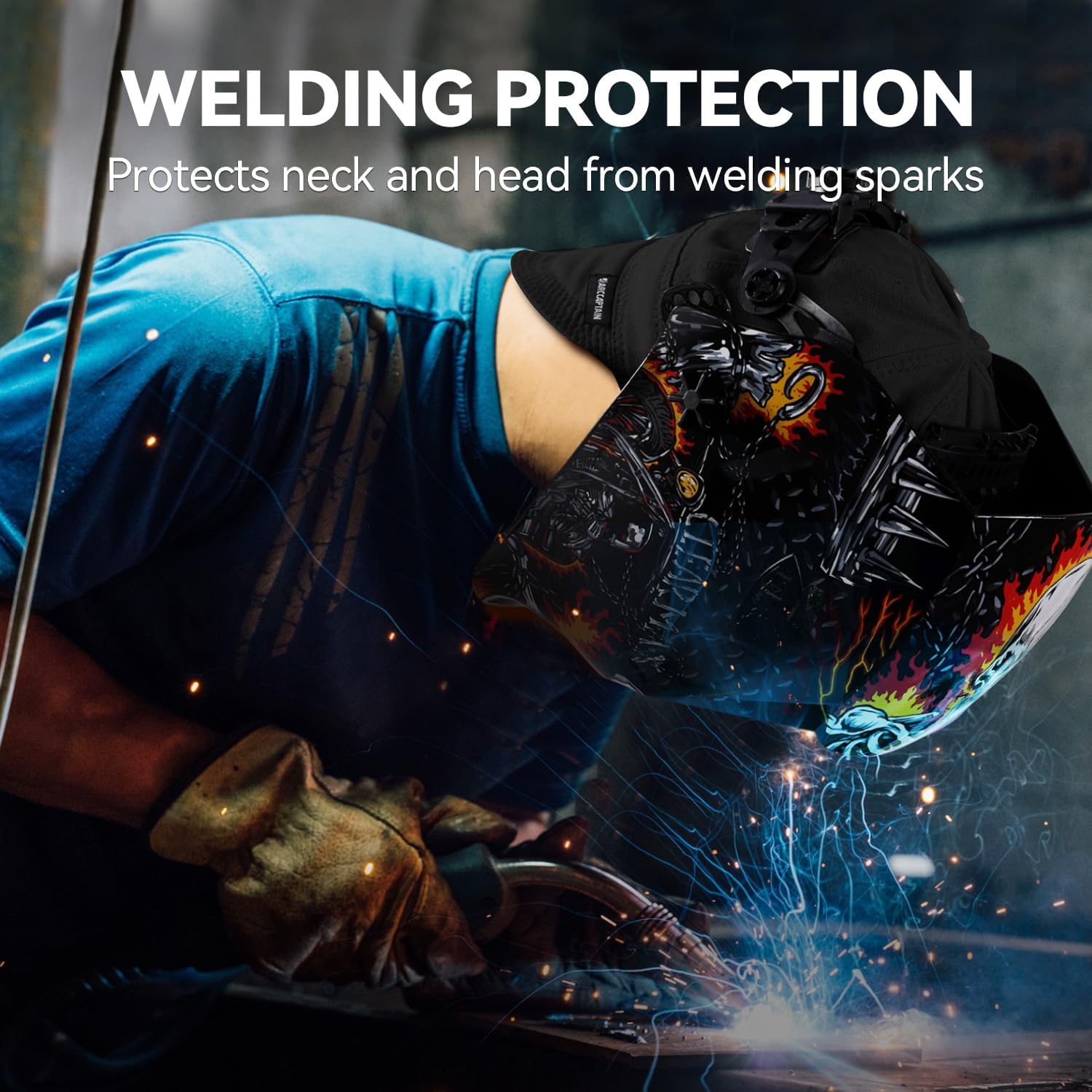
Image 2.1: Welding protection in use, highlighting neck and head coverage.
3. Produktet er slutview
The ARCCAPTAIN Welding Helmet features an auto-darkening filter (ADF) with a large viewing screen, designed for enhanced visibility and comfort. The included welding cap offers additional protection.
Nøglefunktioner:
- Stor Viewing Screen: Giver en ekspansiv view af arbejdsområdet.
- Fast Darkening: Upgraded dimming system with 0.04ms darkening response time.
- 4 Premium lysbuesensorer: Ensures reliable arc detection and consistent darkening.
- Optical Class 1/1/1/1: High optical clarity for reduced eye strain.
- Ægte farveteknologi: Improves visibility of the weld puddle and surrounding environment.
- PA Durable Material: Constructed from robust materials for longevity.
- Solcelledrevet: Utilizes solar cells for extended battery life and simultaneous charging.
- Military Grade Drop Protection: Designed to be shock-resistant, lightweight, flame-resistant, and corrosion-resistant.
- Black Welding Cap: Size 7 1/4, provides additional head protection.

Image 3.1: Key features of the ARCCAPTAIN Welding Helmet.
4. Opsætning
4.1 Justering af hovedbånd
- Fit the Headgear: Place the headgear on your head and adjust the top strap for a comfortable fit.
- Adjust Headband Diameter: Use the knob on the back of the headgear to tighten or loosen the headband until it fits snugly without being too tight.
- Adjust Helmet Distance: Adjust the distance between the helmet and your face using the side knobs. Ensure there is enough space for air circulation but not so much that light can enter from the sides.
- Adjust Helmet Angle: Tilt the helmet up and down to find a comfortable working angle. Tighten the side knobs to secure the angle.
4.2 Welding Cap Fitting
The included welding cap is size 7 1/4. Ensure it fits comfortably on your head before wearing the helmet. The cap provides an additional layer of protection for your head and hair from sparks and heat.

Image 4.1: Proper fitting of the welding cap under the helmet.

Image 4.2: Welding cap size chart for reference.
5. Betjeningsvejledning
5.1 Tænd/sluk
The auto-darkening filter (ADF) is solar-powered and automatically turns on when exposed to light. There is no manual on/off switch. The helmet is always ready for use when exposed to sufficient light.
5.2 Shade Level Adjustment
The helmet features an external knob for adjusting the shade level. Rotate the knob to select the appropriate shade for your welding process. Refer to standard welding shade charts for recommended settings based on amperage and material.
5.3 Indstillinger for følsomhed og forsinkelse
Internal controls allow adjustment of sensitivity and delay:
- Følsomhed: Adjusts how readily the filter reacts to the welding arc. Higher sensitivity is suitable for low-ampTIG-svejsning.
- Forsinke: Controls the time the filter remains dark after the arc ceases. A longer delay is useful for high-amperage welding or when working with hot materials to prevent eye fatigue.
5.4 Anvendelsestilstande
This helmet is suitable for various applications:
- Svejsning: Suitable for Stick, MIG, and TIG welding processes.
- Slibning: A dedicated grind mode prevents the filter from darkening, allowing clear vision for grinding tasks. Ensure the helmet is switched to grind mode before grinding.
- Skæring: Can be used for plasma cutting applications.

Image 5.1: Wide application suitability for various welding and cutting processes.
6. Vedligeholdelse
6.1 Rengøring af hjelm og linser
- Clean the helmet shell with a mild soap and water solution. Avoid harsh chemicals or solvents.
- Clean the inner and outer cover lenses with a soft, clean cloth and a non-abrasive lens cleaner. Do not use abrasive materials that could scratch the lenses.
- Regularly inspect the ADF for any damage or scratches.
6.2 Replacing Cover Lenses
The inner and outer cover lenses are consumable parts and should be replaced when scratched, pitted, or otherwise damaged to maintain optical clarity and protection.
6.3 Opbevaring
Store the helmet in a clean, dry place away from direct sunlight and extreme temperatures. Protect the lenses from scratches during storage.
7. Fejlfinding
Almindelige problemer og løsninger:
- Linsen bliver ikke mørk:
- Sørg for, at lysbuesensorerne er rene og uhindrede.
- Verify sufficient ambient light for solar charging.
- Check if the sensitivity setting is too low for the current welding process.
- Dårlig sigtbarhed:
- Clean the inner and outer cover lenses.
- Replace scratched or damaged cover lenses.
- Adjust the shade level for optimal viewing.
- Helmet slipping:
- Tighten the headband adjustment knob.
- Adjust the top strap for a more secure fit.
8. Specifikationer
| Feature | Specifikation |
|---|---|
| Optisk klasse | 1/1/1/1 |
| Darkening Response Time | 0.04 ms (1/25000 sekunder) |
| Lysbuesensorer | 4 premium-sensorer |
| Strømforsyning | Solceller |
| Materiale | PA Durable Material |
| Farve | Sort |
| Welding Cap Size | 7 1/4 (Large) |
| Beskyttelsesfunktioner | Shock Resistant, Lightweight, Flame Resistant, Corrosion Resistant |
9. Garanti og support
The ARCCAPTAIN Large Viewing Screen Auto-Darkening Welding Helmet and Welding Cap comes with a 2 års garanti fra købsdatoen. Denne garanti dækker fabrikationsfejl og materialefejl ved normal brug.
For warranty claims, technical support, or any questions regarding your product, please contact ARCCAPTAIN customer service through the retailer where the product was purchased or visit the official ARCCAPTAIN webwebsted for supportkontaktoplysninger.

Image 9.1: The ARCCAPTAIN welding helmet, highlighting its long-lasting life and 2-year warranty.


