1. Introduktion
This manual provides essential information for the proper setup, operation, and maintenance of your AOC 22B30HM2 21.5-inch Full HD Gaming Monitor. Please read this manual thoroughly before using the product to ensure optimal performance and safety.
The AOC 22B30HM2 monitor features a 21.5-inch Full HD (1920x1080) display, a 100Hz refresh rate, and a 1ms response time, designed for smooth visual performance. It includes Flicker-Free technology and a Low Blue Light mode for enhanced eye comfort during extended use. Connectivity options include HDMI and VGA ports, and it supports VESA mounting for flexible installation.

2. Sikkerhedsoplysninger
Overhold følgende sikkerhedsforanstaltninger for at forhindre beskadigelse af skærmen og sikre din personlige sikkerhed:
- Placer ikke skærmen på en ustabil vogn, stativ eller bord.
- Bloker ikke ventilationsåbninger.
- Do not use near water or in high-humidity environments.
- Brug kun den strømadapter, der følger med skærmen.
- Tag stikket ud af skærmen under tordenvejr eller når den ikke bruges i længere perioder.
- Overlad al service til kvalificeret servicepersonale.
3. Pakkens indhold
Bekræft at alle varer er til stede i pakken:
- AOC 22B30HM2 Monitor
- Monitorstativ (base og hals)
- Strømkabel
- HDMI kabel
- VGA-kabel
- Brugervejledning (dette dokument)
4. Opsætning
4.1 Samling af stativet
- Placer skærmen med forsiden nedad på en blød, ren overflade for at forhindre ridser.
- Fastgør stativets hals til skærmpanelet.
- Fastgør stativets base til halsen med den medfølgende skrue.
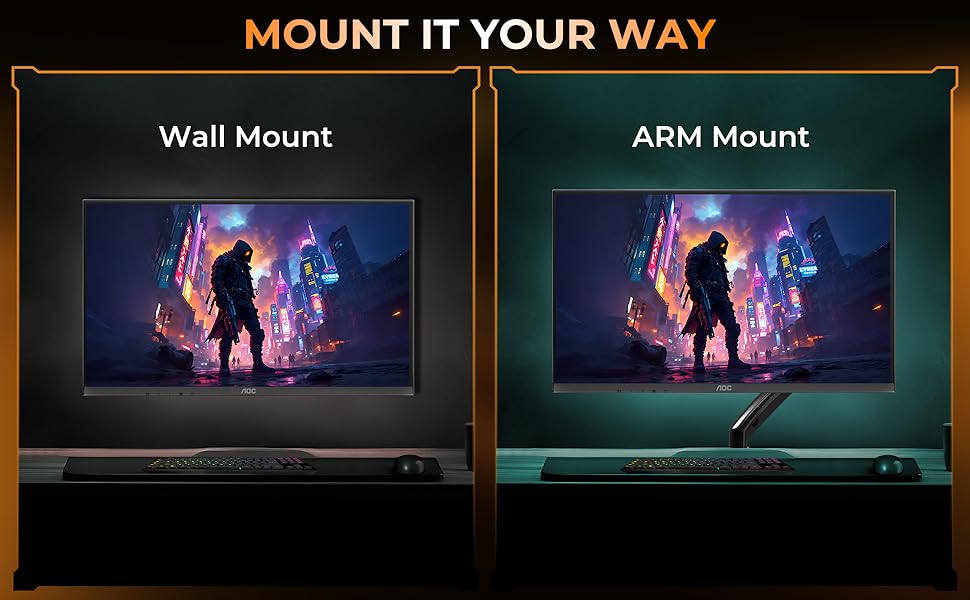
4.2 VESA Wall/Arm Mounting
The monitor supports VESA mount standard (100x100mm). To mount the monitor:
- Remove the stand assembly from the monitor.
- Attach the VESA-compatible wall mount or arm mount to the monitor using appropriate screws.
- Ensure the mount is securely fastened to the wall or arm.
4.3 Tilslutningskabler
Tilslut de nødvendige kabler til skærmens bagporte:
- Strømkabel: Tilslut den ene ende til skærmens strømindgang og den anden til en stikkontakt.
- HDMI-kabel: Connect one end to the monitor's HDMI port and the other to your computer's HDMI output.
- VGA kabel: Connect one end to the monitor's VGA port and the other to your computer's VGA output.

5. Betjeningsvejledning
5.1 Tænd/sluk
Press the power button located on the bottom bezel of the monitor to turn it on or off.
5.2 On-Screen Display (OSD) menu
Use the control buttons on the monitor's bottom bezel to navigate the OSD menu. The OSD allows you to adjust various display settings.
Vigtige OSD-indstillinger:
- Lysstyrke/kontrast: Juster den samlede luminans og forskellen mellem lyse og mørke områder.
- Farveindstillinger: Rediger farvetemperatur, gamma og individuelle RGB-niveauer.
- Indgangsvalg: Skift manuelt mellem HDMI- og VGA-indgange.
- Billedtilstand: Select predefined display modes optimized for different content (e.g., Standard, Game, Text).
- Lavt blåt lys tilstand: Reduce blue light emission to minimize eye strain.
- Flimmerfri teknologi: This monitor features Flicker-Free technology to reduce screen flickering and enhance viewkomfort.
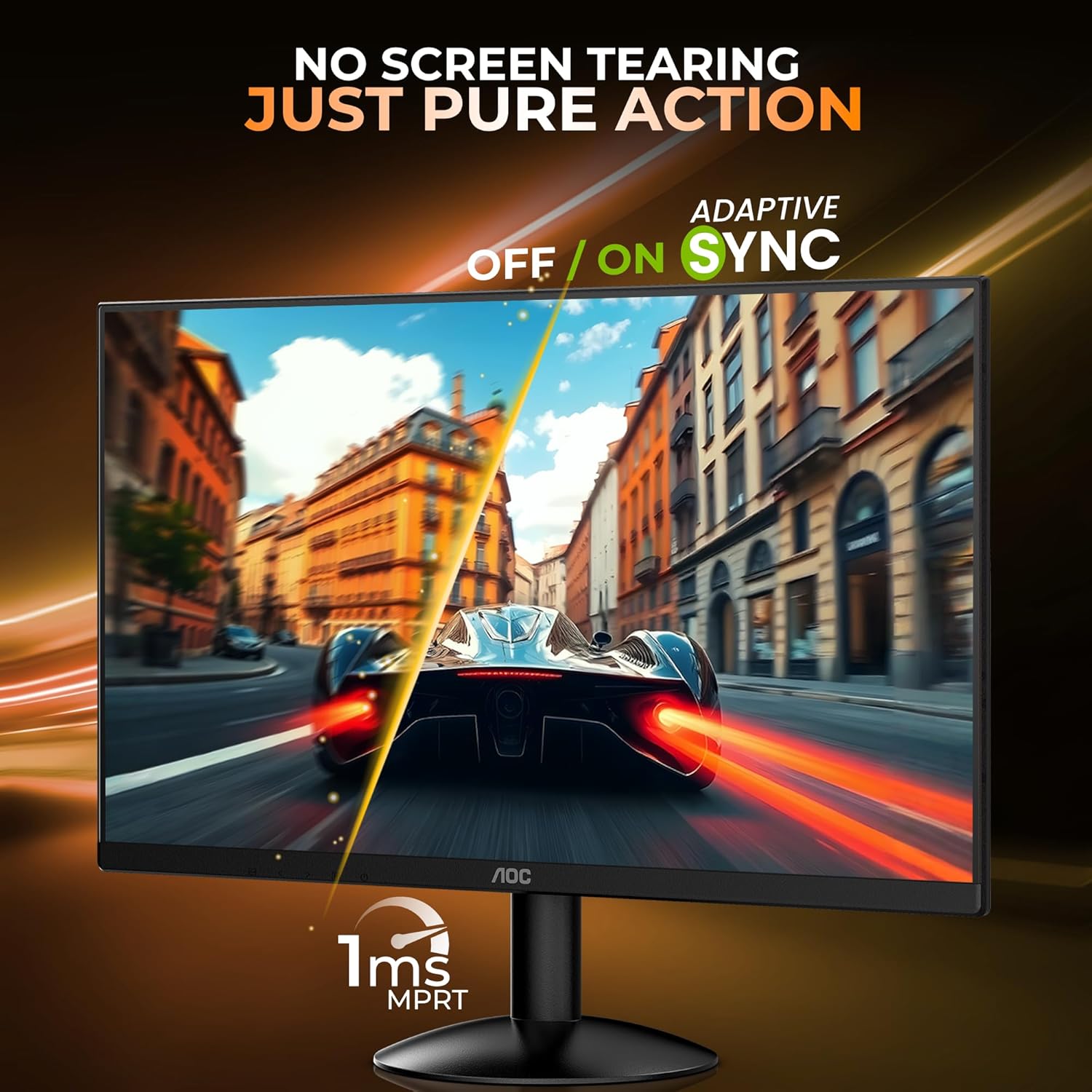
- Adaptive Sync (FreeSync): Enable or disable Adaptive Sync for tear-free gaming experiences. Ensure your graphics card supports this feature.

5.3 Ergonomi
The monitor stand allows for tilt adjustment to find your optimal viewing angle. The tilt range is approximately -5° to 23°.

6. Vedligeholdelse
6.1 Rengøring af monitoren
- Tag altid stikket ud af skærmen før rengøring.
- Brug let en blød, fnugfri klud dampened with water or a mild, non-abrasive cleaner specifically designed for monitors.
- Sprøjt ikke rengøringsmiddel direkte på skærmen.
- Avoid using benzene, thinner, ammonia, or abrasive cleaners.
6.2 Opbevaring
Når skærmen opbevares i længere tid, skal du sørge for, at den er slukket, frakoblet stikket og opbevares et køligt, tørt sted væk fra direkte sollys og ekstreme temperaturer.
7. Fejlfinding
Hvis du støder på problemer med din skærm, kan du se følgende almindelige problemer og løsninger:
| Problem | Mulig løsning |
|---|---|
| Intet billede på skærmen | Ensure power cable is connected and monitor is turned on. Check video cable connection (HDMI/VGA) to both monitor and computer. Select correct input source via OSD. |
| Billedet er sløret eller forvrænget | Adjust resolution and refresh rate settings on your computer. Check video cable for damage. |
| Farverne er forkerte | Reset color settings in the OSD menu to factory defaults. Adjust color temperature or individual RGB values. |
| Skærmen flimrer | Ensure refresh rate is set correctly. Check for external interference. |
8. Specifikationer
Detailed technical specifications for the AOC 22B30HM2 monitor:
| Feature | Specifikation |
|---|---|
| Mærke | AOC |
| Modelnummer | 22B30HM2 |
| Skærmstørrelse | 21.45 tommer (54.61 cm) |
| Opløsning | Full HD 1920 x 1080 Pixels |
| Opdateringshastighed | 100 Hz |
| Svartid | 1 ms (MPRT) |
| Paneltype | VA -panel |
| Aspektforhold | 16:9 |
| Forbindelse | 1x HDMI 1.4, 1x VGA |
| Særlige funktioner | Flicker-Free, Low Blue Light, FreeSync, VESA Mount (100x100mm) |
| Tilt justering | -5° til 23° |
| Produktdimensioner | 16.99 x 49.38 x 37.91 cm (med stativ) |
| Varens vægt | 2.02 kg |
9. Garanti og support
9.1 Garantioplysninger
This AOC monitor comes with a 3-års garanti from the date of purchase. Please retain your proof of purchase for warranty claims. The warranty covers manufacturing defects under normal use. It does not cover damage caused by misuse, accidents, unauthorized modifications, or external factors.
9.2 Kundesupport
For technical assistance, warranty claims, or product inquiries, please contact AOC customer support. Refer to the official AOC website for the most current contact information and support resources in your region.
Fabrikant: TPV Display Technology (Wuhan) Co. Ltd.
Importør: TPV TECHNOLOGY INDIA PRIVATE LIMITED, 501-508, 5TH FLOOR BESTECH CHAMBERS, BLOCK B SEC 27, SUSHANT LOK 1 GURUGRAM – 122005


