1. Introduktion
The XOSS NAV Plus GPS Bike Computer is an advanced device designed to enhance your cycling experience. It features a large 2.4-inch full lamination glass screen for clear data visibility and robust waterproofing. This manual provides detailed instructions for setting up, operating, and maintaining your NAV Plus bike computer.

Figure 1.1: XOSS NAV Plus GPS Bike Computer displaying navigation and cycling data.
2. Pakkens indhold
Kontroller venligst, at alle nedenstående varer er til stede i din pakke:
- NAV+ Smart GPS Cycling Computer *1
- Rubber Band *2
- Protection Rubber Pad *1
- Cycling Computer Mount *1
- Type-C USB-kabel *1
- Brugervejledning *1

Figure 2.1: Contents of the XOSS NAV Plus package.
3. Opsætning og installation
Follow these steps to install your XOSS NAV Plus GPS Bike Computer on your bicycle:
- Fastgør beslaget: Cross-tie the cycling computer mount base to your handlebar using the provided rubber bands. Ensure it is securely fastened and does not rotate freely.
- Install the Computer: Align the XOSS NAV Plus computer with the mount and rotate it 90 degrees clockwise until it clicks securely into place.

Figure 3.1: Easy installation steps for the XOSS NAV Plus.
3.1 Indledende opladning
Before first use, fully charge the device using the supplied USB-C cable. Connect the cable to the device's USB-C port and a standard USB power source (e.g., computer, wall adapter, power bank). A full charge provides approximately 33 hours of battery life.
4. Betjeningsvejledning
4.1 Tænd/sluk
Press and hold the power button (typically located on the side or bottom) to turn the device on or off.
4.2 Connecting to XOSS App
For advanced features like quick route generation and data synchronization, connect your NAV Plus to the XOSS app on your smartphone via Bluetooth. Follow the in-app instructions for pairing.
4.3 Navigation and Route Generation
The NAV Plus supports quick route generation on demand. Once connected to the XOSS app, you can easily create and upload routes to the device for turn-by-turn navigation during your rides.
4.4 Datavisning og tilpasning
The device offers up to 6 dial settings and supports 17 layout designs, allowing you to customize how data is displayed. It can show up to 49 types of cycling data, including speed, distance, calories, time, and temperature.
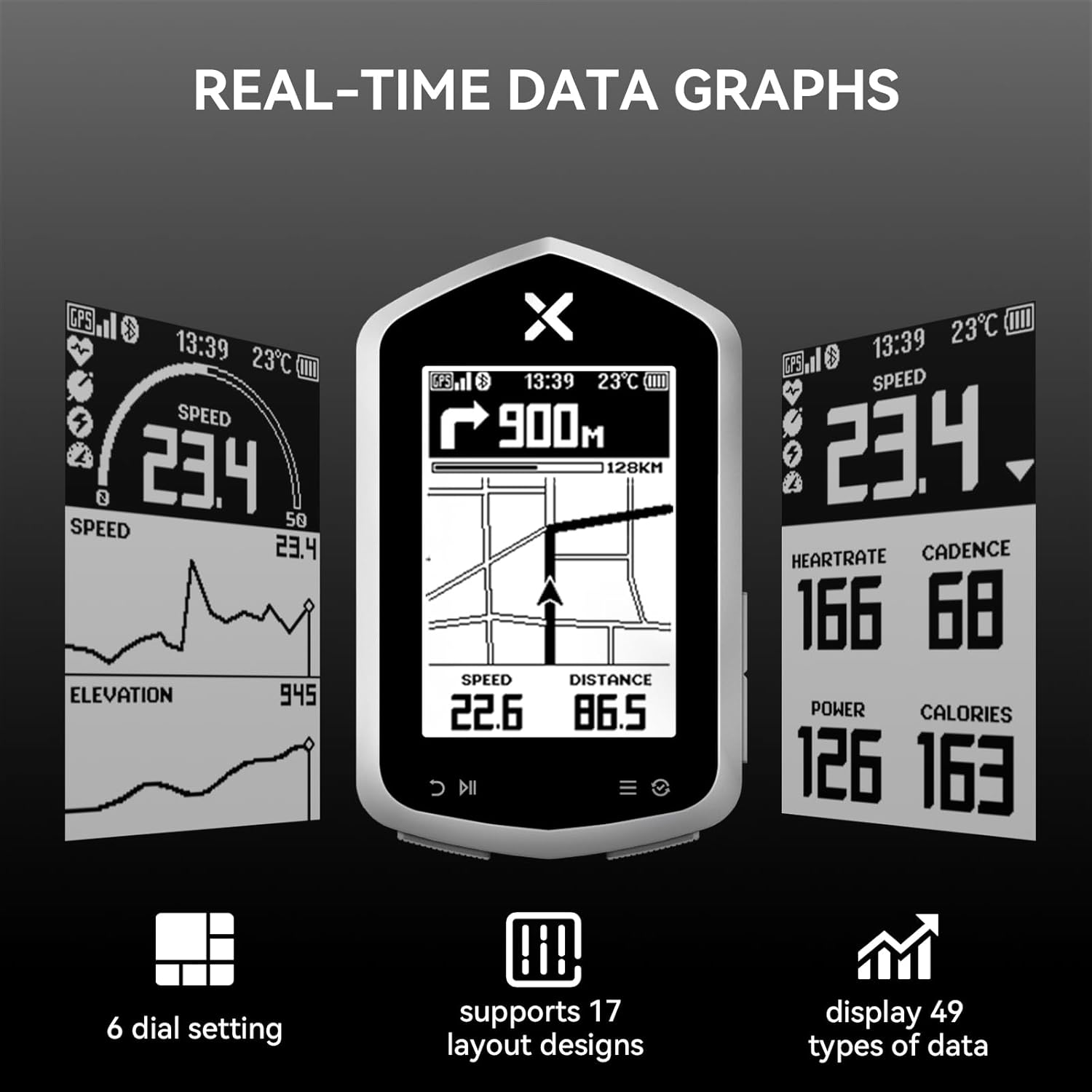
Figure 4.1: Real-time data graphs and customizable display options.
4.5 Sensorkompatibilitet
The XOSS NAV Plus is compatible with various external sensors via ANT+ and Bluetooth, including heart rate monitors (e.g., X2 PRO, X2, BBP Heart Rate Monitor Armband) and speed sensors (e.g., VORTEX Speed Sensor). This allows for a more comprehensive data collection during your rides.

Figure 4.2: Sensor compatibility of NAV Plus.
4.6 Satellite System Support
The device supports multiple global navigation satellite systems (GNSS) including GPS, GLONASS, and QZSS, ensuring accurate and reliable positioning data for your rides.

Figure 4.3: Support for multiple satellite systems.
5. Nøglefunktioner
- Full Lamination Glass Screen: The 2.4-inch screen provides clear data visibility and enhanced durability with its fully laminated glass construction, improving waterproofing.
- Quick Route Generation: Generate routes on demand through the XOSS app for convenient navigation.
- Customizable Dials & Data: Offers 6 dial settings, 17 layout designs, and displays 49 types of cycling data (speed, distance, calories, time, temperature, etc.).
- Amplagerkapacitet: Features 4GB storage capacity and 10,000 hours of memory, allowing you to record data from multiple rides.
- Lang batterilevetid: Equipped with a 600mAh Type-C rechargeable Lithium Battery, providing up to 33 hours of operation on a single charge.
- IPX7 Vandtæt og Støvtæt: Designed to withstand water immersion up to 1 meter for 30 minutes, making it suitable for various weather conditions.
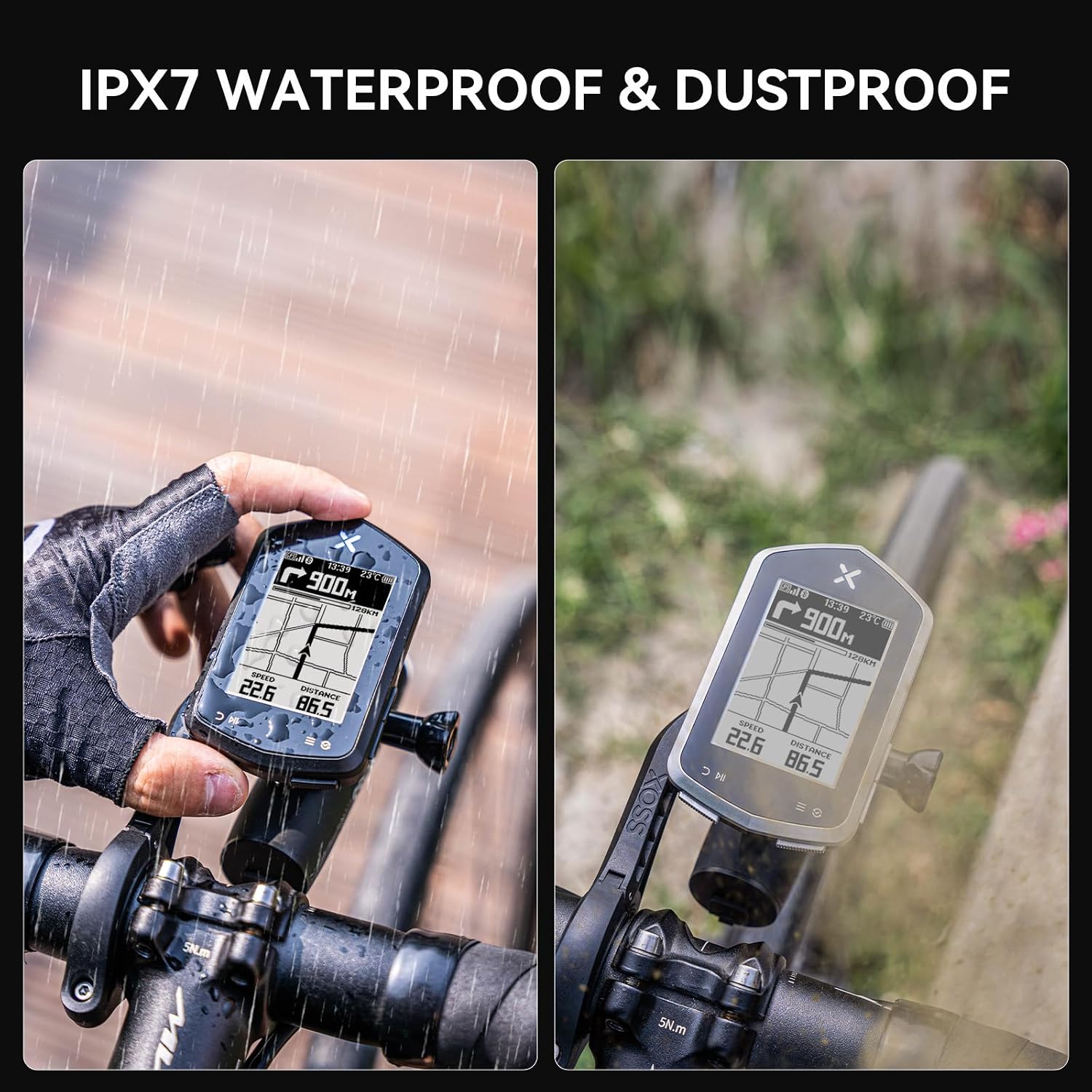
Figure 5.1: IPX7 Waterproof and Dustproof design.

Figure 5.2: Compact size and extended battery life.
6. Specifikationer
| Feature | Beskrivelse |
|---|---|
| Mærke | XOSS |
| Modelnavn | XOSS NAV+ |
| Farve | Sort |
| Skærmstørrelse | 2.4 tommer |
| Display Type | LCD |
| Batterilevetid | 33 timer |
| Batteritype | 600mAh TYPE-C rechargeable Lithium Battery |
| Sensortype | GLONASS Sensor, Speed Sensor, GPS |
| Forbindelsesteknologi | ANT, Bluetooth |
| Intern opbevaring | 4GB (10,000h memory capacity) |
| International Protection Rating | IPX7 |
| Monteringstype | Styrmontering |
| Human Interface Input | Knapper |
| Materiale | Plast |
7. Vedligeholdelse
- Rensning: Tør enheden af med en blød, damp klæde. Undgå at bruge skrappe kemikalier eller slibende rengøringsmidler.
- Opbevaring: Opbevar enheden et køligt og tørt sted, når den ikke er i brug. Undgå ekstreme temperaturer.
- Opladning: Use only the provided USB-C cable or a certified equivalent for charging. Do not expose the charging port to moisture.
- Vandtæthed: While IPX7 rated, avoid prolonged submersion or high-pressure water jets. Ensure the USB-C port cover is securely closed before exposure to water.
8. Fejlfinding
8.1 Enheden tænder ikke
- Ensure the device is fully charged. Connect it to a power source and wait a few minutes before attempting to power on again.
- Press and hold the power button for at least 5-10 seconds.
8.2 Problemer med GPS-signalet
- Sørg for at du er i et åbent område med klar view af himlen.
- Allow sufficient time for the device to acquire satellite signals (first fix may take longer).
- Ensure the device's firmware is up to date via the XOSS app.
8.3 Cannot Connect to XOSS App/Sensors
- Ensure Bluetooth is enabled on your smartphone and the NAV Plus.
- Make sure the XOSS app is updated to the latest version.
- Genstart både enheden og din smartphone.
- For sensors, ensure they are awake and within range. Check their batteries.
8.4 Unøjagtige dataaflæsninger
- Ensure all sensors are properly paired and calibrated (if applicable).
- Check for any physical obstructions or interference.
- Verify that the correct wheel circumference is set in the device settings (if using a speed sensor).
9. Garanti og support
9.1 Garantioplysninger
The XOSS NAV Plus GPS Bike Computer comes with a Et års garanti fra købsdatoen. Denne garanti dækker fabrikationsfejl og funktionsfejl ved normal brug. Den dækker ikke skader forårsaget af misbrug, ulykker, uautoriserede ændringer eller forkert vedligeholdelse.
Gem venligst dit købsbevis for garantikrav.
9.2 Kundesupport
For further assistance, technical support, or warranty inquiries, please contact XOSS customer service through the official XOSS website or the XOSS app. You can also visit the XOSS Store on Amazon for mere information.


