1. Introduktion
Velkommen til brugermanualen til YANZEO SC2381 Wireless 1D 2D Handheld Barcode Scanner. This guide provides essential information for setting up, operating, and maintaining your scanner, ensuring optimal performance for various applications such as retail, warehousing, logistics, and medical environments. Please read this manual carefully before using the product.

Image 1.1: The YANZEO SC2381 Wireless Barcode Scanner, showcasing dens kompakte design og tilslutningsmuligheder.
2. Nøglefunktioner
- High-Performance Wireless Scanning: Offers the convenience of wireless portability, allowing easy movement and unrestricted use. Capable of scanning 1D barcodes, 2D QR codes, and other QR formats.
- Plug & Play-funktionalitet: Simple setup without complicated installation steps. Connect and begin scanning immediately.
- Bred kompatibilitet: Supports common operating systems including Windows, Linux, and Android, ensuring compatibility with a broad range of devices.
- Hurtig og præcis scanning: Equipped with advanced scanning technology for rapid and precise performance, supporting a wide range of code systems for efficient decoding.
- Ergonomisk design: Designed for user comfort with an ergonomic grip, enabling long and fatigue-free work sessions. Lightweight yet robust construction ensures durability.
- Stødsikker silikone (IP54): Features IP54 protection and anti-shock silicone to prevent collision damage and withstand drops from up to 1.5 meters.
- Multiple Upload Modes: Supports both Instant Upload Mode (data transmitted immediately) and Storage Mode (data stored internally for later upload).
- Powerful Decoding Capability: Can easily and quickly scan damaged, colorful, and special barcodes.
- Dobbelte kommunikationsgrænseflader: Supports USB-HID and USB-COM modes for versatile connectivity.
- Lang batterilevetid: Integrated 2000 mAh lithium-polymer battery provides extended operation with a 4-hour charging time and 240-hour standby time.
- Understøttelse af flersproget tastatur: Adaptable to various keyboard layouts.

Image 2.1: The scanner's capability to read multiple 1D and 2D QR barcodes.
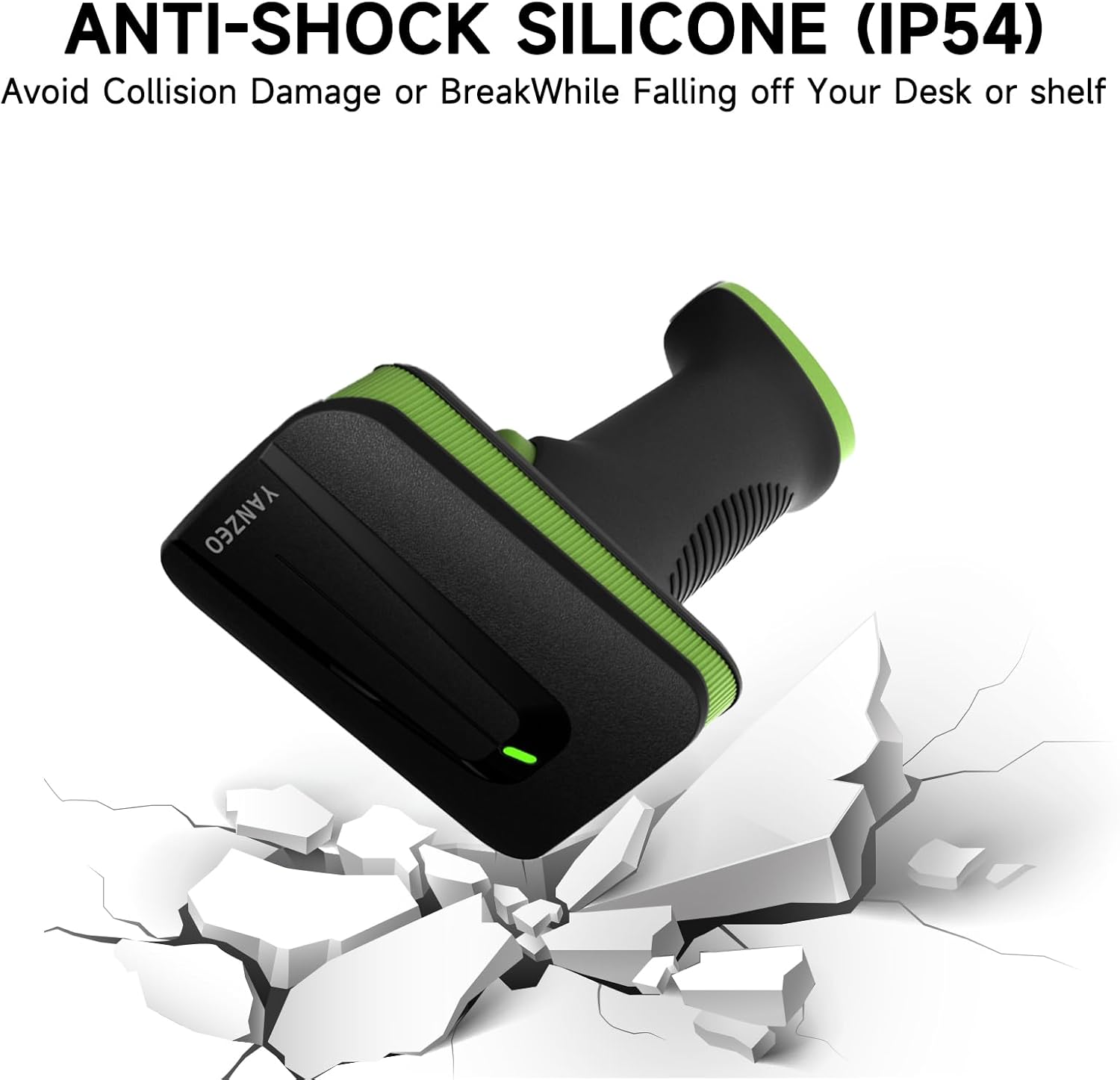
Image 2.2: The anti-shock silicone design (IP54) protects the scanner from accidental drops.

Image 2.3: Details of the scanner's large battery capacity and endurance.

Image 2.4: The scanner supports various keyboard languages for global compatibility.
3. Opsætning og tilslutning
The YANZEO SC2381 scanner is designed for easy Plug & Play setup, requiring no complex driver installations.
3.1. Pakkens indhold
Før du fortsætter, skal du sørge for, at alle varer er til stede i pakken:
- YANZEO SC2381 Stregkodescanner
- USB-kabel (til kabelforbindelse og opladning)
- 2.4G Wireless Dongle (for wireless connection)
- Brugervejledning (dette dokument)
3.2. Tilslutning af scanneren
The scanner offers two primary connection methods:
- USB kablet forbindelse:
- Tilslut den ene ende af det medfølgende USB-kabel til scannerens port.
- Connect the other end of the USB cable to an available USB port on your computer or host device.
- The scanner will power on automatically and be recognized by your system as a standard HID keyboard device (default mode).
- 2.4G trådløs forbindelse:
- Insert the 2.4G wireless dongle into an available USB port on your computer or host device.
- Power on the scanner. It will automatically pair with the dongle. A successful connection is usually indicated by a specific beep sound or LED indicator on the scanner.
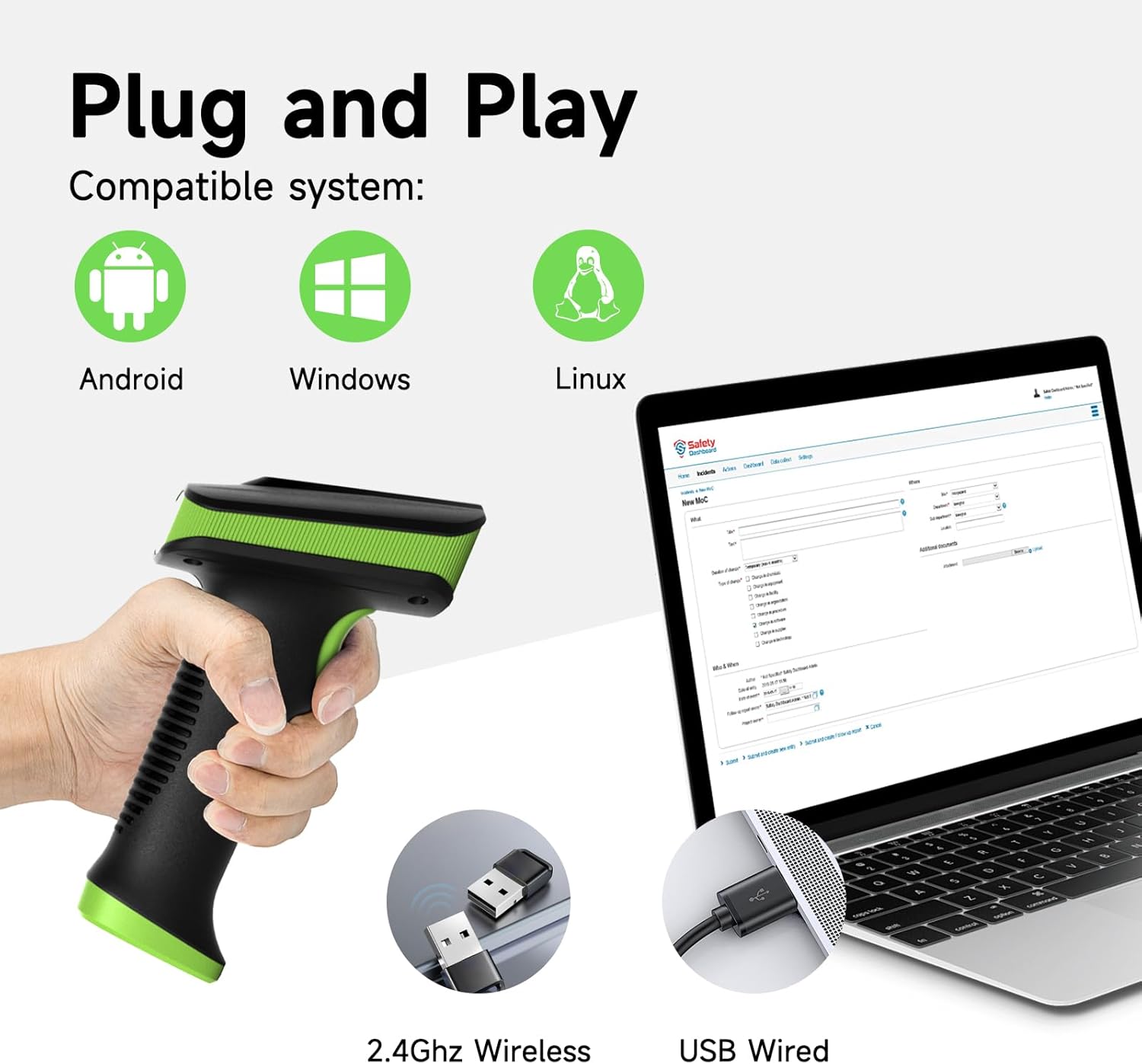
Image 3.1: The scanner supports both 2.4GHz wireless and USB wired connections, compatible with Android, Windows, and Linux systems.

Image 3.2: The scanner offers two communication interfaces: USB-HID and USB-COM.
4. Betjeningsvejledning
4.1. Grundlæggende scanningsfunktion
Sådan scanner du en stregkode:
- Ensure the scanner is connected to your device and powered on.
- Open an application on your device where you want the scanned data to appear (e.g., a text editor, spreadsheet, or POS software).
- Point the scanner's window at the barcode you wish to scan. Ensure the entire barcode is within the scanning area.
- Press and hold the trigger button. The scanner will emit a red scanning light.
- Once the barcode is successfully read, the scanner will typically emit a beep sound and/or the LED indicator will change color. The barcode data will then appear in your open application.
4.2. Uploadtilstande
The YANZEO SC2381 supports two data upload modes:
- Øjeblikkelig upload-tilstand: In this mode, scanned barcode data is immediately transmitted to the connected device. This is the default mode and is suitable for real-time data entry.
- Opbevaringstilstand: This mode allows the scanner to store scanned data in its internal memory. Data can be collected offline and then uploaded to the host device at a later time. This is useful for inventory taking or when working out of range. Refer to the quick setup guide provided with your scanner for instructions on how to switch between these modes and how to upload stored data.
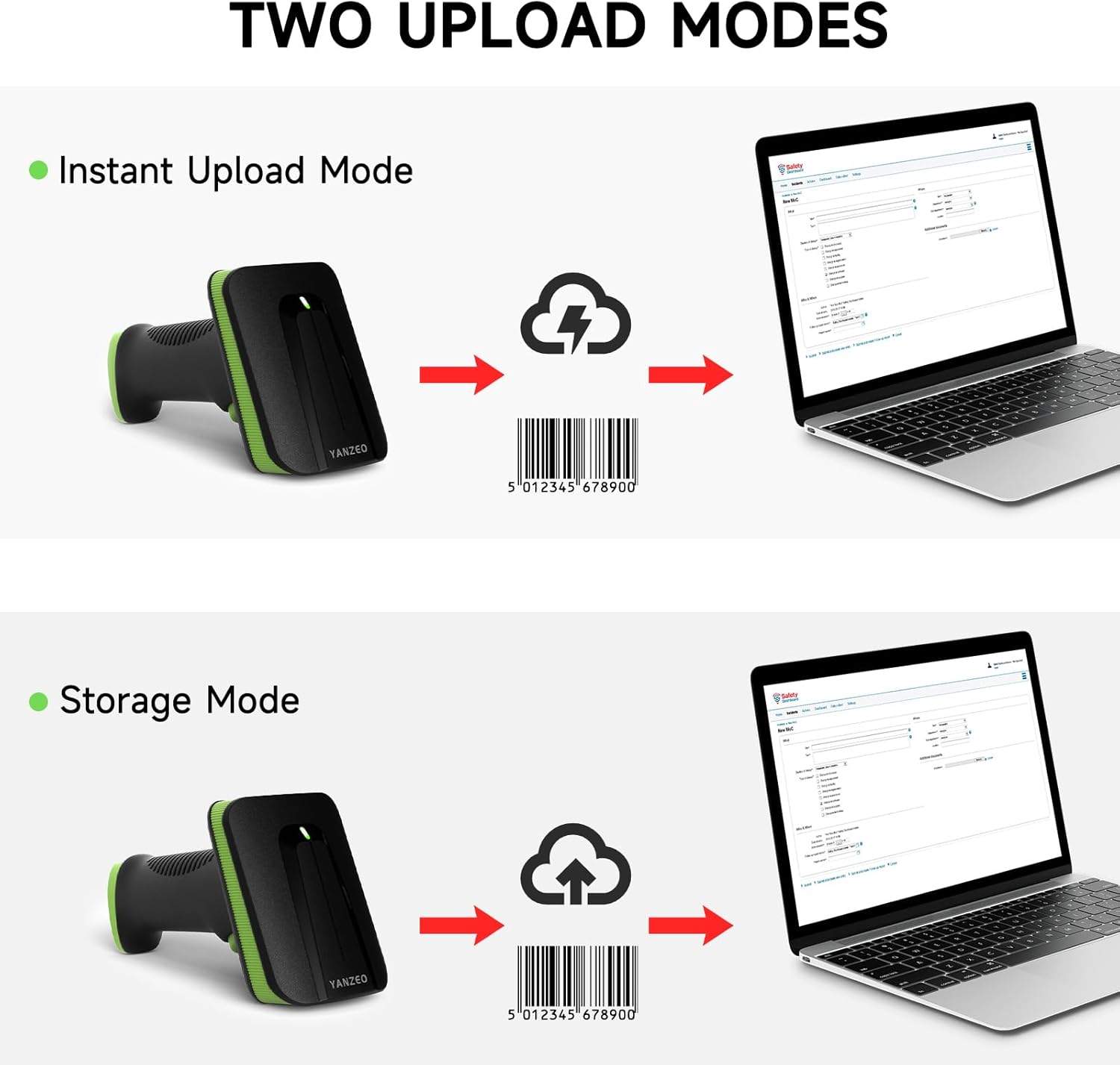
Image 4.1: Illustration of the two data upload modes: Instant Upload and Storage Mode. Example barcode: 5012345678900.
4.3. Powerful Decoding Capability
The scanner is equipped with advanced decoding capabilities, allowing it to read a wide variety of barcode types, including those that are:
- Damaged or partially obscured
- Printed on colorful backgrounds
- Special or non-standard formats
- Displayed on screens (e.g., mobile phones, tablets)

Image 4.2: The scanner's powerful decoding capability handles various barcode conditions, including damaged ones. Example barcode: 6975786690070.
5. Vedligeholdelse
Korrekt vedligeholdelse sikrer din YANZEO SC2381 stregkodescanners lange levetid og optimale ydeevne.
- Rensning: Use a soft, lint-free cloth to gently wipe the scanner's lens and exterior. For stubborn dirt, slightly dampen the cloth with water or a mild, non-abrasive cleaner. Avoid using harsh chemicals, solvents, or abrasive materials, as these can damage the scanner's surface or lens.
- Opbevaring: When not in use, store the scanner in a cool, dry place away from direct sunlight, extreme temperatures, and high humidity. Protect it from dust and physical impact.
- Batteripleje: To prolong battery life, avoid fully discharging the battery frequently. Charge the scanner regularly, even if it's not in constant use. If storing for an extended period, ensure the battery is partially charged (around 50%) before storage.
- Fysisk beskyttelse: While the scanner features anti-shock silicone and an IP54 rating, avoid unnecessary drops or impacts. Handle the device with care.
6. Fejlfinding
If you encounter issues with your YANZEO SC2381 scanner, refer to the following common troubleshooting steps:
- Scanneren svarer ikke:
- Ensure the USB cable is securely connected or the 2.4G wireless dongle is properly inserted into the host device.
- Check if the scanner's battery is charged. Connect it to a power source using the USB cable.
- Try restarting your computer or host device.
- Stregkode scanner ikke:
- Ensure the barcode is clean, clear, and not excessively damaged or smudged.
- Adjust the distance and angle between the scanner and the barcode. Different barcode types may require slightly different scanning distances.
- Verify that the barcode type is supported by the scanner (1D, 2D, QR).
- Ensure there is sufficient lighting on the barcode.
- Scanned Data Not Transmitting to Device:
- Confirm the scanner is in the correct upload mode (Instant Upload vs. Storage Mode). If in Storage Mode, you will need to manually upload the data.
- Ensure the cursor is active in the input field of your application.
- If using wireless, check for interference or move closer to the dongle.
- If the scanner is set to USB-COM mode, ensure you have the correct driver installed and the COM port is configured in your application.
If these steps do not resolve the issue, please refer to the manufacturer's support resources or contact customer service.
7. Specifikationer
| Feature | Specifikation |
|---|---|
| Mærke | Yanzeo |
| Modelnummer | SC2381 |
| Forbindelsesteknologi | USB, 2.4G trådløs |
| Batterisammensætning | Lithium polymer |
| Genopladeligt batteri | Ja |
| Batterikapacitet | 2000 mAh |
| Opladningstid | 4 timer |
| Standby tid | 240 timer |
| Holdbarhedsvurdering | IP54, 1.5m Drop Resistance |
| Understøttede operativsystemer | Windows, Linux, Android |
| Understøttede stregkoder | 1D, 2D, QR codes (from screen and paper) |

Image 7.1: The scanner utilizes CCD sensors to read barcodes efficiently from both digital screens and printed paper.

Image 7.2: The scanner's IP54 rating and 1.5m drop resistance highlight its durability.
8. Garanti og support
Garantioplysninger: Specific warranty details for the YANZEO SC2381 are not provided in this manual. Please refer to the product packaging, the official YANZEO webwebstedet eller dit købssted for at få omfattende garantivilkår og -betingelser.
Kundesupport: For technical assistance, troubleshooting beyond this guide, or any product-related inquiries, please contact YANZEO customer service through their official channels. Keep your product model number (SC2381) and purchase information ready when contacting support.

Image 8.1: The YANZEO SC2381 scanner is suitable for a variety of application scenarios, including logistics, warehousing, medical supply, and supermarkets.


