Indledning
This manual provides detailed instructions for the Tikkers Series 34 Smartwatch. It covers setup, operation, maintenance, and troubleshooting to help you get the most out of your device. The Tikkers Series 34 Smartwatch is designed for children and teenagers, offering a range of features and a stylish design.

Figur 1: The Tikkers Series 34 Smartwatch, featuring a pink strap and a customizable watch face with a unicorn design.

Figur 2: The Tikkers Series 34 Smartwatch comfortably worn on a child's wrist, displaying the time and a playful watch face.
Hvad er der i æsken
Upon unboxing your Tikkers Series 34 Smartwatch, please ensure all the following items are present:
- Tikkers Series 34 Smartwatch
- USB Charging Cable (magnetic attachment)
- Instruktionsmanual (dette dokument)
- Gaveæske emballage

Figur 3: Included items in the Tikkers Series 34 Smartwatch package. This image shows the pink smartwatch, a USB charging cable, and a quick start guide, all presented within a branded gift box.
Opsætning
1. Opladning af smartwatchet
Before initial use, fully charge your Tikkers Series 34 Smartwatch. A full charge typically takes approximately 2 hours.
- Connect the USB charging cable to a standard USB power adapter (not included) or a computer's USB port.
- Juster den magnetiske ende af opladningskablet med opladningskontakterne på bagsiden af smartwatchet. Magneterne vil klikke det på plads.
- Urets skærm vil vise opladningsstatus.
2. Appinstallation og parring
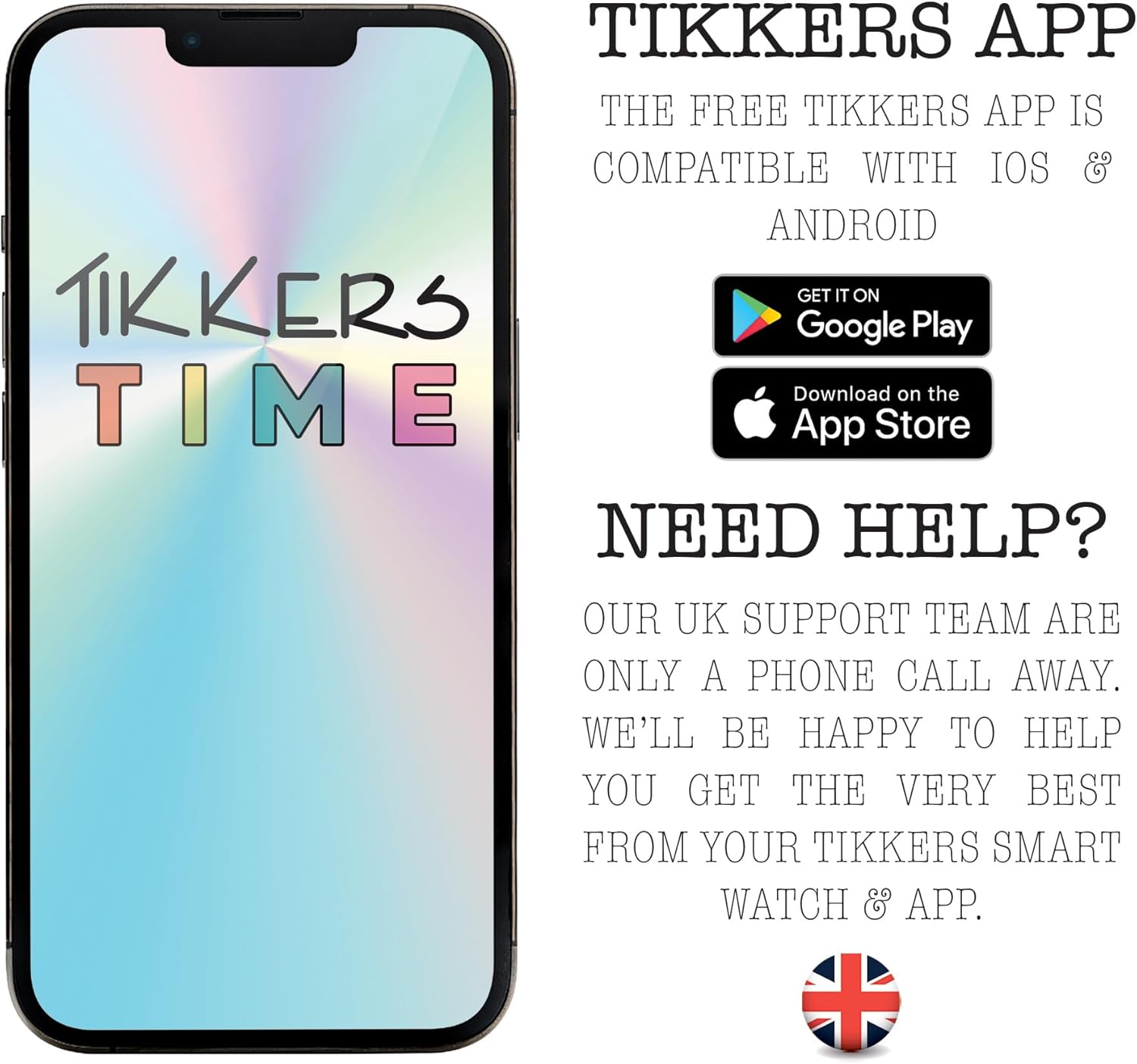
The Tikkers Series 34 Smartwatch requires the free Tikkers Time app for full functionality and customization. The app is compatible with both iOS and Android smartphones.
- Download Tikkers Time app from the Google Play Store (for Android devices) or the Apple App Store (for iOS devices).
- Sørg for, at din smartphones Bluetooth er aktiveret.
- Åbn Tikkers Time app and follow the on-screen instructions to create an account or log in.
- Within the app, select the option to "Add Device" or "Pair Smartwatch."
- The app will search for nearby Tikkers smartwatches. Select your Tikkers Series 34 from the list.
- Bekræft parringsanmodningen på både din smartphone og smartwatch, hvis du bliver bedt om det.

Figur 4: The Tikkers Time app, available for both iOS and Android, is essential for managing smartwatch settings and data.
Betjening af dit smartwatch
The Tikkers Series 34 Smartwatch features a color touch screen for navigation and a side button for power and screen activation.
Grundlæggende navigation
- Stryg op/ned: Rul gennem menuer og notifikationer.
- Stryg til venstre/højre: Få adgang til forskellige funktionsskærme (f.eks. aktivitetsdata, puls, vejr).
- Tryk på: Vælg et element, eller åbn et program.
- Side knap: Press to wake the screen, return to the home screen, or long-press to power on/off.
Nøglefunktioner
Figur 5: Visual representation of the smartwatch's core functionalities, such as step counting, heart rate monitoring, sleep analysis, and message notifications.
Fitness Tracking
- Trintæller: Sporer automatisk dine daglige skridt. View your progress on the watch or in the Tikkers Time app.
- Pulsmåler: Measures your heart rate. Access this feature from the watch menu or set up continuous monitoring via the app.
- Sportstilstande: Select from various sport modes (e.g., walking, running, cycling) to track specific workouts. Data is recorded and synced with the app.
- GPS-forbindelse: When connected to your smartphone, the watch can utilize your phone's GPS for tracking outdoor activities like walks or runs.
Communication & Notifications
Stay connected with call, message, and social media notifications directly on your wrist. These alerts can be managed or disabled via the Tikkers Time app settings.
- Opkaldsalarmer: Modtag notifikationer om indgående opkald.
- Meddelelsesmeddelelser: View indgående tekstbeskeder.
- Social Media Alerts: Get notifications from selected social media applications.
Health & Well-being
- Søvnmonitor: Sporer søvnmønstre og -kvalitet. View detailed analysis in the Tikkers Time app.
- Hydreringspåmindelser: Set reminders to drink water throughout the day.
- Åndedrætsøvelser: Guided breathing exercises to help with relaxation.
- Alarmer: Set multiple alarms for various purposes, such as waking up or reminders.
Yderligere funktioner
- Musik kontrol: Styr musikafspilning på din tilsluttede smartphone (afspil, pause, spring numre over).
- Kamerastyring: Use the watch as a remote shutter for your smartphone's camera, ideal for selfies.
- Vejrvarsler: Receive current weather information when connected to your smartphone.
- Se lokalisering: A feature within the app to help locate your watch if it's within Bluetooth range.
Tilpasning
Personalize your smartwatch to match your style.
- Se ansigter: Choose from a selection of vibrant pre-installed watch faces.
- Custom Photos: Upload your own photos via the Tikkers Time app to create personalized watch faces.

Figur 6: The Tikkers Series 34 Smartwatch offers multiple dial designs and the option to use personal photos for customization, managed through the companion app.
Opretholdelse
Vandtæthed (IP68)
The Tikkers Series 34 Smartwatch is rated IP68 for water resistance. This means it is protected against dust ingress and can withstand immersion in water up to 1.5 meters for up to 30 minutes. It is suitable for everyday use, such as washing hands or light rain. However, it is anbefales ikke til svømning, varmtvandsbrusning eller dykning, da damp og højt vandtryk kan kompromittere tætningerne.
Rensning
Sådan rengør du dit smartwatch:
- Tør skærmen og remmen af med en blød kludamp klæde.
- Undgå at bruge skrappe kemikalier, slibende rengøringsmidler eller opløsningsmidler, da disse kan beskadige urets finish og komponenter.
- Ensure the watch is completely dry before charging.
Batteripleje
To prolong the battery life of your smartwatch:
- Undgå ekstreme temperaturer, både varme og kolde.
- Lad ikke batteriet aflades helt ofte.
- Oplad uret regelmæssigt, selvom det ikke er i daglig brug.
Fejlfinding
| Problem | Mulig årsag | Løsning |
|---|---|---|
| Uret tænder ikke. | Lavt batteri. | Oplad uret i mindst 30 minutter. |
| Kan ikke parres med smartphone. | Bluetooth off, watch not in pairing mode, app issue. | Ensure Bluetooth is on. Restart both watch and phone. Reinstall Tikkers Time app. |
| Notifikationer ikke modtaget. | App permissions, notification settings in app. | Check app notification settings and phone's app permissions. Ensure watch is connected. |
| Unøjagtige fitnessdata. | Improper fit, sensor obstruction. | Ensure the watch is worn snugly on the wrist. Clean the heart rate sensor. |
| Skærmen reagerer ikke. | Midlertidig softwarefejl. | Restart the smartwatch by long-pressing the side button. |
Specifikationer
| Feature | Detalje |
|---|---|
| Mærke | Tikkers |
| Modelnummer | TKS34-0022 |
| Farve | Lyserød |
| Skærmstørrelse | 1.69 tommer |
| Forbindelse | Bluetooth |
| Operating System (Compatibility) | Android (compatible with Android smartphones) |
| Vandmodstand | IP68 |
| Batteritype | Lithium-polymer |
| Batterikapacitet | 200 mAh |
| Særlige funktioner | Fitness tracking, sport modes, sleep monitor, heart rate monitor, call alerts, message notifications, social media notifications, GPS connection (via phone), weather alerts, music control, camera control. |
Garanti og support
Garanti
The Tikkers Series 34 Smartwatch comes with a 2 års garanti from the date of purchase. This warranty covers manufacturing defects under normal use. Please retain your proof of purchase for any warranty claims. The warranty does not cover damage caused by misuse, accidents, unauthorized repairs, or normal wear and tear.
Kundesupport
For any questions, technical assistance, or warranty claims, please contact the Tikkers support team. Our UK support team is available to assist you.
- Refer to the contact information provided in the packaging or on the official Tikkers webwebsted.
- Visit the Tikkers webwebsted for ofte stillede spørgsmål og yderligere ressourcer.


