1. Introduktion
Thank you for choosing the PRIXTON Multisport DV800 Action Camera. This manual provides essential information for setting up, operating, and maintaining your device. Please read it thoroughly before use to ensure optimal performance and longevity of your camera.
2. Pakkens indhold
Bekræft, at alle nedenstående varer er inkluderet i din pakke:
- PRIXTON Multisport DV800 Action Camera
- Vandtæt etui
- Genopladeligt batteri
- USB kabel
- Cykelholder
- Klip
- Monteringsadapter
- Three Helmet Mounts
- Strap/Bandage
- 3M klæbemidler
- Brugermanual

Image: The PRIXTON DV800 Action Camera and its various accessories, including mounts, cables, and the waterproof case.
3. Produktet er slutview
The PRIXTON DV800 features a compact design with dual screens for versatile shooting and monitoring. It is designed for capturing high-quality video and photos in various environments.
Nøglefunktioner:
- Dobbelt skærme: Front screen for selfies and a rear screen for camera control.
- 5K videoopløsning: Up to 5K at 30 frames per second (FPS).
- 24 MP Photo Resolution: High-quality still images.
- 6-AXIS EIS Optical Stabilizer: For smooth and stable footage.
- Vandtæt: Up to 30 meters with the included waterproof case.
- Forbindelse: Built-in Wi-Fi for mobile app control and content transfer.
- Opbevaring: Supports MicroSD cards up to 128 GB.

Image: The PRIXTON DV800 Action Camera, showcasing its dual-screen capability and the waterproof housing, alongside several mounting accessories.
4. Opsætning
4.1. Batteriinstallation
- Find batterirummet på kameraet.
- Åbn dækslet til rummet.
- Isæt det genopladelige batteri, og sørg for at polariteten vender korrekt.
- Luk batterirummets dæksel forsvarligt.
4.2. Indsættelse af microSD-kort
A MicroSD card (up to 128 GB, not included) is required to store recordings and photos.
- Find MicroSD-kortstikket på siden af kameraet.
- Gently insert the MicroSD card with the contacts facing the correct direction until it clicks into place.
- For at fjerne det, tryk kortet indad, indtil det springer ud.
4.3. Montering af det vandtætte etui
For underwater use or protection against impacts, place the camera inside the waterproof case.
- Åbn låsen på det vandtætte hus.
- Placer forsigtigt kameraet i etuiet, og sørg for, at det sidder godt fast.
- Close the latch firmly to seal the case. Ensure no debris is caught in the seal.
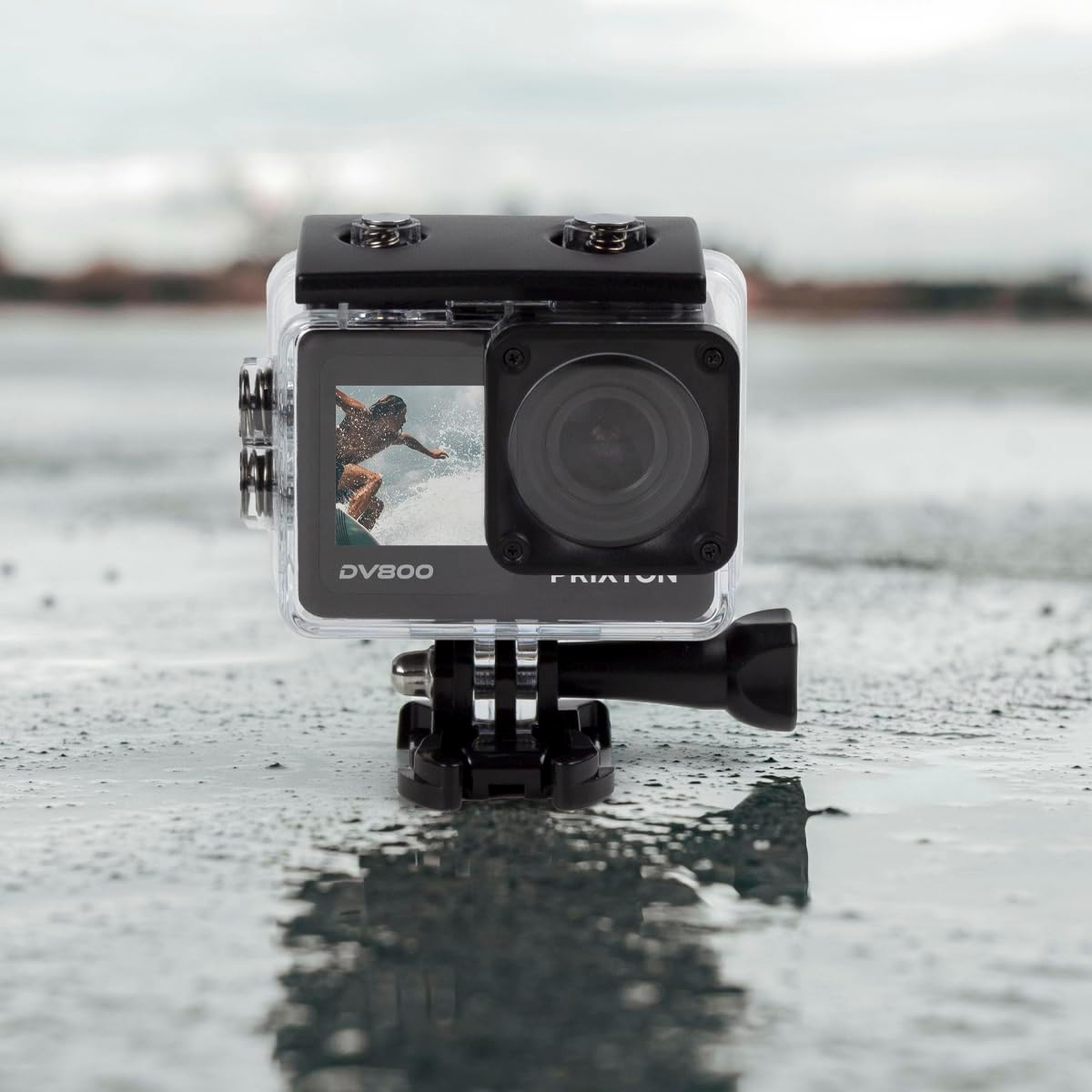
Image: The PRIXTON DV800 Action Camera securely housed within its waterproof casing, ready for use in aquatic environments.
5. Betjeningsvejledning
5.1. Tænd/sluk
- For at tænde: Tryk og hold tænd/sluk-/tilstandsknappen nede i et par sekunder, indtil skærmen lyser.
- For at slukke: Tryk og hold tænd/sluk-/tilstandsknappen nede igen, indtil skærmen slukker.
5.2. Valg af tilstand
Tryk gentagne gange på tænd/sluk-/tilstandsknappen for at skifte mellem forskellige tilstande: Video, Foto, Afspilning og Indstillinger.
5.3. Videooptagelse
- Skift til videotilstand.
- Tryk på udløser/OK-knappen for at starte optagelsen. En rød indikatorlampe blinker.
- Tryk på udløser/OK-knappen igen for at stoppe optagelsen. Indikatorlampen holder op med at blinke.
5.4. Tage billeder
- Skift til fototilstand.
- Komponer dit billede ved hjælp af skærmen.
- Tryk på udløser/OK-knappen for at tage et billede.
5.5. Wi-Fi-forbindelse og mobilapp
The camera can connect to your mobile device via Wi-Fi using the "XDV PRO" application.
- Download and install the "XDV PRO" app on your smartphone or tablet.
- On the camera, navigate to the settings menu and enable Wi-Fi.
- On your mobile device, connect to the camera's Wi-Fi network (SSID and password will be displayed on the camera screen).
- Open the "XDV PRO" app to control the camera, view live footage, og overførsel files.

Image: A close-up of the PRIXTON DV800 Action Camera's rear screen, showing its 5K Ultra HD capability and Wi-Fi connectivity.
5.6. Brug som en Webcam
Tilslut kameraet til en computer via USB for at bruge det som en webcam.
- Tilslut kameraet til din computer ved hjælp af det medfølgende USB-kabel.
- Select the 'PC Camera' or 'Webcam' option on the camera's screen if prompted.
- Din computer burde genkende kameraet som en webcam, which can then be selected in video conferencing applications.
6. Vedligeholdelse
6.1. Rensning
- Use a soft, lint-free cloth to clean the camera lens and screens.
- For the waterproof case, rinse with fresh water after saltwater use and allow it to air dry.
- Undgå at bruge skrappe kemikalier eller slibende materialer.
6.2. Batteripleje
- Oplad batteriet helt inden første brug.
- Udsæt ikke batteriet for ekstreme temperaturer.
- Hvis kameraet opbevares i længere tid, skal batteriet fjernes.
6.3. Opbevaring
Store the camera in a cool, dry place away from direct sunlight and dust when not in use.
7. Fejlfinding
- Kamera tænder ikke: Sørg for, at batteriet er opladet og isat korrekt.
- Problemer med optagelse: Check if the MicroSD card is inserted correctly and has sufficient free space. Format the card if necessary (this will erase all data).
- Problemer med Wi-Fi-forbindelse: Ensure Wi-Fi is enabled on the camera and your mobile device. Restart both devices if issues persist.
- Dårlig billed-/videokvalitet: Clean the lens. Ensure adequate lighting. Check resolution settings.
8. Specifikationer
| Modelnavn | DV800 |
| Mærke | PRIXTON |
| Videooptagelsesopløsning | 5K |
| Fotosensorteknologi | Andre |
| Flash-hukommelsestype | MicroSD (up to 128GB) |
| Videooptagelsesformat | MOV |
| Understøttet lydformat | MP4 |
| Forbindelsesteknologi | Wi-Fi |
| Farve | Sort |
| Videokamera type | Handlingskamera |
| Batterilevetid | Cirka 90 minutter |
9. Garanti og support
The PRIXTON Multisport DV800 Action Camera comes with a standard manufacturer's warranty. For detailed warranty information, technical support, or service inquiries, please refer to the warranty card included in your package or visit the official PRIXTON webwebsted. Behold din købskvittering som købsbevis i tilfælde af garantikrav.


