1. Introduktion
The EMEET C950 4K Webcam is designed to provide high-quality video and audio for various communication needs, including remote meetings, online education, and live streaming. It features 4K UHD resolution, PDAF autofocus, and a noise-canceling microphone for clear and stable performance.
2. Pakkens indhold
- EMEET C950 4K Webcam
- USB kabel
- Brugermanual
3. Produktet er slutview
EMEET C950 webcam features a compact design with an integrated clip for easy mounting on monitors or laptops. It includes a lens, a built-in microphone, and a physical privacy cover.

Billede: Forside view of the EMEET C950 4K Webcam, showing the lens and the integrated privacy cover.

Image: The EMEET C950 4K Webcam mounted on a monitor, demonstrating its PDAF autofocus capability on a user's face during a video call.
4. Opsætningsvejledning
4.1 Montering af Webcam
De webcam features a flexible bracket for secure placement on top of your computer monitor or laptop screen. Adjust the bracket to fit the thickness of your display. The bracket allows for vertical angle adjustments of 15° forward and 90° backward.

Billede: Illustration af webcam's flexible bracket, showing 90-degree and 15-degree vertical adjustments, along with icons for Windows, macOS, Android, and Linux compatibility.
4.2 Connecting to Your Computer (Plug & Play)
- Tilslut USB-kablet fra webcam to an available USB 2.0 port on your computer.
- De webcam is plug-and-play, meaning no additional drivers are typically required for basic functionality. Your operating system should automatically detect and install the necessary components.

Image: A close-up of the EMEET C950 webcam's USB cable being plugged into a laptop, illustrating its plug-and-play functionality.
4.3 Systemkompatibilitet
The EMEET C950 is compatible with major operating systems:
- Windows (Win10, 11)
- macOS (10.14 and above)
- Android TV V7.0 and above
It operates seamlessly in USB Video Device Class mode.
4.4 Setting Up 4K Resolution
To utilize the 4K resolution, ensure your computer's settings are configured correctly. The actual video resolution may vary depending on the camera software or applications used (e.g., PotPlayer/OBS).
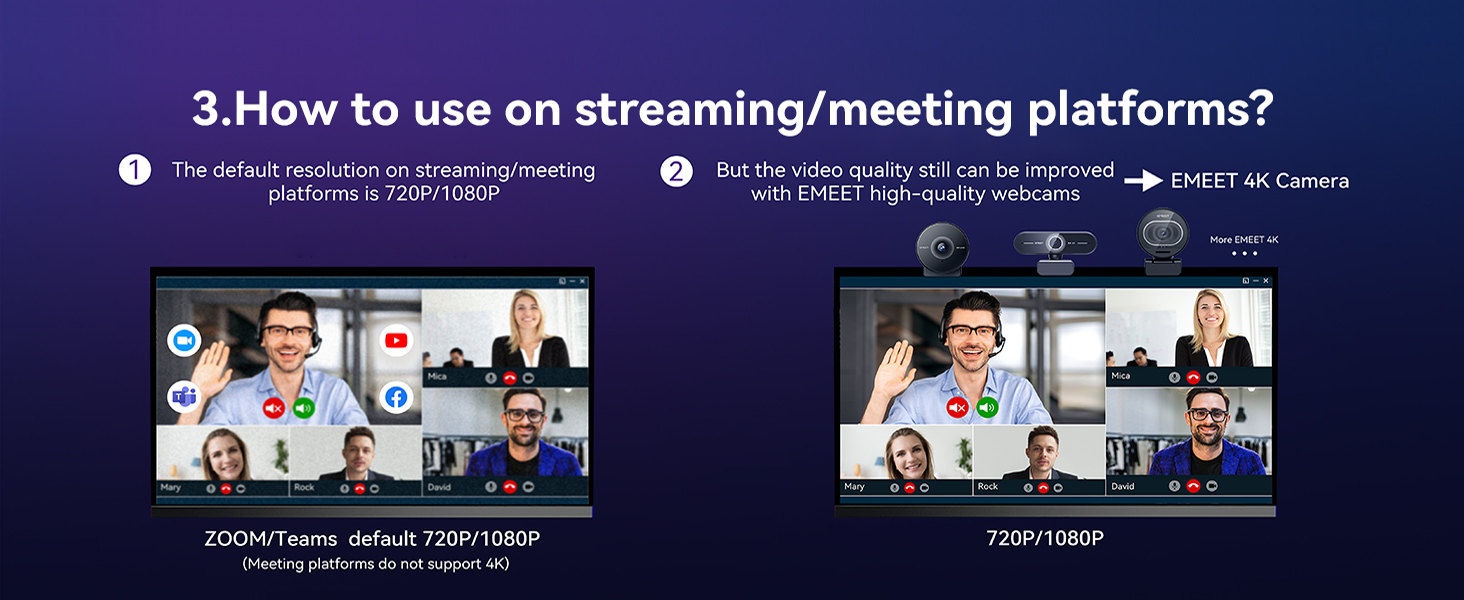
Image: A visual guide demonstrating the steps to configure 4K resolution settings on both Windows and macOS operating systems for the webcam.
5. Betjeningsvejledning
5.1 Using with Communication Platforms
The EMEET C950 is fully compatible with popular platforms such as Zoom, Microsoft Teams, Google Meet, Cisco Webex, Facetime, GoToMeeting, Lifesize, Slack, and Line. After connecting, select the EMEET C950 as your preferred camera and microphone in the application's settings.
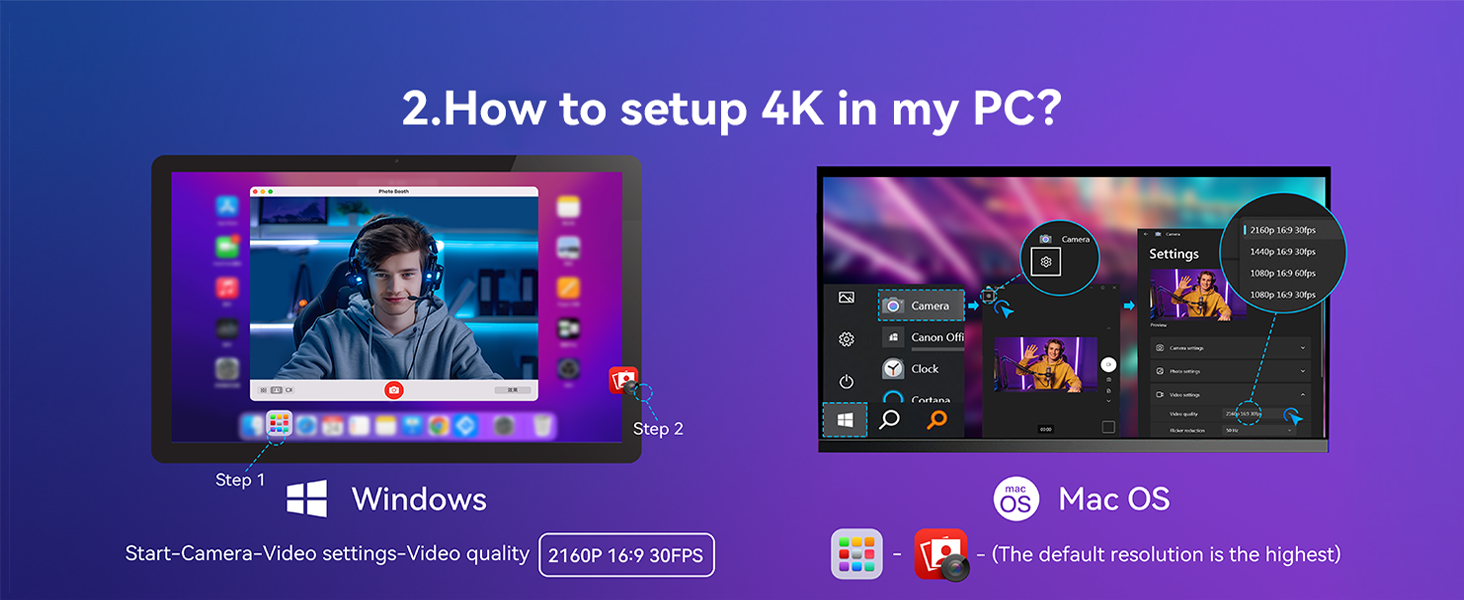
Image: A comparison illustrating the video quality difference between standard 720p/1080p on meeting platforms and the enhanced quality provided by the EMEET 4K Camera.
5.2 Video Resolution and Frame Rates
De webcam supports resolutions and frame rates from 4K@30FPS to 1080P@60FPS. For optimal 4K experience, a 4K display is recommended.
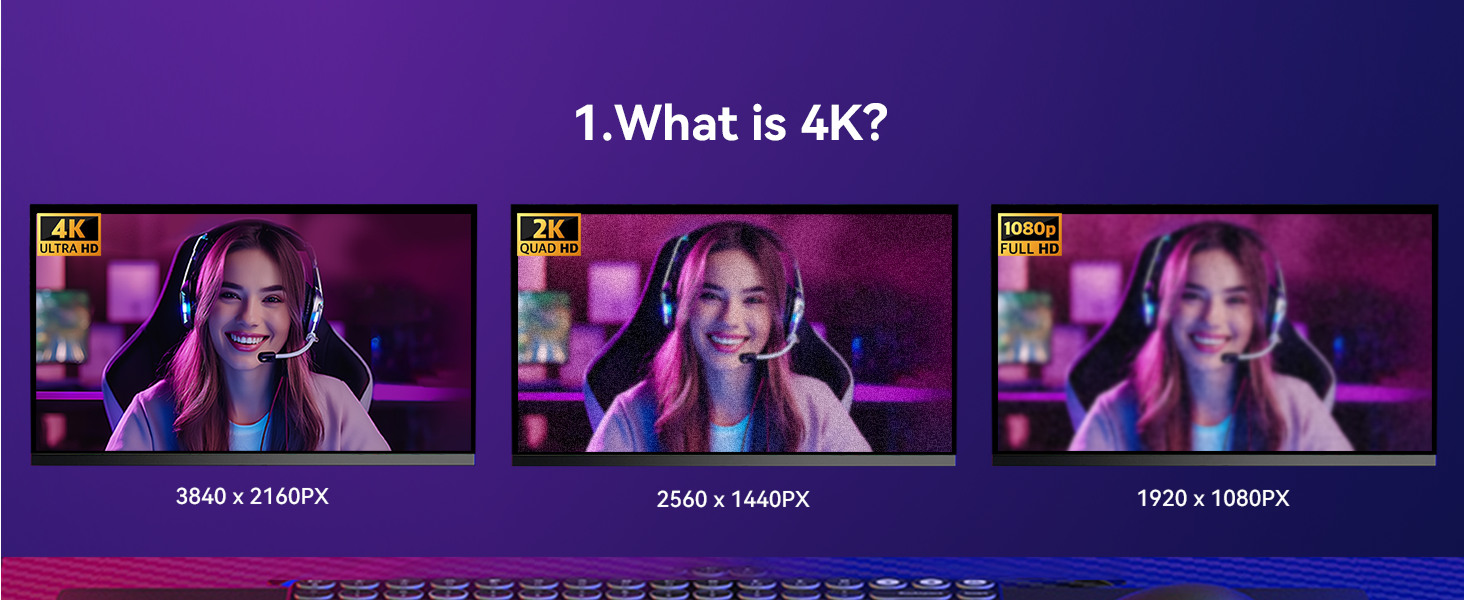
Image: A visual comparison demonstrating the clarity and detail differences between 4K (3840x2160px), 2K (2560x1440px), and 1080p (1920x1080px) resolutions.
5.3 PDAF Autofocus
The PDAF (Phase Detection Autofocus) system provides fast, precise, and stable focusing. The recommended focusing distance under natural lighting conditions is between 4 inches and 10 feet. The 70° Field of View (FOV) helps keep the focus on you, minimizing background distractions.
5.4 Støjreducerende mikrofon
The built-in noise-canceling microphone ensures clear audio capture up to 6 feet away, reducing background noise for improved communication.

Image: A graphic representation of the EMEET C950 webcam's noise cancellation feature, showing how it separates voice from ambient noise.
5.5 Privatlivsbeskyttelse
De webcam includes a physical privacy cover. Slide the cover over the lens when not in use to ensure your privacy.

Image: An illustration showing a hand sliding the physical privacy cover over the lens of the EMEET C950 webcam.
5.6 EMEETLINK Software
For advanced customization of image settings and firmware updates, download and install the EMEETLINK software. This software allows you to tailor your video experience.

Image: A screenshot of the EMEETLINK software interface, displaying various camera settings and customization options for the webcam.
6. Vedligeholdelse
To ensure the longevity and optimal performance of your EMEET C950 webkamera, følg disse vedligeholdelsesretningslinjer:
- Rensning: Brug en blød, tør klud til at rengøre webkameralinse og -hus. Undgå slibende rengøringsmidler eller opløsningsmidler, der kan beskadige overfladerne.
- Opbevaring: When not in use, especially during travel, engage the privacy cover to protect the lens. Store the webcam in a clean, dry place.
- Håndtering: Undgå at tabe webcam or subjecting it to strong impacts. Do not attempt to disassemble the device.
7. Fejlfinding
If you encounter issues with your EMEET C950 webkamera, se følgende almindelige løsninger:
- Ingen video/lyd:
- Sørg for, at USB-kablet er korrekt tilsluttet til begge webkameraet og din computer.
- Verify that the EMEET C950 is selected as the camera and microphone input in your application's settings (e.g., Zoom, Teams).
- Check your computer's privacy settings to ensure applications have permission to access the camera and microphone.
- Dårlig videokvalitet:
- Sørg for tilstrækkelig belysning i dine omgivelser.
- Check your application's video settings to confirm the resolution is set to 4K or 1080P.
- Rengør webkameralinsen med en blød klud.
- Opdater webcam's firmware using the EMEETLINK software.
- Problemer med autofokus:
- Ensure you are within the recommended focusing distance (4 inches to 10 feet).
- Avoid rapid movements or extreme low-light conditions that might affect autofocus performance.
- Noise in Audio:
- Sørg for, at mikrofonen ikke er blokeret.
- Minimér baggrundsstøj i dine omgivelser.
For yderligere assistance, se venligst supportafsnittet.
8. Specifikationer
| Feature | Detalje |
|---|---|
| Produktdimensioner | 1.9 x 1.9 x 1.5 tommer |
| Varens vægt | 3.04 ounce |
| Varemodelnummer | E3133 |
| Fotosensorteknologi | CMOS |
| Videooptagelsesopløsning | 4K |
| Maksimal brændvidde | 1000 millimeter |
| Maksimal blænde | 4 f |
| Videooptagelsesformat | MP4 |
| Understøttet lydformat | AAC, MP3 |
| Forbindelsesteknologi | USB |
9. Garanti og support
EMEET provides comprehensive support for its products:
- Garanti: The EMEET C950 4K Webcam comes with a 2-year exclusive warranty.
- Teknisk support: Lifetime professional technical team support is available.
- Svartid: Customer inquiries typically receive a reply within 24 hours.
For support, besøg venligst den officielle EMEET webhjemmeside eller kontakt deres kundeservice direkte.

Image: An infographic detailing EMEET's customer support, highlighting a 24-hour response time, a 2-year warranty, and lifetime professional technical support.


