1. Introduktion
Thank you for choosing the KIDYWOLF KIDYMICPARENT Bluetooth Microphone. This all-in-one microphone features a built-in speaker, light effects, and Bluetooth connectivity, designed to provide an engaging music experience. This manual provides essential information for the safe and effective use of your device. Please read it thoroughly before use and retain it for future reference.
2. Sikkerhedsoplysninger
- Keep the microphone away from water and moisture.
- Udsæt ikke enheden for ekstreme temperaturer eller direkte sollys.
- Undgå at tabe mikrofonen eller udsætte den for kraftige stød.
- Forsøg ikke selv at skille enheden ad eller reparere den. Kontakt kvalificeret servicepersonale.
- Brug kun det medfølgende USB-C-opladerkabel eller et tilsvarende certificeret kabel.
- This product contains a rechargeable battery. Do not dispose of it in fire.
- Ensure children use the microphone under adult supervision.
3. Pakkens indhold
Tjek venligst pakken for følgende varer:
- 1 x KIDYWOLF KIDYMICPARENT Bluetooth Microphone
- 1 x USB-C opladningskabel
4. Produktet er slutview
The KIDYWOLF KIDYMICPARENT is a versatile microphone designed for entertainment. It integrates a 5W speaker, dynamic light effects, and various voice modulation features.
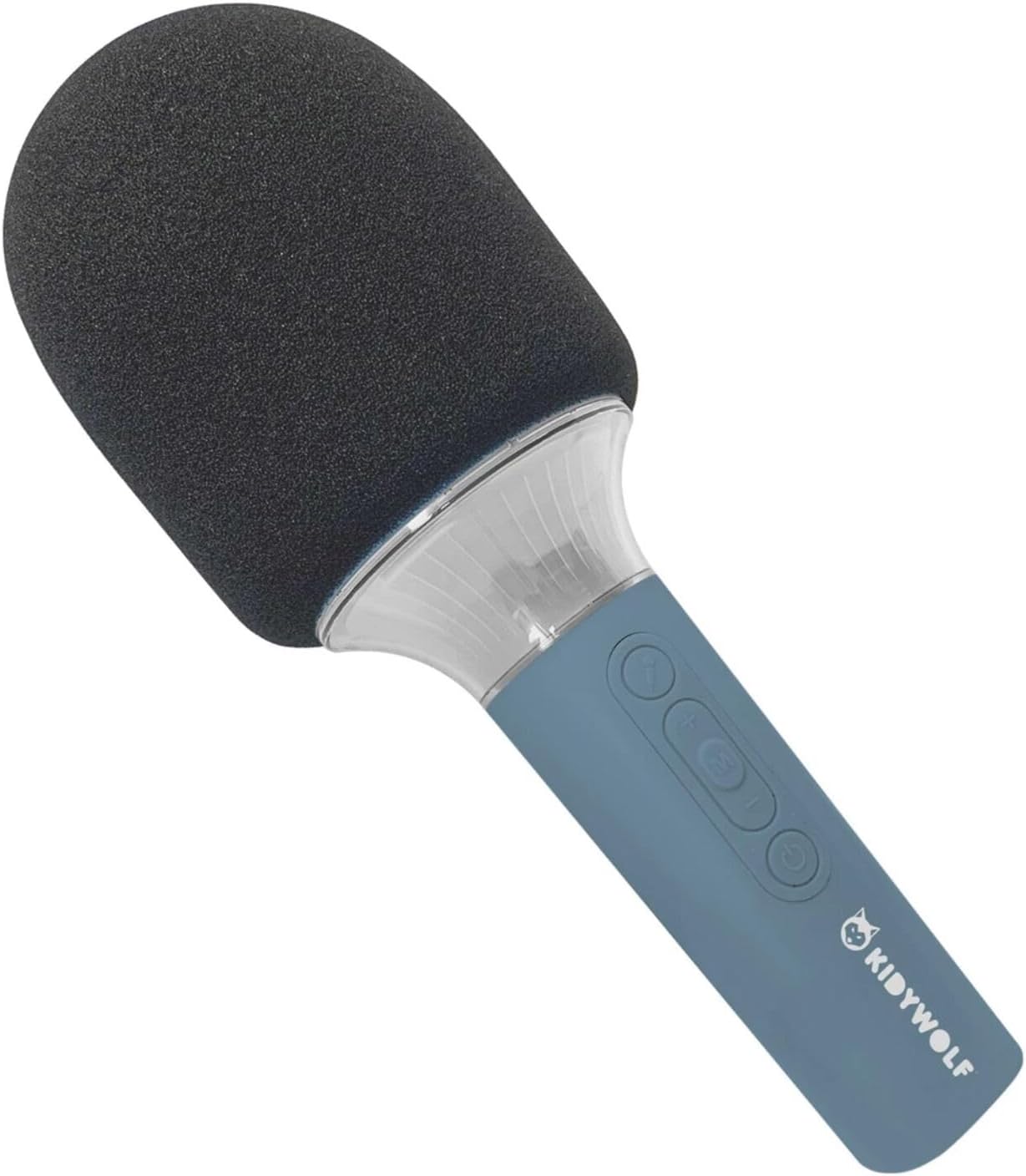
Figur 4.1: Front view of the KIDYWOLF KIDYMICPARENT Bluetooth Microphone. This image shows the microphone head with its foam cover and the main body with control buttons.
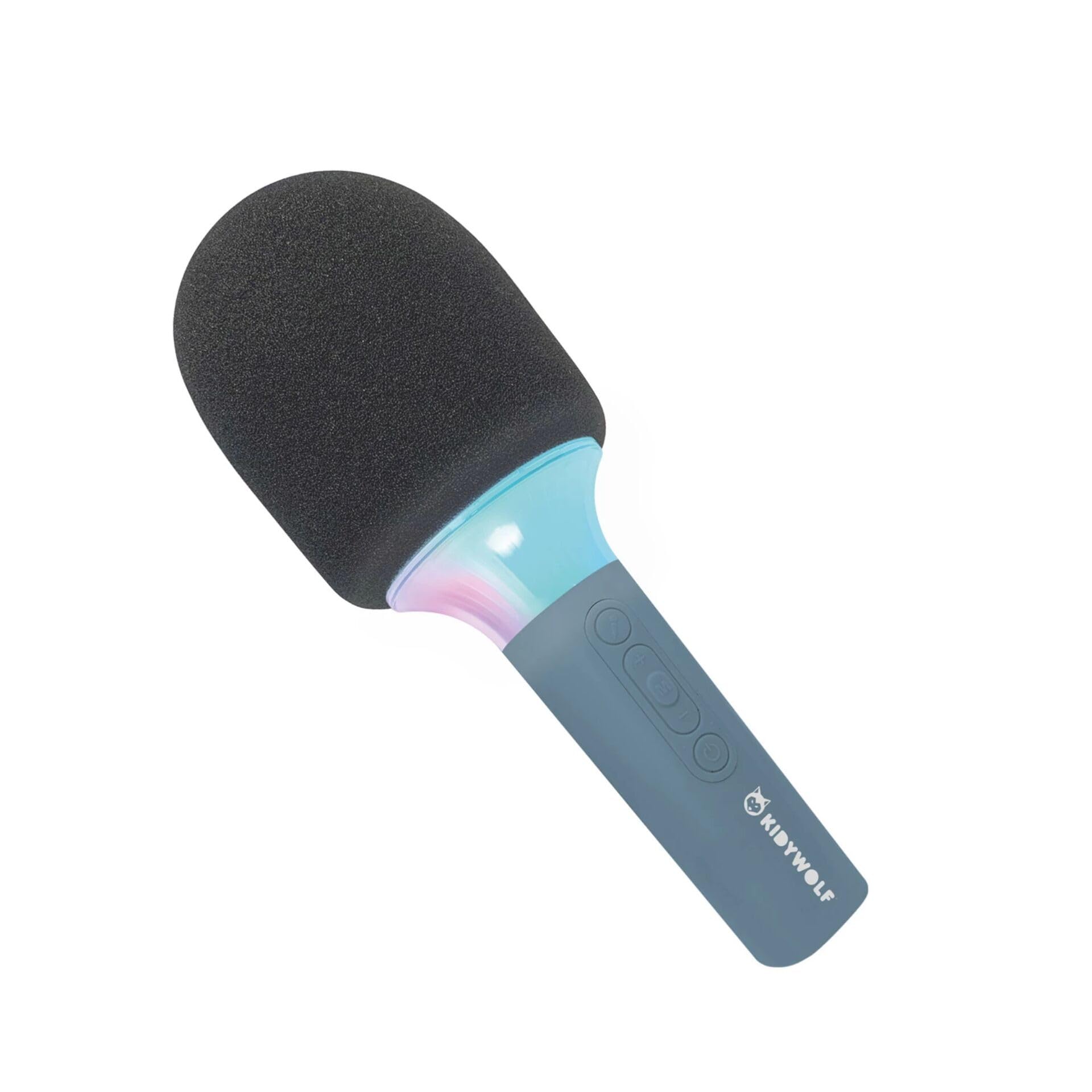
Figur 4.2: Vinklet view of the KIDYWOLF KIDYMICPARENT Bluetooth Microphone. This perspective highlights the ergonomic design of the handle and the placement of the control buttons.

Figur 4.3: The KIDYWOLF KIDYMICPARENT Bluetooth Microphone with its integrated light effects active, showcasing the illuminated section below the microphone head.
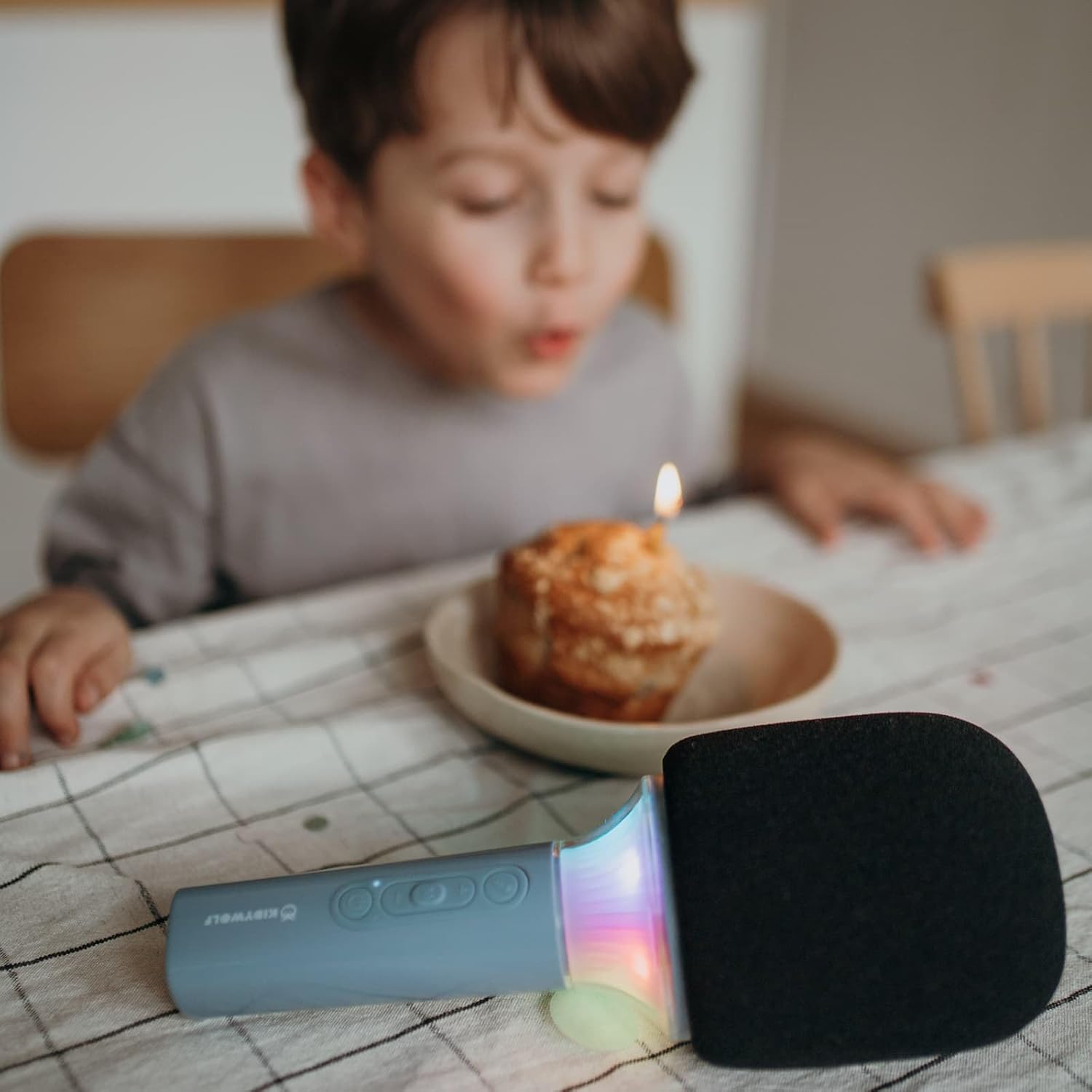
Figur 4.4: A child using the KIDYWOLF KIDYMICPARENT Bluetooth Microphone, demonstrating its intended use for entertainment.
5. Opsætning
5.1 Opladning af mikrofonen
- Locate the USB-C charging port on the microphone.
- Connect the provided USB-C cable to the microphone's charging port.
- Tilslut den anden ende af USB-C-kablet til en kompatibel USB-strømadapter (medfølger ikke) eller en computers USB-port.
- Opladningsindikatorlampen lyser under opladning og slukker eller skifter farve, når den er fuldt opladet.
- En fuld opladning tager typisk cirka 2-3 timer.
5.2 Bluetooth -parring
- Tænd: Press and hold the Power button (usually marked with a power symbol) on the microphone until the indicator light turns on and you hear an audible prompt.
- Aktiver Bluetooth: The microphone will automatically enter Bluetooth pairing mode, indicated by a flashing light or an audible prompt.
- Aktivér Bluetooth på din enhed: Gå til Bluetooth-indstillingerne på din smartphone, tablet eller anden Bluetooth-aktiveret enhed, og sørg for, at Bluetooth er tændt.
- Vælg enhed: Look for "KIDYMICPARENT" or a similar name in the list of available Bluetooth devices and select it to pair.
- Bekræftelse: Once successfully paired, you will hear a confirmation sound from the microphone, and the indicator light will stop flashing and remain solid.
Note: If pairing fails, turn off the microphone and your device's Bluetooth, then repeat the steps. The microphone will automatically attempt to reconnect to the last paired device when powered on.
6. Betjeningsvejledning
6.1 Tænd/sluk
- For at tænde: Tryk og hold tænd/sluk-knappen nede i cirka 3 sekunder.
- For at slukke: Tryk og hold tænd/sluk-knappen nede i cirka 3 sekunder.
6.2 Lydstyrkekontrol
- Brug '+' button to increase the microphone and speaker volume.
- Brug '-' button to decrease the microphone and speaker volume.
6.3 Musikafspilning
Once paired via Bluetooth, you can play music from your connected device. The microphone's built-in speaker will output the audio. Use your connected device to control music playback (play, pause, skip tracks).
6.4 lyseffekter
The microphone features integrated light effects. Refer to the specific button (if available, often marked with a light bulb symbol or integrated with another function) to cycle through different light modes or turn them on/off. If no dedicated button is present, the lights may activate automatically with sound or be controlled via a multi-function button.
7. Stemmeeffekter
The KIDYWOLF KIDYMICPARENT microphone offers 6 different voice settings to enhance your singing experience. To change voice effects:
- Locate the dedicated voice effect button (often marked with a microphone icon or "FX").
- Press the button repeatedly to cycle through the available voice effects.
- Listen to the audio output to select your desired voice effect.
8. Vedligeholdelse
8.1 Rengøring
- Wipe the microphone's exterior with a soft, dry, or slightly damp klæde.
- Brug ikke skrappe kemikalier, slibende rengøringsmidler eller opløsningsmidler.
- Ensure no liquid enters the microphone's openings.
8.2 Opbevaring
- Opbevar mikrofonen et køligt, tørt sted væk fra direkte sollys.
- Keep it away from dust and extreme temperatures.
9. Fejlfinding
| Problem | Mulig årsag | Løsning |
|---|---|---|
| Mikrofonen tændes ikke. | Batteriet er afladet. | Oplad mikrofonen ved hjælp af USB-C-kablet. |
| Kan ikke oprette forbindelse via Bluetooth. | Bluetooth is off on the device; microphone is not in pairing mode; device is too far. | Ensure Bluetooth is enabled on your device. Put the microphone into pairing mode. Move the device closer to the microphone (within 10 meters). |
| Ingen lyd fra højttaleren. | Volume is too low; microphone is muted; device is not playing audio. | Increase volume using the '+' button. Check if the microphone is muted. Ensure audio is playing on the connected device. |
| Voice effects are not changing. | Incorrect button pressed; feature not active. | Ensure you are pressing the correct voice effect button. |
10. Specifikationer
| Modelnavn | KIDYMICPARENT |
| Mærke | KIDYWOLF |
| Formfaktor | Håndholdt |
| Dimensioner (LxBxH) | 24 x 9 x 9 cm |
| Vægt | 414 g |
| Strømkilde | Genopladeligt batteri |
| Materiale | Plast |
| Antal kanaler | 1 |
| Forbindelsesteknologi | Bluetooth |
| Tilslutningstype | USB Type-C |
| Særlige funktioner | Volume Control, Light Effects, Voice Modulation (6 settings) |
| Inkluderede komponenter | Microphone, USB-C Charging Cable |
| Anbefalet brug | Karaoke |
11. Garanti og support
For warranty information and customer support, please refer to the documentation provided at the time of purchase or contact your retailer. You may also visit the official KIDYWOLF webwebsted for de seneste supportressourcer og kontaktoplysninger.