1. Introduktion
This manual provides essential information for setting up, operating, maintaining, and troubleshooting your ACEMAGIC AX16 Pro laptop. Please read this guide thoroughly to ensure optimal performance and longevity of your device.

Billede: Forside view of the ACEMAGIC AX16 Pro laptop.
2. Produktet er slutview
The ACEMAGIC AX16 Pro is a high-performance 16.1-inch laptop designed for various computing tasks, from daily productivity to entertainment. It features an AMD Ryzen 7 5700U processor, ample memory and storage, and advanced connectivity options.
Nøglefunktioner:
- Processor: AMD Ryzen 7 5700U (8 kerner, 16 tråde, op til 4.3 GHz)
- Vise: 16.1-inch FHD (1920x1080) IPS Display
- Hukommelse: 16 GB DDR4 RAM
- Opbevaring: 512 GB NVMe SSD
- Operativsystem: Windows 11
- Trådløs forbindelse: WiFi 6, Bluetooth 5.2
- Porte: HDMI, Type-C (Full Function & DC Jack), USB 3.2, USB 2.0, 3.5mm Audio Jack, TF Card Slot

Image: Visual summary of the laptop's core specifications including CPU, GPU, RAM, SSD, display, and connectivity.
3. Opsætning
Initial Power-On and Windows Setup:
- Oplad den bærbare computer: Before first use, connect the laptop to a power outlet using the provided original AC adapter. Ensure the battery is sufficiently charged.
- Tænd: Åbn låget på den bærbare computer, og tryk på tænd/sluk-knappen.
- Følg instruktionerne på skærmen: The laptop will guide you through the Windows 11 initial setup process. This includes selecting your region, language, connecting to a Wi-Fi network, and creating a user account.
- Vigtig: Ensure a stable internet connection during the setup process. Do not power off or restart the laptop until the setup is complete to avoid system corruption.
Tilslutning af eksterne enheder:
- USB-enheder: Tilslut USB-mus, tastaturer eller eksterne drev til de tilgængelige USB 3.2- eller USB 2.0-porte.
- Eksternt display: Brug HDMI-porten til at tilslutte en ekstern skærm eller projektor.
- Lydenheder: Slut hovedtelefoner eller eksterne højttalere til 3.5 mm lydstikket.
- Hukommelseskort: Insert TF cards into the designated slot for data transfer.

Billede: Detaljeret view of the laptop's various input/output ports, including USB, HDMI, Type-C, and audio jack.
4. Betjeningsvejledning
Display and Visuals:
The 16.1-inch Full HD (1920x1080) IPS display offers clear and vibrant visuals. Adjust brightness and display settings through Windows settings for optimal viewkomfort.
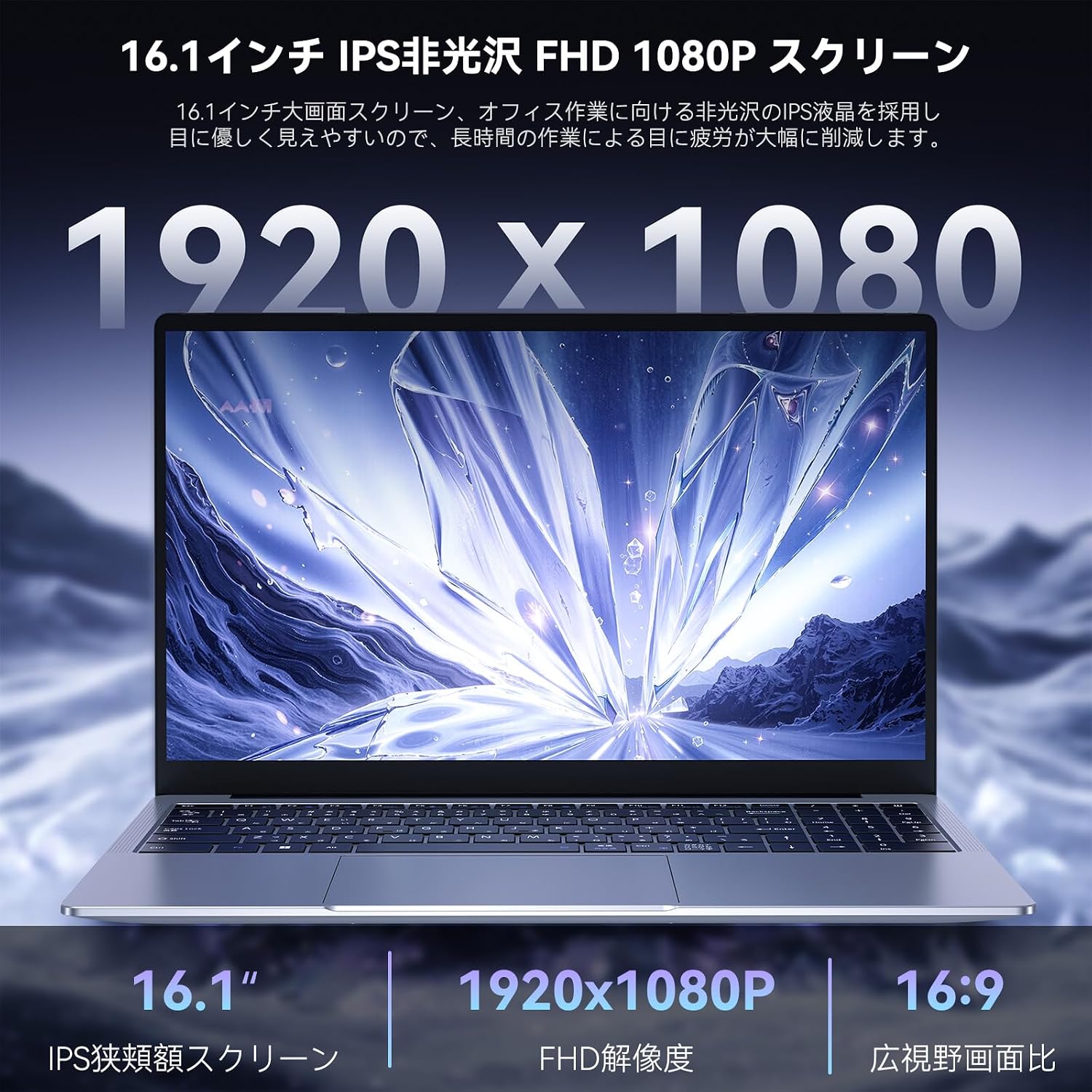
Image: Close-up of the laptop's 16.1-inch FHD 1080P screen, highlighting its resolution and IPS technology.
Tastatur og touchpad:
The laptop features a comfortable keyboard and a large touchpad for precise navigation. An included Japanese keyboard cover can be placed over the English layout for localized input.

Image: Diagram illustrating the keyboard layout and touchpad area, with a focus on ease of input.
Trådløs forbindelse:
Utilize WiFi 6 for high-speed internet access and Bluetooth 5.2 for connecting wireless peripherals like headphones or speakers. These technologies provide stable and efficient wireless communication.

Image: Icons representing WiFi 6 and Bluetooth 5.2, indicating advanced wireless capabilities.
Audio System:
The laptop features a dual-speaker sound system designed to deliver clear and immersive audio for an enhanced user experience.

Image: Laptop displaying a concert scene, with visual cues indicating high-quality, immersive sound from dual speakers.
5. Vedligeholdelse
Rensning:
- Brug en blød, fnugfri klud til at rengøre skærmen og de udvendige overflader.
- For genstridige mærker, let dampRengør kluden med vand eller et skærmsikkert rengøringsmiddel.
- Undgå skrappe kemikalier eller slibende materialer.
Batteripleje:
The laptop is equipped with a 53.58Wh battery, providing extended usage time. To maximize battery lifespan:
- Undgå at aflade batteriet helt ofte.
- Udsæt ikke den bærbare computer for ekstreme temperaturer.
- If storing the laptop for a long period, charge it to about 50-60% before turning it off.
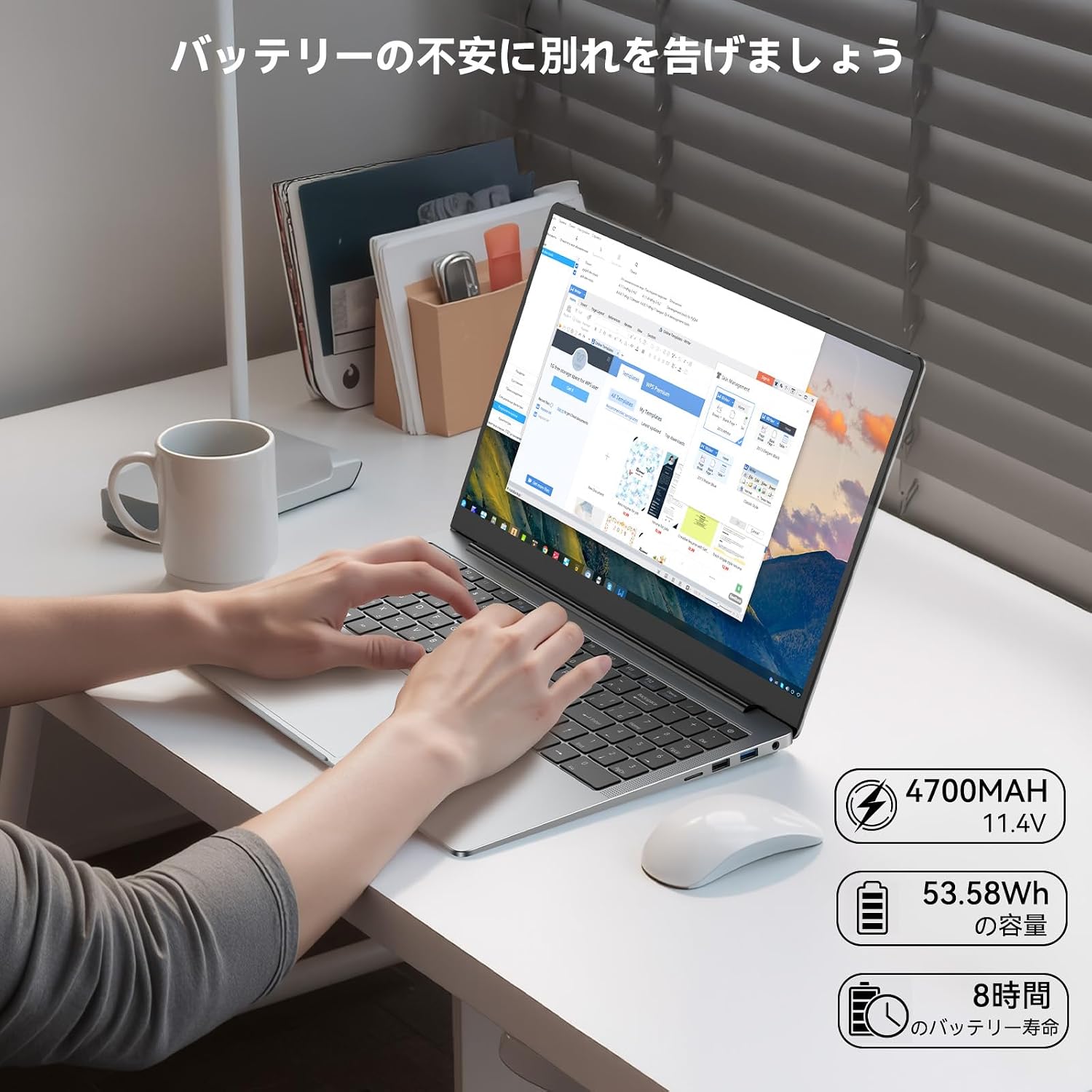
Image: Laptop in use on a desk, with icons indicating 4700mAh, 53.58Wh capacity, and 8 hours of battery life.
Kølesystem:
The laptop features a high-speed, quiet cooling fan to maintain optimal operating temperatures and prevent performance throttling. Ensure the vents are not obstructed to allow proper airflow.

Image: Diagram illustrating the laptop's internal cooling system with a high-speed fan and dual heat pipes for efficient heat dissipation.
6. Fejlfinding
Almindelige problemer og løsninger:
- Den bærbare computer tænder ikke: Ensure the AC adapter is securely connected and the power outlet is functional. Check if the battery has sufficient charge.
- Skærmen er tom: Connect an external monitor to check if the display output is working. Adjust screen brightness.
- Problemer med Wi-Fi-forbindelse: Ensure Wi-Fi is enabled in Windows settings. Restart your router and the laptop. Check for updated network drivers.
- Langsom ydeevne: Luk unødvendige programmer. Kontroller for baggrundsprocesser, der bruger mange ressourcer. Sørg for tilstrækkelig ledig lagerplads.
- Overophedning: Ensure cooling vents are clear of obstructions. Use the laptop on a hard, flat surface.
If you encounter persistent issues not resolved by these steps, please refer to the Warranty and Support section for assistance.
7. Specifikationer
| Feature | Specifikation |
|---|---|
| Mærke | ACEMAGISK |
| Modelnavn | AX16 Pro (NoteBook) |
| Farve | Grå |
| Formfaktor | Laptop |
| Skærmstørrelse | 16.1 tommer |
| Opløsning | 1920x1080 pixels (FHD) |
| CPU Brand | AMD |
| CPU type | AMD Ryzen 7 5700U |
| CPU hastighed | 1.8 GHz (basis), op til 4.3 GHz (turbo) |
| Processorantal | 8 |
| RAM størrelse | 16 GB |
| RAM type | DDR4 SO-DIMM |
| Maks. understøttet hukommelse | 64 GB |
| Harddisk størrelse | 512 GB |
| Harddisk type | SSD |
| Grafik coprocessor | AMD Radeon RX Vega 8 |
| Grafikkorttype | Integreret |
| Trådløs type | Bluetooth, Wi-Fi (802.11ax / WiFi 6) |
| USB 2.0 porte | 1 |
| USB 3.0 porte | 2 |
| HDMI porte | 1 |
| Front Webcam opløsning | 1 MP |
| Operativsystem | Windows 11 |
| Varens vægt | 2.87 kilo |
8. Garanti og support
Producentgaranti:
Your ACEMAGIC AX16 Pro laptop comes with an 18-month manufacturer warranty from the date of purchase. This warranty covers defects in materials and workmanship under normal use.
Kontakt support:
For any product defects, malfunctions, or technical assistance during the warranty period, please contact ACEMAGIC customer support. You can typically find contact information through your purchase platform or the official ACEMAGIC website. When contacting support, please provide your purchase details and a clear description of the issue.
For Amazon purchases, navigate to 'Your Account' → 'Order History' → 'Sold by' → 'Ask a question'. Support aims to respond within 24 hours.


