1. Introduktion
Thank you for choosing the XPOWER X12 In-Ear Bluetooth Earbuds. This manual provides essential information for setting up, operating, and maintaining your device. Please read it carefully to ensure optimal performance and longevity of your earbuds.
2. Pakkens indhold
Bekræft at alle varer er til stede i din pakke:
- XPOWER X12 In-Ear Bluetooth Earbuds (Left and Right)
- Opladningsetui med LED-display
- USB opladningskabel
- Flere størrelser af ørepropper
- Brugermanual
3. Opsætning og første brug
3.1 Opladning af øretelefoner og etuiet
Before first use, fully charge the earbuds and the charging case. Place the earbuds into the charging case. Connect the USB charging cable to the case and a power source. The LED display on the case will indicate the battery level. A full charge takes approximately 2 hours.
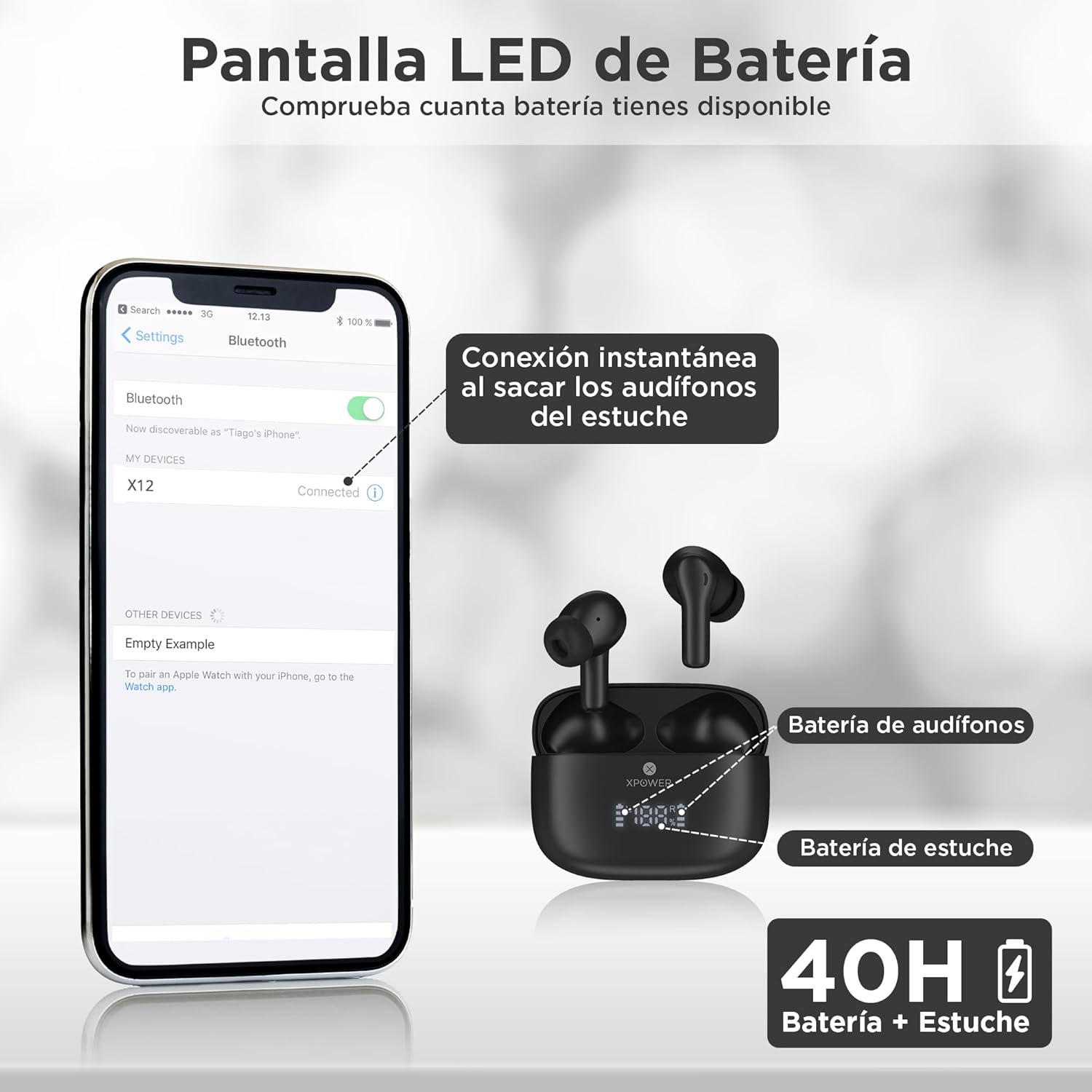
Image: The XPOWER X12 earbuds are shown inside their charging case, which features an LED display indicating battery percentages for both earbuds and the case. A smartphone screen in the background illustrates the Bluetooth pairing process, showing 'X12' as a discoverable device.
3.2 Tænd/sluk
- Tænd: Øretelefonerne tænder automatisk, når de tages ud af opladningsetuiet.
- Sluk: Placer ørepropperne tilbage i opladningsetuiet for automatisk at slukke dem og begynde opladningen.
3.3 Bluetooth -parring
For the first-time pairing:
- Sørg for, at ørepropperne er opladet og taget ud af opladningsetuiet. De vil automatisk gå i parringstilstand.
- Aktiver Bluetooth på din smartenhed (telefon, tablet, bærbar computer).
- Søg efter available devices and select "X12" from the list.
- Når ørepropperne er forbundet, vil de indikere en vellykket parring.
After the initial pairing, the earbuds will automatically connect to the last paired device when removed from the case, provided Bluetooth is enabled on the device.

Image: A visual representation of the Bluetooth 5.4 chip, highlighting its features: instant connection, ultra-fast transmission, low latency, and a 10-meter range for stable wireless connectivity.
4. Betjeningsvejledning
4.1 Tryk på kontrolelementer
The X12 earbuds feature intuitive touch controls for managing audio and calls:

Image: A woman is shown wearing an XPOWER X12 earbud, with overlaid icons indicating various touch control functions such as play/pause, skip tracks, volume adjustment, answer/end calls, and activating the voice assistant (Siri).
- Afspil/pause: Et enkelt tryk på begge øretelefoner.
- Næste nummer: Dobbelttryk på den højre øreprop.
- Forrige nummer: Dobbelttryk på den venstre øreprop.
- Besvar/afslut opkald: Enkelt tryk på en af øretelefonerne under et indgående opkald eller et aktivt opkald.
- Afvis opkald: Tryk og hold en af øretelefonerne nede i 2 sekunder under et indgående opkald.
- Aktiver stemmeassistent: Tryk tre gange på en af øretelefonerne.
4.2 Lydkvalitet
The X12 earbuds are designed to deliver clear vocals and crisp highs for a natural and immersive listening experience. The integrated microphone ensures clear and sharp calls.

Image: A woman is smiling while wearing an XPOWER X12 earbud and interacting with her smartphone, illustrating the enjoyment of clear calls and immersive music quality.
5. Vedligeholdelse og pleje
5.1 Vand- og støvafvisende
The XPOWER X12 earbuds are resistant to water, sweat, and dust, making them suitable for active lifestyles. However, they are not waterproof and should not be submerged in water. Ensure the earbuds are dry before placing them back in the charging case.
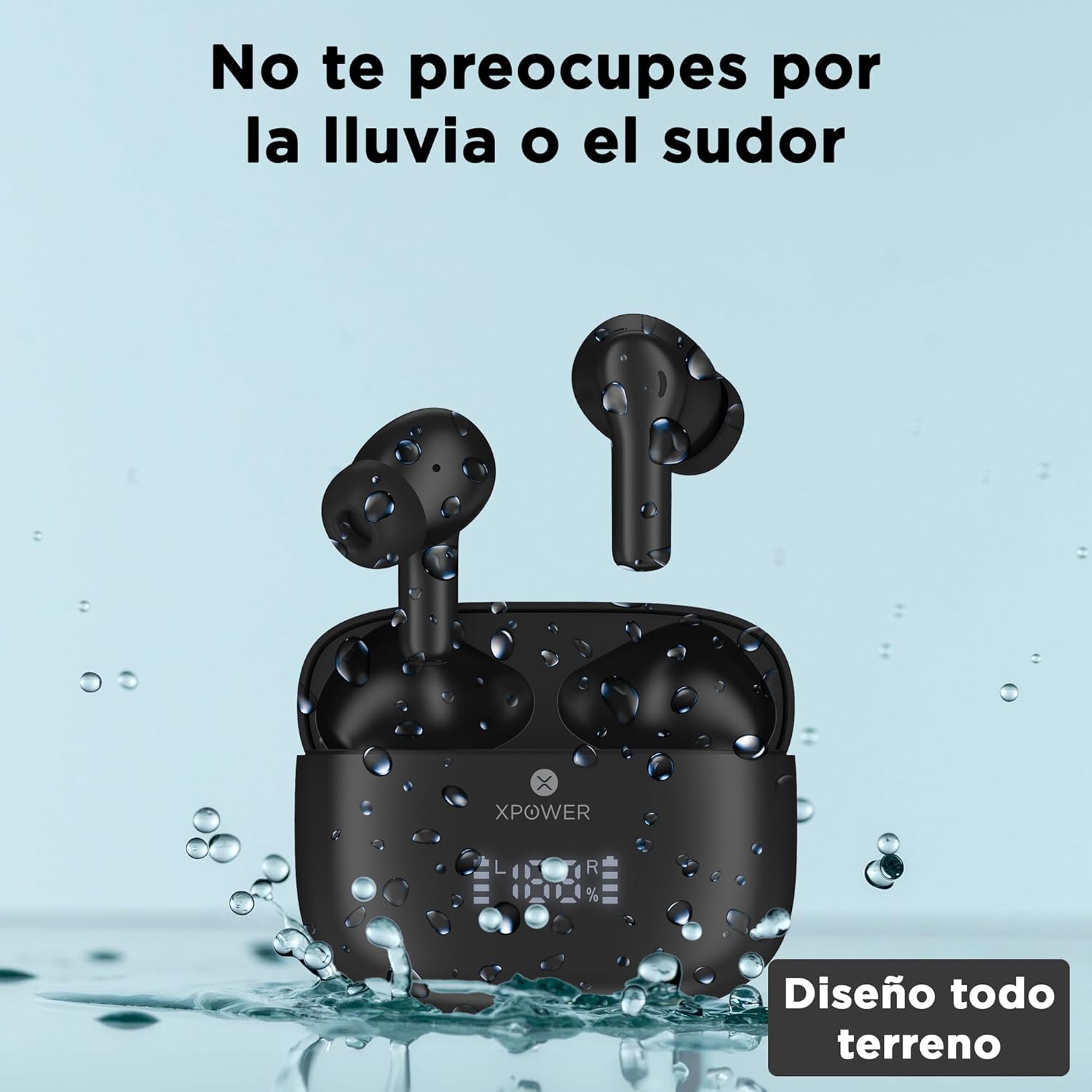
Image: The XPOWER X12 earbuds and their charging case are depicted with water droplets, visually representing their resistance to splashes and sweat.
5.2 Rengøring
Regularly clean your earbuds and charging case with a soft, dry, lint-free cloth. Avoid using abrasive materials or harsh chemicals. Gently remove any earwax or debris from the eartips and speaker mesh using a small, soft brush or cotton swab.
5.3 Opbevaring
Når ørepropperne ikke er i brug, skal de opbevares i deres opladningsetui for at beskytte dem og holde dem opladet. Opbevar enheden et køligt og tørt sted væk fra ekstreme temperaturer.
6. Fejlfinding
If you encounter issues with your XPOWER X12 earbuds, refer to the following common solutions:
- Ørepropper parrer ikke: Ensure both earbuds are out of the case and fully charged. Turn off and on Bluetooth on your device. Forget the "X12" device from your Bluetooth list and try pairing again.
- Kun én øreprop virker: Place both earbuds back into the charging case, close the lid, wait a few seconds, then remove them. This often re-syncs them.
- Ingen lyd: Check the volume level on your connected device. Ensure the earbuds are properly seated in your ears. Confirm the earbuds are connected to the correct device.
- Opladningsproblemer: Ensure the charging cable is securely connected to both the case and the power source. Check for any debris in the charging port of the case or on the earbud charging contacts.
- Dårlig opkaldskvalitet: Ensure the microphone is not obstructed. Try moving closer to your connected device to improve signal strength.
If problems persist, consult the XPOWER support webwebstedet eller kontakt kundeservice for yderligere assistance.
7. Specifikationer
| Feature | Specifikation |
|---|---|
| Modelnavn | AMZX12-BLACK |
| Forbindelsesteknologi | Trådløs (Bluetooth) |
| Trådløs kommunikationsteknologi | Bluetooth 5.4 |
| Batterilevetid (ørepropper + etui) | Op til 40 timer |
| Opladningstid | Cirka 2 timer |
| Vandmodstandsniveau | Water Resistant (Resistant to rain and sweat) |
| Kontrolmetode | Røre |
| Særlige funktioner | Built-in Voice Assistant, Touch Control, Lightweight, Sweat Resistant, Surround Sound |
| Frekvensrespons | 20000 Hz |
| Følsomhed | 42 dB |
| Impedans | 32 Ohm |
| Produktdimensioner | 9.91 x 3.12 x 9.93 cm; 60 g |
| Kompatible enheder | Desktop computers, Laptops, Tablets, Phones, Mobile phones |
8. Garanti og support
8.1 Garantioplysninger
The XPOWER X12 In-Ear Bluetooth Earbuds come with a 1 års garanti from the date of purchase. This warranty covers manufacturing defects and ensures the product functions as intended under normal use. It does not cover damage caused by misuse, accidents, unauthorized modifications, or normal wear and tear.
8.2 Kundesupport
For warranty claims, technical assistance, or any questions regarding your XPOWER X12 earbuds, please contact XPOWER customer support. Refer to the contact information provided on the product packaging or the official XPOWER webwebsted.


