1. Introduktion
Thank you for choosing the BioLite Charge 80 Power Bank and SolarPanel 5+. This powerful and portable energy solution is designed to keep your devices charged in any environment, from daily use to off-grid adventures. This manual provides detailed instructions on how to set up, operate, maintain, and troubleshoot your BioLite products to ensure optimal performance and longevity.

Image: The BioLite Charge 80 Power Bank and SolarPanel 5+ shown together, illustrating the complete portable charging system.
2. Inkluderede komponenter
Your BioLite Charge 80 and SolarPanel 5+ package includes the following items:
- 1 x BioLite Charge 80 PD: A 20,000 mAh portable power bank with 18W USB-C In/Out and USB-A Out ports.
- 1 x BioLite SolarPanel 5+: An ultraslim 5-watt solar panel with an integrated 3,200 mAh battery.
3. Opsætningsvejledning
3.1. BioLite Charge 80 Initial Charge
Before first use, it is recommended to fully charge your BioLite Charge 80 Power Bank. This ensures the battery is calibrated and ready for optimal performance.
- Connect the Charge 80 to a wall adapter (not included) using a USB-C cable.
- The Battery Life Indicator LEDs will illuminate, indicating charging status. All four LEDs will be solid when fully charged.

Billede: En detaljeret view of the BioLite Charge 80 Power Bank, highlighting its compact design and port configuration.

Image: An annotated diagram of the BioLite Charge 80, labeling its 18W USB-C In/Out Port, USB-A Charge Out Ports, Battery Life Indicator Button, Battery Life Indicator LEDs, and 20,000 mAh Li-ion Battery.
3.2. BioLite SolarPanel 5+ Positioning
The SolarPanel 5+ is designed for efficient solar charging. Proper positioning is crucial for maximizing energy capture.
- Unfold the SolarPanel 5+ and extend its integrated kickstand.
- Position the panel directly facing the sun. The integrated sundial helps align the panel for optimal solar exposure.
- Ensure no shadows are cast on the panel, as this can significantly reduce charging efficiency.

Image: The BioLite SolarPanel 5+ set up to charge a smartphone, demonstrating its use in an outdoor setting.
4. Betjeningsvejledning
4.1. Using the BioLite Charge 80
The Charge 80 can power a variety of USB-compatible devices.
- Opladningsenheder: Connect your device's charging cable to one of the USB-A output ports or the USB-C In/Out port on the Charge 80. The power bank will automatically begin charging your device.
- Kontrol af batteriniveau: Press the Battery Life Indicator Button to see the current charge level via the LEDs.
- Hurtig opladning: The USB-C PD (Power Delivery) port offers up to 18W output for faster charging of compatible devices, including laptops and tablets.
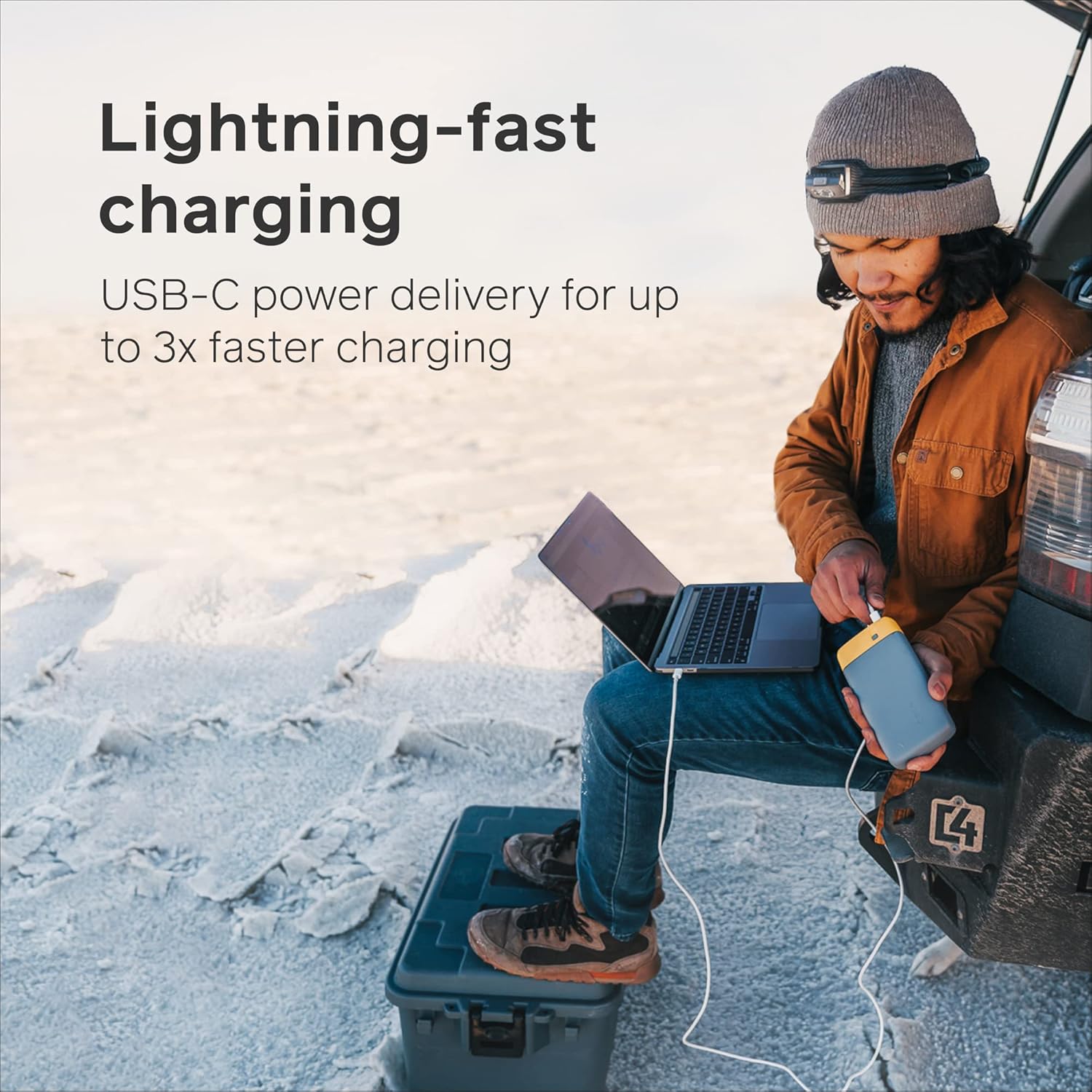
Image: A person using the BioLite Charge 80 to charge a laptop in an outdoor setting, demonstrating its portability and power delivery capabilities.

Image: A person charging a smartphone with the BioLite Charge 80, illustrating its ability to provide multiple smartphone charges.
4.2. Using the BioLite SolarPanel 5+
The SolarPanel 5+ can charge devices directly or store power in its integrated battery.
- Direkte opladning: Connect your device to the USB-A output port on the SolarPanel 5+. Place the panel in direct sunlight. The integrated sundial will help you optimize its angle.
- Batteriopbevaring: When not charging a device, the SolarPanel 5+ will store solar energy in its internal 3,200 mAh battery. This stored energy can be used to charge devices later, even without sunlight.
- Charging the Charge 80: You can connect the SolarPanel 5+ to the Charge 80 via a USB-C cable to recharge the power bank using solar energy.

Billede: Et nærbillede view of the BioLite SolarPanel 5+, highlighting its ultraslim design and solar cell array.

Image: The BioLite SolarPanel 5+ positioned on the ground in a natural outdoor environment, ready to capture solar energy.

Image: The BioLite SolarPanel 5+ attached to a backpack, demonstrating its portability and "packability" for on-the-go charging.
5. Pleje og vedligeholdelse
- Rensning: Wipe the surfaces of both the Charge 80 and SolarPanel 5+ with a soft, damp klud. Undgå barske kemikalier eller slibende materialer.
- Opbevaring: Store the devices in a cool, dry place away from direct sunlight and extreme temperatures when not in use. For long-term storage, ensure the Charge 80 is charged to about 50-70% to preserve battery health.
- Undgå ekstreme forhold: Do not expose the devices to water, excessive humidity, or extreme heat/cold.
- Håndteres med forsigtighed: Undgå at tabe enhederne eller udsætte dem for kraftige stød.
6. Fejlfinding
If you encounter issues with your BioLite Charge 80 or SolarPanel 5+, refer to the following common problems and solutions:
| Problem | Mulig årsag | Løsning |
|---|---|---|
| Charge 80 not charging devices. | Low battery on Charge 80; faulty cable; device incompatibility. | Recharge Charge 80; try a different cable; ensure device is USB-compatible. |
| SolarPanel 5+ not charging. | Insufficient sunlight; panel not properly angled; dirty panel surface. | Relocate to direct sunlight; adjust panel angle using sundial; clean panel surface. |
| Langsom opladningshastighed. | Using non-PD port for PD-compatible device; cable quality; device input limits. | Use USB-C PD port for fast charging; use high-quality cables; check device's charging specifications. |
| LED-indikatorerne virker ikke. | Battery completely depleted; internal malfunction. | Attempt to charge the unit for several hours; if issue persists, contact support. |
7. Tekniske specifikationer
| Feature | BioLite Charge 80 | BioLite SolarPanel 5+ |
|---|---|---|
| Batterikapacitet | 20,000 mAh (74 Wh) | 3,200 mAh (12 Wh) |
| Udgangsporte | 1x USB-C PD (18W In/Out), 2x USB-A (3A Out) | 1x USB-A (5W Out) |
| Indgangsport | USB-C PD (18W In) | Solpanel (5W) |
| Særlige funktioner | Portable, Slim, Fast Charging | Ultraslim, Integrated Sundial, Kickstand, On-board Battery |
| Dimensioner | (Not specified in input, placeholder) | (Not specified in input, placeholder) |
| Vægt | (Not specified in input, placeholder) | (Not specified in input, placeholder) |
Note: Dimensions and weight are not provided in the product data. Please refer to the product packaging or official BioLite websted for præcise målinger.
8. Garanti og support
BioLite products are designed for durability and performance. For information regarding warranty coverage, product registration, or technical support, please visit the official BioLite webhjemmeside eller kontakt deres kundeservice direkte.
Official BioLite Webwebsted: www.bioliteenergy.com
Hav venligst din produktmodel og købsdato klar, når du kontakter support.


