1. Introduktion
Thank you for choosing the boAt Airdopes Unity ANC TWS Earbuds. This manual provides essential information for setting up, operating, and maintaining your earbuds to ensure optimal performance and longevity. Please read this manual thoroughly before using the product.
The boAt Airdopes Unity ANC earbuds are designed for an immersive audio experience with Active Noise Cancellation (ANC) up to 32dB, long playback time, and clear calls facilitated by Dual Mics with ENx Technology.
2. Hvad er der i æsken
Bekræft at alle varer er til stede i din pakke:
- 1 x Ørebud
- 1 x ladekabel
- 1 x Brugermanual
3. Produktet er slutview
Familiarize yourself with the components of your Airdopes Unity ANC earbuds and charging case.

Image: The boAt Airdopes Unity ANC earbuds are shown resting inside their open charging case. The earbuds are grey, matching the case, and feature a sleek, ergonomic design. The boAt logo is visible on the front of the charging case.
Øreproppernes komponenter:
- Berøringskontrolområde: Til styring af afspilning, opkald og tilstande.
- Mikrofon: Dual Mics with ENx™ Technology for clear voice capture.
- LED-indikator: Shows connection and battery status.
- Opladningskontakter: Til opladning inde i etuiet.
Komponenter til opladningsetuiet:
- Opladningsport: USB Type-C-port til opladning af etuiet.
- Etui LED-indikator: Viser etuiets opladningsstatus.
- Øreproppernes pladser: Holder og oplader ørepropperne sikkert.
4. Opsætning
4.1 Opladning af øretelefoner og etuiet
Oplad ørepropperne og opladningsetuiet helt inden første brug.
- Place both earbuds into the charging case, ensuring they are correctly seated.
- Connect the USB Type-C charging cable to the charging port on the case and the other end to a USB power adapter (5V/1A recommended) or a computer's USB port.
- The case LED indicator will show charging status. Once fully charged, the indicator will change or turn off.
- En fuld opladning giver op til 50 timers samlet spilletid med opladningsetuiet.

Image: The boAt Airdopes Unity ANC earbuds are depicted floating above their charging case, with a clock-like graphic below, illustrating the impressive 50 hours of total playback time. The earbuds and case are grey.
4.2 Parring med din enhed
The Airdopes Unity ANC features Insta Wake 'n' Pair (IWP) Technology for seamless connection.
- Første gangs parring: Open the lid of the charging case. The earbuds will automatically enter pairing mode, indicated by a flashing LED on one of the earbuds.
- Gå til Bluetooth-indstillinger på din smartphone eller Bluetooth-aktiverede enhed, og søg efter tilgængelige enheder.
- Select "Airdopes Unity ANC" from the list. Once connected, a voice prompt will confirm the successful pairing.
- Subsequent Pairing (IWP): After the initial pairing, simply open the lid of the charging case, and the earbuds will automatically connect to the last paired device (if Bluetooth is enabled on the device).

Image: This composite image showcases three key features. Top right shows the earbuds and case with text "Dual EQ Modes", indicating "boAt Signature Sound" and "Balanced Mode". Bottom left shows the earbuds and case with "Ambient Mode". Bottom right shows a smartphone screen displaying "Airdopes Unity ANC" with the earbuds and case, highlighting "Insta Wake 'n' Pair Technology".
5. Betjening af dine øretelefoner
The Airdopes Unity ANC earbuds feature intuitive touch controls for various functions.
5.1 Tryk på kontrolelementer
| Fungere | Handling |
|---|---|
| Afspil/pause | Et enkelt tryk på begge øretelefoner. |
| Næste spor | Dobbelttryk på den højre øreprop. |
| Forrige spor | Dobbelttryk på den venstre øreprop. |
| Besvar/afslut opkald | Et enkelt tryk på begge øretelefoner. |
| Afvis opkald | Langt tryk (2 sekunder) på begge øretelefoner. |
| Aktiver Voice Assistant | Tryk tre gange på en af øretelefonerne. |
| Switch ANC/Transparency/Normal Mode | Long press (2 seconds) on the Left earbud. |
| Toggle BEAST™ Mode | Long press (2 seconds) on the Right earbud. |
5.2 Aktiv støjreduktion (ANC)
The Airdopes Unity ANC features Active Noise Cancellation up to 32dB, reducing ambient noise for an immersive listening experience.
- ANC-tilstand: Reduces external noise. Ideal for travel or noisy environments.
- Gennemsigtighedstilstand: Giver dig mulighed for at høre dine omgivelser, mens du stadig nyder din lyd. Nyttig til opmærksomhed i bymiljøer.
- Normal tilstand: ANC- og transparenthedstilstande er slået fra.
Toggle between these modes by long-pressing the Left earbud's touch control area.
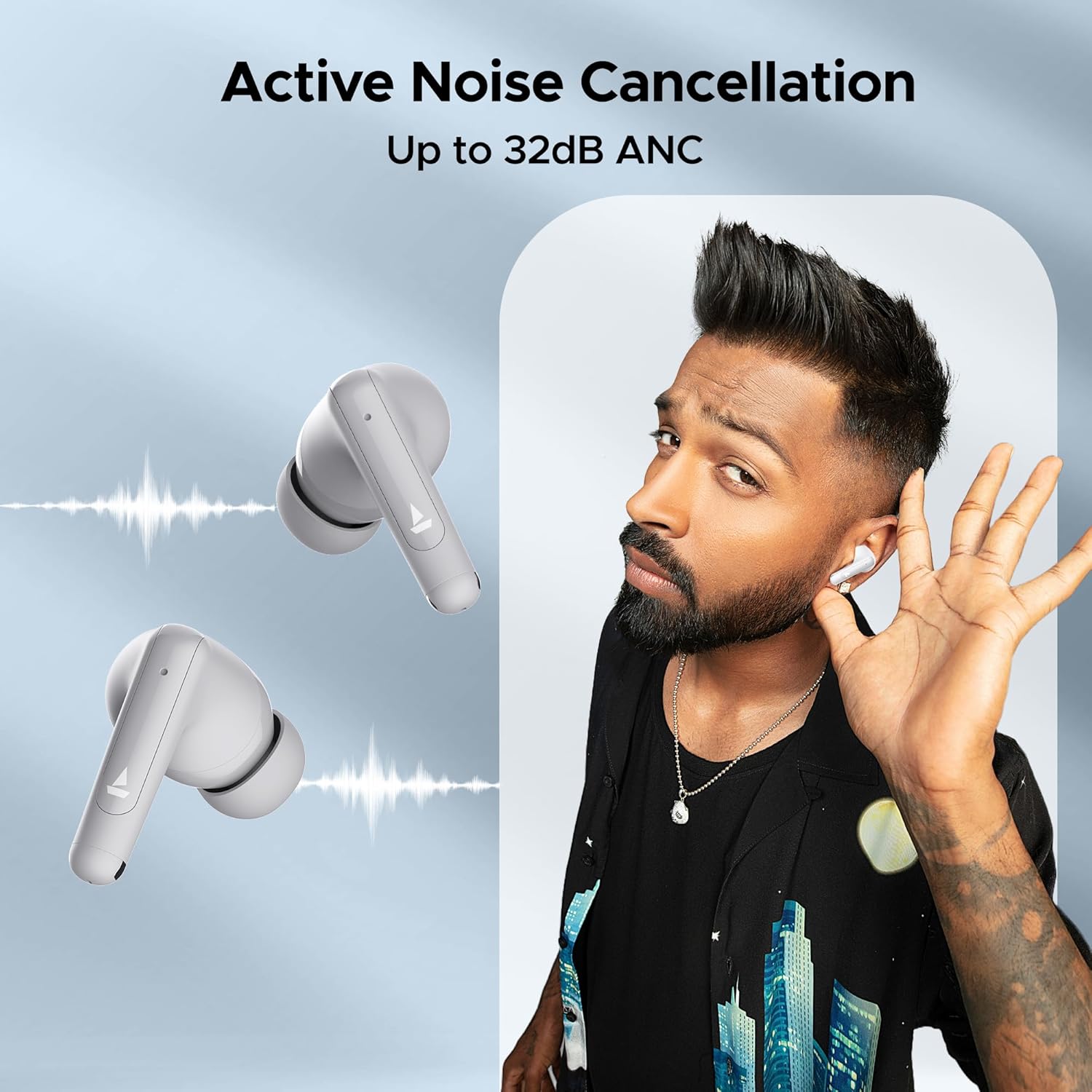
Image: A person is shown wearing the boAt Airdopes Unity ANC earbuds, with sound wave graphics emanating from the earbuds, illustrating the Active Noise Cancellation feature. The text "Active Noise Cancellation Up to 32dB ANC" is prominently displayed.
5.3 BEAST™ Mode (Low Latency)
Activate BEAST™ Mode for a low-latency audio experience, perfect for gaming or watching videos, ensuring audio and video synchronization.
- Latency is reduced to 50ms in BEAST™ Mode.
- Toggle BEAST™ Mode by long-pressing the Right earbud's touch control area.

Image: The boAt Airdopes Unity ANC earbuds are shown alongside a smartphone displaying a gaming scene, with text "BEAST™ Mode 50ms Low Latency", emphasizing the earbuds' suitability for gaming due to reduced audio delay.
5.4 ENx™ Technology (Environmental Noise Cancellation)
The Dual Mics with ENx™ Technology enhance call clarity by suppressing environmental noise, ensuring your voice is heard clearly during calls.
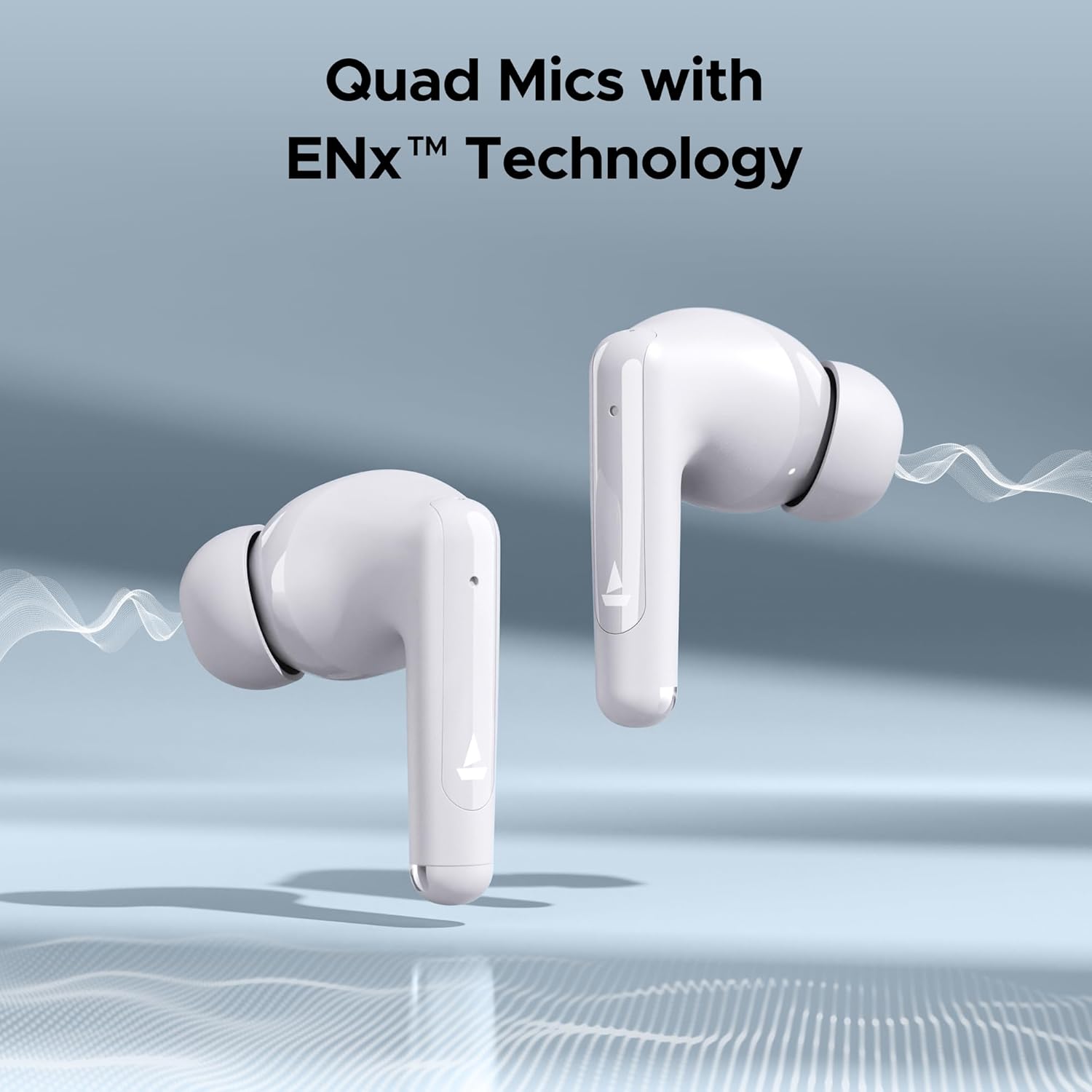
Image: Close-up of the boAt Airdopes Unity ANC earbuds with sound wave graphics, highlighting the "Quad Mics with ENx™ Technology" feature, which improves call quality by reducing background noise.
6. Vedligeholdelse
Korrekt vedligeholdelse sikrer dine øreproppers levetid og optimale ydeevne.
6.1 Rengøring
- Rengør regelmæssigt ørepropperne, især ørepropperne og opladningskontakterne, med en blød, tør og fnugfri klud.
- Brug ikke slibende rengøringsmidler, alkohol eller kemiske opløsningsmidler.
- Rengør opladningsetuiet med en blød, tør klud.
6.2 Opbevaring
- Når ørepropperne ikke er i brug, skal de altid opbevares i deres opladningsetui for at beskytte dem og holde dem opladede.
- Opbevares køligt og tørt, væk fra ekstreme temperaturer og direkte sollys.
6.3 Vandtæthed (IPX5)
The Airdopes Unity ANC earbuds are IPX5 rated, meaning they are resistant to sweat and light splashes of water. They are not designed for submersion in water or exposure to heavy rain.
- Dyp ikke ørepropperne med vilje i vand.
- Dry the earbuds thoroughly before placing them back in the charging case if they get wet.
7. Fejlfinding
If you encounter issues with your Airdopes Unity ANC, try the following solutions:
- Ørepropper parrer ikke:
- Sørg for, at begge øretelefoner er opladet.
- Sæt ørepropperne tilbage i etuiet, luk låget, vent et par sekunder, og åbn derefter låget for at aktivere parringstilstand igen.
- Slå Bluetooth fra og til på din enhed.
- Forget "Airdopes Unity ANC" from your device's Bluetooth list and try pairing again.
- Kun én øreprop virker:
- Sørg for, at begge øretelefoner er opladet.
- Place both earbuds back in the case, close the lid, then open it again.
- Prøv at nulstille ørepropperne (se producentens anvisninger). webwebsted for specifikke nulstillingsinstruktioner, hvis det er nødvendigt).
- Lav lydstyrke eller dårlig lydkvalitet:
- Juster lydstyrken på din tilsluttede enhed.
- Ensure eartips are properly sealed in your ear canal. Try different sized eartips.
- Rengør eventuelt snavs fra øreproppernes dyser.
- ANC ikke effektivt:
- Ensure ANC mode is activated (long press Left earbud).
- Ensure a proper seal with your ear canal.
8. Specifikationer
Key technical specifications for the boAt Airdopes Unity ANC:
| Feature | Detalje |
|---|---|
| Modelnavn | Airdopes Unity ANC |
| Forbindelsesteknologi | Bluetooth |
| Trådløs kommunikationsteknologi | Bluetooth |
| Støjkontrol | Aktiv støjreduktion (op til 32 dB) |
| Samlet afspilningstid | Op til 50 timer (med opladningsetui) |
| Mikrofoner | Dual Mics with ENx™ Technology |
| Vandmodstandsvurdering | IPX5 |
| Kontroltype | Wireless (Touch Controls) |
| Kontrolmetode | Voice (Built-In Voice Assistant) |
| Varens vægt | 45 gram |
| Materiale | Plast |
| Produktdimensioner | 5 x 3 x 5 cm |
| Batterier | 1 Lithium Polymer batteri (medfølger) |
9. Garanti og support
boAt products come with a standard warranty. For detailed warranty information, terms, and conditions, please refer to the warranty card included in your package or visit the official boAt webwebsted.
For product-related queries, technical support, or service requests, please contact boAt customer support:
- Kontaktnummer: +91 (022) 69181920
- E-mail: info@imaginemarketingindia.com
- Fabrikant: Forestil dig Marketing Limited
- Adresse: Enhedsnr. 204 & 205, 2. sal, D-wing & E-wing, Corporate Avenue, Andheri Ghatkopar Link Road, Mumbai, Maharashtra-400093, Indien
You can also visit the official boAt store on Amazon for more information: Boat Store


