1. Introduktion
This user manual provides comprehensive instructions for the installation, operation, and maintenance of your PGST Security Alarm System. This advanced system offers robust home security with dual WiFi and GSM/4G network support, ensuring reliable protection. It is designed for ease of use with app control and voice assistant compatibility, providing peace of mind without monthly fees.
2. Produktet er slutview
2.1. komponenter
The 12-Kits package typically includes the following components:
- Alarm Panel (Main Unit)
- PIR Motion Detectors (x2)
- Door/Window Sensors (x4)
- Fjernbetjeninger (x2)
- RFID Tags (x2)
- Siren (x1)

Figur 2.1: Overview of the PGST Security Alarm System 12-Kits components, including the main panel, motion sensors, door/window sensors, remote controls, RFID tags, og sirene.

Figure 2.2: Diagram illustrating the central alarm panel and its connectivity with various accessories like motion sensors, door sensors, remote controls, RFID tags, and sirens for comprehensive home security control.
2.2. Nøglefunktioner
- Dual Network Support: Operates on both WiFi (2.4G only) and GSM/4G networks for reliable connectivity.
- Ingen månedlige gebyrer: Enjoy full functionality without recurring subscription costs.
- Udvidbart system: Supports up to 100 wireless sensors and 3 wired sensors.
- Power Outage Beskyttelse: Features a backup battery and sends SMS notifications upon power loss/restoration.
- Long Range Signal: Door sensors with built-in long antennas cover up to 100 meters.
- Flere tilkoblingstilstande: Includes away arm, home arm, delay arm, and timely arm.
- Fleksibel kontrol: Arm/disarm via remote control, mobile app (Smart Life/Tuya), RFID card, or phone call.
- Stemmestyring: Kompatibel med Amazon Alexa og Google Assistant for håndfri betjening.
- Flersproget support: Supports English, Italian, Polish, Spanish, Russian, Greek, German, French, Portuguese, Chinese, Romanian.
- SOS funktion: Dedicated SOS button for emergency alerts.
- Loud Siren: Triggers a 100dB siren to deter intruders.
- Familiedeling: Allows linking up to 5 phone numbers for shared alerts and control.

Figure 2.3: The system operates without additional subscription costs, offering a cost-effective security solution.
3. Opsætning og installation
Follow these steps to set up your PGST Security Alarm System. For a visual guide, please refer to the "How to set up" video below.
3.1. Alarm Host Installation
- Fix the mounting bracket securely to the wall using appropriate screws.
- Carefully hang the alarm host unit onto the fixed bracket.
Figure 3.1: The main alarm host unit, which serves as the central control panel for the system.
3.2. Detector Installation (PIR Motion & Door/Window Sensors)
- PIR-bevægelsesdetektor: Install at a height of approximately 2.2 meters (7.2 feet). The detection angle is 110 degrees. Avoid installing near windows or areas with strong light and heat flow to prevent false alarms.
- Dør/vindue sensor: Install the two parts of the magnetic sensor on the door/window frame and the moving part, ensuring they are aligned and close to each other when the door/window is closed. The host will alarm if the connection is broken (door/window opened).

Figure 3.2: Proper installation height and detection angle for the PIR motion detector to ensure optimal coverage.
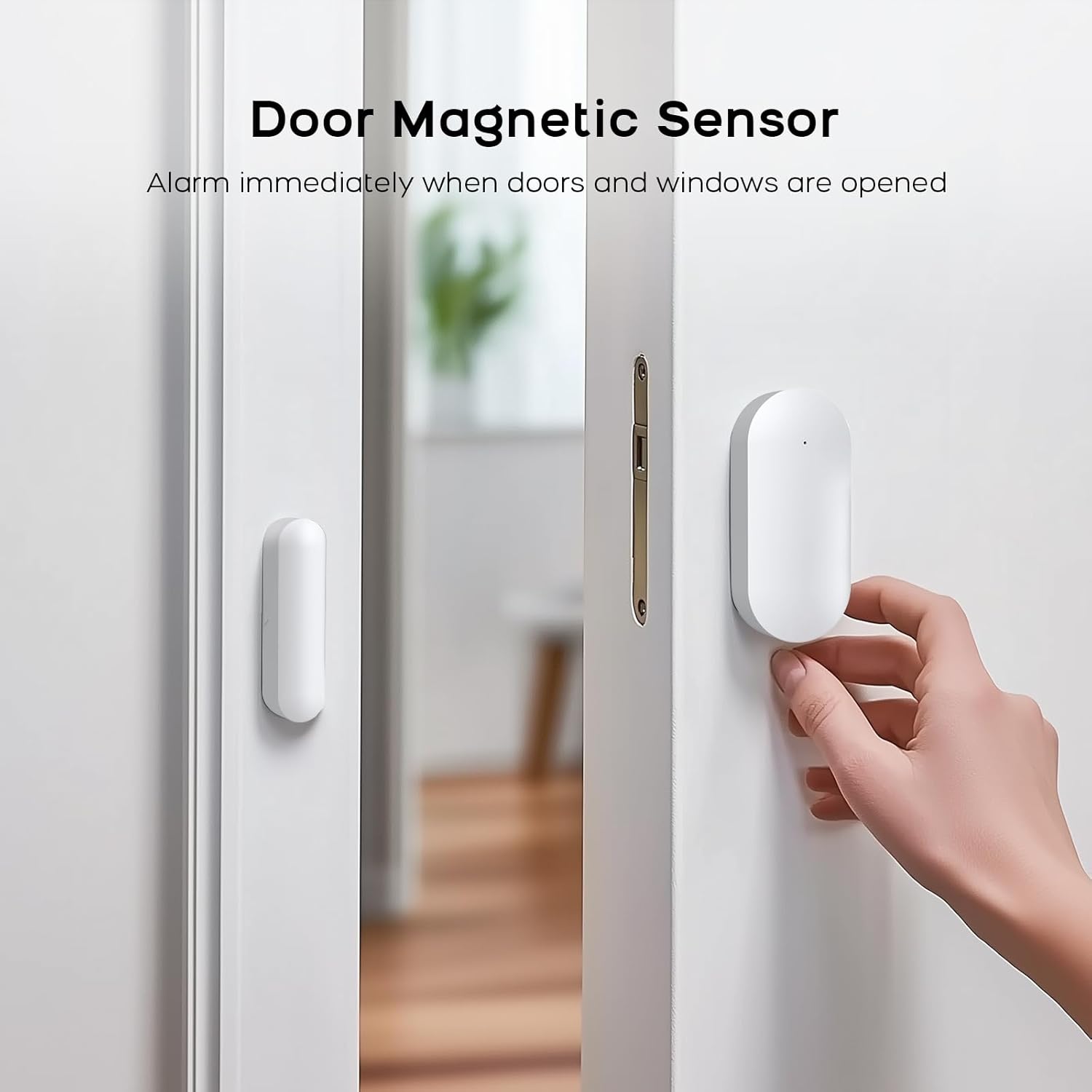
Figure 3.3: Installation of the door magnetic sensor, showing the two parts aligned on a door frame.
3.3. Installation af SOS-knap
Install the SOS button in an easily accessible location where it can be pressed quickly in case of an emergency. Pressing the SOS button will trigger an immediate alert.
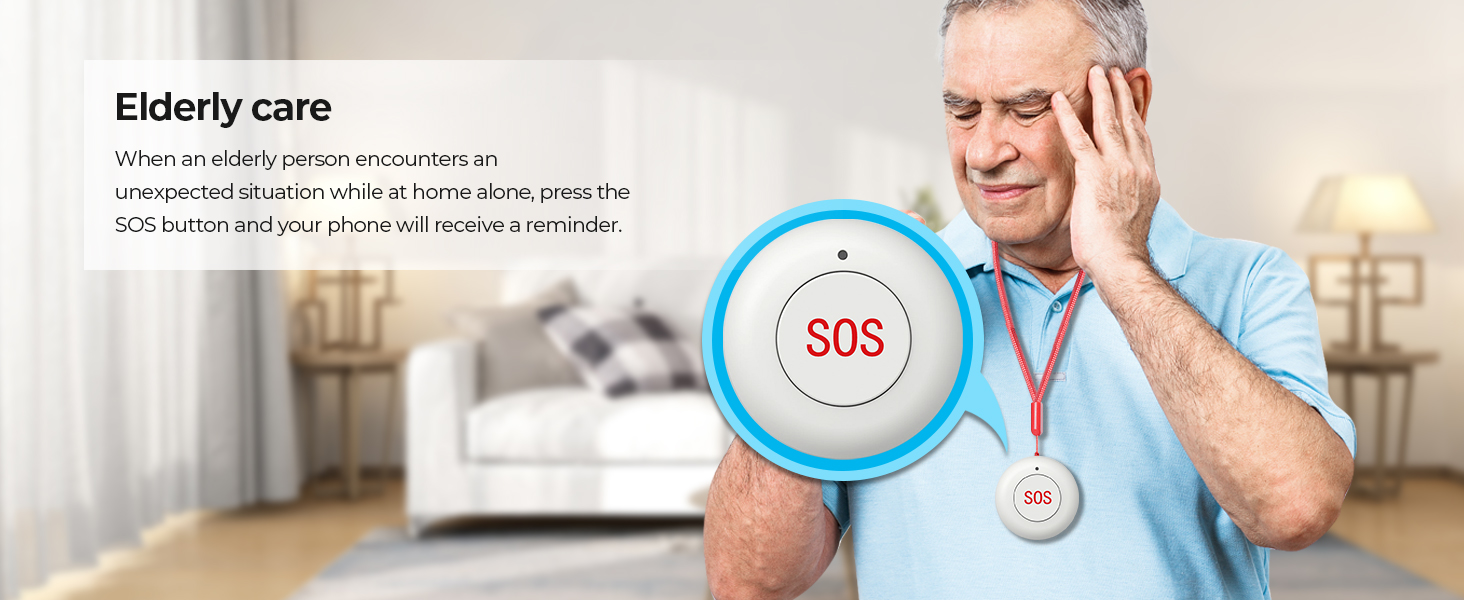
Figure 3.4: The SOS button, designed for quick access in emergencies, particularly useful for elderly care.
3.4. Smoke Detector Installation
Install the smoke detector on the ceiling in areas like the kitchen, living room, or bedrooms. When smoke is detected, the alarm will be triggered.
3.5. How to Set Up Video Guide
Video 3.1: A detailed guide on how to install the PGST Security Alarm System, including the main host, motion detectors, door sensors, SOS button, and smoke detector. This video provides visual instructions for each step of the setup process.
Undertekster: engelsk
4. Betjeningsvejledning
The PGST Security Alarm System offers multiple ways to control and manage your home security.
4.1. Mobile App Control (Smart Life / Tuya APP)
Download the Smart Life or Tuya APP from your smartphone's app store. Once connected, you can arm, disarm, monitor sensor status, and receive alerts directly on your phone from anywhere.

Figure 4.1: The mobile application interface for controlling the alarm system, allowing remote arming, disarming, and status monitoring.
4.2. Fjernbetjening
Use the provided remote controls to conveniently arm, disarm, set home mode, or activate the SOS function. Keep the remote control accessible for quick actions.
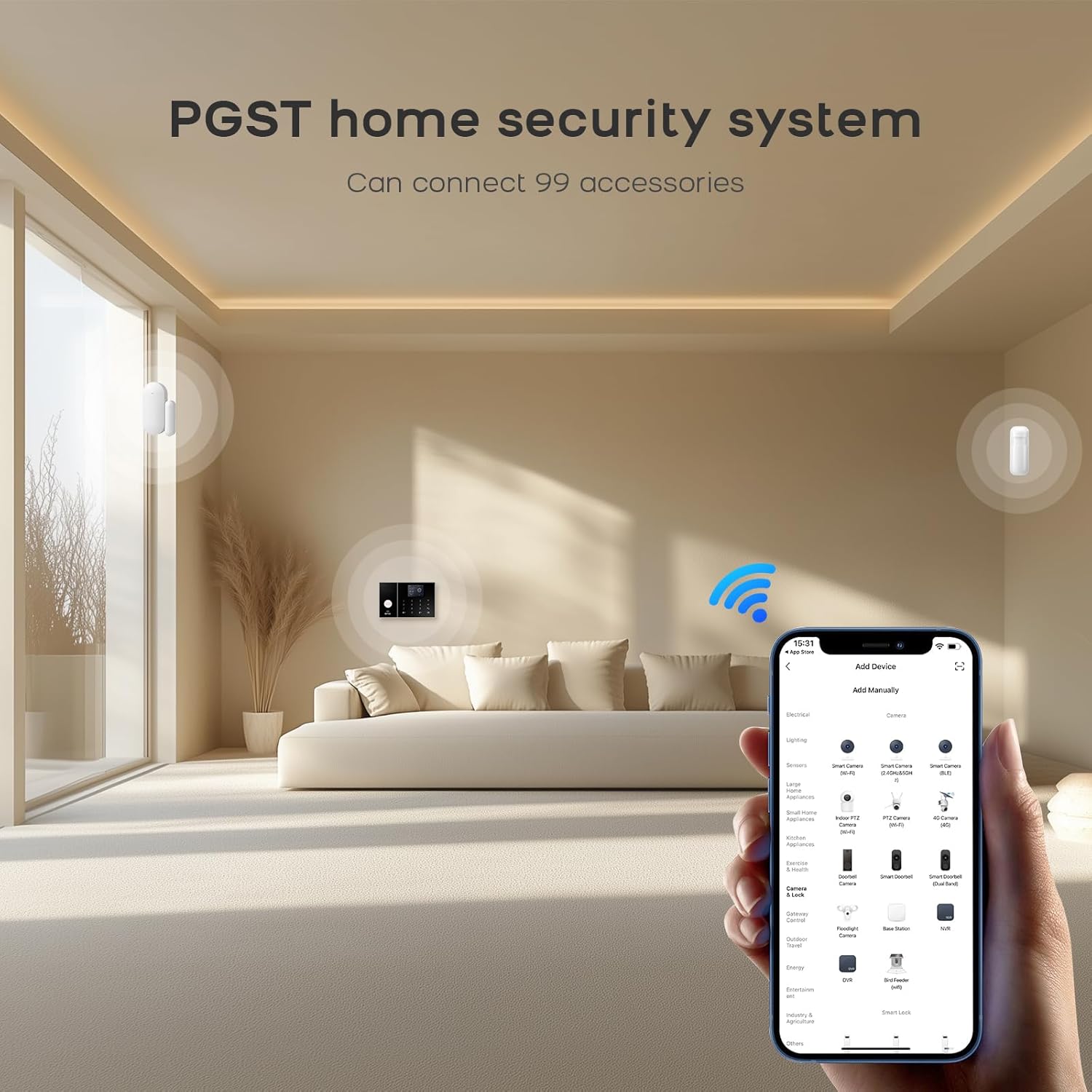
Figure 4.2: The compact remote controls provide instant safety with dedicated buttons for arming, disarming, home mode, and SOS.
4.3. RFID Card
Tap the RFID card on the main alarm panel to quickly arm or disarm the system without needing to enter a code.

Figure 4.3: RFID tags offer a simple, code-free method to switch your home security system status.
4.4. Stemmekontrol
Integrate your alarm system with Amazon Alexa or Google Assistant for convenient voice commands. Simply say "Alexa, arm my home!" or "OK Google, disarm the alarm system" (after proper setup in the app).

Figure 4.4: The alarm system supports voice control through popular smart home assistants, providing hands-free operation.
5. Vedligeholdelse
- Batterikontrol: The main alarm panel includes a Lithium Ion battery. Ensure all wireless sensors have their batteries checked periodically and replaced as needed to maintain optimal performance.
- Rensning: Gently wipe the alarm panel and sensors with a soft, dry cloth. Avoid using abrasive cleaners or solvents.
- Systemopdateringer: Check the Smart Life/Tuya app regularly for any firmware updates for the alarm system to ensure you have the latest features and security enhancements.
6. Fejlfinding
| Problem | Mulig årsag | Løsning |
|---|---|---|
| System not arming/disarming | Weak signal, incorrect mode, app connectivity issue. | Check WiFi/GSM signal strength. Ensure correct arming mode is selected. Verify app is connected to the internet. Try restarting the main unit. |
| False alarms from motion detector | Improper installation height, direct sunlight, heat sources, pets. | Adjust installation height (optimal 2.2m). Relocate away from direct sunlight, vents, or large pets. |
| Door/Window sensor not triggering | Misalignment, low battery, too large gap. | Ensure sensor parts are aligned and within 1cm when closed. Replace battery. Re-pair sensor if necessary. |
| No alerts on phone | App notifications disabled, no SIM card, poor network. | Check app notification settings. Ensure SIM card is properly inserted and has active service. Verify WiFi/4G connection. |
7. Specifikationer
- Mærke: PGST
- Modelnummer: PG108-4GUS-C
- Farve: PG108-4GUS-C
- Strømkilde: Batteridrevet (1 lithium-ion-batteri inkluderet)
- Forbindelse teknologi: Wireless, Wired (for 3 wired sensors)
- Emnemål (L x B x H): 9 x 6 x 6 tommer
- Varens vægt: 9.6 ounce
- Kontrolmetode: App, Remote Control, RFID, Keypad
- Maximum Range (Sensors): 100 meter
- Advarselstype: Lyd og bevægelse
- Anbefalede anvendelser: Indendørs
- Inkluderede komponenter: Alarm panel, siren, PIR motion detector, door/window sensors (specific quantities vary by kit, 12-Kits specified)
8. Garanti og support
PGST is committed to providing high-quality security solutions and excellent customer service.
- Livsvarig teknisk support: Benefit from dedicated technical assistance for the lifespan of your product.
- Hurtigt svar: Expect prompt support with a quick response time within 365 days.
- Professional Team: Our professional support team is ready to assist you with any inquiries or issues.
For further assistance, please contact the PGST store or refer to the contact information provided with your product packaging.

Figure 8.1: PGST's commitment to customer satisfaction, including professional team, lifetime technical support, and quick response.


