Indledning
Thank you for choosing the Philips Smart Pedestal Fan Series 3000. This fan is designed to provide powerful and quiet cooling for your home. This manual provides essential information for the safe and efficient use of your appliance. Please read it thoroughly before first use and keep it for future reference.

The Philips Smart Pedestal Fan Series 3000 (CX3550/01) in black, designed for powerful yet quiet cooling.
Produkt overview
The Philips Smart Pedestal Fan Series 3000 combines maximum cooling power with minimal noise. It features SilentWings technology for quiet operation, adjustable height for versatile use as a pedestal or table fan, and smart control via the Philips Air+ app.

This image illustrates the adjustable height of the fan, showing its dimensions as a pedestal fan (125 cm height, 40 cm width, 37.2 cm depth) and a table fan (82 cm height).
Opsætning og montering
The fan is designed for easy assembly. Follow these general steps for initial setup:
- Pak alle komponenter ud af æsken.
- Assemble the base and attach the main pole.
- Attach the fan motor unit to the pole.
- Secure the front and rear grilles, ensuring the fan blades are correctly positioned.
- Tilslut netledningen.
Refer to the detailed assembly instructions provided in the product packaging for specific steps and diagrams.

All components of the fan laid out, demonstrating its modular design for straightforward assembly and cleaning.
Betjeningsvejledning
Your Philips Smart Pedestal Fan offers multiple ways to control its functions for personalized comfort.
Kontrolpanel
The fan features an intuitive control panel located on the motor unit.

The fan's control panel features buttons for power, speed adjustment, mode selection, oscillation, and timer settings.
- Power knap: Tryk for at tænde eller slukke for blæseren.
- Hastighedsindstillinger: Vælg mellem 3 tilgængelige hastigheder for at justere luftstrømmens intensitet.
- Valg af tilstand: Choose between different modes such as Natural Breeze and Silent Sleep.
- oscillation: Activate or deactivate the automatic 90-degree horizontal oscillation.
- Timer: Set the fan to operate for a specific duration (1-12 hours).
Philips Air+ App Control
For enhanced control and smart features, download the Philips Air+ app on your smartphone.
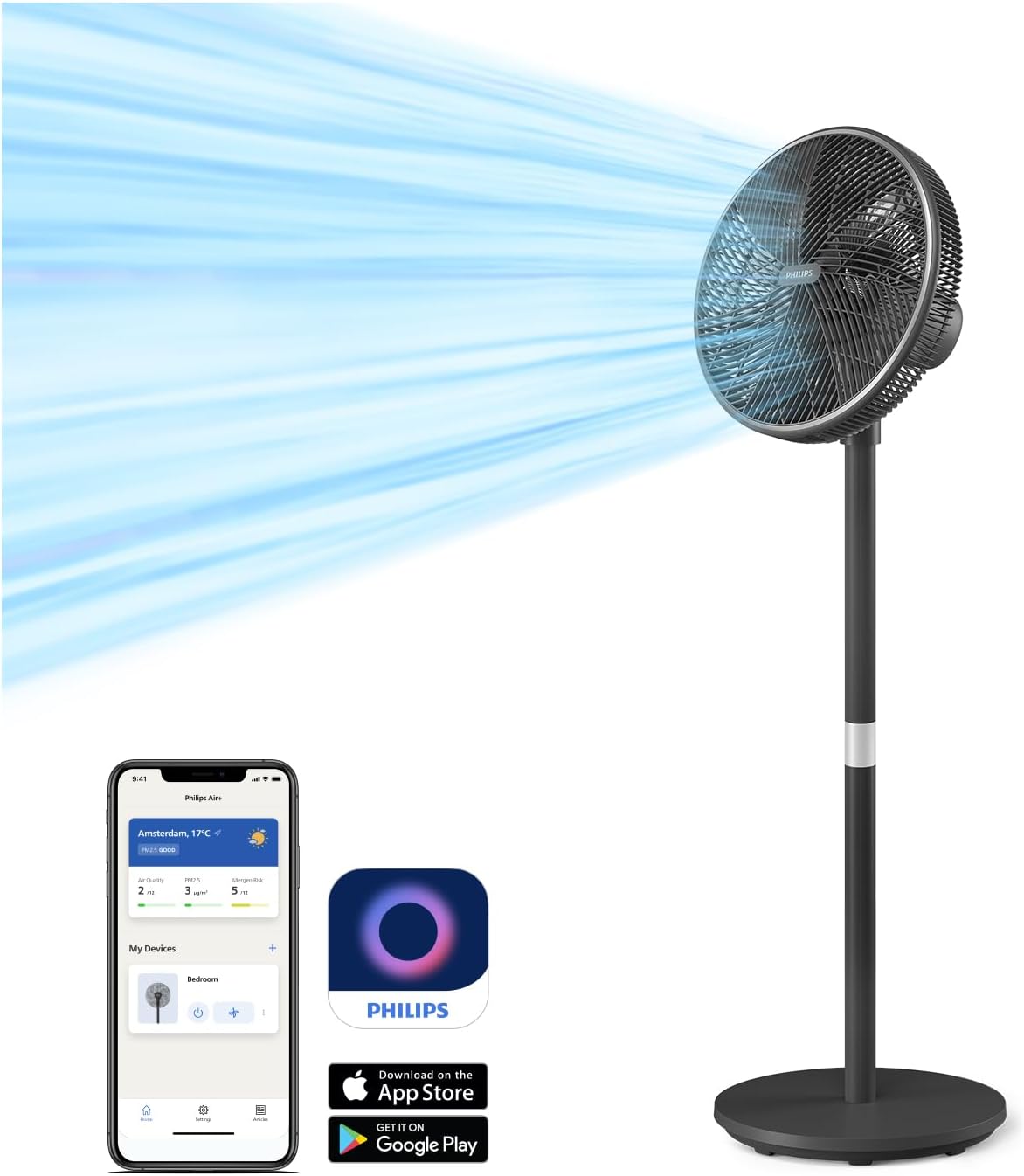
The Philips Air+ app allows remote control of fan settings, including speed, modes, and scheduling.
- Download the Philips Air+ app from the App Store or Google Play.
- Follow the in-app instructions to pair your fan with your device.
- Control all fan functions remotely, set schedules, and monitor room conditions.
Driftsformer
- Natural Breeze Mode: This mode simulates a gentle, refreshing outdoor breeze, providing a comfortable indoor experience throughout the year.

The Natural Breeze mode simulates a gentle, refreshing outdoor breeze, providing year-round comfort.
- Lydløs dvaletilstand: Designed for peaceful nights, this mode gradually reduces the fan speed over a 30-minute period, promoting restful sleep and energy saving.

The Silent Sleep Mode gradually reduces fan speed over 30 minutes, promoting restful sleep and energy saving.
Justerbare funktioner
- oscillation: The fan features automatic horizontal oscillation up to 90 degrees to distribute air evenly across the room.
- Lodret hældning: The fan head can be manually tilted vertically up to 30 degrees to direct airflow as needed.
- Justerbar højde: The fan can be easily converted from a pedestal fan to a table fan to suit your environment and cooling needs.
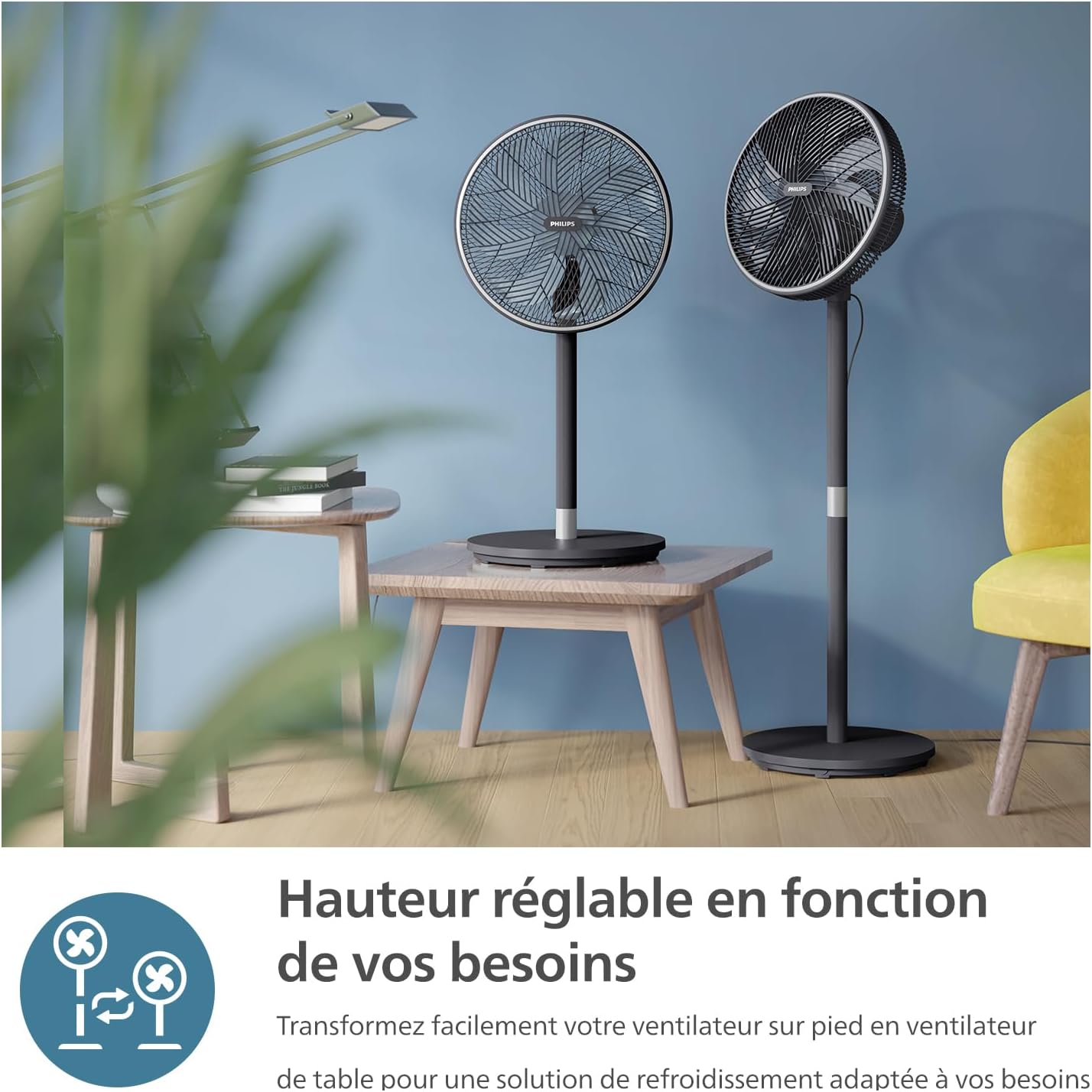
The fan's versatile design allows it to be easily converted from a pedestal fan to a table fan to suit various environments.
- Timer funktion: Personalize your cooling experience with the timer function, allowing you to set the fan to turn off automatically after 1 to 12 hours.

The fan includes a timer function, allowing users to set operation for 1 to 12 hours for personalized comfort.
Vedligeholdelse og rengøring
Regelmæssig rengøring hjælper med at opretholde ventilatorens ydeevne og forlænger dens levetid. Tag altid stikket ud af stikkontakten før rengøring.
- Udvendig rengøring: Tør de udvendige overflader af med en blød, damp klæde. Brug ikke slibende rengøringsmidler eller opløsningsmidler.
- Gitter og knive: The fan's intuitive design allows for easy disassembly of the grilles and blades for thorough cleaning. Remove dust and debris using a soft brush or vacuum cleaner. Ensure all parts are dry before reassembly.
Fejlfinding
Hvis du støder på problemer med din ventilator, kan du bruge følgende almindelige løsninger:
- Ventilator tænder ikke: Sørg for, at netledningen er sat korrekt i en fungerende stikkontakt. Kontroller, om der er trykket på tænd/sluk-knappen.
- Svag luftstrøm: Verify that the fan speed is set to a higher level. Clean the fan blades and grilles to remove any obstructions.
- Usædvanlig støj: Ensure all parts are correctly assembled and tightened. Check for any foreign objects caught in the fan blades.
- Problemer med app-forbindelse: Ensure your smartphone's Bluetooth or Wi-Fi is enabled and the fan is within range. Restart the app and the fan if necessary.
Ved vedvarende problemer bedes du kontakte Philips kundesupport.
Specifikationer
| Feature | Specifikation |
|---|---|
| Mærke | PHILIPS |
| Modelnummer | CX3550/01 |
| Farve | Sort |
| Produktmål (L x B x H) | 40 x 37.2 x 125 cm |
| Magt | 48 watt |
| Voltage | 220 volt, 240 volt |
| Materiale | Plast eller metal |
| Antal hastigheder | 3 |
| Støjniveau | 19 decibel (dB(A)) |
| Særlige funktioner | SilentWings Technology, App Control |
| Varens vægt | 6.03 kilo |
| Elektrisk ventilator design | Gulv Fan |
| Strømkilde | Elektrisk med ledning |
| Stil | Pedestal Fan |
| Værelsestype | Stue |
| Anbefalede anvendelser | Air Circulation, Cooling, Ventilation |
| Monteringstype | Gulvmontering |
Garanti og support
For warranty information, technical support, or service inquiries, please refer to the warranty card included with your product or visit the official Philips website. You can also contact Philips customer service directly for assistance.
Online support: www.philips.com/support