Indledning
The BUGANI Open Ear Headphones are designed to provide a comfortable and immersive audio experience while allowing you to remain aware of your surroundings. Featuring a true open-ear design, these headphones rest gently on your ears without entering the ear canal, reducing stress and potential hearing loss from extended wear. Equipped with advanced Bluetooth 5.3 technology and powerful 16mm vibrating diaphragm speaker drivers, they deliver clear stereo sound and stable connectivity. With a long battery life and crystal-clear call quality thanks to built-in dual microphones and Environmental Noise Cancellation (ENC), these waterproof sport earbuds are ideal for various activities, including running, cycling, and daily use.
Hvad er der i æsken
- BUGANI Open Ear-hovedtelefoner
- 1 x Type-C ladekabel
- 1 x brugermanual

Image: The BUGANI Open Ear Headphones and their transparent charging case. The earbuds are white with silver accents, showcasing their unique open-ear design.
Opsætning
Opladning af hovedtelefoner
Before first use, fully charge your BUGANI Open Ear Headphones. The charging case provides extended battery life for the earbuds.
- Placer ørepropperne i opladningsetuiet, og sørg for, at de er korrekt isat.
- Connect the provided Type-C charging cable to the charging port on the case and plug the other end into a USB power source.
- The charging case will indicate charging status. A full charge for the charging box typically takes 1-2 hours.
- The earbuds provide up to 6 hours of playtime on a single charge, and the charging case extends total playtime to 30 hours.

Image: The BUGANI Open Ear Headphones are shown inside their charging case, next to a smartphone displaying music. The image highlights the 30-hour total playtime with the charging case and 6 hours on a single charge.
Parring med en enhed
The BUGANI Open Ear Headphones feature one-step auto-pairing for stable and faster connection.
- Åbn opladningsetuiet. Ørepropperne går automatisk i parringstilstand.
- On your device (smartphone, tablet, computer, etc.), enable Bluetooth.
- Søg efter "BUGANI OpenFit" in the list of available Bluetooth devices.
- Select "BUGANI OpenFit" to connect. Once connected, you will hear a confirmation sound, and the device will show "Connected".
- The headphones are compatible with any Bluetooth-enabled device.

Image: The BUGANI Open Ear Headphones are shown next to a smartphone displaying its Bluetooth settings, with "BUGANI OpenFit" listed as a connected device. This illustrates the one-step auto-pairing process.
Betjeningsvejledning
The BUGANI Open Ear Headphones feature intuitive touch controls for managing audio playback and calls.
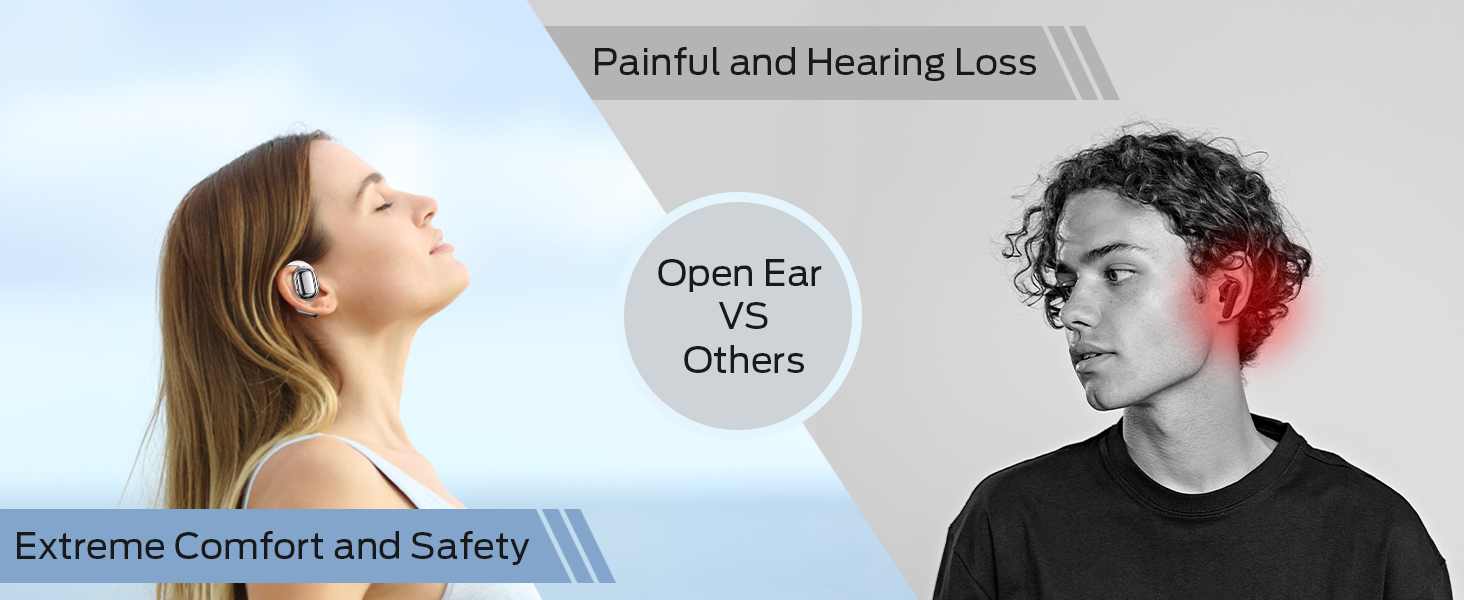
Image: A detailed diagram illustrating the touch control functions on the BUGANI Open Ear Headphones, showing gestures for volume, track control, call management, and voice assistant activation.
Tryk på kontrolfunktioner
| Fungere | Handling | Earbud (R/L) |
|---|---|---|
| Lydstyrke op | Dobbelttryk | Højre (R) |
| Lydstyrke ned | Dobbelttryk | Venstre (L) |
| Forrige spor | Tryk tredobbelt | Venstre (L) |
| Næste spor | Tryk tredobbelt | Højre (R) |
| Afspil/pause | Enkelt tryk | Højre (R) eller Venstre (L) |
| Besvar/afslut opkald | Enkelt tryk | Højre (R) eller Venstre (L) |
| Afvis opkald | Tryk og hold i 2 sekunder | Højre (R) eller Venstre (L) |
| Aktiver Voice Assistant | Tryk og hold i 2 sekunder | Venstre (L) |
Opkaldsfunktioner
The built-in dual microphones with ENC technology ensure clear communication during calls.

Image: A person is shown smiling while using the BUGANI Open Ear Headphones to make a call, emphasizing the clear call quality feature.
- Besvarelse / afslutning af opkald: Tryk én gang på en af øretelefonerne.
- Afvisning af opkald: Tryk på en af øretelefonerne, og hold den nede i 2 sekunder.
Lydafspilning
Experience immersive stereo sound with the 16mm vibrating diaphragm speaker drivers.

Image: A person is shown relaxing and enjoying music while wearing the BUGANI Open Ear Headphones, with visual effects indicating immersive stereo sound.
- Afspil/pause: Tryk én gang på en af øretelefonerne.
- Næste nummer: Triple tap the Right (R) earbud.
- Forrige nummer: Triple tap the Left (L) earbud.
- Lydstyrke op: Double tap the Right (R) earbud.
- Skrue ned for lyden: Double tap the Left (L) earbud.
Opretholdelse
Korrekt vedligeholdelse sikrer dine hovedtelefoners lange levetid og optimale ydeevne.
Vandmodstand
The BUGANI Open Ear Headphones are rated IPX5 waterproof, providing protection against sweat, splashes, and light rain. They are suitable for exercise and sports activities.

Image: A man is shown running and sweating, with water droplets splashing, illustrating the IPX5 waterproof rating of the headphones, protecting them from sweat and light rain.
Almen pleje
- Rengør ørepropperne og opladningsetuiet regelmæssigt med en blød, tør klud.
- Undgå at bruge slibende rengøringsmidler eller opløsningsmidler.
- Opbevar hovedtelefonerne i deres opladningsetui, når de ikke er i brug, for at beskytte dem og holde dem opladede.
- Avoid exposing the headphones to extreme temperatures or direct sunlight for prolonged periods.
Fejlfinding
If you encounter any issues with your BUGANI Open Ear Headphones, please refer to the following common solutions:
| Problem | Mulig årsag | Løsning |
|---|---|---|
| Hovedtelefonerne tændes ikke. | Lavt batteri. | Place earbuds in the charging case and charge the case fully. |
| Kan ikke parres med enheden. | Bluetooth er slået fra på enheden; hovedtelefoner er ikke i parringstilstand; enheden er for langt væk. | Ensure Bluetooth is enabled on your device. Open the charging case to enter pairing mode. Keep headphones within 10 meters of your device. |
| Ingen lyd eller lav lydstyrke. | Volume too low; not properly connected; earbud placement. | Adjust volume on both headphones and connected device. Re-pair the headphones. Ensure earbuds are correctly positioned on your ears. |
| Intermittent connection/audio drops. | Interferens; enhed for langt væk; lavt batteri. | Move closer to your device. Avoid areas with strong Wi-Fi or other Bluetooth interference. Charge the headphones. |
| Mikrofonen virker ikke under opkald. | Microphone blocked; software issue. | Ensure nothing is obstructing the microphone. Restart your device and reconnect the headphones. |
Specifikationer
| Feature | Detalje |
|---|---|
| Modelnavn | BUGANI OpenFit |
| Modelnummer | B06 |
| Forbindelsesteknologi | Trådløs (Bluetooth) |
| Bluetooth version | 5.3 |
| Audio driver type | 16 mm dynamisk driver |
| Frekvensområde | 20 Hz til 20,000 Hz |
| Batterilevetid (ørepropper) | Op til 6 timer |
| Samlet spilletid (med opladningsetui) | Op til 30 timer |
| Opladningsport | Type-C |
| Vandmodstandsniveau | IPX5 vandtæt |
| Kontrolmetode | Røre |
| Vægt (ørepropper) | 10 gram |
| Materiale | Plast |
| Produktdimensioner | 5 x 3 x 3 tommer |
| Kompatible enheder | Smartphones, computers, tablets, MP3 players, TVs, Laptops, Desktops |
| Anbefalede anvendelser | Cycling, Calling, Running, Snowboarding, Skateboarding, Exercising, Gaming |
Officiel produktvideo
Video: En officiel produktvideoasing the key features and design of the BUGANI Open Ear Headphones, including their open-ear comfort, sound quality, and battery life.
Garanti og support
For warranty information and customer support, please refer to the contact details provided on the product packaging or visit the official BUGANI webwebsted. Gem din købskvittering for garantikrav.
If you require further assistance or have questions not covered in this manual, please contact BUGANI customer service.


