1. Introduktion
Thank you for choosing the Tracer SimRacer Steering Wheel, Gearbox, and Pedals Set. This high-quality gaming peripheral is designed to provide an immersive racing experience across multiple platforms. This manual provides essential information for setting up, operating, and maintaining your device.
The SimRacer set includes a steering wheel with a 270-degree steering angle, a separate gearbox, and a module with brake and accelerator pedals, ensuring realistic control and quick reactions during gameplay. Its robust construction and thoughtful design aim for durability and comfort.
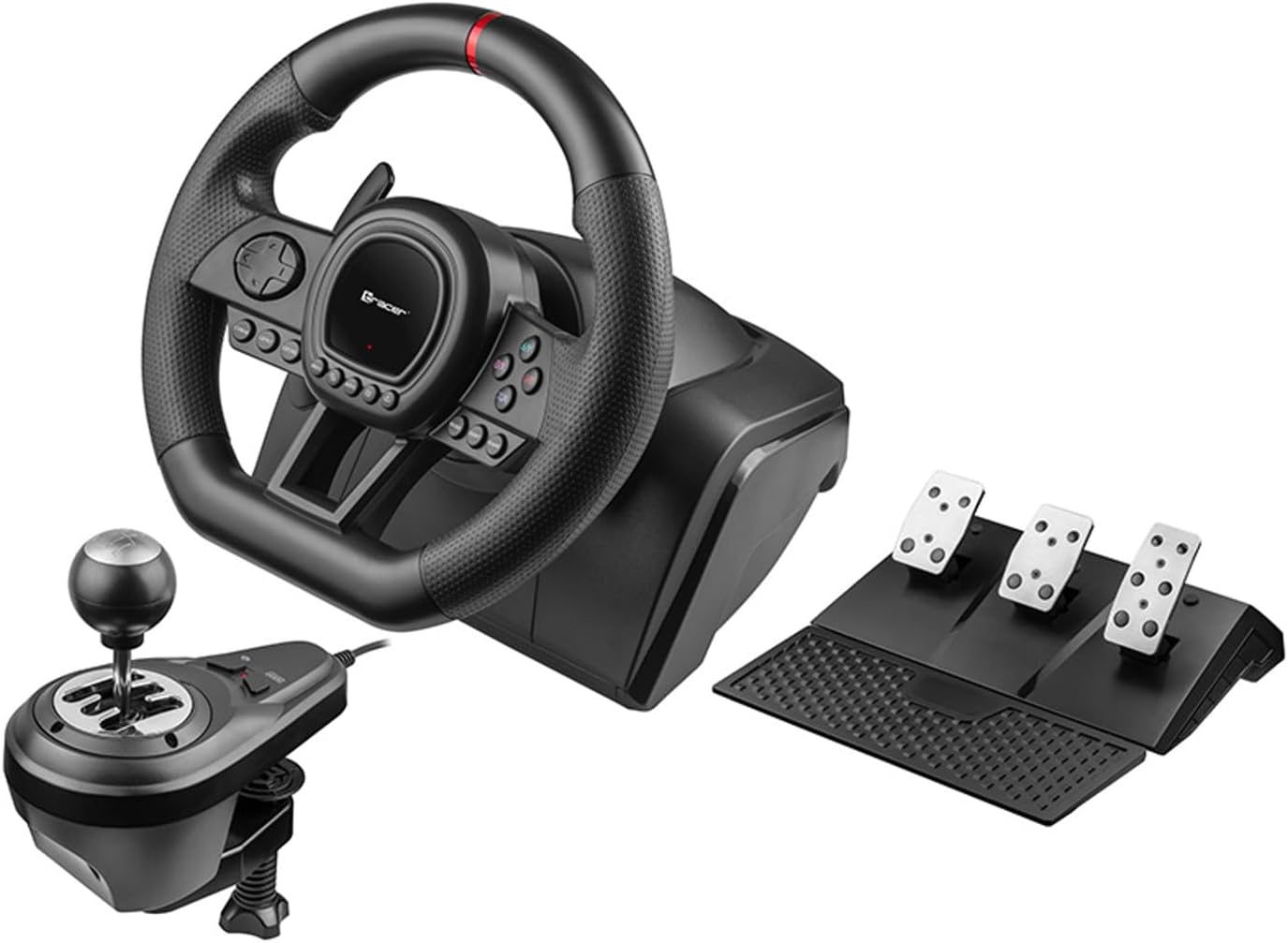
Figure 1.1: The complete Tracer SimRacer Steering Wheel, Gearbox, and Pedals Set.
2. Pakkens indhold
Kontroller venligst, at alle nedenstående varer er til stede i din pakke:
- Tracer SimRacer Steering Wheel
- Gearkasse modul
- Pedals Module (Brake and Accelerator)
- Instruktionsmanual (dette dokument)
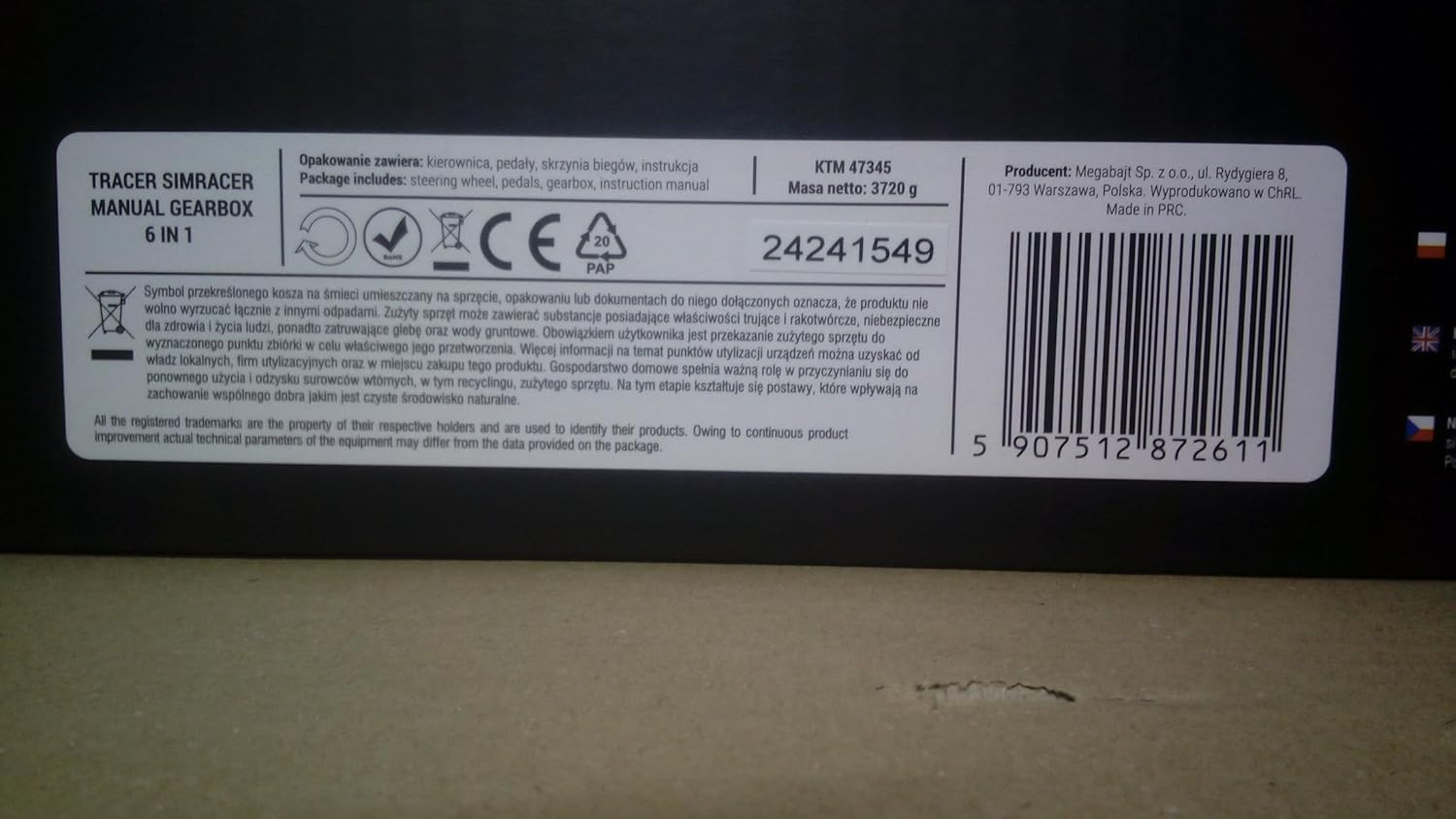
Figur 2.1: Forside view of the product packaging, indicating included components.
3. Opsætningsvejledning
Follow these steps to set up your Tracer SimRacer:
- Montering af rattet: The steering wheel can be attached to a desk or table using the integrated clamp mechanism. Securely tighten the clamp to ensure stability during use. The unit also features suction cups for additional stability on smooth surfaces.
- Tilslutning af pedalerne: Connect the pedal module cable to the designated port on the rear of the steering wheel base.
- Connecting the Gearbox: Connect the gearbox module cable to its designated port on the rear of the steering wheel base.
- Connecting to Your System: Plug the steering wheel's USB cable into an available USB port on your PC, PS3, PS4, Xbox One, Xbox360, or Switch console.
- PS4/Xbox One Controller Connection (Important): To connect the steering wheel to a PS4 or Xbox One console, you must use a classic 4-wire USB cable (not included) to connect your console's original controller to the steering wheel. A two-wire USB cable typically used for powering portable devices is not suitable for this connection.

Figure 3.1: Steering wheel with the adjustable desk clamp.

Figur 3.2: Bagside view of the steering wheel showing connection ports for pedals and gearbox.

Figur 3.3: Eksample of the complete SimRacer setup on a desk.
4. Betjeningsvejledning
The Tracer SimRacer is designed for intuitive control and a realistic driving experience.
4.1 Steering Wheel Features
- Styrevinkel: The wheel offers a 270-degree steering angle for precise control.
- Vibrationsfunktion: Experience realistic feedback with the built-in vibration function.
- Følsomhedsjustering: The steering wheel features 3 levels of sensitivity adjustment to suit your preference and game requirements.
- Integreret kontrol: The steering wheel includes an 8-way analog D-pad with 4 buttons, 8 analog buttons, 4 digital buttons, and 8 relocatable buttons for quick access to in-game functions.
- LED-indikatorer: Four LED indicators on the steering wheel help monitor acceleration and other statuses.
- Hjemknappen: A dedicated Home button is available for PS3 / PS4 / XBOX One consoles.

Figur 4.1: Forside view of the steering wheel, highlighting integrated controls.
4.2 Gearbox and Pedals
- The separate gearbox and pedal modules enhance realism, allowing for comfortable shifting, acceleration, and braking.
- The gearbox supports manual shifting, providing a more dynamic driving experience.

Figure 4.2: The Tracer SimRacer Gearbox module.

Figure 4.3: The Tracer SimRacer Pedals Set.
5. Compatibility and Game Configuration
The Tracer SimRacer is compatible with PC, PS3, PS4, Xbox One, Xbox360, and Switch consoles.
5.1 Manual Gearbox/Clutch Pedal Compatibility (Verified Games)
The following games have verified compatibility with the manual gearbox and clutch pedal:
- PC: BeamNG.drive, Eurotruck Simulator 2, MudRunner, SnowRunner, Forza Horizon 5, Assetto Corsa, Forza Motorsport 7
- PS4: Assetto Corsa, Gravel, WRC Generations (Note: Grand Turismo 7 does not work with the clutch pedal)
- XONE: Forza Horizon 5, Assetto Corsa, Dirt Rally 2.0 (Note: Forza Motorsport 7 does not work with the gear shift lever)
In other games, the Tracer SimRacer 6-in-1 steering wheel will still function, typically in automatic gearbox mode, with gears changeable using the paddles. The clutch pedal may not work in these instances.
Note: This list is indicative and may be updated. Operating system and game updates may affect controller support.
5.2 PC Game Configuration
For PC games, appropriate configuration of the steering wheel functions within the game settings is often required. Please refer to the specific game publisher's documentation for detailed instructions on how to do this.
5.3 Forza Horizon 5 Specific Configuration
For Forza Horizon 5, follow these steps to configure your steering wheel:
- Naviger til Indstillinger.
- Vælge Kontrolelementer.
- Vælge Change Control Mapping.
- Vælge Rat.
- Click on the system, then press the right arrow to change the current profile.
- Select the desired function by clicking it, then press the corresponding button on the steering wheel to map it.
6. Vedligeholdelse
To ensure the longevity and optimal performance of your Tracer SimRacer, follow these maintenance guidelines:
- Rensning: Use a soft, dry cloth to clean the surfaces of the steering wheel, gearbox, and pedals. Avoid using abrasive cleaners or solvents, as they may damage the finish.
- Opbevaring: Når enheden ikke er i brug, skal den opbevares et rent og tørt sted, væk fra direkte sollys og ekstreme temperaturer.
- Kabelpleje: Avoid sharp bends or kinks in the cables. Do not pull on the cables to disconnect the device; always grasp the plug.
- Rubber Grips: The perforated rubber covering on the steering wheel is designed for grip. Keep it clean to maintain its effectiveness.
7. Fejlfinding
If you encounter issues with your Tracer SimRacer, please refer to the following common problems and solutions:
- Enhed ikke genkendt:
- Ensure all cables are securely connected to the steering wheel, pedals, gearbox, and your console/PC.
- Try connecting the USB cable to a different USB port on your system.
- For PS4/Xbox One, confirm you are using a 4-wire USB cable to connect the original controller to the steering wheel.
- Genstart din konsol eller pc.
- For PC, check Device Manager to see if the device is listed and if any driver issues are present. You may need to update or reinstall drivers.
- Ingen vibrationsfeedback:
- Bekræft, at det spil, du spiller, understøtter vibrationsfeedback.
- Tjek indstillingerne i spillet for at sikre, at vibration er aktiveret.
- Incorrect Steering Angle/Calibration:
- Some games may require manual calibration of the steering wheel within their settings.
- Ensure the steering wheel is centered when connecting it to your system.
- Gearbox or Pedals Not Responding:
- Ensure the gearbox and pedal cables are firmly connected to the steering wheel base.
- Check game compatibility (refer to Section 5.1) as some games may not fully support manual gearbox or clutch pedal functions.
- Verify in-game control settings for proper mapping.
Hvis problemet fortsætter efter at have prøvet disse trin, bedes du kontakte kundesupport.
8. Specifikationer
| Modelnummer | TRAJOY47345 |
| Kompatibilitet | PC, PS3, PS4, Xbox One, Xbox360, Switch |
| Styringsvinkel | 270 grader |
| Følsomhedsjustering | 3 niveauer |
| Knapper | 8-way analog D-pad with 4 buttons, 8 analog buttons, 4 digital buttons, 8 relocatable buttons |
| Feedback | Vibrationsfunktion |
| Forbindelse | USB |
| Pakkedimensioner | 43.5 x 38.7 x 30.2 cm |
| Vægt | 5.5 kg |
| Oprindelsesland | Kina |
9. Garanti og support
For warranty information and technical support, please refer to the documentation provided with your purchase or contact the manufacturer directly. You can find more information and support resources on the official Tracer webwebsted:
http://www.tracer.pl/TRAJOY47345
Produkt-UPC: 5907512872611

Figure 9.1: Product packaging displaying the UPC and manufacturer webwebsted.


