Indledning
This manual provides comprehensive instructions for the VTech CS2000 DECT Cordless Home Phone. It covers setup, operation, maintenance, and troubleshooting to ensure you get the most out of your device. The VTech CS2000 offers reliable long-range communication, advanced call blocking features, a clear backlit display, and hands-free functionality, designed for ease of use in your home.

Image: The VTech CS2000 cordless handset resting in its base station, showcasing dens kompakte design og klare display.
Opsætning
Follow these steps to set up your VTech CS2000 phone system.
1. Pakkens indhold
Sørg for, at alle varer er til stede:
- VTech CS2000 håndsæt
- Base Station
- Strømadapter til basestation
- Telefonledning
- Rechargeable NiMH Batteries (2 x AAA)
- Brugervejledning (dette dokument)
3. Batteriinstallation
- Åbn batterirummets dæksel på bagsiden af håndsættet.
- Isæt de to medfølgende NiMH AAA-batterier, og overhold den korrekte polaritet (+ og -).
- Luk batterirummets dæksel forsvarligt.
3. Forbindelse til basestation
- Connect one end of the telephone line cord to the TEL LINE jack on the back of the base station.
- Tilslut den anden ende af telefonledningen til et telefonstik i væggen.
- Plug the small end of the power adapter into the POWER jack on the back of the base station.
- Sæt den store ende af strømadapteren i en almindelig stikkontakt.
- Place the handset on the base station to charge the batteries. Allow at least 16 hours for the initial charge.

Billede: En vinklet view of the VTech CS2000 handset docked in its base, illustrating proper placement for charging.
Betjeningsvejledning
Learn how to use the various features of your VTech CS2000 phone.
Foretage og modtage opkald
- Sådan foretager du et opkald: Løft håndsættet, eller tryk på TALE knappen, og ring derefter op til nummeret.
- Sådan modtager du et opkald: Når telefonen ringer, skal du løfte røret eller trykke på TALE knap.
- Håndfri højttalertelefon: Under et opkald skal du trykke på HØJTTALER button to activate the speakerphone. Press it again to switch back to the handset.

Image: A person using the hands-free speakerphone function of the VTech CS2000 while preparing food, demonstrating convenience.
Opkaldslåsning
The VTech CS2000 features a robust call blocking function to filter unwanted calls.
- Block up to 30 numbers in the blacklist.
- Block unwanted calls and calls from unknown numbers.
- Option to block all calls during a programmable period for undisturbed time.
*Note: This feature requires subscription to a Caller ID service from your network provider.

Image: The VTech CS2000 phone with an overlay indicating the call blocker feature, showing a person relaxing undisturbed.
Phone Directory and Caller ID
- Store up to 30 names and numbers in the phone directory.
- Caller ID memory stores up to 20 names and numbers.
- Access the last 10 dialed numbers for quick redial.
*Note: Caller ID function requires subscription to a Caller ID service from your network provider.
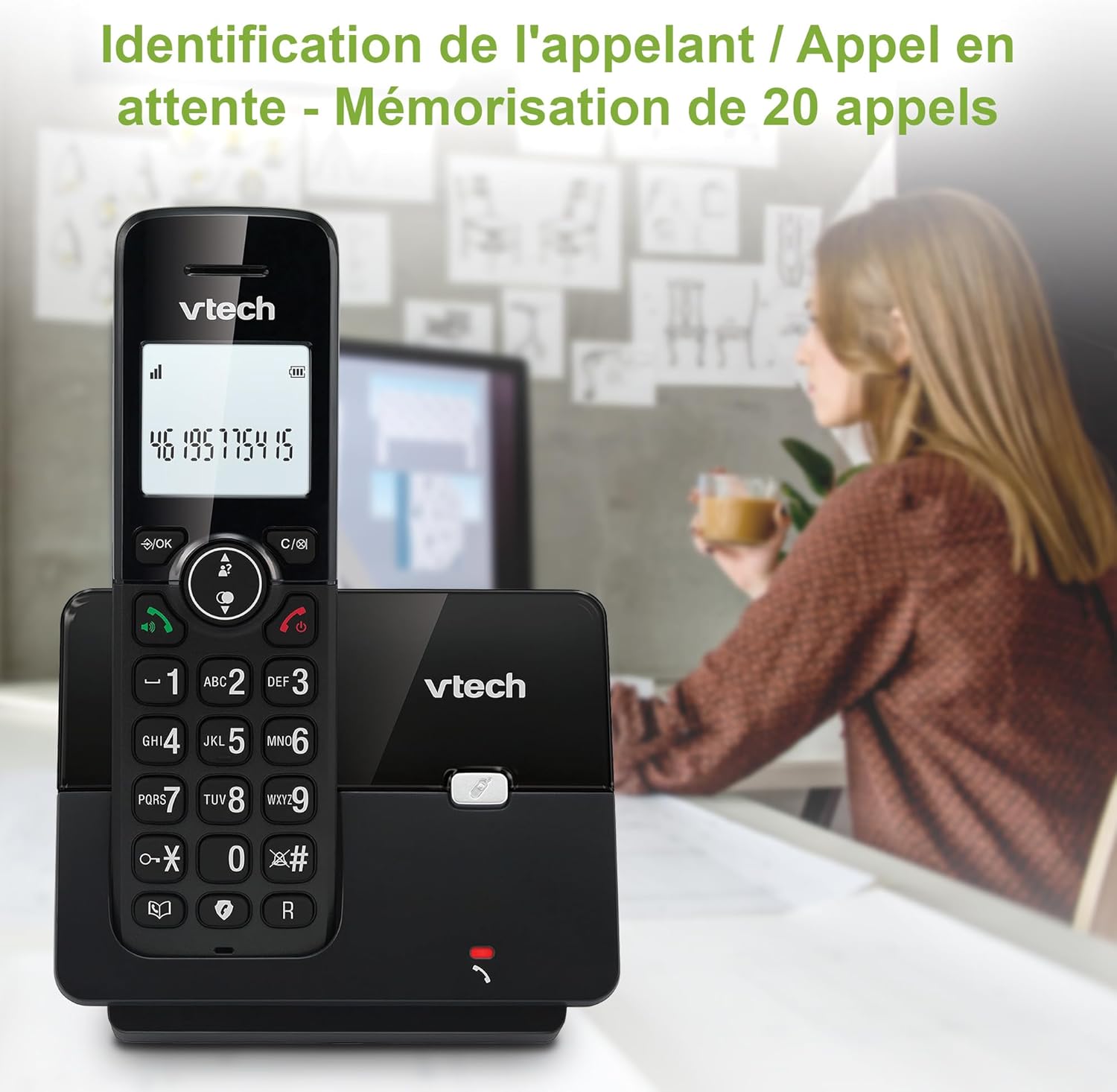
Image: The VTech CS2000 handset displaying caller ID information, with an overlay indicating storage for 20 calls.
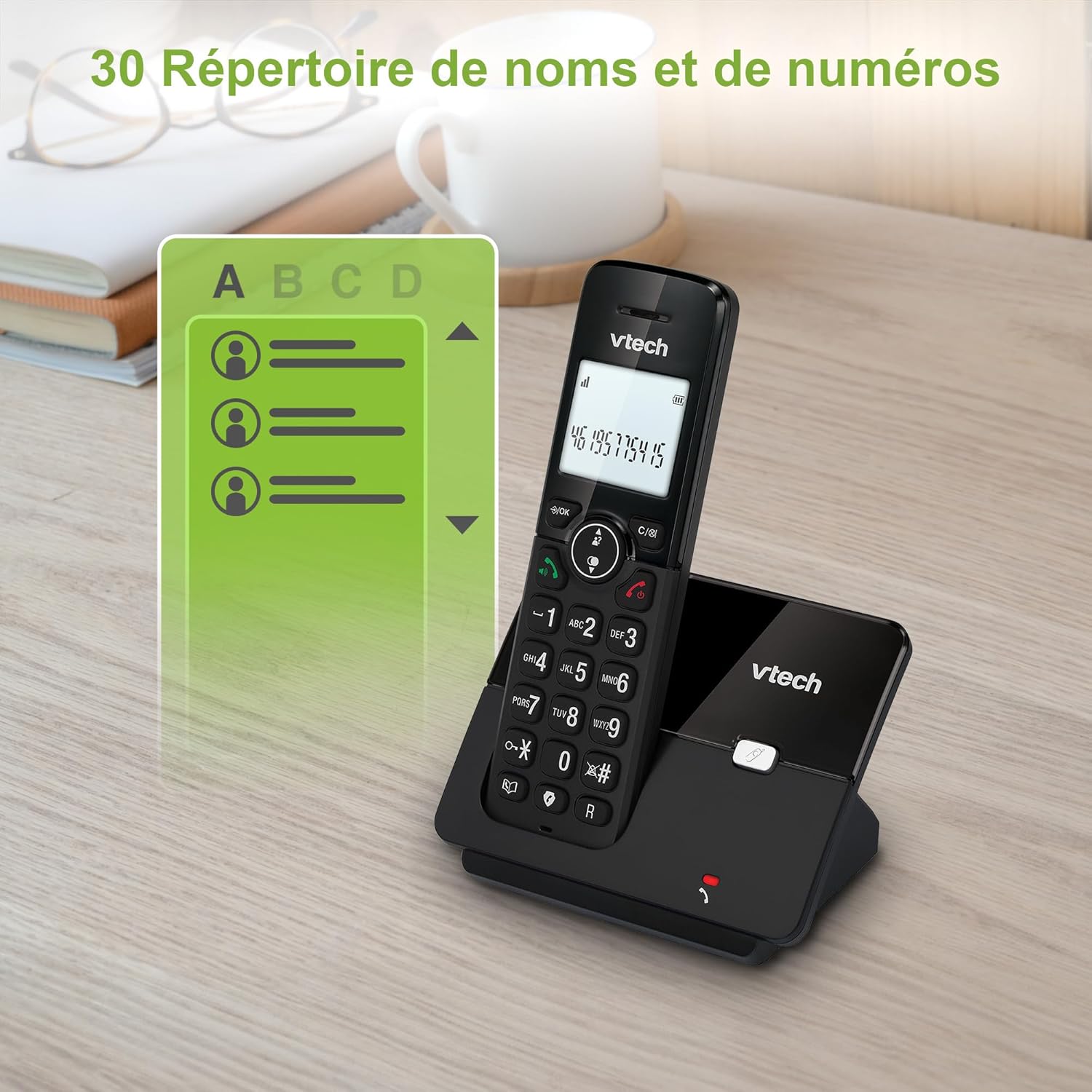
Image: The VTech CS2000 handset displaying a phone directory list, highlighting its capacity for 30 names and numbers.

Image: The VTech CS2000 handset displaying a list of recently dialed numbers, indicating the 10 last number redial feature.
Justering af indstillinger
- Ringtone Volume and Melody: Adjust these settings through the handset menu to suit your preference.
- Alarm- og lydløs funktion: Utilize the alarm feature for reminders and the mute function for privacy during calls.
- ØKO -tilstand: The handset automatically adjusts radio frequency power based on its distance from the base station, optimizing power consumption.

Image: The VTech CS2000 handset with an overlay indicating adjustable ringtone volume and melody, showing sound waves.

Image: A split image showing the VTech CS2000's alarm function (person exercising) and mute function (couple relaxing), indicating versatility.
Opretholdelse
Proper care ensures the longevity of your VTech CS2000 phone.
- Rensning: Wipe the handset and base station with a soft, damp klud. Brug ikke rengøringsspray eller skrappe kemikalier.
- Batteripleje: For optimal battery life, always return the handset to the base station when not in use. If the phone will be unused for an extended period, remove the batteries.
- Miljø: Hold telefonen væk fra varmekilder, direkte sollys og fugt.
Fejlfinding
If you encounter issues with your VTech CS2000, try these solutions:
| Problem | Løsning |
|---|---|
| Ingen klartone. |
|
| Håndsættet oplader ikke. |
|
| Poor sound quality or limited range. |
|
| Skærmen er tom eller ulæselig. |
|
| Kan ikke blokere opkald. |
|
Specifikationer
Detailed technical specifications for the VTech CS2000 DECT Cordless Home Phone.
| Feature | Detalje |
|---|---|
| Mærke | VTech |
| Modelnummer | CS2000 |
| Farve | Sort |
| Telefontype | Trådløs |
| Skærmstørrelse | 1.8 tommer |
| Særlige funktioner | Cordless, Call Blocking, Hands-free Speakerphone, ECO Mode |
| Batterisammensætning | NiMH |
| Antal batterier | 2 AAA (inkluderet) |
| Materiale | Plast |
| Strømkilde | Batteridrevet |
| Opkaldstype | Enkelt tastatur |
| Varedimensioner (L x B x H) | 17.5 x 10.5 x 9.2 centimeter |
| Type svarsystem | Digital |
| Taletid | 13 timer |
| Wireless Range | Up to 300 meters (outdoors) |
| Telefonbogskapacitet | 30 navne og numre |
| Opkalds-id-hukommelse | 20 navne og numre |
| Genopkald til sidste nummer | 10 poster |
| Oprindelsesland | Kina |

Image: A visual representation of the VTech CS2000's reliable long-range capability, showing the phone in a large home environment.
Garanti og support
For garantioplysninger og kundesupport henvises til producentens officielle website or the warranty card included with your product. VTech products typically come with a standard manufacturer's warranty covering defects in materials and workmanship.
If you require technical assistance or have questions not covered in this manual, please contact VTech customer support. Keep your purchase receipt as proof of purchase for warranty claims.
For returns or specific purchase-related inquiries, please refer to the return policy of your retailer (e.g., Amazon's 30-day return policy).


