1. Introduktion
This manual provides instructions for the installation, operation, and maintenance of your EZVIZ EP3x Pro 2K Wireless Video Doorbell with Solar Panel. Please read this manual thoroughly before using the product to ensure correct usage and optimal performance. Keep this manual for future reference.
2. Pakkens indhold
- EZVIZ EP3x Pro Video Doorbell
- Solpanel
- Monteringsplade og skruer
- Power Cable (for hardwire option)
- Bor skabelon
- Hurtig startvejledning
3. Produktet er slutview
The EZVIZ EP3x Pro is a 2K wireless video doorbell designed for outdoor security. It features a dual-lens camera system, a built-in rechargeable battery, and includes a solar panel for continuous power. Key functionalities include person and package detection, two-way audio with voice changer, color night vision, and integrated 32GB eMMC storage.

Figur 3.1: EZVIZ EP3x Pro Video Doorbell and accompanying Solar Panel.
4. Opsætning
4.1 Indledende opladning
Before installation, ensure the doorbell's internal battery is fully charged. Connect the doorbell to a standard USB power adapter (not included) using the provided cable. The indicator light will show charging status.
4.2 Appinstallation og kontooprettelse
- Download the EZVIZ app from your smartphone's app store (iOS or Android).
- Open the app and create an EZVIZ account, or log in if you already have one.
4.3 Enhedsparring
- In the EZVIZ app, tap the '+' icon to add a new device.
- Scan the QR code located on the back of the doorbell or in the quick start guide.
- Follow the on-screen prompts to connect the doorbell to your home Wi-Fi network. Ensure your Wi-Fi signal is strong at the installation location.
4.4 Mounting the Doorbell and Solar Panel
Choose a suitable location for the doorbell and solar panel, ensuring the solar panel receives adequate sunlight. Use the provided drill template to mark and drill holes. Secure the mounting plate, then attach the doorbell and solar panel. Connect the solar panel cable to the doorbell. Alternatively, the doorbell can be hardwired to existing doorbell wiring if solar power is not preferred or sufficient.

Figur 4.1: The doorbell supports both solar power and hardwire power options.
5. Betjeningsvejledning
5.1 Live View og to-vejs lyd
Access the live video feed from your doorbell via the EZVIZ app. The dual-lens system provides a 2K forward-facing view and a 1080p downward-facing view for comprehensive coverage, including packages on the ground. Use the two-way audio feature to communicate with visitors.

Figur 5.1: The dual-lens camera provides a wide field of view, including ground-level coverage.

Figur 5.2: The EZVIZ app displays both camera views and offers two-way audio functionality.
5.2 Person and Package Detection
The doorbell utilizes advanced detection algorithms to distinguish between people and other moving objects, such as animals. It also features dedicated package detection to alert you when a package is delivered or removed.

Figur 5.3: Visual representation of human and package detection zones.
5.3 Stemmeskifter
For privacy protection, the doorbell includes a voice changer feature that allows you to alter your voice during two-way conversations with visitors.

Figur 5.4: The EZVIZ app interface showing options for voice alteration.
5.4 Farve nattesyn
The integrated LED light enables color night vision, providing clear and detailed video footage even in low-light conditions up to 6 meters.
5.5 Integrated Storage and Privacy Zones
The doorbell comes with 32GB of built-in eMMC storage, eliminating the need for subscription fees for basic video recording. You can also define privacy zones within the app to exclude certain areas from recording.
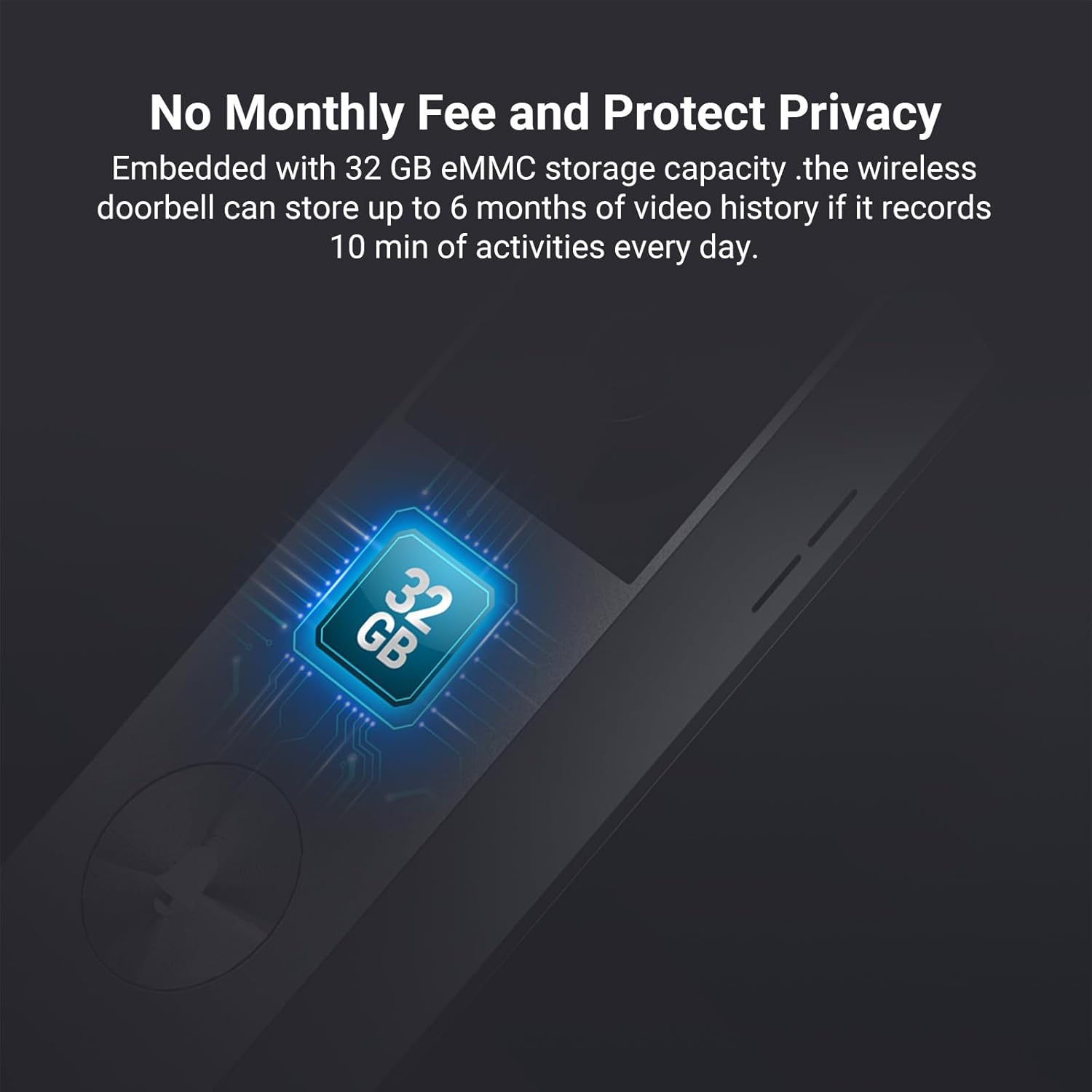
Figur 5.5: Illustration of the integrated 32GB eMMC storage.
5.6 Anti-Tamper Alarm
If the doorbell is forcibly removed from its mounting, an audible alarm will sound, and an instant alert will be sent to your smartphone.

Figur 5.6: Example of an anti-tamper alarm notification received on a smartphone.
6. Vedligeholdelse
6.1 Rengøring
Regularly clean the camera lenses and the solar panel surface with a soft, damp cloth to ensure optimal performance. Avoid using harsh chemicals or abrasive materials.
6.2 Vejrbestandighed
The doorbell features a waterproof design, making it suitable for outdoor use in various weather conditions. However, extreme weather may temporarily affect performance.

Figur 6.1: The doorbell is designed to withstand outdoor weather conditions.
6.3 Batteristyring
The included solar panel helps maintain the doorbell's battery charge. Ensure the solar panel is positioned to receive maximum sunlight. If the doorbell is hardwired, it will draw power from the existing wiring.
7. Fejlfinding
- Ingen strøm: Check battery charge level. Ensure solar panel is clean and receiving sunlight, or verify hardwire connection.
- Wi-Fi afbrydelse: Ensure the doorbell is within range of your Wi-Fi router. Restart the doorbell and your router.
- Dårlig videokvalitet: Clean the camera lenses. Check your Wi-Fi signal strength.
- Detection Issues: Adjust detection sensitivity and detection zones in the EZVIZ app. Ensure no obstructions are blocking the camera's view.
- Anti-Tamper Alarm Triggered Accidentally: Ensure the doorbell is securely mounted.
8. Specifikationer
| Feature | Specifikation |
|---|---|
| Modelnummer | EP3x Pro |
| Videooptagelsesopløsning | 1296p (2K) |
| Effektiv stillopløsning | 3 megapixel |
| Viewi vinkel | 162 grader |
| Night Vision Range | 6 meter |
| Billedhastighed | 30 fps |
| Intern opbevaring | 32 GB eMMC |
| Strømkilde | Solar powered, Wired (5 Volts, 35 Watts) |
| Batterisammensætning | Lithium-ion |
| Forbindelse | Wi-Fi (Wireless), Wired |
| Vandmodstandsniveau | Vandtæt |
| Varedimensioner (L x B x H) | 16.6 x 5 x 3.1 centimeter |
| Materiale | Metal |
| Anbefalet brug | Outdoor security |
| Kompatible enheder | Smartphone |
| Controller type | Amazon Alexa |
9. Garanti og support
For warranty information and technical support, please refer to the official EZVIZ website or contact EZVIZ customer service. You can also visit the EZVIZ Brand Store for yderligere ressourcer og produktinformation.


