1. Introduktion
Tak for købetasing the MUSE M307BT Portable Bluetooth Speaker. This compact and versatile speaker is designed to provide high-quality audio from your laptop, tablet, or smartphone. It features Bluetooth connectivity, a 5W output, a built-in rechargeable battery, and support for USB and Micro SD card playback. This manual provides essential information for setting up, operating, and maintaining your device.
2. Sikkerhedsoplysninger
- Udsæt ikke enheden for ekstreme temperaturer, direkte sollys eller høj luftfugtighed.
- Undgå at tabe eller udsætte højttaleren for kraftige stød.
- Du må ikke selv adskille eller forsøge at reparere enheden. Overlad al service til kvalificeret personale.
- Keep the speaker away from water and other liquids. This device is not waterproof.
- Brug kun det medfølgende USB-opladerkabel eller et tilsvarende certificeret kabel.
- Dispose of the battery and device responsibly according to local regulations.
3. Pakkens indhold
Sørg for at alle varer er til stede i pakken:
- MUSE M307BT Portable Bluetooth Speaker
- USB opladningskabel
4. Produktet er slutview
Gør dig bekendt med højttalerens komponenter og betjeningselementer.


Kontrol og porte:
- Power knap: Tænder/slukker højttaleren.
- Mode-knap (M): Switches between Bluetooth, USB, and Micro SD modes.
- Lydstyrke ned / Forrige nummer (-): Kort tryk for at sænke lydstyrken, langt tryk for at sænke forrige nummer.
- Play/Pause / Call Button (>): Afspiller/pause musik, besvarer/afslutter opkald.
- Lydstyrke op / Næste nummer (+): Kort tryk for at skrue op for lydstyrken, langt tryk for næste nummer.
- Mikro-USB-port: Til opladning af højttaleren.
- USB-port: Til afspilning af musik fra et USB-flashdrev.
- Micro SD (TF) Slot: For playing music from a Micro SD card.
- LED-indikator: Shows charging status and Bluetooth pairing status.
5. Opsætning
5.1 Opladning af højttaleren
- Connect the Micro-USB end of the charging cable to the speaker's Micro-USB port.
- Tilslut USB-A-enden af opladningskablet til en USB-strømadapter (medfølger ikke) eller en computers USB-port.
- The LED indicator will illuminate to show charging status. It will typically turn off or change color once fully charged.
- En fuld opladning tager cirka 2-3 timer.
5.2 Tænd/sluk
- For at tænde: Press and hold the Power button for a few seconds until you hear an audible prompt and the LED indicator flashes.
- For at slukke: Press and hold the Power button for a few seconds until you hear an audible prompt and the LED indicator turns off.
6. Betjeningsvejledning
6.1 Bluetooth -parring
Pair your speaker with a Bluetooth-enabled device (smartphone, tablet, laptop).

- Ensure the speaker is powered on and in Bluetooth mode. The LED indicator will flash rapidly, indicating it's ready for pairing.
- Aktiver Bluetooth på din enhed, og søg efter tilgængelige enheder.
- Select "MUSE M307BT" from the list of devices.
- Når parringen er afsluttet, vil LED-indikatoren stoppe med at blinke og forblive konstant, og du vil høre en bekræftelseslyd.
- Du kan nu afspille lyd fra din enhed via højttaleren.
6.2 USB-afspilning
- Indsæt et USB-flashdrev med MP3-lyd files i USB-porten.
- Tryk på Tilstand (M) button to switch to USB mode. The speaker will automatically begin playing music from the USB drive.
- Brug + og - knapper til navigation i spor og lydstyrkekontrol.
6.3 Micro SD (TF) Card Playback
- Insert a Micro SD (TF) card containing MP3 audio files into the Micro SD slot.
- Tryk på Tilstand (M) button to switch to Micro SD mode. The speaker will automatically begin playing music from the Micro SD card.
- Brug + og - knapper til navigation i spor og lydstyrkekontrol.
6.4 Stereo Pairing (TWS Function)
To achieve a more immersive stereo sound experience, you can pair two MUSE M307BT speakers together.
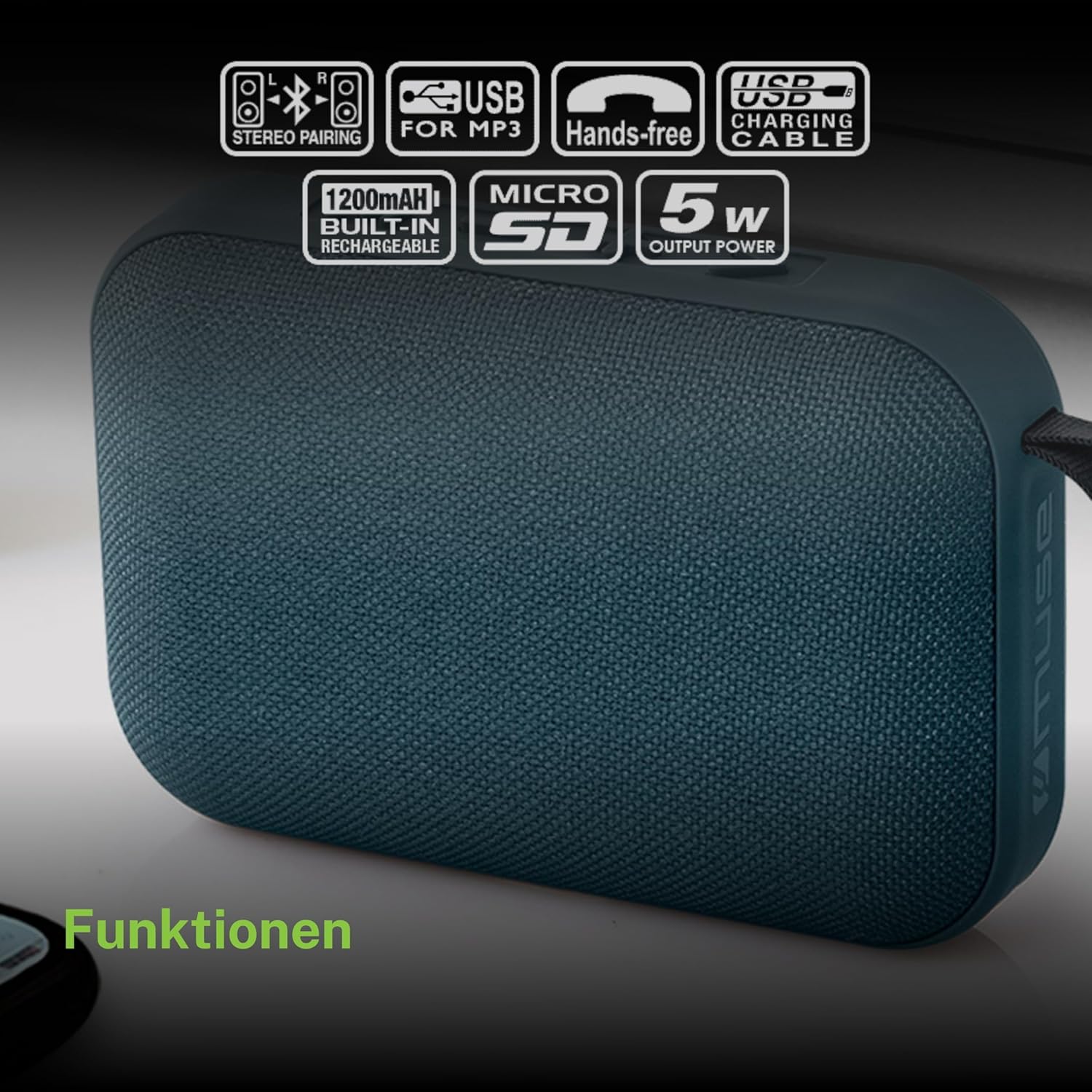
- Ensure both MUSE M307BT speakers are powered on and in Bluetooth pairing mode (LED flashing).
- On one of the speakers (this will be your primary speaker), press and hold the Tilstand (M) button for a few seconds. You will hear a sound indicating that the speakers are attempting to pair with each other.
- Once successfully paired, you will hear a confirmation sound, and the LED indicator on the primary speaker will flash slowly, while the secondary speaker's LED will remain solid.
- Tilslut nu din Bluetooth-enhed til den primære højttaler som beskrevet i afsnit 6.1. Lyden afspilles i stereo gennem begge højttalere.
6.5 Håndfri opkald
When connected via Bluetooth to your smartphone, the speaker can be used for hands-free calls.
- Besvar opkald: Tryk på Play/Pause (>) knap én gang.
- Afslut opkald: Tryk på Play/Pause (>) én gang under et opkald.
- Afvis opkald: Tryk og hold på Play/Pause (>) knappen i 2 sekunder.
7. Vedligeholdelse
- Rengør højttaleren med en blød, tør klud. Brug ikke slibende rengøringsmidler eller opløsningsmidler.
- Opbevar højttaleren et køligt og tørt sted, når den ikke er i brug i længere perioder.
- Avoid blocking the speaker grille to ensure optimal sound quality.
8. Fejlfinding
| Problem | Mulig årsag | Løsning |
|---|---|---|
| Højttaleren tænder ikke. | Lavt batteri. | Oplad højttaleren helt. |
| Kan ikke parres via Bluetooth. | Højttaleren er ikke i parringstilstand; Bluetooth er deaktiveret på enheden; enheden er for langt væk. | Ensure speaker LED is flashing; enable Bluetooth on your device; move device closer to speaker (within 10 meters). |
| Ingen lyd. | Lydstyrken er for lav; forkert tilstand; enheden afspiller ikke. | Increase speaker and device volume; press Mode button to select correct input; ensure audio is playing on your device. |
| USB/Micro SD-afspilning virker ikke. | Ukorrekt file formatering; kort/drev ikke isat korrekt; beskadiget files. | Sikre files are MP3 format; reinsert card/drive; try different files eller lagerenhed. |
| Stereo pairing fails. | Speakers too far apart; one speaker already paired to a device. | Ensure speakers are close; disconnect any existing Bluetooth connections before attempting stereo pairing. |
9. Specifikationer

| Feature | Specifikation |
|---|---|
| Modelnavn | M307BT |
| Mærke | MUSE |
| Udgangseffekt | 5 watt |
| Batteri | 1200 mAh / 3.7V Lithium-ion (Rechargeable) |
| Forbindelse | Bluetooth, USB, Micro SD (TF) |
| Lydudgangstilstand | Stereo (med TWS-parring) |
| Dimensioner (L x B x H) | 118 x 30 x 76 mm |
| Vægt | 200 gram |
| Farve | Blå |
| Inkluderede komponenter | USB opladningskabel |
| Vandtæt | Ingen |
| Anbefalede anvendelser | For computer, smartphone, or tablet |
| Kompatible enheder | Laptop, tablet, smartphone |
10. Garanti og support
10.1 Producentens garanti
This MUSE M307BT Portable Bluetooth Speaker comes with a 2 års producentgaranti fra købsdatoen. Denne garanti dækker fabrikationsfejl og udførelse under normal brug. Den dækker ikke skader forårsaget af misbrug, ulykker, uautoriserede ændringer eller normal slitage.
10.2 Kundesupport
For technical assistance, warranty claims, or further inquiries, please contact your retailer or the official MUSE customer support channel. Please have your proof of purchase and product model number (M307BT) ready when contacting support.


