1. Introduktion
Thank you for choosing the TECKNET Tri-Mode Wireless Mouse. This mouse offers versatile connectivity options (Bluetooth 5.0, Bluetooth 3.0, and 2.4G wireless) allowing seamless switching between up to two devices. Designed for comfort and efficiency, it features adjustable DPI settings for precise control and silent clicks for a quiet working environment. This manual provides detailed instructions for setup, operation, and maintenance to ensure optimal performance.
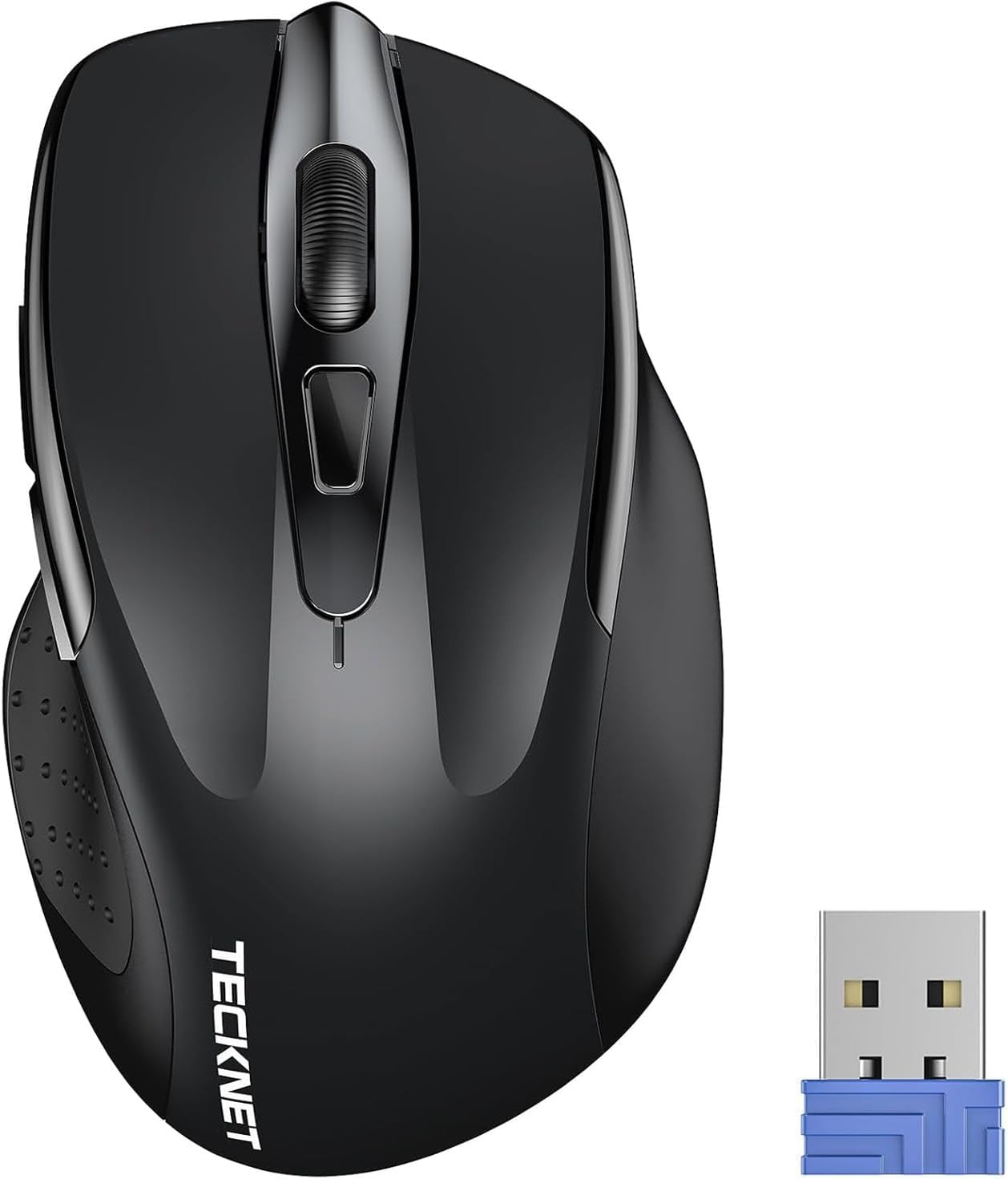
Image 1.1: TECKNET Tri-Mode Wireless Mouse and 2.4G USB Receiver.

Image 1.2: Mouse Diagram with Button Functions and USB Receiver Location.
2. Pakkens indhold
Tjek venligst pakken for følgende varer:
- TECKNET Tri-Mode Wireless Mouse
- 2.4G USB Receiver (stored in the battery compartment)
- Brugermanual
Note: AAA-batterier er ikke inkluderet og skal købes separat.
3. Opsætningsvejledning
3.1. Batteriinstallation
- Åbn batteridækslet, der er placeret på undersiden af musen.
- Isæt to AAA-batterier, og sørg for at polariteten (+/-) vender korrekt.
- Luk batterirummets dæksel.

Image 3.1: Battery Installation.
3.2. Connecting via 2.4G Wireless Mode
- Locate the 2.4G USB receiver inside the mouse's battery compartment.
- Fjern USB-modtageren, og sæt den i en ledig USB-port på din computer.
- Slide the mode switch on the bottom of the mouse to the "2.4G" position.
- Musen burde automatisk oprette forbindelse til din computer. Den grønne LED-indikator lyser kortvarigt.
3.3. Connecting via Bluetooth Mode (BT 5.0 / BT 3.0)
- Slide the mode switch on the bottom of the mouse to the "BT" position.
- Press and hold the Bluetooth pairing button (usually located near the mode switch) for 3-5 seconds until the blue LED indicator starts flashing. This indicates the mouse is in pairing mode.
- Gå til Bluetooth-indstillingerne på din enhed (computer, tablet, smartphone) og søg efter nye enheder.
- Select "TECKNET Mouse" (or similar name) from the list of available devices to pair.
- Once paired, the blue LED indicator will stop flashing and remain solid for a few seconds before turning off.
3.4. Switching Between Modes/Devices
The mouse supports connecting to two devices simultaneously (one via 2.4G, one via Bluetooth). Use the mode switch on the bottom of the mouse to select your desired connection:
- 2.4G: Connects to the device with the USB receiver.
- BT: Connects to the paired Bluetooth device.

Image 3.2: Easy Switching Between 2.4G and Bluetooth Devices.
4. Betjeningsvejledning
4.1. DPI-justering
The mouse features 6 adjustable DPI levels (800/1200/1600/2400/3200/4800) to suit your precision needs. Press the DPI switch button, located behind the scroll wheel, to cycle through the DPI settings. Each press changes the cursor speed, allowing for precise control on various surfaces.

Image 4.1: DPI Adjustment Levels.
4.2. Lydløs klikfunktion
The left, right, and middle click buttons are designed for silent operation, reducing click noise by up to 90%. This feature is ideal for quiet environments such as libraries, offices, or home settings where minimizing disturbance is important.

Image 4.2: Silent Click Operation.
4.3. Strømbesparende funktioner
The mouse is equipped with an automatic sleep function to conserve battery life. If the mouse is inactive for a period, it will enter sleep mode. To wake it up, simply click any button. The battery life can extend up to 30 months, depending on usage and environmental conditions.

Image 4.3: Automatic Sleep Mode and Activation.
4.4. LED-indikator
The LED indicator on the mouse provides important status information:
- Rødt lys: Indicates low battery or DPI change.
- Blåt lys: Indicates Bluetooth mode or pairing.
- Grønt lys: Indicates 2.4G mode.

Image 4.4: LED Indicator Meanings.
4.5. Kompatibilitet
The TECKNET Tri-Mode Wireless Mouse is compatible with a wide range of operating systems:
- Windows 11/10/8/7/XP/Vista
- Mac OS
- Linux
- Android
- iOS (10.4 or higher, via BT 5.0 mode)

Image 4.5: Broad Operating System Compatibility.
5. Vedligeholdelse
5.1. Rensning
For at opretholde optimal ydeevne skal du rengøre din mus regelmæssigt:
- Use a soft, dry cloth to wipe the exterior of the mouse.
- Til genstridigt snavs, let dampRengør kluden med vand eller en mild rengøringsopløsning. Undgå skrappe kemikalier.
- Lad ikke væsker komme ind i musen.
5.2. Udskiftning af batteri
When the red LED indicator flashes or the mouse performance degrades, it's time to replace the batteries:
- Åbn batterirummet.
- Fjern de gamle AAA-batterier.
- Insert two new AAA batteries, observing correct polarity.
- Luk rummet.
6. Fejlfinding
| Problem | Mulig årsag | Løsning |
|---|---|---|
| Musen reagerer ikke | Low battery; Incorrect mode selected; USB receiver not connected; Bluetooth not paired. | Replace batteries; Check mode switch (2.4G/BT); Re-insert USB receiver; Re-pair Bluetooth. |
| Cursor movement is erratic or slow | Low battery; Dirty sensor; Mouse used on unsuitable surface; DPI setting too low. | Replace batteries; Clean optical sensor; Use a mouse pad or suitable surface; Adjust DPI setting. |
| Kan ikke parres via Bluetooth | Mouse not in pairing mode; Device's Bluetooth is off; Interference. | Ensure mouse is in BT pairing mode (flashing blue LED); Turn on Bluetooth on your device; Move closer to the device; Try pairing again. |
| 2.4G connection unstable | USB receiver too far; Interference from other wireless devices. | Move mouse closer to the USB receiver; Plug receiver into a different USB port; Avoid placing receiver near other wireless devices. |
7. Specifikationer
- Mærke: TECNET
- Modelnummer: 5056243612529
- Forbindelse teknologi: Bluetooth (5.0/3.0), 2.4G Wireless (USB Receiver)
- DPI niveauer: 800, 1200, 1600, 2400, 3200, 4800 (Adjustable)
- Antal knapper: 3 (Left, Right, Scroll Wheel/Middle Click) + DPI Switch + Forward/Backward buttons (if applicable to model)
- Håndorientering: Ambidekstrøs
- Strømkilde: 2 x AAA batterier (medfølger ikke)
- Batterilevetid: Op til 30 måneder (afhængigt af brug)
- Vægt: 71.4 gram
- Særlige funktioner: Ergonomic Design, Portable, Silent Click
- Kompatible operativsystemer: Windows, Mac OS, Linux, Android, iOS (10.4+)
8. Garanti og support
TECKNET tilbyder en 36 måneders garanti for this product (for registered users). If you encounter any issues during the use of your wireless mouse, please contact our professional customer service team for assistance. Our support team is dedicated to resolving any problems you may experience.
For warranty claims or technical support, please visit the official TECKNET webwebsted eller kontakt din forhandler.


