1. Introduktion
The Mcbazel Brook P5 Mini Fighting Board is an advanced, ultra-compact circuit board designed to enhance your fighting game experience across multiple platforms. It offers exceptional performance with minimal latency, making it ideal for competitive play and custom arcade stick assemblies. This manual provides essential information regarding its features, compatibility, and general usage.

Image 1.1: The Mcbazel Brook P5 Mini Fighting Board, showcasing its compact design and circuit layout.
2. Nøglefunktioner
- Extreme Speed & Minimal Delay: Engineered for lightning-fast response times, providing a competitive edge.
- Ultra-kompakt design: Measuring approximately 4x4cm, it is suitable for integration into various arcade cabinet dimensions.
- Extensive Button Support: Supports configuration for up to 18 different buttons.
- LED Indicator Support: Compatible with LED indicators for up to 4 players.
- SOCD-tilstande: Supports 4 different SOCD (Simultaneous Opposite Cardinal Directions) modes, compliant with competition specifications.
- Avancerede funktioner: Includes support for TURBO functions, LS/RS/DP switching, and stick/touch pad emulation.
- Console Auto-Detection: Automatically detects connected consoles. Also supports manual connection to PS5/PS4/PC consoles.
- Firmwareopgradering mulig: Ensures future compatibility and performance enhancements through firmware updates.

Image 2.1: Visual representation of the board's extreme speed and minimized delay, highlighting its rapid response time.

Image 2.2: The compact size of the P5 Mini Fighting Board, shown in hand for scale, emphasizing its small footprint.
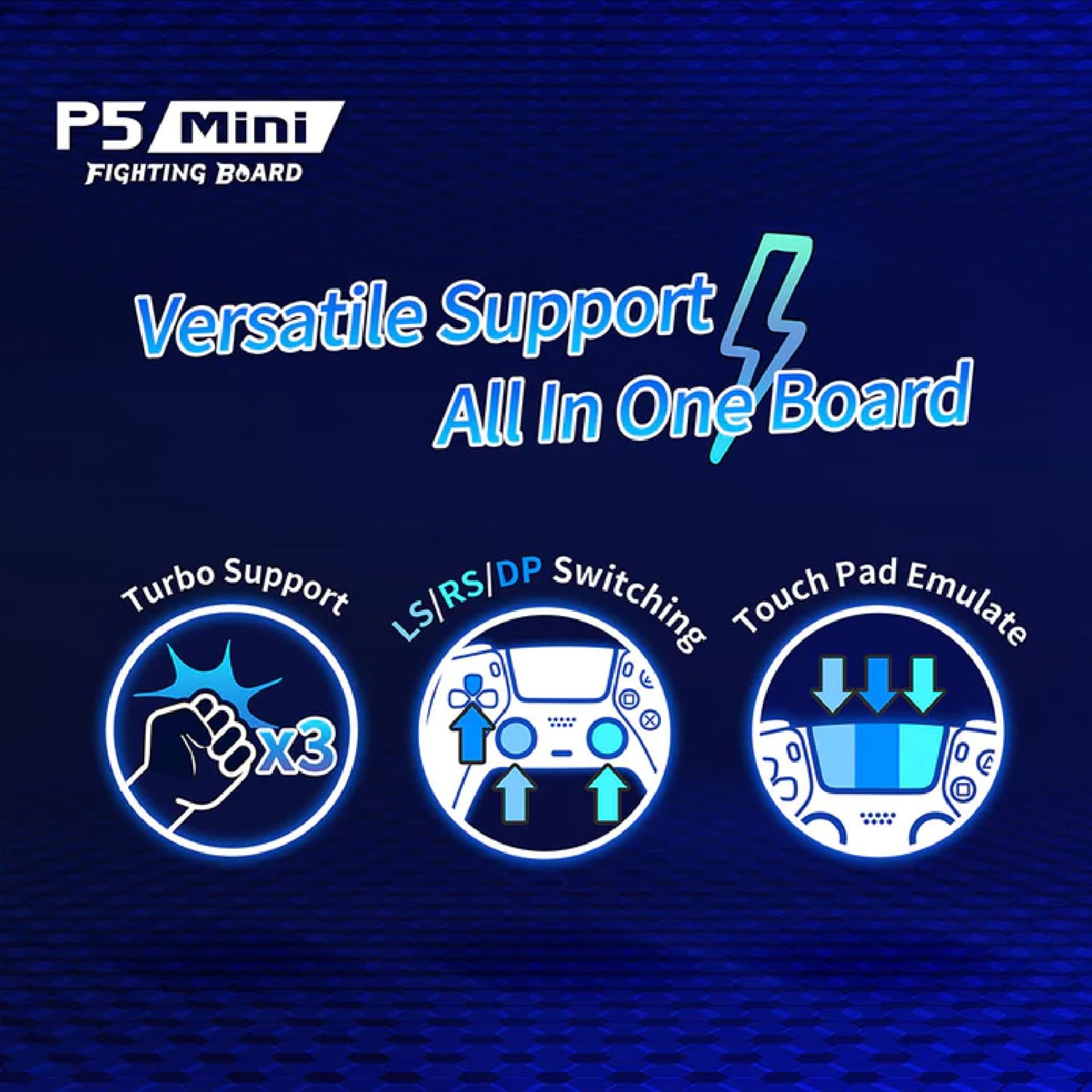
Image 2.3: Icons illustrating the versatile support features including Turbo, LS/RS/DP switching, and Touch Pad Emulation.
3. Kompatibilitet
The P5 Mini Fighting Board is compatible with a wide range of gaming platforms, specifically designed for fighting games on the PS5 console. Its broad compatibility ensures versatility for various gaming setups.
- PlayStation 5 (PS5): Specifically for fighting games.
- PlayStation 4 (PS4)
- PlayStation 3 (PS3)
- Nintendo Switch
- PC (X-input)

Image 3.1: Diagram illustrating the complete compatibility of the P5 Mini Fighting Board with PC, PS5, PS4, and Nintendo Switch consoles.
4. Opsætning og installation
Important Note: This product does NOT include tools or detailed installation instructions. Soldering may be required for integration into custom arcade sticks. Cables are NOT included and must be sourced separately.
Due to the specialized nature of this product, installation typically involves integrating the board into a custom arcade stick or similar peripheral. Users are advised to have a strong understanding of electronics and soldering techniques.
4.1. Ledninger og forbindelser
Refer to the official Brook website for detailed wiring diagrams and pinout configurations specific to your desired setup. Proper connection of buttons, joysticks, and power is crucial for correct functionality.
4.2. Første tilslutning
Once wired, connect the P5 Mini Fighting Board to your desired console or PC via a compatible USB cable (not included). The board features console auto-detection, simplifying the initial setup process. For manual connection, refer to the official Brook website for specific procedures.
5. Betjeningsvejledning
5.1. SOCD Modes
The board supports 4 different SOCD (Simultaneous Opposite Cardinal Directions) modes. These modes are crucial for competitive play and ensure compliance with tournament regulations. Specific methods for switching between SOCD modes are available on the official Brook webwebsted.

Image 5.1: A visual depicting a user engaging with an arcade stick, highlighting the support for SOCD modes provided by the P5 Mini Fighting Board.
5.2. TURBO-funktion
The TURBO function allows for rapid, automatic input of a button press. Activation and configuration details for the TURBO function can be found on the official Brook webwebsted.
5.3. LS/RS/DP Switching
The board supports switching between Left Stick (LS), Right Stick (RS), and D-Pad (DP) inputs. This feature allows users to customize how directional inputs are registered, adapting to different game requirements or personal preferences. Consult the official Brook website for instructions on how to switch between these modes.
5.4. Stick/Touch Pad Emulation
The P5 Mini Fighting Board can emulate stick and touch pad inputs, providing full functionality for games that utilize these features. Specific button combinations or configurations for emulation are detailed on the official Brook webwebsted.
6. Maintenance and Firmware Updates
The P5 Mini Fighting Board is designed to be firmware upgradable. Regularly checking for and applying the latest firmware updates from the official Brook website is recommended to ensure optimal performance, compatibility with new console updates, and access to new features.
Firmwareopdateringsprocedure:
- Visit the official Brook webwebstedets supportsektion.
- Locate the latest firmware for the "P5 Mini Fighting Board".
- Follow the provided instructions carefully to download and install the firmware update tool and the update file.
- Connect the P5 Mini Fighting Board to your PC as instructed by the update tool.
- Execute the update process. Do not disconnect the board during the update.
7. Fejlfinding
If you encounter issues with your P5 Mini Fighting Board, please consider the following common troubleshooting steps:
- Ingen strøm/genkendelse: Ensure all wiring connections are secure and correct. Verify the USB cable is functioning properly and connected to a powered USB port.
- Incorrect Inputs: Double-check your wiring against the official Brook diagrams. Ensure the correct LS/RS/DP mode is selected.
- Kompatibilitetsproblemer: Ensure your console's system software is up to date. Check the official Brook website for the latest firmware updates for the P5 Mini Fighting Board, as these often include compatibility fixes.
- PS5 Fighting Game Specifics: For PS5 fighting games, ensure the board is recognized correctly. If issues persist, consult the official Brook website for specific PS5 setup guides.
For comprehensive troubleshooting guides and frequently asked questions, please visit the official Brook website. Many common issues have detailed solutions available there.
8. Specifikationer
| Feature | Detalje |
|---|---|
| Modelnummer | MB-050237 |
| Dimensioner (ca.) | 1.89 x 1.39 x 0.15 tommer (4.8 x 3.5 x 0.38 cm) |
| Vægt (ca.) | 0.35 ounce (10 gram) |
| Kompatibilitet | PS5 (Fighting Games), PS4, PS3, Switch, PC (X-Input) |
| Knap støtte | Up to 18 buttons |
| LED-understøttelse | Op til 4 spillere |
| SOCD-tilstande | 4 modes supported |
| Yderligere funktioner | TURBO, LS/RS/DP Switching, Stick/Touch Pad Emulation, Console Auto-Detection, Firmware Upgradable |
9. Garanti og support
For warranty information and detailed technical support, please refer to the official Mcbazel or Brook website. As this product is a component for custom builds, specific warranty terms may apply. It is recommended to register your product if such an option is available.
Officielle supportressourcer:
- Brook Official Webwebsted: www.brookaccessory.com (for firmware, wiring diagrams, and detailed guides)
- Mcbazel Store: Mcbazel Amazon Store (for product information and general inquiries)
Note: Product specifications and features are subject to change without prior notice. Always refer to the manufacturer's official webwebsted for de nyeste oplysninger.


