Indledning
This manual provides detailed instructions for the setup, operation, and maintenance of your FRONTECH KB-0040 Wired Gaming Combo, which includes a 104-key RGB backlit keyboard and a 6-button optical mouse. Please read this manual carefully before using the product to ensure optimal performance and longevity.
Produkt overview
The FRONTECH KB-0040 Gaming Combo is designed for an enhanced gaming and computing experience. It features a full-sized 104-key membrane keyboard with vibrant RGB backlight effects and an ergonomic optical mouse with adjustable DPI settings and multiple buttons for precise control.

Image: FRONTECH KB-0040 Wired Gaming Combo Keyboard and Optical Mouse.
Opsætningsinstruktioner
- Tilslut tastaturet: Find en ledig USB-port på din computer. Sæt tastaturets USB-stik i USB-porten.
- Tilslut musen: Find en anden ledig USB-port på din computer. Sæt musens USB-stik i USB-porten.
- Plug & Play: The keyboard and mouse are USB Plug & Play devices. Your operating system (WindowsXP/2000/ME/VISTA/7/8/10) should automatically detect and install the necessary drivers. No additional software installation is required.
- Bekræft forbindelsen: Once connected, the RGB backlights on both the keyboard and mouse should illuminate, indicating a successful connection.

Image: USB Plug & Play connection for the keyboard.
Video: Unboxing and setup demonstration of the FRONTECH KB-0040 Gaming Combo.
Betjeningsvejledning
Betjening af tastatur
- Grundlæggende skrivning: Use the standard 104 keys for typing and input.
- RGB-baggrundsbelysningskontrol: To toggle the RGB backlight on or off, press the Fn nøglen samtidig med Scroll Lock nøgle.
- Justerbar højde: The keyboard features adjustable feet on the underside. Flip them out to raise the keyboard to a more comfortable typing angle.
- Multimedienøgler: The keyboard includes 12 multimedia function keys (F1-F12) for quick access to media controls and other functions. These are typically activated by pressing the Fn key in combination with the respective F-key.
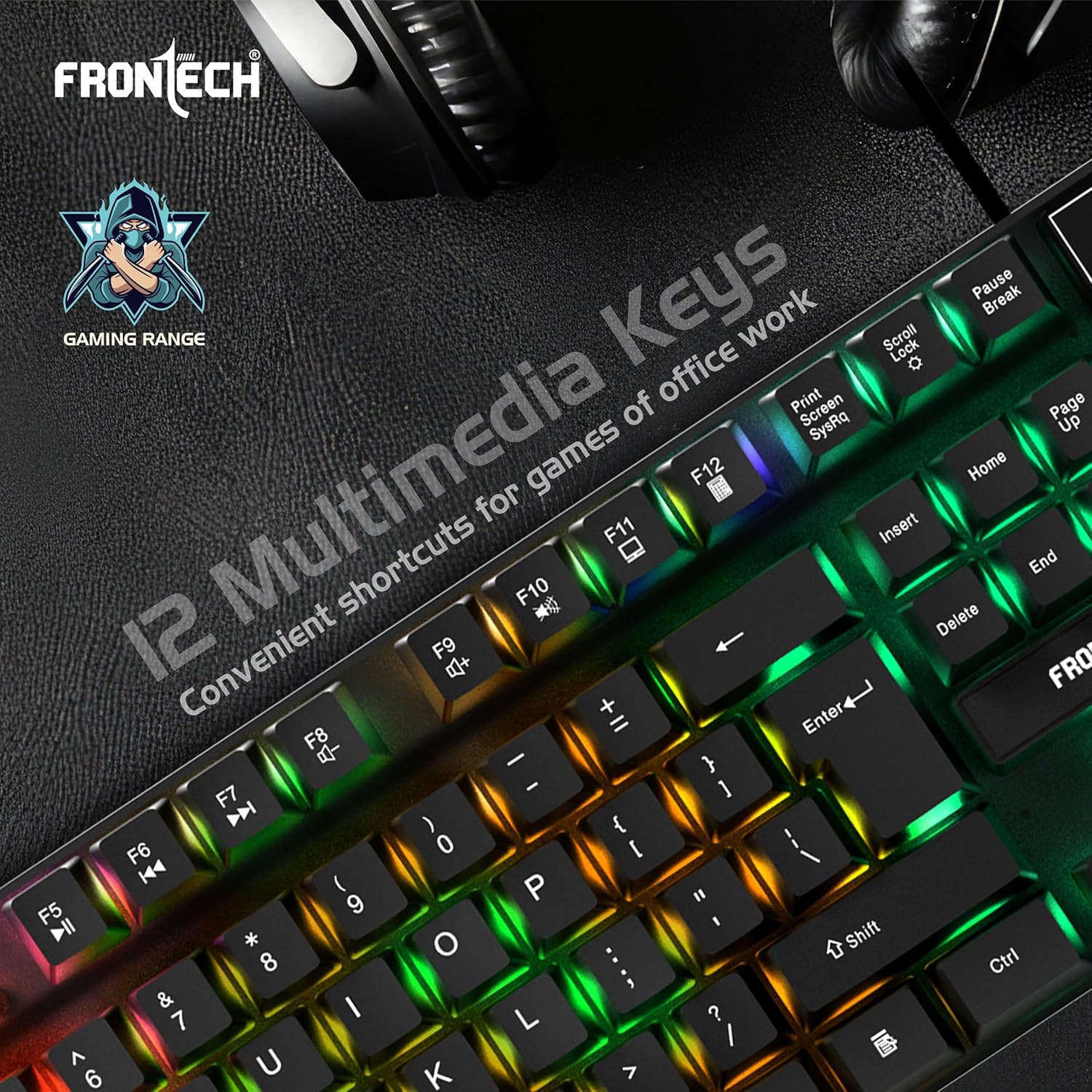
Image: Keyboard highlighting the 12 multimedia keys.

Image: Close-up of the keyboard showcasing the high-quality rainbow backlight.
Betjening af mus
- Grundlæggende funktioner: Use the left and right click buttons for primary interactions. The scroll wheel allows for vertical scrolling.
- DPI-justering: The mouse features a dedicated DPI button (often located behind the scroll wheel) to cycle through different DPI (Dots Per Inch) sensitivity settings, typically ranging from 800 to 1600 DPI. This allows you to adjust cursor speed and precision.
- Yderligere knapper: The mouse includes additional programmable buttons (e.g., forward/backward buttons on the side) for enhanced functionality in games or applications.

Image: Ergonomic design of the optical mouse with LED rainbow lighting.

Image: Diagram illustrating the 4 main buttons and DPI control on the mouse.
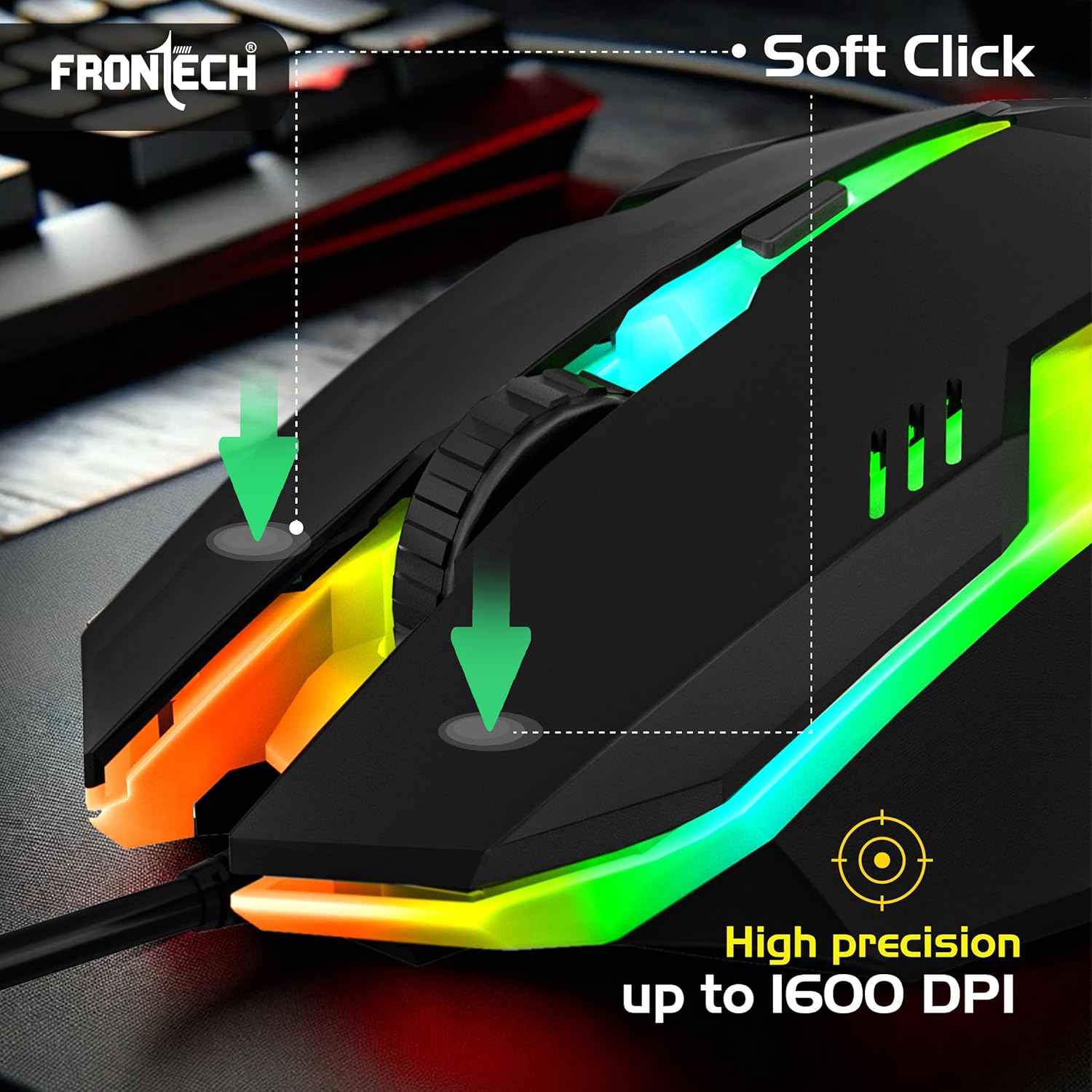
Image: Mouse highlighting soft click buttons and high precision up to 1600 DPI.
Funktioner
- 104-key membrane keyboard layout.
- RGB backlight effects for both keyboard and mouse.
- Ergonomic and comfortable design for extended use.
- USB Plug & Play functionality, no drivers needed.
- 6-button optical gaming mouse.
- Adjustable mouse DPI resolution: 800 - 1600 DPI.
- Compatible with WindowsXP/2000/ME/VISTA/7/8/10.
Specifikationer
| Komponent | Specifikation |
|---|---|
| Tastaturlayout | 104 nøgler |
| Tastaturmål | 430.7 x 131 x 30 mm |
| Museknapper | 6 Knapper |
| Mus DPI-opløsning | 800 - 1600 dpi |
| Musens dimensioner | 126 x 70 x 40 mm |
| Cable Length (Mouse) | 1.4m (Approx) |
| Working Voltage | DC+5V tolerance: ±0.25V |
| Forbindelse | USB kablet |
| Operativsystem | WindowsXP/2000/ME/VISTA/7/8/10 |
| Farve | Sort |
| Varens vægt | 860 g |
Fejlfinding
- Tastatur/mus reagerer ikke:
- Sørg for, at begge USB-stik er korrekt tilsluttet computerens USB-porte.
- Try connecting the devices to different USB ports.
- Genstart din computer.
- RGB Backlight Not Working (Keyboard):
- Trykke Fn + Scroll Lock for at slå baggrundslyset til/fra.
- Sørg for, at tastaturet er korrekt tilsluttet og modtager strøm.
- Mouse Cursor Movement is Erratic or Slow:
- Rengør den optiske sensor på undersiden af musen.
- Sørg for at bruge musen på en passende overflade (f.eks. en musemåtte).
- Juster DPI-indstillingen ved hjælp af DPI-knappen på musen.
Opretholdelse
- Rensning: Brug en blød, tør klud til at tørre tastatur og mus af. Ved genstridigt snavs, tør letamp cloth can be used, but ensure no liquid enters the devices. Avoid harsh chemicals or abrasive cleaners.
- Opbevaring: When not in use, store the combo in a cool, dry place away from direct sunlight and extreme temperatures.
- Kabelpleje: Undgå at bøje eller vride kablerne for meget for at forhindre indvendige skader.
Garanti og support
The FRONTECH KB-0040 Wired Gaming Combo comes with a 1 års begrænset garanti fra købsdatoen. Denne garanti dækker fabrikationsfejl ved normal brug. Den dækker ikke skader forårsaget af misbrug, ulykker, uautoriserede ændringer eller normal slitage.
For warranty claims or technical support, please contact FRONTECH customer service through their official webwebstedet eller forhandleren, hvor produktet blev købt. Gem venligst din købsbevis for at validere garantien.


