Indledning
The ARENTI B2 Kit Video Baby Monitor is designed to provide peace of mind with its advanced monitoring capabilities. This manual will guide you through every step, from initial setup to advanced features, ensuring you get the most out of your device.

The ARENTI B2 Kit includes a camera and a 5-inch LCD monitor, offering comprehensive baby monitoring.
Hvad er der i æsken
Ensure all items are present before proceeding with the setup:
- Instruktionsmanual
- Strømadapter (x2)
- Monteringsskrue
- Stå
- Kamera
- Overvåge
- Strømkabel (x2)
- Nulstil pin

All components of the ARENTI B2 Kit are clearly labeled for easy identification.
Udpakning og komponenter overståetview
This video provides a visual guide to unboxing the ARENTI Video Baby Monitor and its components.
Opsætning
1. Tænding og første tilslutning
Connect the power adapters to both the camera and the monitor. The monitor will automatically connect to the camera once powered on. Ensure both devices are within range for optimal signal.

The monitor offers flexible usage: direct viewing at home or remote viewvia appen.
2. Kameraplacering
Placer kameraet et sted, der giver et klart view of your baby. It can be placed on a flat surface or mounted to a wall using the included mounting screws and stand. Ensure the camera is securely positioned and the power cable is not a hazard.
Udnyt 360° view and auto-tracking for comprehensive monitoring of your child.
3. Connecting to Smartphone App (Optional)
For remote monitoring, download the ARENTI app from your smartphone's app store. The baby camera must connect to a 2.4GHz Wi-Fi network (5GHz is not supported) during the initial setup. Follow the in-app instructions to pair your camera with your smartphone.
This video demonstrates the process of connecting the ARENTI baby monitor to your smartphone app.
Betjening af monitoren
Monitor Screen Functions
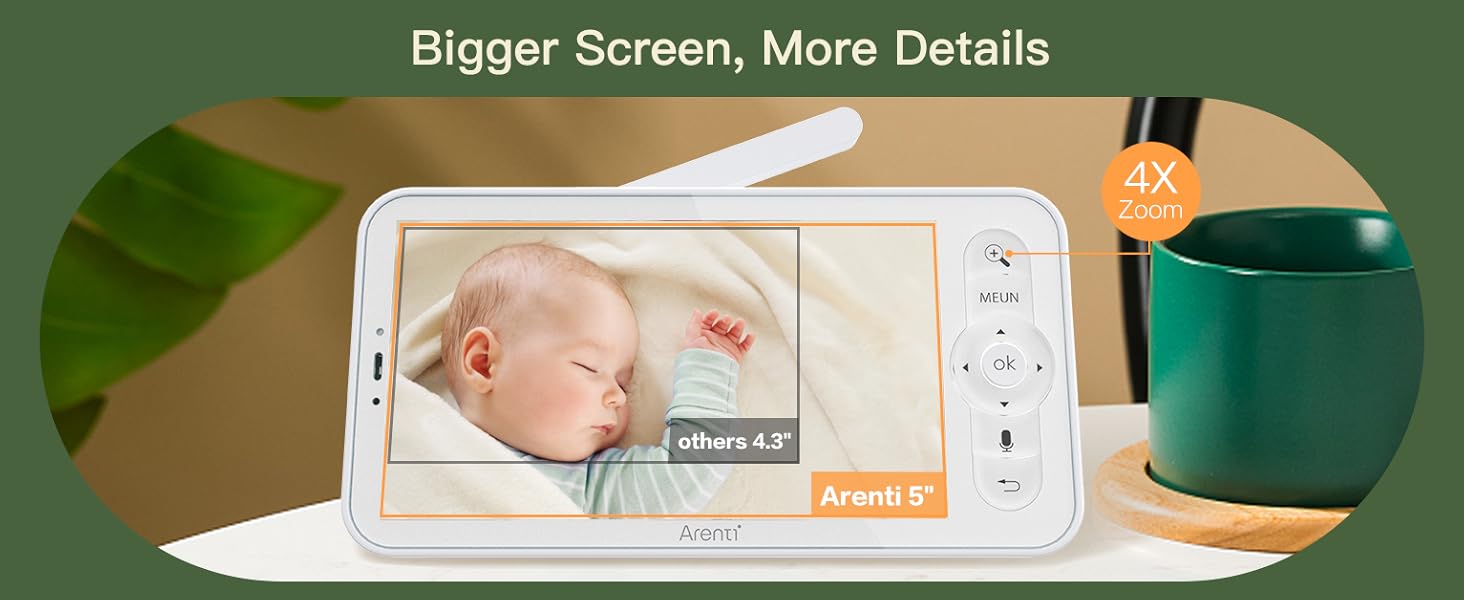
Den 5-tommer LCD-skærm giver en klar view of your baby. Use the navigation buttons to pan and tilt the camera, zoom in/out, and access various settings.

The 5-inch screen offers a sharper, more detailed view of your baby, with 4X zoom capability.
Quick Guide for Monitor Screen
This video provides a quick guide to navigating and utilizing the features on the baby monitor screen.
Mobile App-funktioner
The mobile app allows you to control the camera remotely, receive alerts, and access recorded footage. You can manage multiple cameras and share access with family members.

The ARENTI app provides a convenient way to monitor your baby from your smartphone.
Arenti Baby Monitor App Functionality
This video demonstrates how the Arenti Baby Monitor works seamlessly with the smartphone app, showcasindens funktioner.
Detaljerede funktioner
360° View & Auto Tracking
The camera offers a 355° horizontal and 60° vertical rotation, providing a comprehensive 360° view of the room. The auto-tracking feature ensures your baby remains in view as they move.
Smart detektion og advarsler
The monitor features motion, crying, and specific area detection with adjustable sensitivity. Alerts are sent to your phone upon detecting any abnormalities, keeping you informed.
Receive instant alerts on your smartphone with smart detection features.
Tovejslyd og vuggeviser
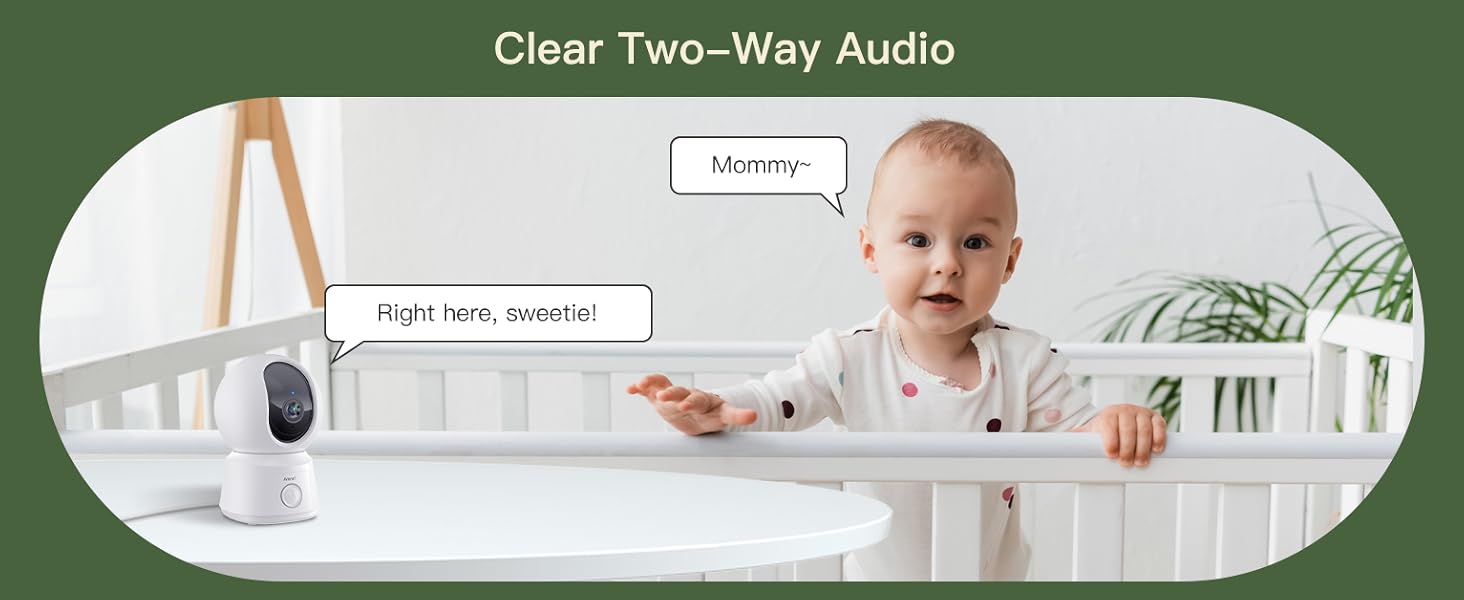
Communicate with your baby or pets anytime, anywhere, using the built-in mic and speaker. You can also play soothing lullabies and white noise directly from the monitor.
Engage in clear two-way audio communication with your baby through the monitor.
Night Vision & VOX Mode
The enhanced night vision provides clear 1080P video even in low light conditions. VOX mode conserves battery by activating the screen only when sound is detected, ensuring longer standby time.
VOX mode helps conserve battery life by activating the screen only when needed.
Datalagring og privatliv
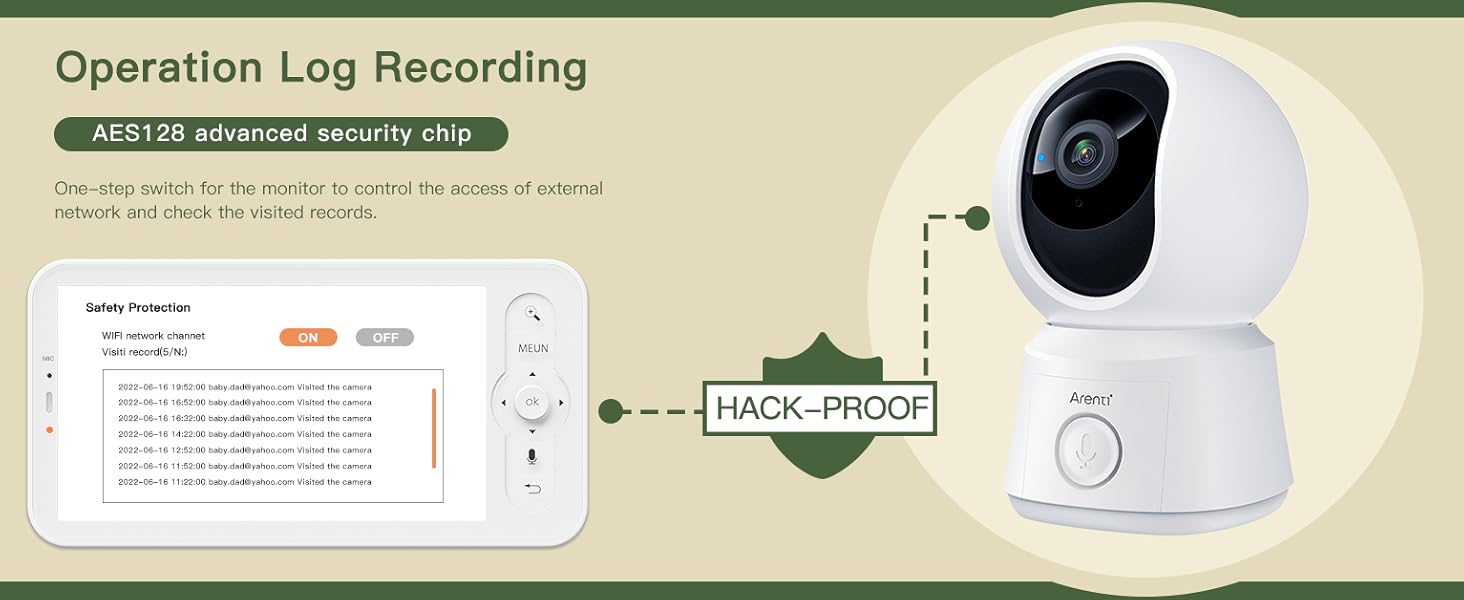
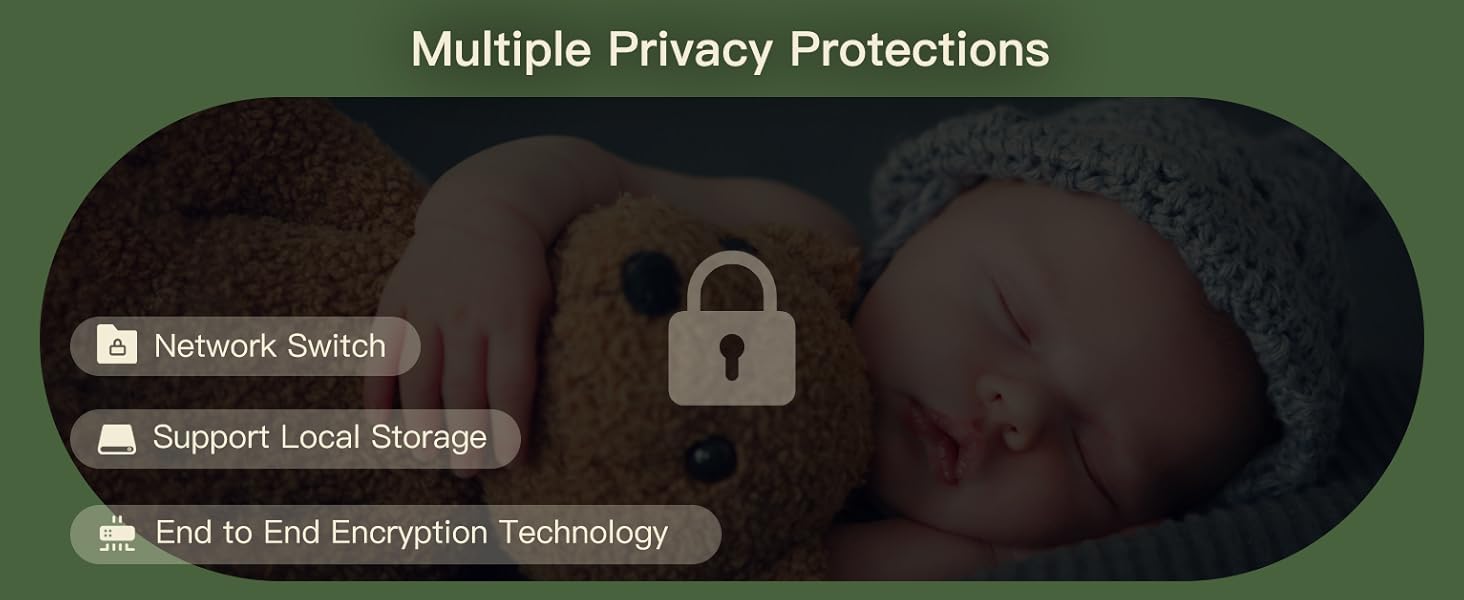
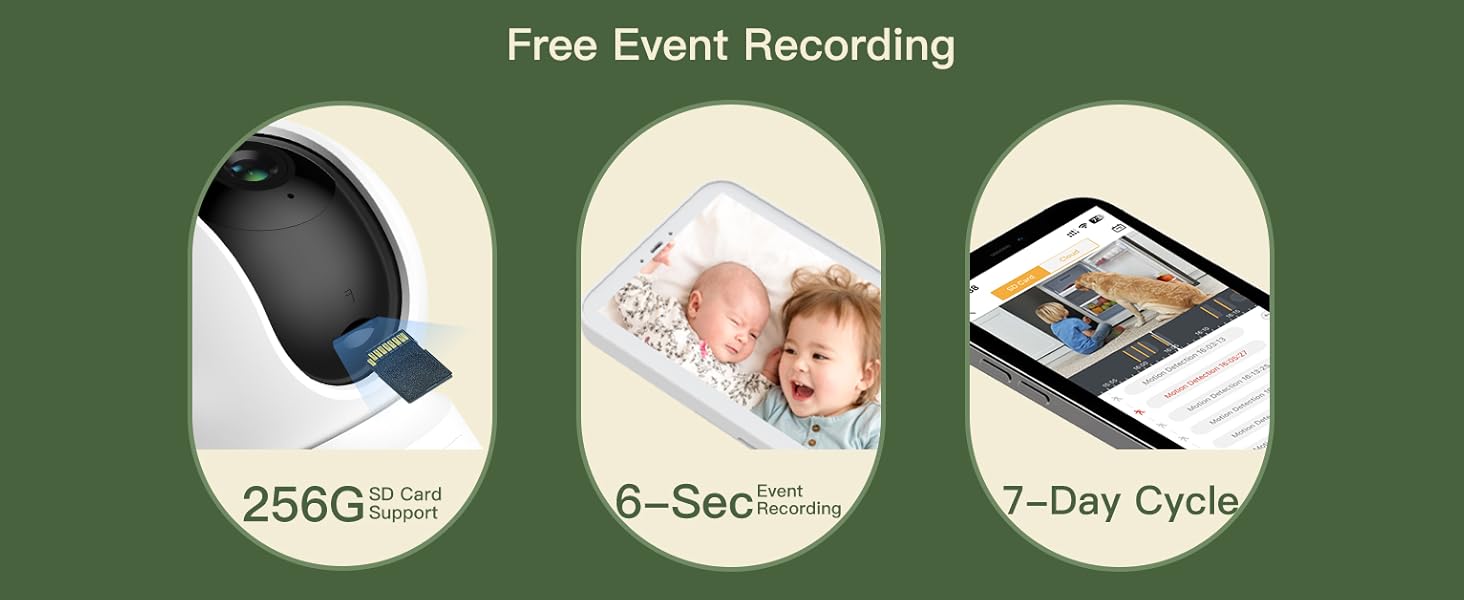
The monitor supports micro SD cards (up to 128GB for the screen and 256GB for the camera) and cloud storage for video footage. All data is secured with end-to-end encryption (E2EE) on Amazon's AWS servers, ensuring your privacy.
Your data is protected with multiple privacy features, including encryption and local storage options.
Opretholdelse
To ensure the longevity and optimal performance of your ARENTI B2 Kit Video Baby Monitor, follow these maintenance guidelines:
- Rensning: Gently wipe the camera lens and monitor screen with a soft, dry cloth. Avoid using abrasive cleaners or solvents.
- Opbevaring: Når skærmen og kameraet ikke er i brug i længere perioder, skal de opbevares køligt og tørt, væk fra direkte sollys og ekstreme temperaturer.
- Batteripleje: For the monitor's battery, avoid fully discharging it frequently. Charge it regularly to maintain battery health.
Fejlfinding
If you encounter any issues with your ARENTI B2 Kit Video Baby Monitor, refer to the following common problems and solutions:
- Intet signal/dårlig forbindelse: Ensure the camera and monitor are within range and not obstructed by thick walls or other electronic devices. Check that both devices are powered on.
- Ingen video/sort skærm: Verify the camera lens is clean and unobstructed. Check the monitor's battery level and ensure it's charged.
- Lydproblemer: Adjust the volume settings on the monitor. Ensure there are no obstructions blocking the microphone or speaker on either device.
- Problemer med appforbindelse: Confirm your smartphone is connected to a 2.4GHz Wi-Fi network. Restart your router, camera, and phone, then attempt to reconnect via the app.
- Kameraet reagerer ikke: Try resetting the camera using the reset pin provided in the package. Refer to the instruction manual for the exact location of the reset button.
Specifikationer
| Feature | Detalje |
|---|---|
| Model | B2-sæt |
| Videooptagelsesopløsning | 1080p (App), 720p (Monitor) |
| Skærmstørrelse | 5 tommer LCD |
| Forbindelsesprotokol | Wi-Fi (kun 2.4 GHz) |
| Panorer/vip | 355° vandret, 60° lodret |
| Night Vision Range | 33 fod |
| Opbevaringsmuligheder | Micro SD (up to 256GB for camera, 128GB for screen), Cloud Storage |
| Strømkilde | Battery Powered (Monitor), Power Adapter (Camera) |
| Battery Power (Monitor) | 3000 mioampfør time (mAh) |
| Inkluderede komponenter | Power Adapter, Stand, Mounting Screw, Instruction Manual |
| Varens vægt | 1.54 pund |
| Fabrikant | ARENTI |
Garanti og support
For detailed warranty information, please refer to the official ARENTI website or the warranty section of the included instruction manual. For technical support or further assistance, please contact ARENTI customer service.

ARENTI provides professional support for all your product needs.


