Indledning
This user manual provides detailed instructions for the KeySonic KSKM-8200M-RF Wireless Desktop Set, which includes a full-size keyboard and a wireless mouse. Designed for seamless integration with Windows operating systems, this set offers a comfortable and efficient user experience with its ergonomic design and reliable 2.4 GHz wireless connection.
Læs venligst denne manual grundigt, inden du bruger produktet, for at sikre korrekt opsætning, betjening og vedligeholdelse.

Image: The KeySonic KSKM-8200M-RF wireless keyboard and mouse set, showcasing its sand/cream multi-color design.
Opsætning
Pakkens indhold
- KeySonic KSKM-8200M-RF Wireless Keyboard
- KeySonic Wireless Mouse
- USB Receiver (typically stored in the mouse battery compartment)
- 2 x AA-batterier (forinstalleret eller inkluderet)
- Brugervejledning (dette dokument)
Indledende opsætning
- Indsæt batterier: Ensure the included AA batteries are correctly inserted into both the keyboard and the mouse. The battery compartments are usually located on the underside of each device.
- Find USB-modtager: The small USB receiver is often stored inside the mouse's battery compartment for safe keeping during transport. Remove it carefully.
- Tilslut USB-modtager: Plug the USB receiver into an available USB port on your personal computer.
- Tænd enheder: Turn on the keyboard and mouse using their respective power switches (if available). The devices should automatically connect to the receiver.
- Driver installation: For most Windows operating systems, the necessary drivers will install automatically. Wait for the installation to complete before use.
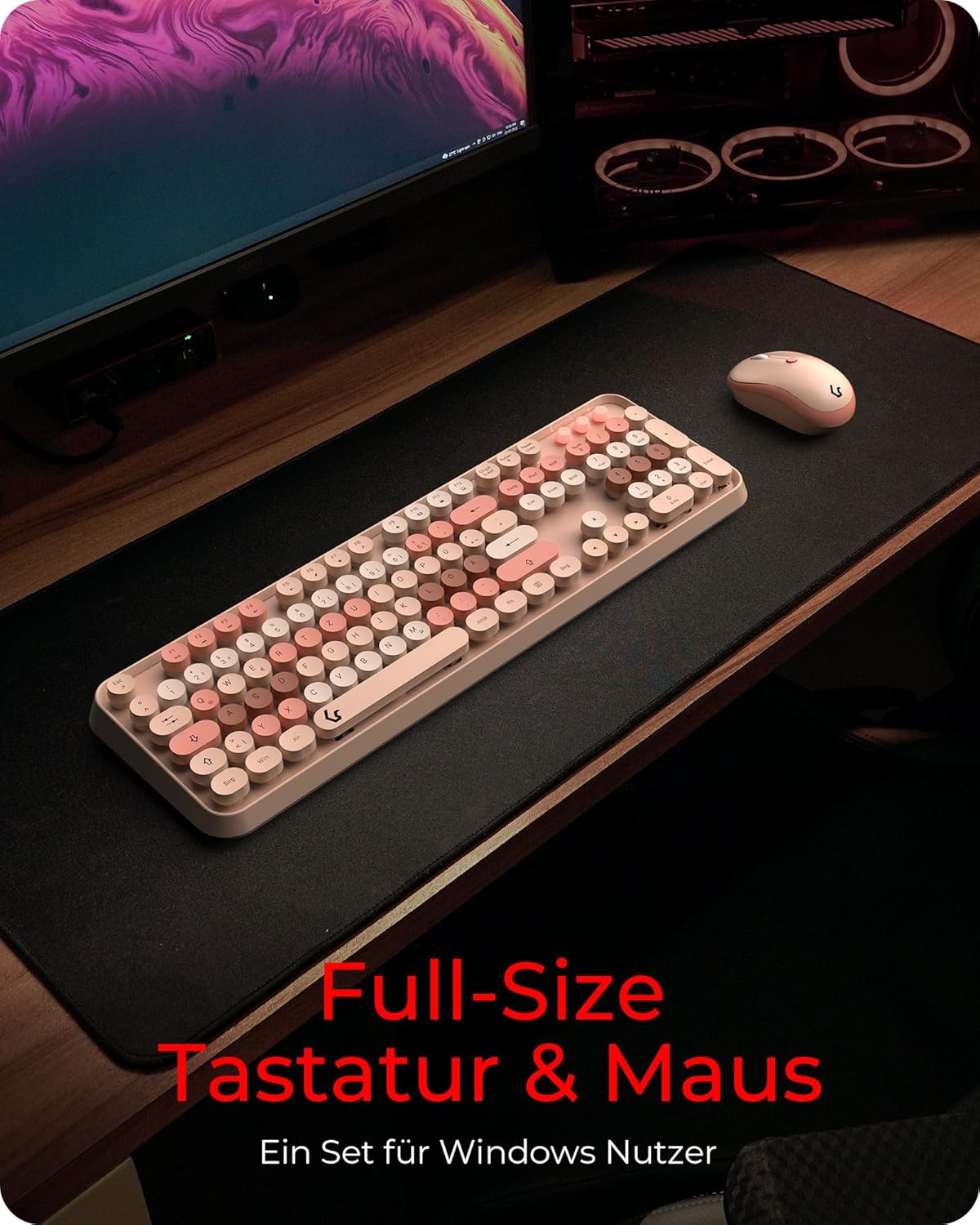
Image: The KeySonic KSKM-8200M-RF desktop set positioned on a desk, ready for use after setup.
Betjeningsvejledning
Tastatur funktioner
- Layout i fuld størrelse: The keyboard features a standard full-size layout, providing all necessary keys for general computing purposes.
- Centered Keystroke: The round keycaps are designed to ensure a centered and precise keystroke, enhancing typing accuracy and ergonomics.
- Silent Competency: Utilizing Rubberdome key technology, the keyboard offers a smooth and quiet typing experience, reducing noise in your workspace.
- Multimedienøgler: Dedicated or function-key combined multimedia controls (e.g., volume, play/pause) are integrated for convenient media management. Refer to the key legends for specific functions.

Billede: Et nærbillede view of the KeySonic keyboard, highlighting the round, multi-colored keycaps designed for centered keystrokes.

Image: A user demonstrating typing on the KeySonic keyboard, illustrating its quiet operation and comfortable design.
Musefunktioner
- Ambidextrous design: Musen er designet til komfortabel brug af både venstre- og højrehåndede brugere.
- DPI-justering: The mouse features adjustable DPI (Dots Per Inch) settings, allowing you to customize cursor sensitivity for different tasks and individual working pace. A dedicated DPI button is usually located near the scroll wheel.
- Trådløs forbindelse: Both the keyboard and mouse utilize a reliable 2.4 GHz wireless connection, providing flexibility and freedom of movement up to a certain range from the USB receiver.
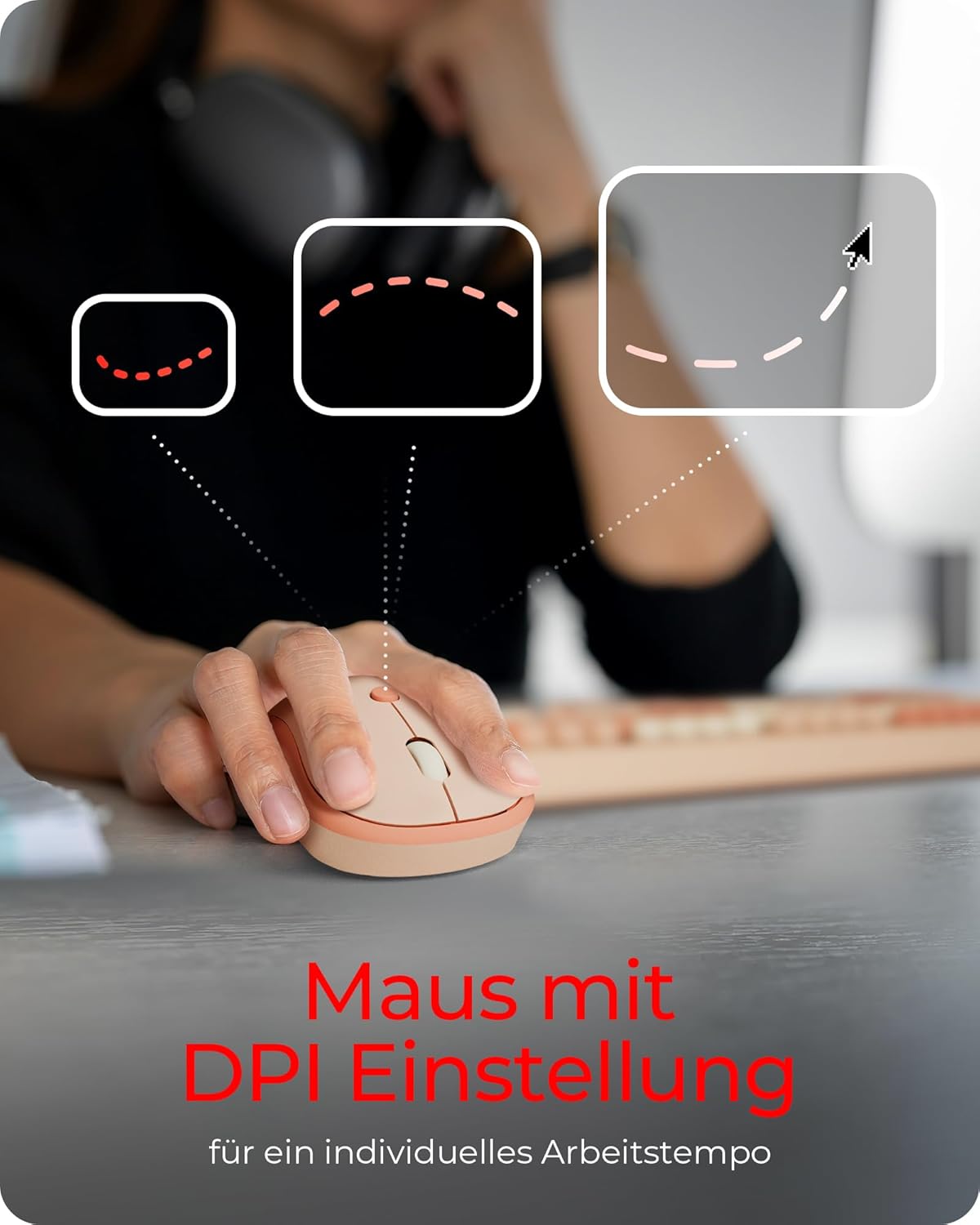
Image: A hand resting on the KeySonic mouse, with graphics illustrating the concept of DPI adjustment for personalized cursor speed.

Image: The KeySonic keyboard and mouse placed on a couch, demonstrating the flexibility and range offered by its 2.4 GHz wireless connection.
Opretholdelse
To ensure the longevity and optimal performance of your KeySonic Desktop Set, follow these maintenance guidelines:
- Rensning: Regularly clean the keyboard and mouse with a soft, dry, lint-free cloth. For stubborn dirt, slightly dampRengør kluden med vand eller et mildt, ikke-slibende rengøringsmiddel. Undgå for meget fugt.
- Udskiftning af batteri: When the devices show signs of low power (e.g., erratic cursor movement, unresponsive keys), replace the AA batteries in both the keyboard and mouse. Ensure correct polarity when inserting new batteries.
- Opbevaring: When not in use for extended periods, turn off the devices to conserve battery life. Store them in a cool, dry place away from direct sunlight and extreme temperatures.
- USB-modtager: Keep the USB receiver free from dust and debris. When transporting the mouse, store the receiver in its dedicated slot within the mouse's battery compartment.
Fejlfinding
If you encounter issues with your KeySonic Desktop Set, please refer to the following common problems and solutions:
| Problem | Mulig årsag | Løsning |
|---|---|---|
| Tastatur/mus reagerer ikke | Low batteries, USB receiver disconnected, device not powered on, interference. | Replace batteries. Ensure USB receiver is securely plugged in. Turn on devices. Move closer to the receiver or away from other wireless devices. |
| Uregelmæssig markør bevægelse | Low mouse battery, dirty optical sensor, unsuitable surface. | Replace mouse battery. Clean the optical sensor on the mouse's underside. Use a mouse pad or a smooth, non-reflective surface. |
| Nøgler registreres ikke | Low keyboard battery, debris under key, software issue. | Replace keyboard battery. Gently clean around the affected key. Restart your computer. |
| Problemer med trådløs forbindelse | Distance from receiver, interference, receiver fault. | Ensure devices are within range (typically up to 10 meters). Minimize interference from other 2.4 GHz devices. Try a different USB port. |
Hvis problemet fortsætter efter at have prøvet disse løsninger, bedes du kontakte kundesupport.
Specifikationer
| Feature | Detalje |
|---|---|
| Model | KSKM-8200M-RF |
| Mærke | Keysonic |
| Forbindelsesteknologi | 2.4 GHz trådløs (USB-modtager) |
| Kompatible enheder | Personlig computer |
| Operativsystemkompatibilitet | Windows |
| Tastaturtype | Wireless Full Keyboard |
| Tastaturteknologi | Rubberdome |
| Musens håndorientering | Ambidekstrøs |
| Strømkilde | Batteridrevet |
| Batterier påkrævet | 2 x AA (inkluderet) |
| Farve | Sand/Cream |
| Produktmål (L x B x H) | 14.1 x 45.3 x 3.7 cm |
| Varens vægt | 990 g |
| Speciel funktion | Ergonomisk |
Garanti og support
KeySonic products are manufactured to high-quality standards. For information regarding warranty coverage, terms, and conditions, please refer to the warranty card included with your product or visit the official Keysonic webwebsted.
For technical support, troubleshooting assistance beyond this manual, or inquiries about replacement parts, please contact Keysonic customer service through their official support channels. Keep your purchase receipt and product model number (KSKM-8200M-RF) handy when contacting support.


