1. Introduktion
The IMIKI SF1 Smart Watch is a sophisticated wearable device designed to enhance your daily life with advanced health monitoring, smart connectivity, and a durable, stylish design. Featuring a vibrant AMOLED display and a comfortable magnetic strap, the SF1 offers a seamless user experience for tracking fitness, managing calls, and staying informed.
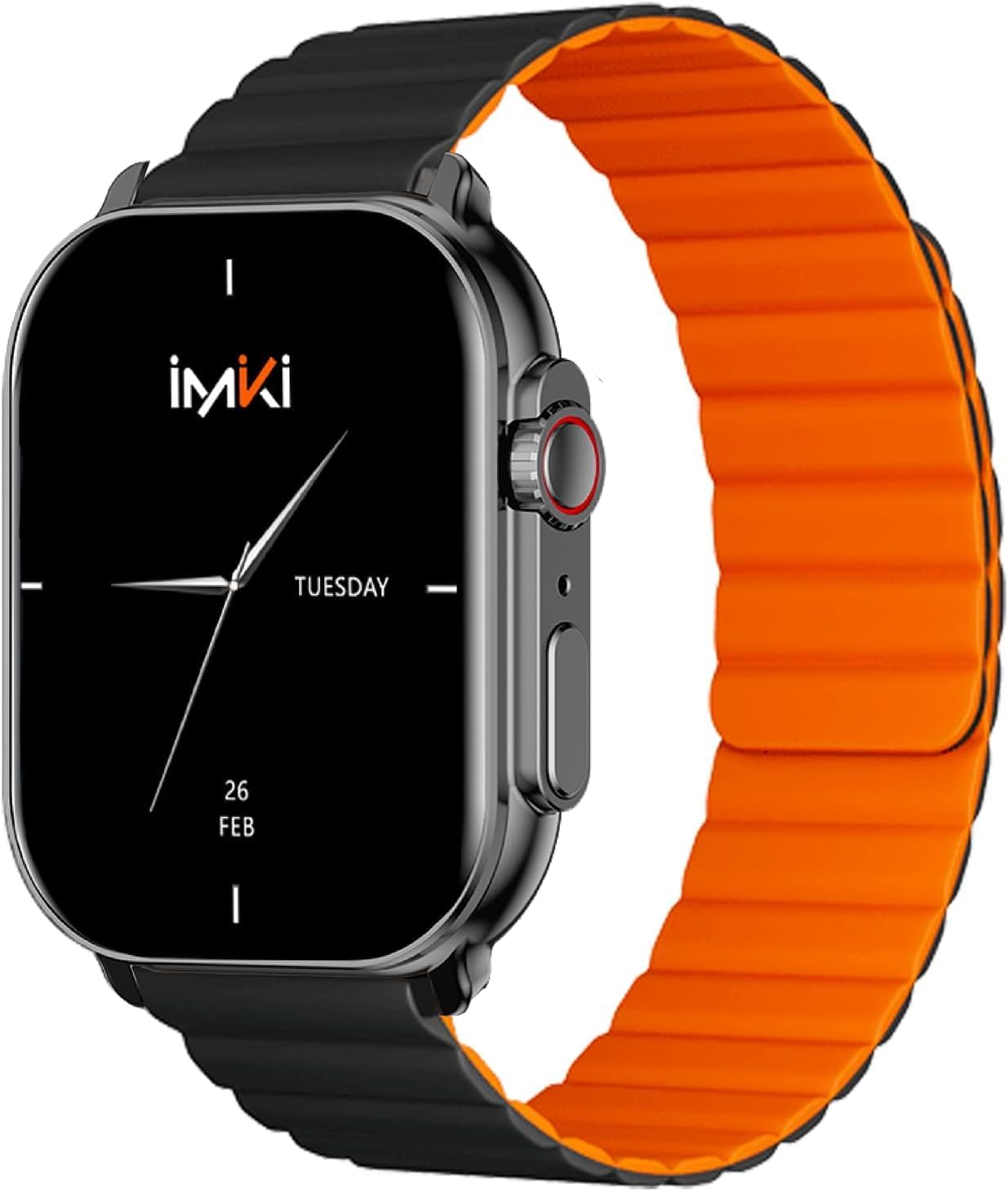
Image: The IMIKI SF1 Smart Watch, showcasing its sleek design and magnetic strap.
2. Hvad er der i æsken
- IMIKI SF1 Smart Watch (with magnetic strap)
- Ladekabel
- Brugermanual
3. Opsætning
3.1 Opladning af enheden
Before first use, fully charge your IMIKI SF1 Smart Watch. Connect the magnetic charging cable to the charging points on the back of the watch and plug the USB end into a compatible power adapter (5V/1A recommended). A full charge typically takes approximately 2 hours.
3.2 Download af Companion-appen
To unlock the full functionality of your IMIKI SF1, download the official companion app on your smartphone. Søg efter "IMIKI" in the Apple App Store (for iOS devices) or Google Play Store (for Android devices).
3.3 Parring med din smartphone
- Sørg for, at Bluetooth er aktiveret på din smartphone.
- Open the IMIKI companion app.
- Follow the on-screen instructions within the app to search for and connect to your SF1 Smart Watch. The watch will typically appear as "IMIKI SF1" in the list of available devices.
- Bekræft parringsanmodningen på både dit ur og din smartphone, hvis du bliver bedt om det.
3.4 Adjusting the Magnetic Strap
The IMIKI SF1 features a convenient magnetic silicone strap. To adjust, simply wrap the strap around your wrist and allow the magnetic ends to secure themselves for a comfortable and snug fit. Ensure the watch is not too tight or too loose for accurate health monitoring.

Image: The magnetic strap of the IMIKI SF1 Smart Watch, illustrating its adjustable and secure design.
4. Betjeningsvejledning
4.1 Grundlæggende navigation
- Touchskærm: Stryg op, ned, til venstre eller højre for at navigere gennem menuer og notifikationer. Tryk for at vælge elementer.
- Mechanical Feedback Crown: Rotate the crown to scroll through lists, adjust volume, or change brightness. Press the crown to return to the home screen or confirm selections.

Billede: Side view of the IMIKI SF1 Smart Watch, highlighting the mechanical feedback crown for navigation.
4.2 Smartphone Connection and Calls
The IMIKI SF1 supports Bluetooth 5.3 for stable and efficient connection to your smartphone. You can manage calls directly from your watch, including answering, rejecting, and making calls, even with hands-free functionality. The adaptive noise cancellation feature helps ensure clear audio during calls.
4.3 Customizing Dials and Features
Utilize the companion app to customize your watch faces and access various functions. The app allows you to personalize the display to suit your style and preferences.
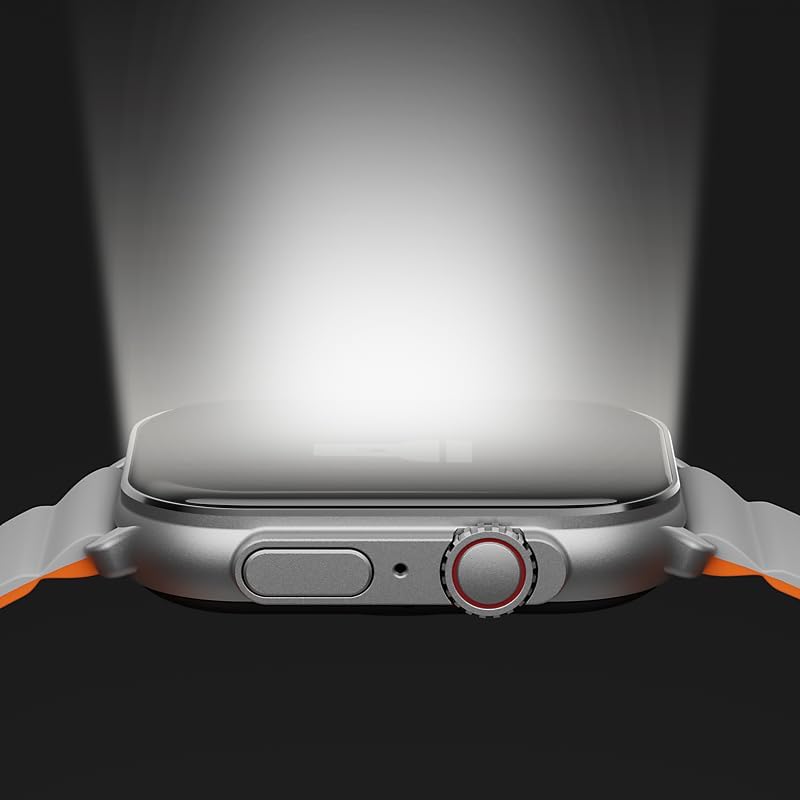
Image: The IMIKI SF1 Smart Watch display, illustrating various app icons and data screens for daily activities, heart rate, and stress monitoring.
5. Sundheds- og fitnessovervågning
The IMIKI SF1 is equipped with an optical sensor for comprehensive health tracking. It supports 105 training modes to accurately record your exercise statistics. Key health features include:
- Pulsmåling: Overvåger kontinuerligt din puls hele dagen.
- Detektion af blodets iltmætning (SpO2): Measures the oxygen levels in your blood.
- Aktivitetssporing: Registrerer skridt, distance, forbrændte kalorier og aktive minutter.
- Søvnovervågning: Analyzes sleep patterns to help you understand your sleep quality.

Image: The back of the IMIKI SF1 Smart Watch, showing the optical sensors used for heart rate and blood oxygen measurement.
6. Vandafvisende
The IMIKI SF1 Smart Watch has an IP68 vandtæt klassificering, meaning it is resistant to dust and can withstand immersion in water up to 1.5 meters for 30 minutes. This makes it suitable for daily use, including hand washing, rain, and shallow water activities. Avoid hot water, steam, or prolonged immersion in deep water.
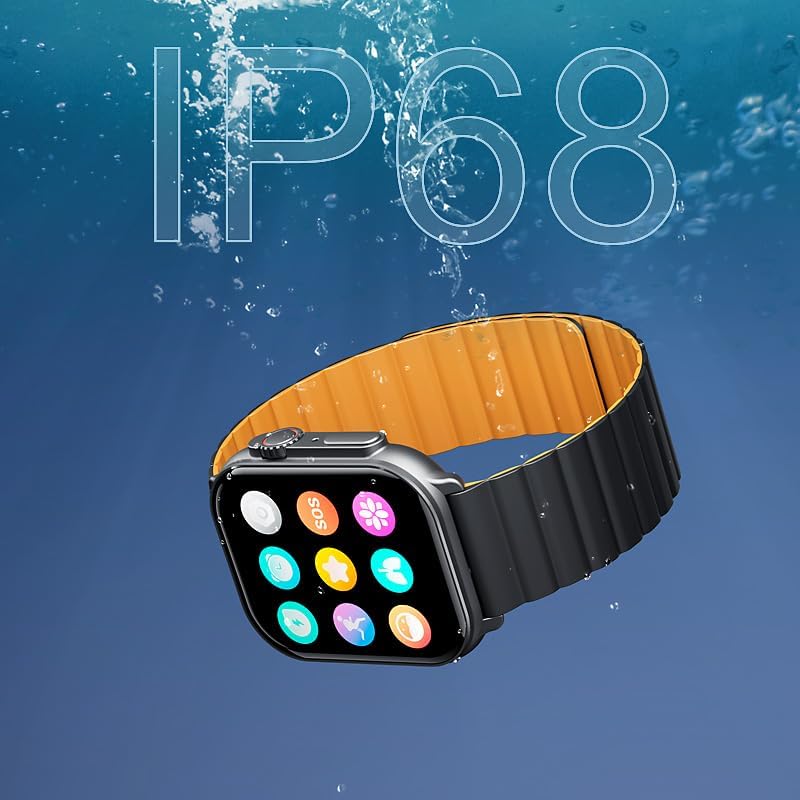
Image: The IMIKI SF1 Smart Watch submerged in water, illustrating its IP68 water resistance rating.
7. Batterilevetid
The IMIKI SF1 is equipped with a 280mAh battery, offering impressive autonomy:
- Typisk brug: Op til 15 dages batterilevetid.
- Intensive Use: Op til 7 dages batterilevetid.
The device fully charges in approximately 2 hours.
8. Vedligeholdelse
- Rensning: Tør regelmæssigt urets skærm og rem af med en blød, tør klud. Ved genstridigt snavs kan du bruge en let tør klud.amp klud kan bruges, efterfulgt af tørring.
- Opladningskontakter: Ensure the charging contacts on the back of the watch are clean and free of debris to maintain efficient charging.
- Opbevaring: Når uret ikke er i brug i længere perioder, skal det opbevares et køligt og tørt sted.
- Undgå kemikalier: Brug ikke skrappe kemikalier, rengøringsmidler eller stærke rengøringsmidler til at rengøre uret, da de kan beskadige finishen eller de indvendige komponenter.
9. Fejlfinding
- Uret tænder ikke: Ensure the watch is fully charged. If it still doesn't turn on, try pressing and holding the crown button for 10-15 seconds to force a restart.
- Kan ikke parres med smartphone:
- Sørg for, at Bluetooth er aktiveret på din telefon og uret.
- Sørg for, at uret er inden for din telefons Bluetooth-rækkevidde.
- Genstart både uret og din telefon.
- Ryd Bluetooth-cachen på din telefon (hvis relevant), og prøv at parre igen.
- Unøjagtige sundhedsaflæsninger: Ensure the watch is worn snugly on your wrist, not too loose or too tight. Clean the optical sensor on the back of the watch.
- Kort batterilevetid: Reduce screen brightness, disable unnecessary notifications, or limit continuous health monitoring features to extend battery life.
10. Specifikationer
| Feature | Specifikation |
|---|---|
| Model | SF1 |
| Vise | 2.01 Inch AMOLED Display |
| Forbindelse | Bluetooth 5.3 |
| Batterikapacitet | 280mAh Lithium Ion |
| Typisk batterilevetid | Op til 15 dage |
| Intensive Battery Life | Op til 7 dage |
| Opladningstid | Ca. 2 timer |
| Vandmodstand | IP68 |
| Dimensioner | 45.8 x 37 x 10.2 mm |
| Vægt | 39.8 g |
| Understøttede sprog | Engelsk, fransk, tysk, italiensk, spansk |
11. Garanti og support
The IMIKI SF1 Smart Watch comes with a standard manufacturer's warranty. For detailed warranty information, please refer to the warranty card included in your product packaging or visit the official IMIKI website. For technical support, troubleshooting assistance, or service inquiries, please contact IMIKI customer support through the contact information provided on the official webwebstedet eller i den tilhørende app.


