1. Introduktion
This user manual provides detailed instructions for the setup, operation, maintenance, and troubleshooting of your Z-EDGE U28I4K 4K Monitor. Please read this manual thoroughly before using the product to ensure proper functionality and to prevent damage.
Produktegenskaber:
- 4K UHD-opløsning (3840x2160): Delivers stunningly clear and lifelike images with exceptional detail.
- 144Hz opdateringshastighed og 1ms responstid: Ensures smooth, crisp visuals and reduces motion blur, ideal for gaming.
- IPS panel: Provides wide 178° viewing angles and consistent, accurate color reproduction.
- HDR10-teknologi: Enhances picture quality with deeper blacks and brighter whites.
- Flere tilslutningsmuligheder: Two HDMI inputs and two DisplayPort inputs for versatile device connection.
- Øjenplejeteknologi: Features low blue light and flicker-free technology to reduce eye strain.
- VESA Mount kompatibel: Supports 100x100mm VESA mounting for flexible installation.
2. Pakkens indhold
Please check the package contents upon unboxing. If any items are missing or damaged, contact Z-EDGE customer support.
- Z-EDGE U28I4K 4K Monitor
- Monitorstativ (base og hals)
- Strømadapter og strømkabel
- HDMI kabel
- DisplayPort-kabel
- Brugermanual
- Screws and Screwdriver for stand assembly
3. Opsætning
3.1 Samling af stativet
- Tag forsigtigt skærmen ud af emballagen, og opbevar den beskyttet på en blød, plan overflade.
- Attach the stand neck to the monitor's rear panel using the provided screws. Ensure it is securely fastened.
- Connect the stand base to the stand neck and tighten the thumb screw or use the provided screwdriver to secure it.
- Gently place the assembled monitor on a stable, flat desk.

3.2 Tilslutning til en enhed
The Z-EDGE U28I4K monitor supports multiple input types. Choose the appropriate cable for your device.
- HDMI-forbindelse: Connect one end of the HDMI cable to the HDMI port on your computer/device and the other end to an HDMI input port (HDMI 1 or HDMI 2) on the monitor.
- DisplayPort-forbindelse: Connect one end of the DisplayPort cable to the DisplayPort on your computer/device and the other end to a DisplayPort input port (DP 1 or DP 2) on the monitor.
- Lydudgang: Connect external speakers or headphones to the 3.5mm audio output jack on the monitor if desired.

3.3 Strømtilslutning
Connect the power adapter to the DC 12V input on the monitor, then plug the power cable into a wall outlet.
Important: Use only the power adapter provided with your monitor.
4. Betjening af monitoren
4.1 Tænd/sluk
Press the power button located on the back or bottom of the monitor to turn it on or off. The power indicator light will illuminate when the monitor is on.
4.2 On-Screen Display (OSD) menu
The OSD menu allows you to adjust various monitor settings. Navigate the menu using the buttons typically found on the back or bottom right of the monitor.
Common OSD Settings:
- Lysstyrke/kontrast: Juster den samlede luminans og kontrastforhold.
- Farveindstillinger: Rediger farvetemperatur, gamma og individuelle RGB-niveauer.
- Inputkilde: Manually select between HDMI 1, HDMI 2, DP 1, or DP 2.
- Billedtilstand: Select preset display modes (e.g., Standard, Game, Movie, Text).
- Response Time/Overdrive: Adjust the pixel response time for faster transitions.
- FreeSync/Adaptiv synkronisering: Enable or disable adaptive synchronization technology.
- Lavt blåt lys: Reduce blue light emission to minimize eye strain.
- Flimmerfri: Ensure the display is free from visible flickering.
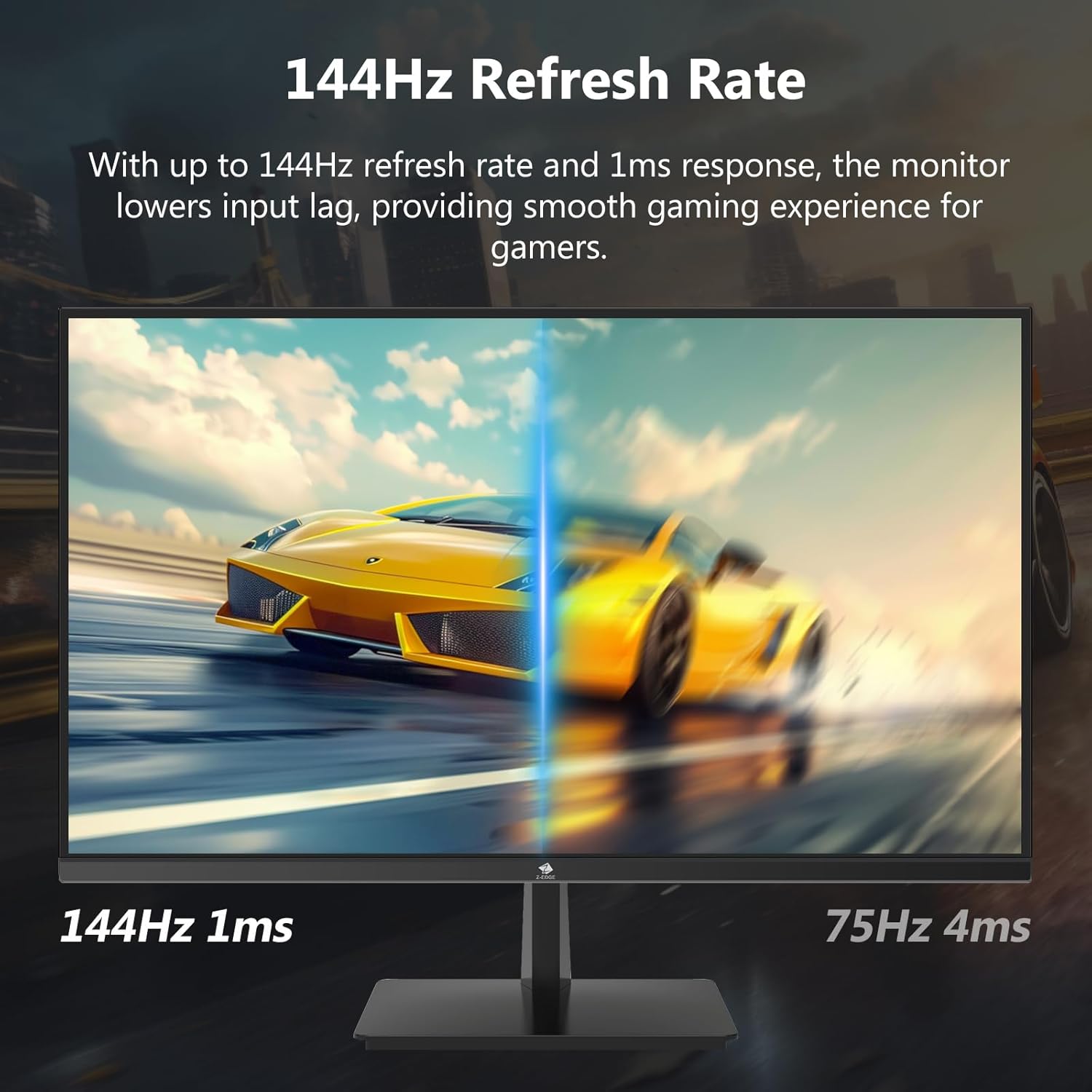

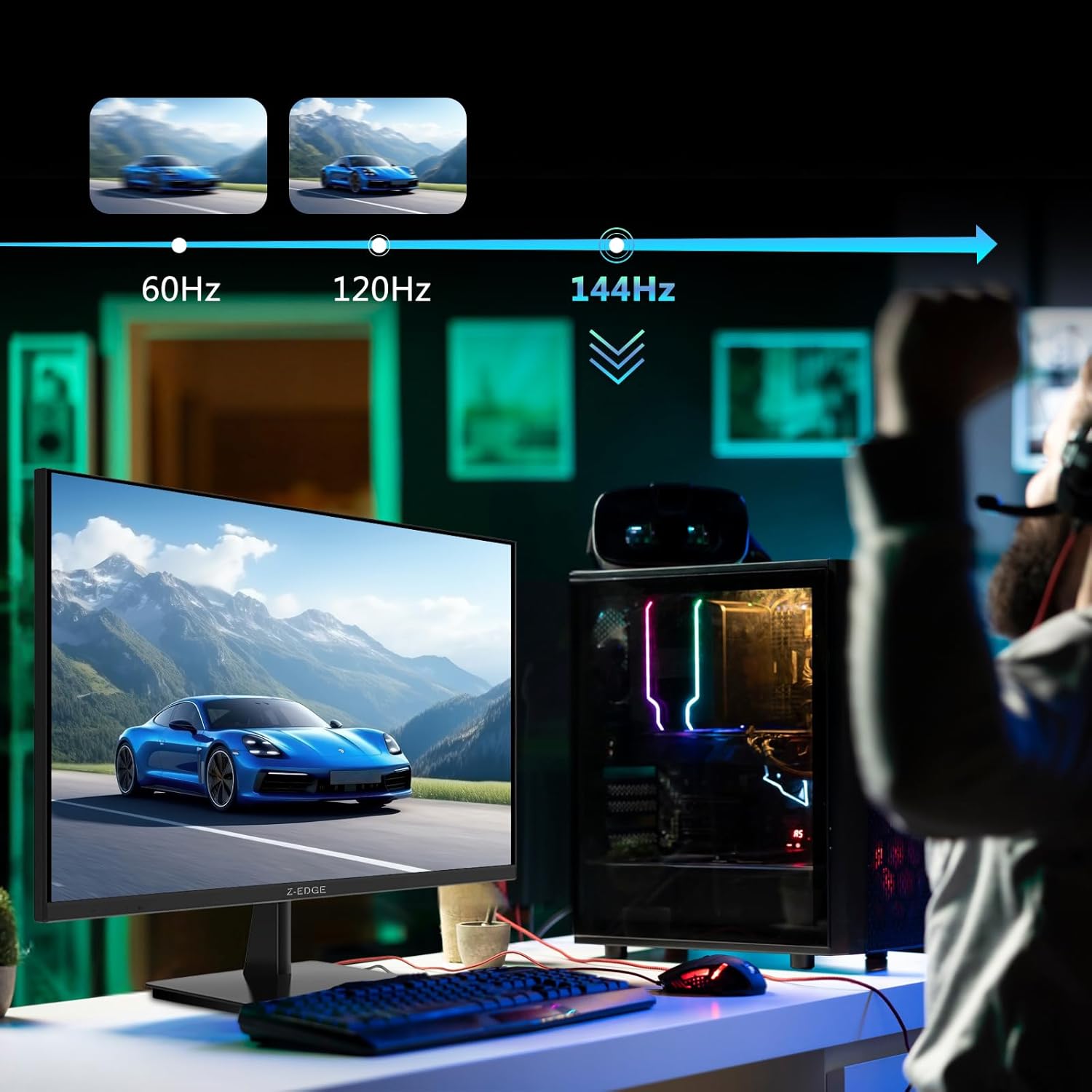
4.3 Refresh Rate and Response Time
The monitor supports up to a 144Hz refresh rate and 1ms response time for optimal performance in fast-paced applications and gaming.

5. Vedligeholdelse
5.1 Rengøring af monitoren
- Tag altid stikket ud af stikkontakten før rengøring.
- Brug en blød, fnugfri klud lidt damprengøres med vand eller et ikke-slibende skærmrensemiddel.
- Sprøjt ikke rengøringsmiddel direkte på skærmen.
- Undgå at bruge benzen, fortynder, ammoniak eller slibende rengøringsmidler, da disse kan beskadige skærmens overflade.
5.2 Opbevaring
Når du opbevarer skærmen i længere tid, skal du sørge for, at den er slukket og alle kabler er frakoblet. Opbevar den et køligt og tørt sted, helst i originalemballagen, for at beskytte den mod støv og fysiske skader.
6. Fejlfinding
| Problem | Mulig årsag | Løsning |
|---|---|---|
| Ingen strøm | Power cable not connected; Power outlet faulty; Power adapter faulty. | Ensure power cable is securely connected to monitor and outlet. Test outlet with another device. Contact support if adapter is suspected faulty. |
| Intet signal | Input cable not connected; Incorrect input source selected; Computer/device not outputting signal. | Check HDMI/DisplayPort cable connections. Select correct input source via OSD menu. Restart computer/device. |
| Flimrende skærm | Loose cable connection; Refresh rate mismatch; DCR (Dynamic Contrast Ratio) enabled. | Ensure cables are firmly connected. Adjust refresh rate in display settings. Disable DCR in OSD menu. |
| Poor Image Quality (Blurry/Distorted) | Incorrect resolution; Cable quality; Graphics driver issues. | Set display resolution to 3840x2160. Try a different high-quality cable. Update graphics drivers. |
| No Audio from Monitor | Volume too low; Incorrect audio output selected on computer; External speakers not connected/powered. | Increase monitor volume via OSD. Select monitor as audio output device in OS settings. Ensure external speakers are connected and powered. |
If the problem persists after trying these solutions, please contact Z-EDGE customer support.
7. Specifikationer
| Feature | Detalje |
|---|---|
| Modelnummer | U28I4K |
| Skærmstørrelse | 28 tommer |
| Paneltype | IPS |
| Opløsning | 3840x2160 (4K UHD) |
| Opdateringshastighed | 144 Hz |
| Svartid | 1 ms (MPRT) |
| Lysstyrke | 300 cd/m² |
| Kontrastforhold | 1000:1 |
| Farvestøtte | 16.7 millioner farver (8-bit) |
| Viewi vinkel | 178° (H/V) |
| HDR-understøttelse | HDR10 |
| Forbindelse | 2x HDMI 2.1, 2x DisplayPort 1.4, 1x Audio Out (3.5mm) |
| VESA Mount | 100x100 mm |
| Dimensioner (med stativ) | 19 x 64 x 46 cm |
| Vægt (med stativ) | 5.96 kg |
| Strømindgang | DC 12V |
8. Garanti og support
8.1 Garantioplysninger
Z-EDGE products typically come with a limited manufacturer's warranty. Please refer to the warranty card included in your product packaging or visit the official Z-EDGE webwebstedet for detaljerede garantivilkår og -betingelser. Gem din købskvittering som købsbevis i tilfælde af garantikrav.
8.2 Kundesupport
For technical assistance, troubleshooting, or warranty inquiries, please contact Z-EDGE customer support:
- Webwebsted: www.z-edge.com (Check for support contact details, FAQs, and driver downloads)
- E-mail: Henvis til embedsmanden webwebstedet for den seneste support-e-mailadresse.
- Telefon: Henvis til embedsmanden website for the most current support phone number.
When contacting support, please have your monitor's model number (U28I4K) and serial number ready.


