1. Introduktion
The Furby Galaxy Edition is an interactive plush toy designed to provide companionship and entertainment. This manual outlines the steps for setup, operation, maintenance, and troubleshooting to ensure a complete and enjoyable experience with your Furby.
Your Furby features 5 voice-activated modes and can respond with over 600 phrases, jokes, and songs. It also reacts to physical interactions such as hugs, pats, shaking, and feeding. The Furby Galaxy Edition includes glow-in-the-dark elements and fashion accessories.

Image 1.1: The Furby Galaxy Edition interactive plush toy.
2. Opsætning
2.1 Batteriinstallation
The Furby Galaxy Edition requires 4 AA batteries for operation. Batteries are not included.
- Locate the battery compartment on the underside of your Furby.
- Åbn dækslet til batterirummet med en stjerneskruetrækker.
- Isæt 4 nye AA-batterier, og sørg for at polerne vender korrekt (+/-).
- Sæt batterirummets dæksel på igen og fastgør det med skruen.
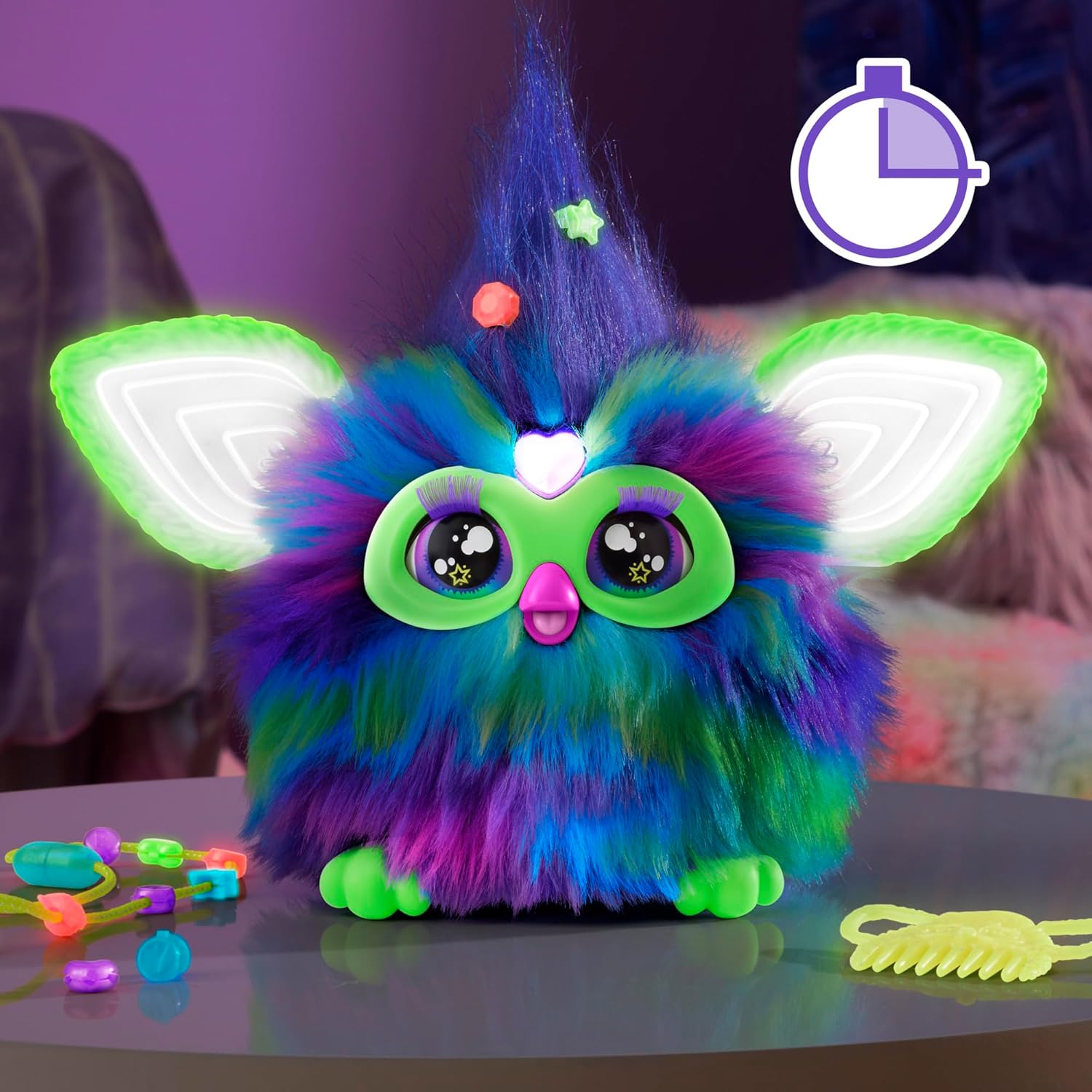
Image 2.1: Furby with its included accessories, including a comb and clip-on beads. The battery compartment is located on the underside.
2.2 Første aktivering
Once batteries are installed, your Furby will activate automatically. It may begin to speak or move its ears and eyes. If it does not activate, ensure batteries are correctly inserted and fully charged.
3. Operating Your Furby
3.1 Voice-Activated Modes
Your Furby responds to 5 primary voice commands. Speak clearly and directly to your Furby to activate these modes:
- Dansefest: Furby will play music and perform dance moves.
- Copy Cat: Furby will repeat phrases you say in various voices.
- Tell My Fortune: Ask Furby a question, and it will provide a humorous fortune.
- Let's Chill: Furby will guide you through breathing exercises and express positive sentiments.
- Lysshow: Furby's ears will flash with different light effects, reacting to touch.
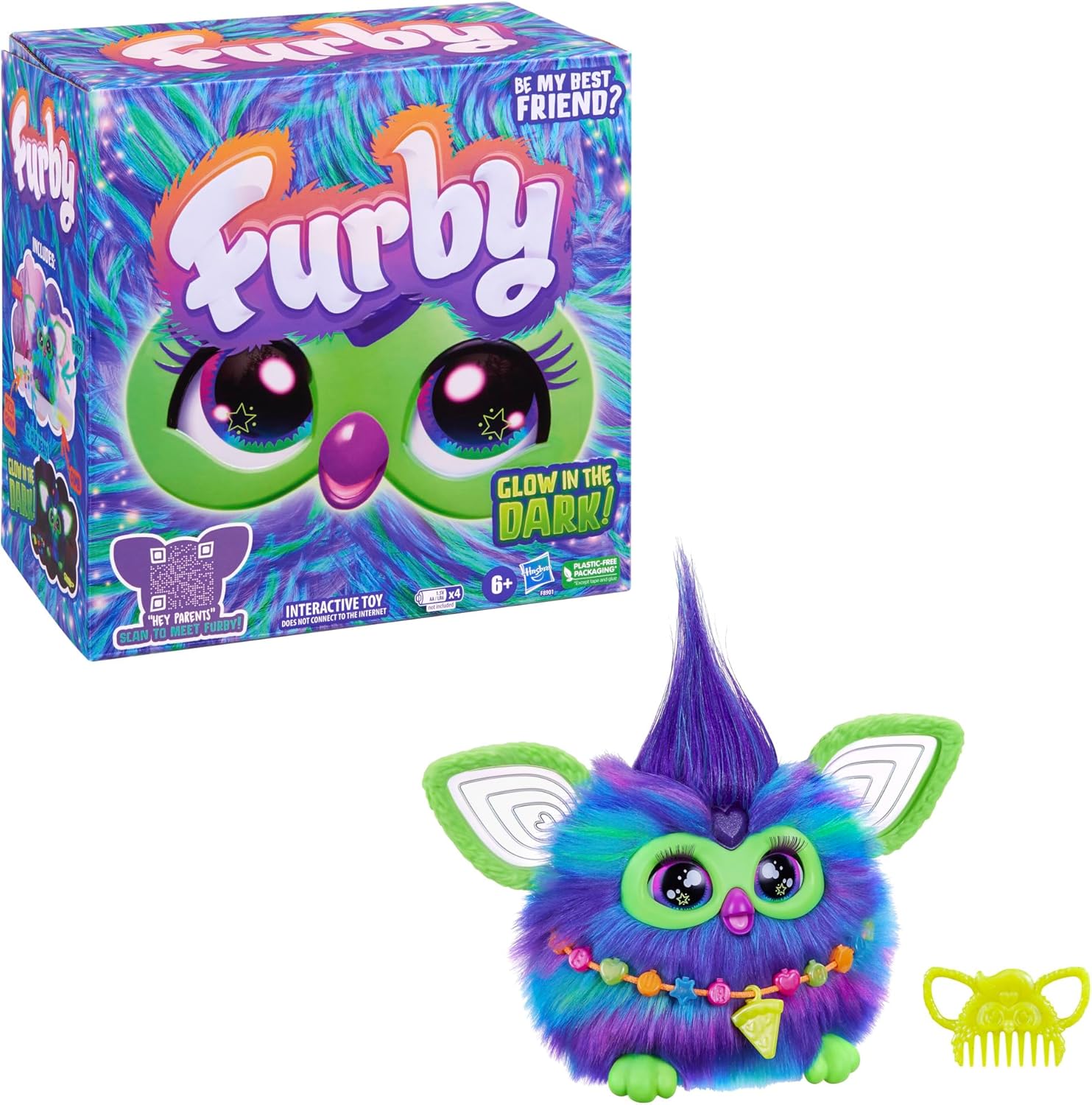
Image 3.1: The Furby packaging illustrating the 5 unique voice commands.
3.2 Interaktive funktioner
Furby is designed for various physical interactions:
- Kæling: Petting Furby's head or back can elicit responses.
- Hugging: Furby responds to being hugged.
- Ryster: Gentle shaking can trigger reactions.
- Fodring: Place your finger or the pretend pizza charm into Furby's mouth to 'feed' it.
- Glow in the Dark: Furby's ears and certain accessories glow in the dark after exposure to light.
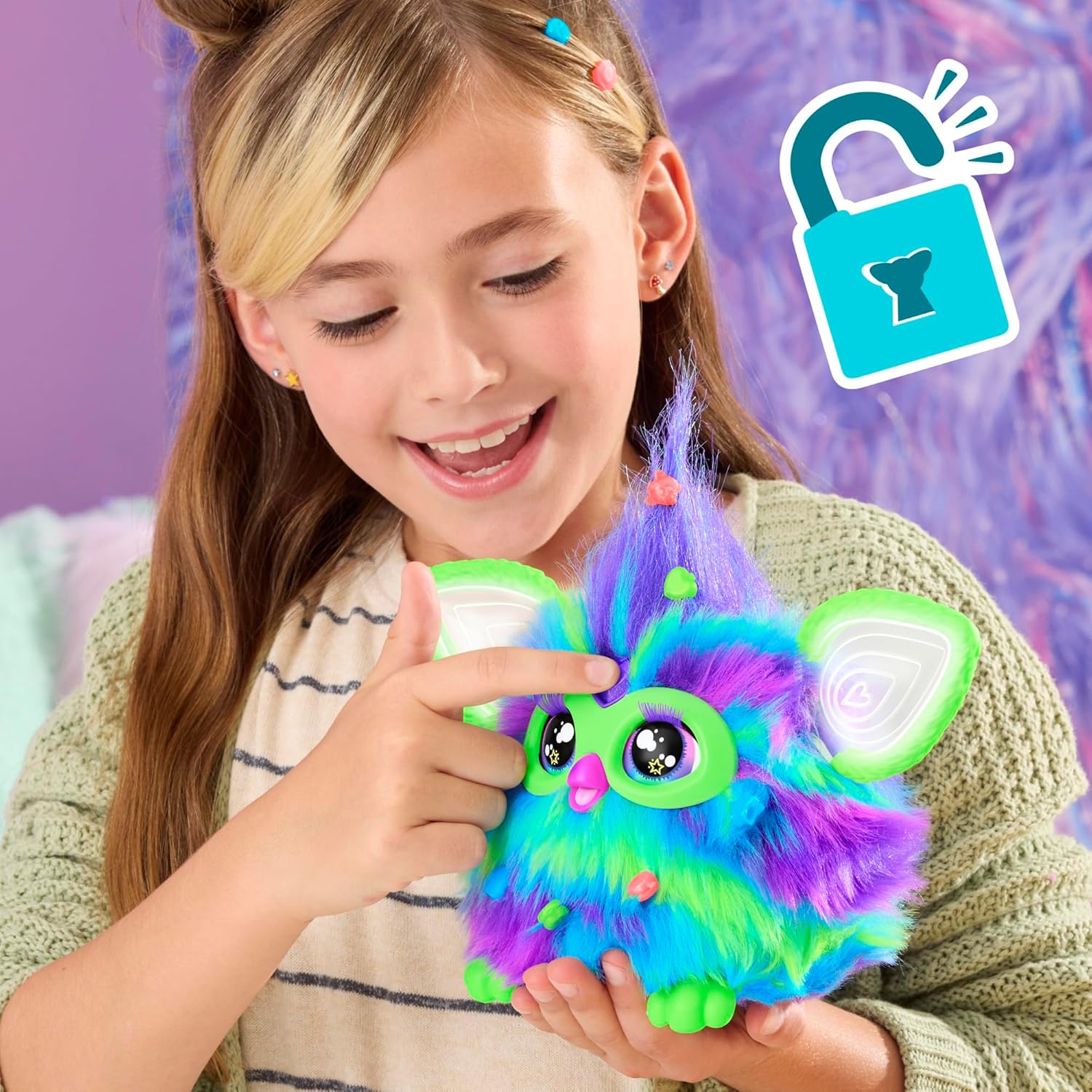
Image 3.2: The Furby Galaxy Edition demonstrating its glow-in-the-dark feature in a dimly lit environment.
3.3 Furbish Language
Furby speaks its own language, Furbish. Over time, it will learn and use English words and phrases as you interact with it.
3.4 Interacting with Other Furbys
If you have multiple Furby friends, they can interact with each other when placed in close proximity. Furby also reacts to Furblets mini friends (sold separately).
4. Vedligeholdelse
4.1 Rengøring
To keep your Furby clean, gently comb its fur with the included comb or a soft brush. For surface cleaning, use a slightly damp cloth. Do not immerse Furby in water.
4.2 Slukning
The Furby does not have an external off switch. To power down your Furby, you must remove the batteries from the compartment. Furby will enter a sleep mode (as shown in Image 4.1) if left undisturbed for a period of time.
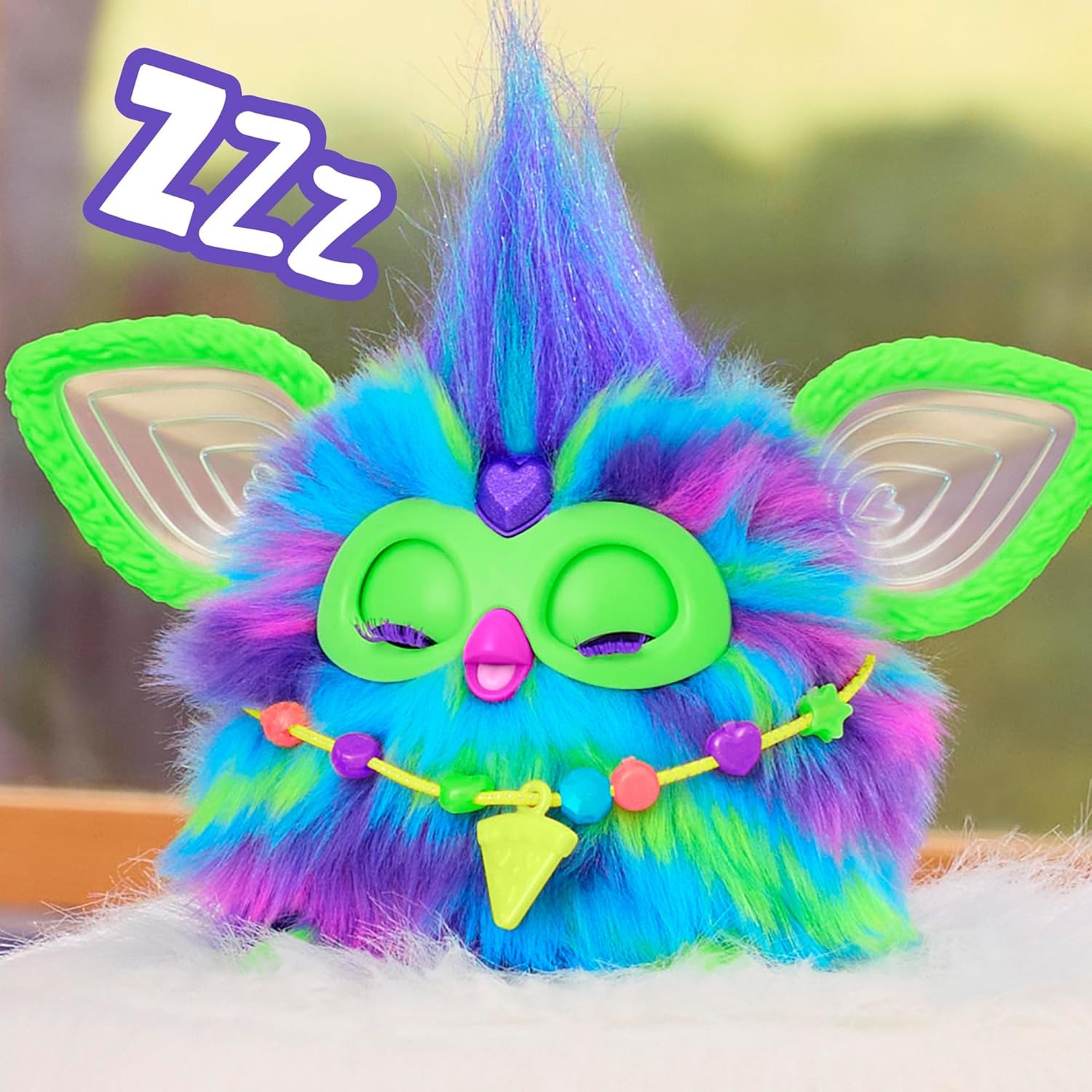
Image 4.1: Furby in sleep mode, indicated by closed eyes and a 'ZZZ' icon.
5. Fejlfinding
| Spørgsmål | Mulig årsag | Løsning |
|---|---|---|
| Furby tænder ikke eller reagerer. | Forkert batteriinstallation eller afladede batterier. | Ensure 4 AA batteries are correctly inserted with proper polarity. Replace with new batteries if necessary. |
| Furby does not respond to voice commands. | Ambient noise, speaking too softly, or not using correct commands. | Speak clearly and directly to Furby. Reduce background noise. Ensure you are using one of the 5 recognized commands. |
| Glow-in-the-dark features are not visible. | Insufficient exposure to light. | Expose Furby's glow-in-the-dark elements to bright light for at least 3 hours to charge them. |
| Furby's interactions with other Furbys are limited. | Distance between Furbys or specific interaction limitations. | Ensure Furbys are in close proximity. Note that Furby-to-Furby interactions are designed to be specific and may not involve extensive conversations. |
6. Specifikationer
- Produktdimensioner: 9 x 5 x 9 tommer
- Varens vægt: 15.1 ounce
- Modelnummer: F8901
- Producentens anbefalede alder: 6 år og opefter
- Batterier: 4 AA-batterier påkrævet (medfølger ikke)
- Sprog: engelsk
- Fabrikant: Hasbro
- Udgivelsesdato: 10. april 2024
7. Sikkerhedsoplysninger
ADVARSEL: Der kan dannes små dele. Ikke egnet til børn under 3 år.
8. Garanti og support
For warranty information or product support, please contact Hasbro customer service. Refer to the product packaging for specific contact details or visit the official Hasbro webwebsted.


