1. Introduktion
Thank you for choosing the DEWENWILS Smart Low Voltage Landscape Transformer 200W. This device is designed to provide efficient and intelligent control for your outdoor landscape lighting systems. Featuring three independent outputs, Wi-Fi connectivity for remote app and voice control, and advanced scheduling options, this transformer offers a versatile solution for customizing your outdoor illumination.

Image 1: The DEWENWILS Smart Low Voltage Landscape Transformer 200W, a compact black unit with a digital display and control buttons.
2. Vigtige sikkerhedsinstruktioner
- Læs alle instruktioner: Before installation and use, carefully read and understand all safety instructions.
- Elektrisk sikkerhed: Ensure the transformer is connected to a 120V AC power source. Do not overload the transformer beyond its 200W capacity.
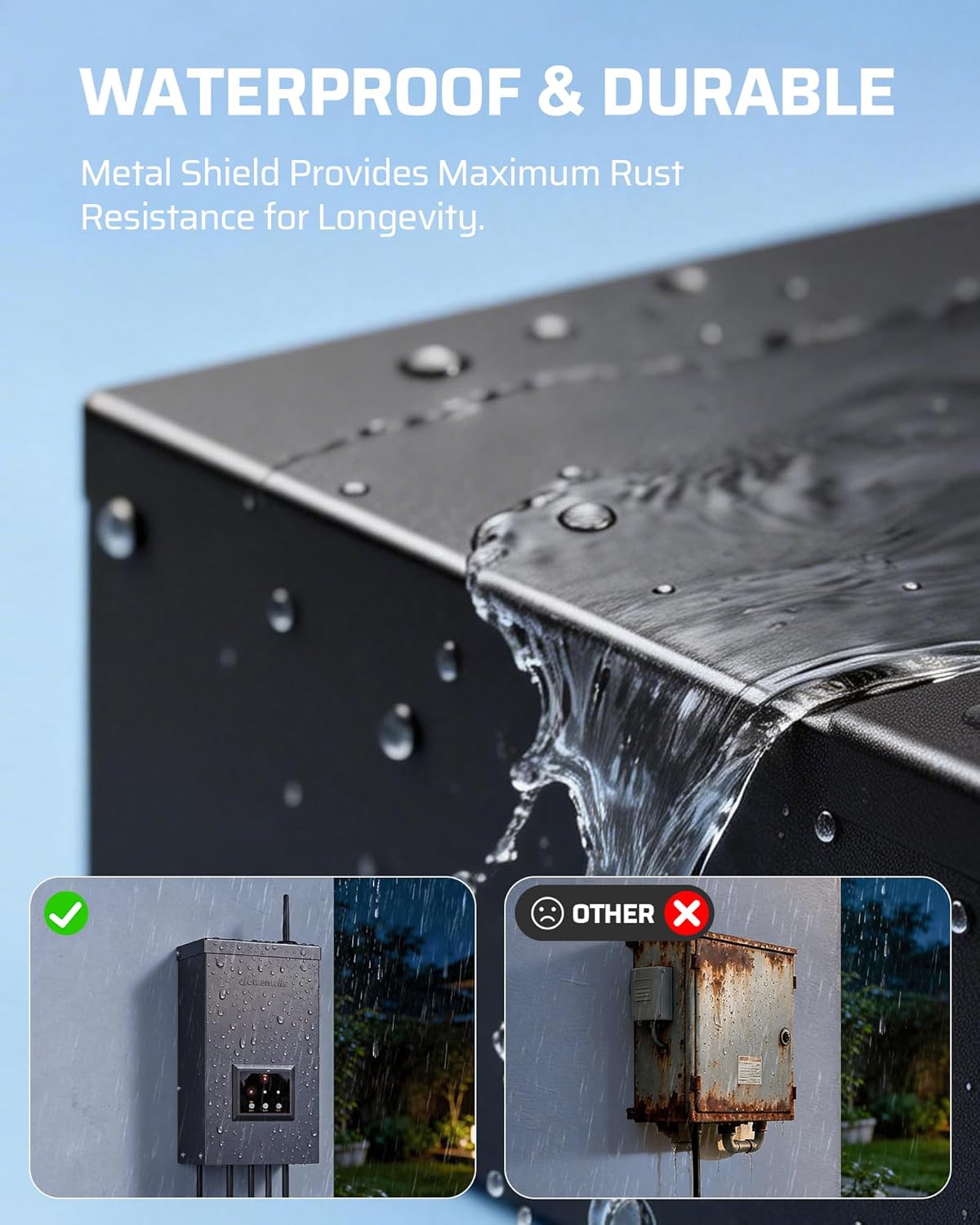
- Kun udendørs brug: This transformer is designed for outdoor use. Ensure all connections are secure and weatherproof.
- Montering: Mount the transformer at least 1 foot (30 cm) above ground level to prevent water damage and ensure proper ventilation.
- Ledningsføring: Use appropriate gauge low-voltage cable for your lighting system. Ensure proper polarity when connecting wires to the terminal blocks.
- Overbelastningsbeskyttelse: The unit features built-in over-current and overload protection. If an overload occurs, the unit may shut down automatically. Reduce the load before restarting.
- Vandnedsænkning: Nedsænk ikke transformeren i vand.
- Kompatibilitet: Suitable for use with low voltage landscape luminaires and fittings, including submersible pumps or fittings. Not compatible with dimmers.
3. Specifikationer
| Feature | Specifikation |
|---|---|
| Modelnummer | HWLT04A1 |
| Strømudgang | 200W |
| Input bindtage | 120V AC 60Hz |
| Udgang Voltage | 12V AC / 14V AC (valgbar) |
| Udgangskanaler | 3 Independent Outputs |
| Nuværende vurdering | 25 Amps |
| Forbindelse | 2.4 GHz Wi-Fi, Bluetooth |
| Stemmekontrol | Alexa, Google Assistant |
| Dimensioner | 14.22 x 8.89 x 25.4 cm |
| Vægt | 4 kg (8.82 pund) |
| Certificeringer | ETL Certified, DOE VI Efficiency Rating |
4. Installation
4.1 Montering af transformatoren
- Choose a suitable outdoor location near a 120V AC GFCI outlet. The location should be protected from direct heavy rain if possible, though the unit is weatherproof.
- Mount the transformer securely to a wall or post using appropriate hardware. Ensure the bottom of the transformer is at least 1 foot (30 cm) above ground.

Image 2: A DEWENWILS 200W transformer mounted on a wooden post, illustrating its dimensions and outdoor placement.
4.2 Wiring Your Landscape Lights
- Forbered kabler: Strip approximately 1/2 inch of insulation from the ends of your low-voltage landscape lighting cables.
- Connect to Terminal Blocks: Open the transformer's wiring compartment. Connect the stripped ends of your landscape lighting cables to the appropriate terminal blocks (12V AC or 14V AC) using the clamp connectors. The transformer features three independent output channels, allowing for separate control of different lighting zones.
- Sikre forbindelser: Ensure all connections are tight and secure to prevent electrical shorts or loose contacts.
Billede 3: Nærbillede view of the DEWENWILS transformer's internal wiring terminals, showing the secure connection points for landscape lighting cables.
4.3 Indledende opstart
Plug the transformer's power cord into the 120V AC GFCI outlet. The unit will power on, and the display will illuminate.
Video 1: A demonstration of the 400W Low Voltage Landscape Transformer, showing its physical features, wiring terminals, and basic manual operation with connected lights. This video provides a good overview of the unit's functionality and setup.
5. Driftstilstande
The DEWENWILS Smart Low Voltage Landscape Transformer offers multiple operating modes for flexible control of your lighting:
- Manuel ON/OFF: Directly turn your lights on or off using the control buttons on the transformer or via the DEWENWILS app.
- Astronomical & Dusk to Dawn: Utilize the built-in photocell and the DEWENWILS app to automatically turn lights on at dusk and off at dawn, adjusting to seasonal changes.
- Schedule & Timer: Program specific ON/OFF times for your lights using the DEWENWILS app. You can set daily, weekly, or custom schedules for each of the three independent outputs.
- Tilfældig: For security purposes, the random mode can turn lights on and off at irregular intervals, simulating occupancy when you are away.
- Cirkulere: Set lights to turn on/off repeatedly during a specified period.

Image 4: An illustration of the Astronomical Digital Photocell feature, showing how the DEWENWILS app can be used to set timers or clock settings from dusk to dawn or any combination, with examples of outdoor lighting at sunrise and sunset.
6. App- og stemmestyring
6.1 DEWENWILS App Setup
- Download the DEWENWILS app from your mobile device's app store (Android or iOS).
- Registrer eller log ind på din konto.
- Ensure your mobile device is connected to a 2.4GHz Wi-Fi network. The transformer is only compatible with 2.4GHz Wi-Fi.
- Follow the in-app instructions to add your DEWENWILS Smart Low Voltage Landscape Transformer. This typically involves putting the transformer into pairing mode (refer to the app or quick start guide for specific steps).

Image 5: An outdoor scene depicting individuals enjoying a lit patio, with an overlay showing the DEWENWILS app and voice assistant logos (Alexa, Google Home, Smart Life), highlighting the remote app and voice control capabilities of the transformer.
6.2 Voice Control Integration (Alexa & Google Assistant)
- Once your transformer is successfully added to the DEWENWILS app, navigate to the integration section within the app.
- Select either Amazon Alexa or Google Assistant and follow the prompts to link your DEWENWILS account with your voice assistant.
- You can then use voice commands to control your landscape lights, e.g., "Alexa, turn on the patio lights."
Video 2: A promotional video demonstrating the smart features of the low voltage transformer, including app control, scheduling, and voice commands with smart home assistants. This video highlights the ease of use and advanced functionalities.
7. Vedligeholdelse
- Regelmæssig rengøring: Periodically wipe down the exterior of the transformer with a soft, damp cloth to remove dirt and debris. Ensure the unit is powered off before cleaning.
- Undersøg forbindelser: Annually check all wiring connections for tightness and signs of corrosion. Secure any loose connections.
- Miljøtjek: Ensure the area around the transformer remains clear of obstructions to allow for proper ventilation.
8. Fejlfinding
- Lys tænder ikke:
- Check if the transformer is plugged into a working GFCI outlet.
- Verify that the manual ON/OFF switch or programmed schedule is active.
- Undersøg alle ledningsforbindelser for løse eller beskadigede dele.
- Sørg for det samlede wattagEffekten af tilsluttede lys overstiger ikke 200 W.
- Problemer med Wi-Fi-forbindelse:
- Confirm your Wi-Fi network is 2.4GHz. The transformer does not support 5GHz networks.
- Ensure the transformer is within range of your Wi-Fi router.
- Try resetting the transformer (refer to the quick start guide for reset instructions) and re-pairing with the app.
- Inaccurate Dusk to Dawn Operation:
- Ensure the photocell sensor on the transformer is not obstructed by dirt, debris, or nearby light sources.
- Verify the astronomical settings in the DEWENWILS app are correctly configured for your location.
9. Garanti og support
This DEWENWILS product is covered by a 1 års begrænset garanti fra købsdatoen. Denne garanti dækker defekter i materialer og udførelse ved normal brug. Den dækker ikke skader forårsaget af misbrug, ulykker, uautoriseret ændring eller forkert installation.
For warranty claims or technical support, please contact DEWENWILS customer service. Please have your purchase receipt and model number (HWLT04A1) ready when contacting support.


