Indledning
The AOC Basic-line 24B3CF2 is a 23.8-inch Full HD (1080p) LED monitor designed for enhanced productivity. It features an IPS panel for vibrant visuals and true-to-life colors, USB-C connectivity for video signal, power delivery, and data transfer, and a height-adjustable stand for ergonomic comfort. This manual provides essential information for setting up, operating, and maintaining your monitor.
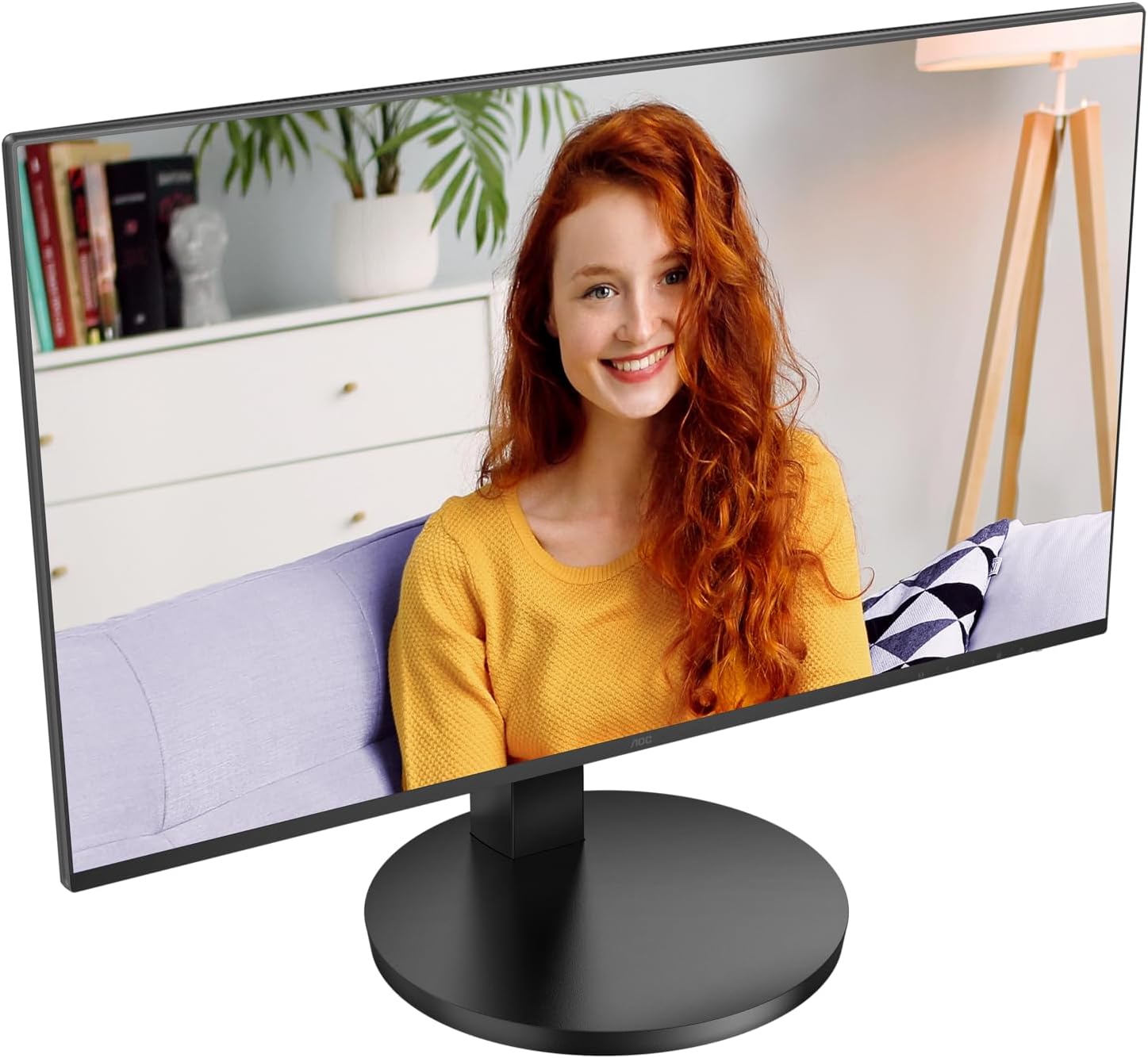
Figur 1: Forside view of the AOC Basic-line 24B3CF2 monitor.

Figure 2: Key features of the AOC Basic-line 24B3CF2 monitor.
Sikkerhedsoplysninger
- Always place the monitor on a stable, flat surface.
- Bloker ikke ventilationsåbninger.
- Brug kun den strømadapter, der følger med skærmen.
- Hold skærmen væk fra vand og overdreven fugt.
- Forsøg ikke selv at udføre service på skærmen. Overlad al service til kvalificeret servicepersonale.
- Tag skærmen ud af stikkontakten før rengøring.
Pakkens indhold
Før du fortsætter med opsætningen, skal du kontrollere, at alle dele er til stede i pakken:
- AOC 24B3CF2 Monitor Display
- Monitorstativ (base og hals)
- Strømkabel
- HDMI kabel
- USB-C kabel
- Hurtig installationsvejledning
Opsætning
1. Samling af stativet
- Placer forsigtigt skærmen med forsiden nedad på en blød, ren overflade for at undgå ridser.
- Attach the stand neck to the monitor panel. Ensure it clicks into place or is secured with screws if provided.
- Attach the stand base to the stand neck. Tighten the thumb screw or screws at the bottom of the base.

Figur 3: Bagside view of the monitor with stand assembly area.
2. Tilslutning af skærmen
The AOC 24B3CF2 monitor offers multiple connectivity options:
- HDMI-forbindelse: Tilslut den ene ende af HDMI-kablet til HDMI-porten på din computer og den anden ende til HDMI-porten på skærmen.
- USB-C-forbindelse: Connect one end of the USB-C cable to the USB-C port on your computer and the other end to the USB-C port on the monitor. This single connection can provide video, data, and power delivery (up to 65W) to your laptop.
- USB-hub funktionalitet: The monitor features additional USB ports. Connect the USB-C cable to enable these ports for connecting peripherals like a keyboard or mouse.

Figure 4: Available ports on the AOC 24B3CF2 monitor.
3. Strømtilslutning
Connect the power cable to the power input on the monitor and then plug the other end into a grounded electrical outlet.
4. Tænder
Press the power button located on the monitor to turn it on. The power indicator light will illuminate.
Betjening af monitoren
1. Grundlæggende kontroller
The monitor features several buttons, typically located on the bottom right side or rear, for navigating the On-Screen Display (OSD) menu and adjusting basic settings.
- Power knap: Tænder eller slukker for skærmen.
- Menu-knap: Åbner OSD-menuen.
- Navigationsknapper (op/ned/venstre/højre): Used to navigate through OSD options and adjust values.
- Afslut-knap: Exits the OSD menu or returns to the previous level.
2. On-Screen Display (OSD) menu
The OSD menu allows you to configure various display settings. To access the OSD menu, press the Menu button.
Almindelige OSD-menukategorier:
- Luminans: Adjust brightness, contrast, gamma.
- Billedopsætning: Auto-adjust, H. Position, V. Position, Clock, Phase (for analog input).
- Farveopsætning: Color temperature, sRGB, User Define.
- OSD-opsætning: OSD language, OSD H. Position, OSD V. Position, OSD Timeout, Transparency.
- Ekstra: Input Select (HDMI, USB-C), Reset, DDC/CI.
3. Højdejustering
The AOC 24B3CF2 features a height-adjustable stand. To adjust the height, gently push or pull the monitor panel up or down while holding the base firmly. This allows for optimal ergonomic positioning to reduce strain during extended use.

Figur 5: Side view illustrating the monitor's adjustable stand.
Opretholdelse
Rengøring af skærmen
- Tag altid stikket ud af stikkontakten før rengøring.
- Brug en blød, fnugfri klud lidt damprengøres med vand eller et ikke-slibende skærmrensemiddel.
- Sprøjt ikke rengøringsmiddel direkte på skærmen.
- Avoid using benzene, thinner, ammonia, or abrasive cleaners, as they can damage the monitor's surface.
Fejlfinding
| Problem | Mulig årsag | Løsning |
|---|---|---|
| Intet billede på skærmen | Strømkabel ikke tilsluttet; Videokabel ikke tilsluttet; Forkert indgangskilde valgt. | Ensure power cable is securely connected and power outlet is active. Check video cable connection (HDMI/USB-C) to both monitor and computer. Press the input select button to cycle through input sources. |
| Billedet er sløret eller forvrænget | Forkert opløsning; Løst videokabel. | Set the display resolution to the monitor's native resolution (1920x1080). Ensure video cable is securely connected. |
| Ingen lyd fra monitorhøjttalerne (hvis relevant) | Volume too low; Incorrect audio output selected on computer; No audio signal via video cable. | Adjust monitor volume via OSD. Select the monitor as the audio output device in your computer's sound settings. Ensure the video cable (HDMI/USB-C) supports audio transmission. Note: This monitor's speakers may have limited audio quality. |
| USB-porte virker ikke | USB-C cable not connected or not fully functional; USB drivers not installed. | Ensure the USB-C cable is properly connected and supports data transfer. Check your computer's device manager for any USB driver issues. |
Specifikationer
Below are the technical specifications for the AOC Basic-line 24B3CF2 monitor:

Figur 6: Skærmens fysiske dimensioner.
| Feature | Detalje |
|---|---|
| Modelnavn | AOC 24B3CF2 |
| Skærmstørrelse | 24 Inches (23.8 inches / 60.5 cm) |
| Opløsning | 1920 x 1080 (Full HD 1080p) |
| Paneltype | IPS |
| Aspektforhold | 16:9 |
| Svartid | 1 Millisecond (MPRT) |
| Opdateringshastighed | 100 Hz (maks.) |
| Billedkontrastforhold | 1000:1 |
| Viewi vinkel | 178 Degrees (Horizontal/Vertical) |
| Forbindelse | HDMI, USB Type-C (with 65W Power Delivery), 2x USB-A |
| Strømforbrug (SDR) | 18.0 W |
| Strømforbrug (HDR) | 18.0 W |
| Standby strøm | 0.3 W |
| Slukket tilstand Strøm | 0.5 W |
| Dimensioner (B x H x D) | 55 x 47 x 23 cm (ca.) |
| Vægt | 4.56 kg |
| Sprogsupport | Engelsk, fransk, tysk, spansk |

Figure 7: Product Information Sheet (English).
For more detailed energy information, visit the EPREL-database.

Figure 8: EU Energy Label.
Garanti og support
AOC provides a general guarantee for this product. The minimum guaranteed availability of software and firmware updates is 8 years from the date of placement on the market. The minimum guaranteed availability of spare parts is also 8 years from the date of placement on the market. Minimum guaranteed product support is 8 years.
For technical support, warranty claims, or service inquiries, please contact AOC customer service. Refer to the contact information provided in your product's packaging or visit the official AOC webwebsted for din region.
Officiel AOC Webwebsted: https://eu.aoc.com


