
CAPOXO CP-PBV-32G-New
CAPOXO CP-PBV-32G-New Digital Voice Recorder User Manual
Model: CP-PBV-32G-New | Brand: CAPOXO
1. Introduktion
This manual provides detailed instructions for the operation and maintenance of your CAPOXO CP-PBV-32G-New Digital Voice Recorder. Please read this manual thoroughly before using the device to ensure proper functionality and to maximize its lifespan.
The CAPOXO CP-PBV-32G-New is a 32GB digital voice recorder designed for capturing audio with clarity. It features a long-lasting battery, voice-activated recording, and MP3 playback capabilities. Its compact design allows for discreet use in various environments.
2. Pakkens indhold
Bekræft at alle varer er til stede i pakken:
- 1 x CAPOXO CP-PBV-32G-New Digital Voice Recorder
- 1 x USB-kabel
- 1 x høretelefon
- 1 x Brugermanual (dette dokument)
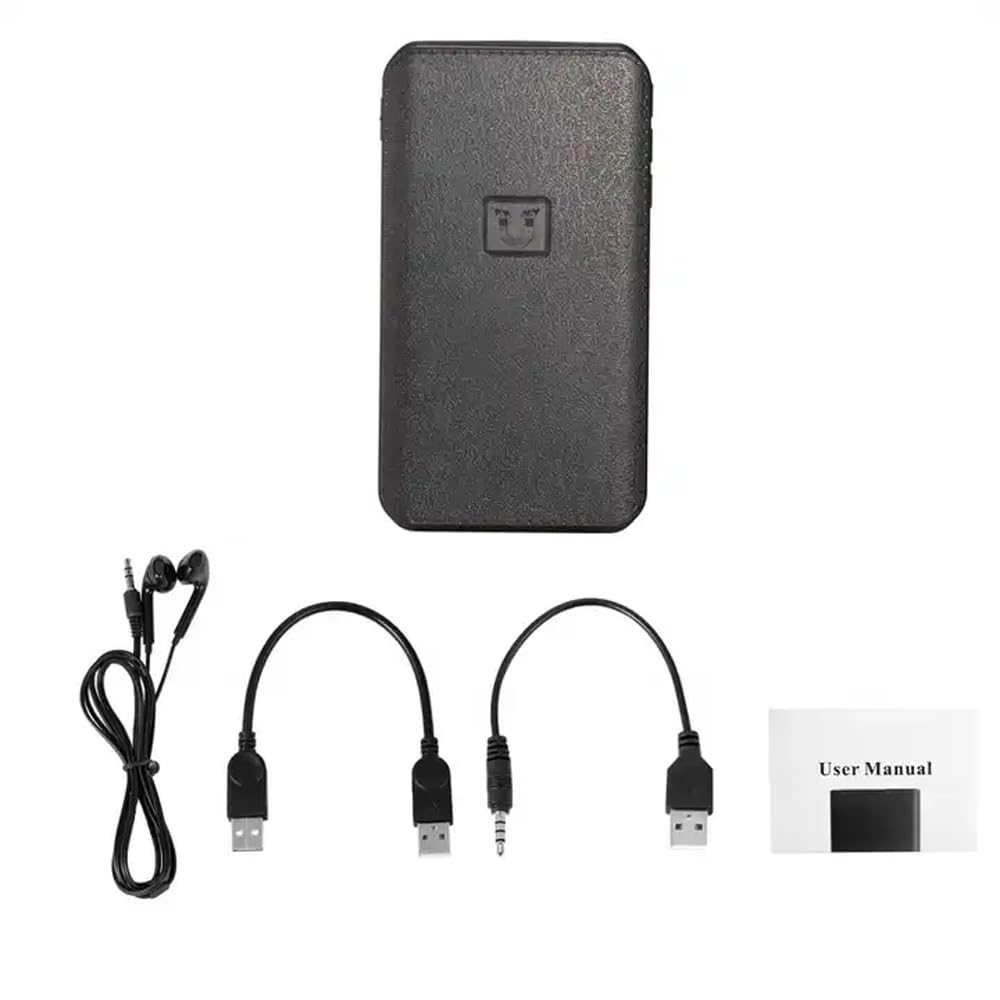
Image: Contents of the CAPOXO voice recorder package, including the recorder, USB cable, earphones, and user manual.
3. Produktet er slutview
Gør dig bekendt med enhedens komponenter og betjeningselementer.

Image: Diagram showing the CAPOXO voice recorder with labels for the headphone plug, USB/Charge input, USB/Charge output, Volume plus, Volume reduction, Menu button, and recording switch.
- Optagelsesknap: Slide to initiate or save recordings.
- Hovedtelefonstik: For connecting earphones for audio playback.
- USB/Charge Input: Til opladning af enheden og tilslutning til en computer.
- USB/Charge Output: (If applicable, for power bank function)
- Lydstyrkeknapper: Juster afspilningslydstyrken.
- Menu-knap: Access device settings and navigation.
4. Opsætning
4.1 Opladning af enheden
Before first use, fully charge the voice recorder. Connect the device to a USB power adapter (not included) or a computer's USB port using the provided USB cable. The charging indicator will show the charging status.
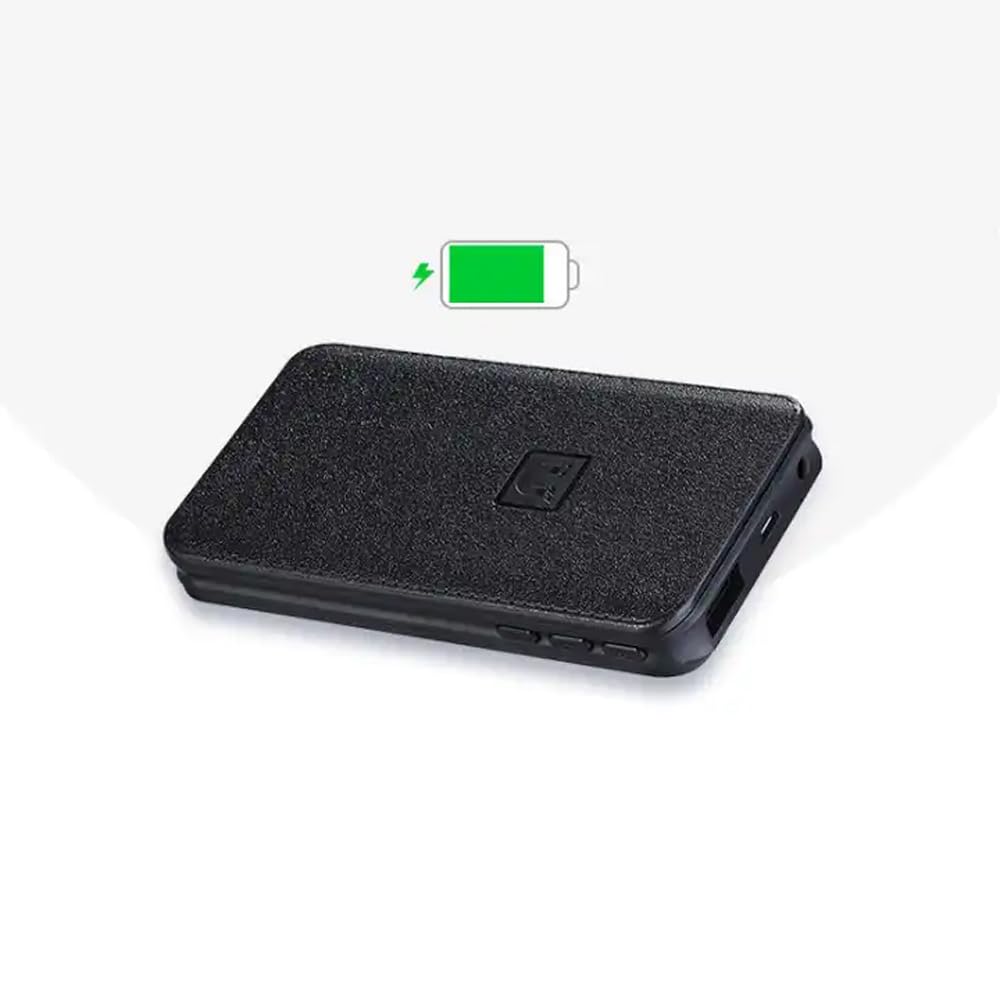
Image: The CAPOXO voice recorder with a green battery icon indicating a full or charging battery.
4.2 Tilslutning til en computer
At overføre files or set the device's time, connect the recorder to your computer using the USB cable. The device will appear as a removable disk drive.
5. Betjeningsvejledning
5.1 Grundlæggende optagelse
- To start recording, slide the recording switch to the "ON" position. The device will begin recording automatically.
- To save the recording and stop, slide the recording switch to the "OFF" position. The recording will be saved as an MP3 file.

Image: A hand interacting with the CAPOXO voice recorder, illustrating the "Push ON to start recording" and "Push OFF to save recording" actions. Icons for one-click recording, automatic save, segmented recording, magnetic adsorption, OTG, and AVR Mode are also visible.
5.2 Voice Activated Recording (AVR Mode)
The device supports Voice Activated Recording (AVR). Refer to the on-screen menu or specific instructions for activating and configuring this mode. In AVR mode, the recorder will automatically pause during silent periods to conserve storage space and battery life.
5.3 Afspilning
- Connect the provided earphones to the headphone jack.
- Use the menu button to navigate through saved recordings.
- Press the play button (if available, or use the menu) to start playback.
- Adjust volume using the volume buttons.
5.4 File Ledelse
Optagelser gemmes som MP3 files. When connected to a computer, you can access, copy, move, or delete these files like any other data on a USB drive. Files are typically organized by date for easy identification.
5.5 Magnetisk adsorption
The recorder features strong magnetic adsorption, allowing it to be easily attached to any metallic surface. This provides versatile placement options for recording.
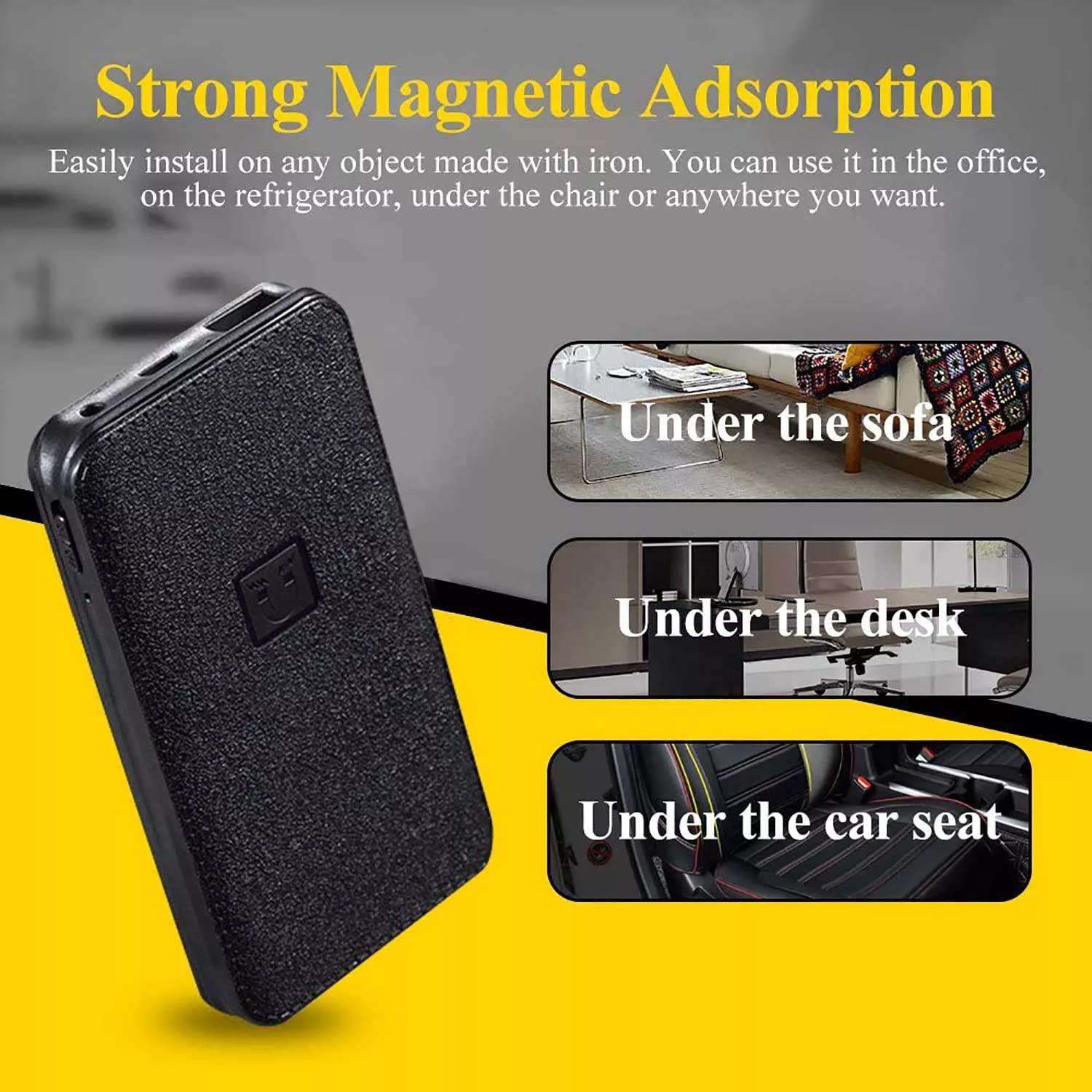
Image: The CAPOXO voice recorder shown with text indicating "Strong Magnetic Adsorption" and examples of placement such as "Under the sofa", "Under the desk", and "Under the car seat".
6. Vedligeholdelse
- Hold enheden tør og væk fra ekstreme temperaturer.
- Rengør ydersiden med en blød, tør klud. Brug ikke flydende rengøringsmidler.
- Undgå at tabe enheden eller udsætte den for kraftige stød.
- Regularly back up important recordings to a computer.
7. Fejlfinding
| Problem | Mulig årsag | Løsning |
|---|---|---|
| Enheden tændes ikke. | Lavt batteri. | Oplad enheden helt. |
| Kan ikke optage. | Memory full; Recording switch not in "ON" position. | Slet gammel files to free up space; Ensure switch is in "ON" position. |
| Dårlig lydkvalitet. | Device too far from sound source; High background noise. | Place the device closer to the sound source; Record in a quieter environment. |
| Enheden genkendes ikke af computeren. | Faulty USB cable; Driver issue; Incorrect connection. | Try a different USB cable or USB port; Restart computer; Ensure proper connection. |
8. Specifikationer
| Mærke | Capoxo |
| Model | CP-PBV-32G-New |
| Hukommelseslagringskapacitet | 32 GB |
| Produktdimensioner | 12 x 4.5 x 1.5 cm |
| Varens vægt | 395 g |
| Batteritype | Lithium polymer |
| Batteriets gennemsnitlige levetid | Up to 15 Days (recording) |
| Understøttede lydformater | MP3 |
| Mikrofonformat | Indbygget |
| Hardware-interface | USB 3.0 Type B |
| Kompatible enheder | MP3-afspiller, personlig computer, smartphone, tablet |

Image: The CAPOXO voice recorder placed next to a ruler, illustrating its physical dimensions of approximately 12 cm in length and 4.5 cm in width.
9. Garanti og support
9.1 Garantioplysninger
This product is covered by a limited warranty against defects in materials and workmanship. Please refer to the warranty card included in your package or contact customer support for specific warranty terms and conditions. Keep your purchase receipt as proof of purchase.
9.2 Kundesupport
For technical assistance, troubleshooting, or warranty claims, please contact CAPOXO customer support. Contact details may be found on the product packaging or the official CAPOXO webwebsted.
Fabrikant: Capoxo
Importør: Capoxo
Oprindelsesland: Indien