Indledning
Thank you for choosing the WEKOME Retro Game Style Wireless Bluetooth 5.3 Earbuds. These earbuds are designed to provide an immersive audio experience with advanced features such as Bluetooth 5.3 connectivity, Dual-Mic ENC technology for clear audio, and dedicated Game and Music modes. This manual will guide you through the setup, operation, and maintenance of your new earbuds.

Image: The WEKOME Retro Game Style Earbuds and their charging case, showcasing their unique design and key features.
Hvad er der i æsken
Kontroller venligst indholdet af din pakke for at sikre, at alle varer er til stede:
- WEKOME Retro Game Style Wireless Earbuds (Left and Right)
- Trådløs opladningsetui
- Ladekabel (Type-C)
- Beskyttende etui
- Brugervejledning (dette dokument)
Opsætning
1. Første opladning
Oplad ørepropperne og opladningsetuiet helt inden første brug.
- Tilslut det medfølgende Type-C-opladerkabel til opladningsporten på etuiet.
- Tilslut den anden ende af kablet til en USB-strømkilde (f.eks. en vægadapter eller en computers USB-port).
- The indicator lights on the charging case will show the charging status. A full charge takes approximately 1.2 hours for the case.
- Placer ørepropperne i opladningsetuiet. De vil begynde at oplade automatisk.

Image: The charging case connected to a Type-C cable, illustrating the charging process.
A fully charged case provides up to 36 hours of total usage time for the earbuds, with the earbuds themselves offering up to 6 hours of continuous playback on a single charge.
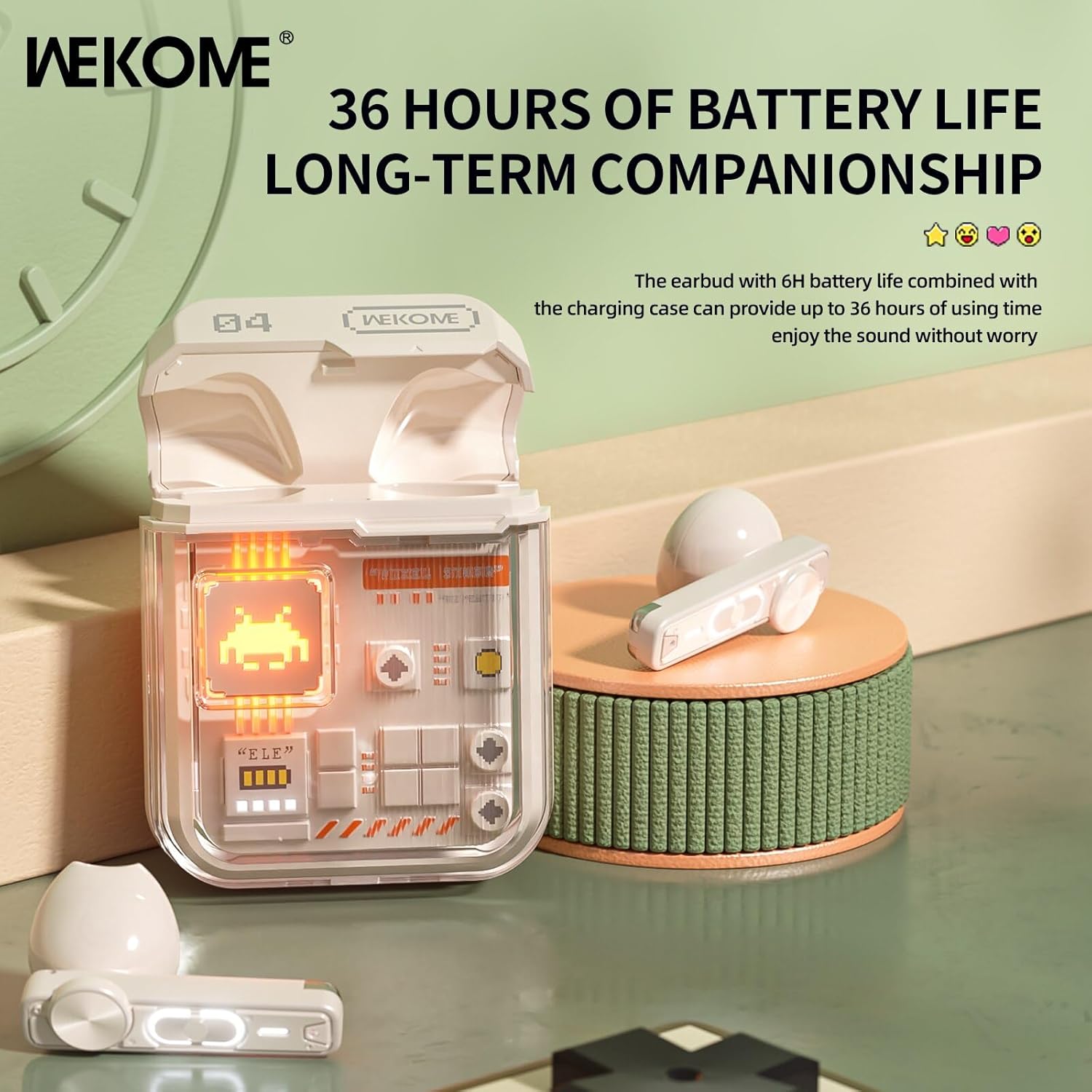
Image: The earbuds in their charging case, highlighting the extended battery life of up to 36 hours with the case.
2. Parring med din enhed
The earbuds feature an auto-connect function for hassle-free pairing.
- Ensure Bluetooth is enabled on your smartphone, tablet, or laptop.
- Åbn opladningsetuiet, og tag begge ørepropper ud. De vil automatisk gå i parringstilstand.
- On your device, search for Bluetooth devices and select "WEKOME VB04" (or similar name) from the list.
- Når der er forbindelse, hører du en bekræftelsestone, og ørepropperne er klar til brug.
- Efter den første parring opretter ørepropperne automatisk forbindelse til den sidst parrede enhed, når de tages ud af etuiet.
Betjeningsvejledning
Smart Touch kontrol
The WEKOME earbuds feature intuitive touch controls on each earbud for easy management of music and calls.
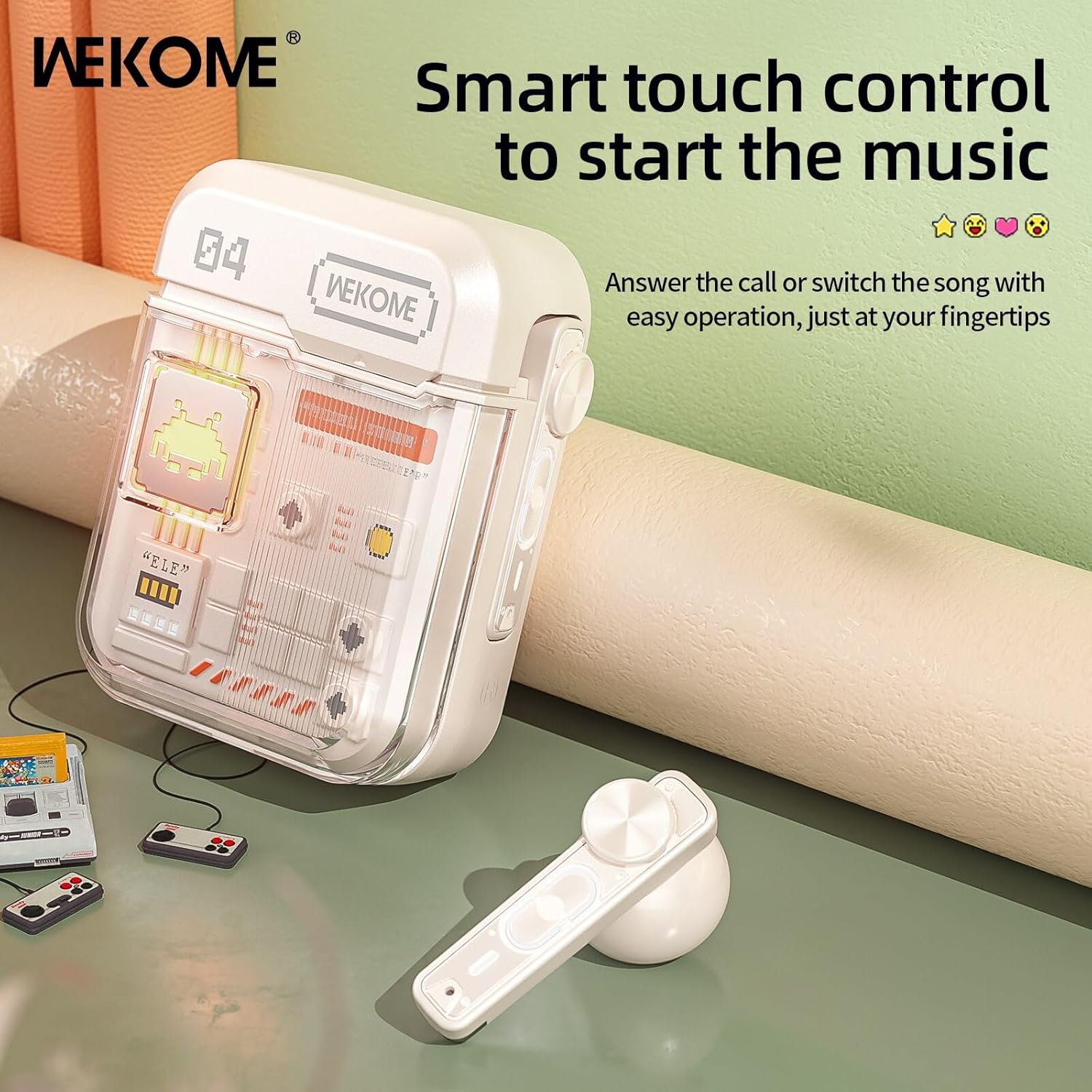
Image: The WEKOME earbuds demonstrating the touch control area for various functions.
| Handling | Fungere |
|---|---|
| Enkelt tryk (venstre/højre) | Afspil/pause musik, besvar/afslut opkald |
| Dobbelttryk (højre) | Næste sang |
| Dobbelttryk (venstre) | Forrige sang |
| Tredobbelt tryk (højre) | Lydstyrke op |
| Tredobbelt tryk (venstre) | Lydstyrke ned |
| Tryk og hold (2 sekunder) | Afvis opkald, aktivér stemmeassistent |
| Press and Hold (Right Earbud, 2 seconds) | Switch between Game Mode and Music Mode |
Spiltilstand og musiktilstand
The earbuds offer two distinct audio modes optimized for different uses.
- Spiltilstand: Provides low latency (as low as 50ms) for synchronized picture and sound, crucial for gaming. This mode also activates cool lights on the earbuds.
- Musiktilstand: Delivers balanced, high-resolution sound to restore more audio details, ideal for listening to music.
To switch between modes, press and hold the touch control area on the højre øretelefon i 2 sekunder.
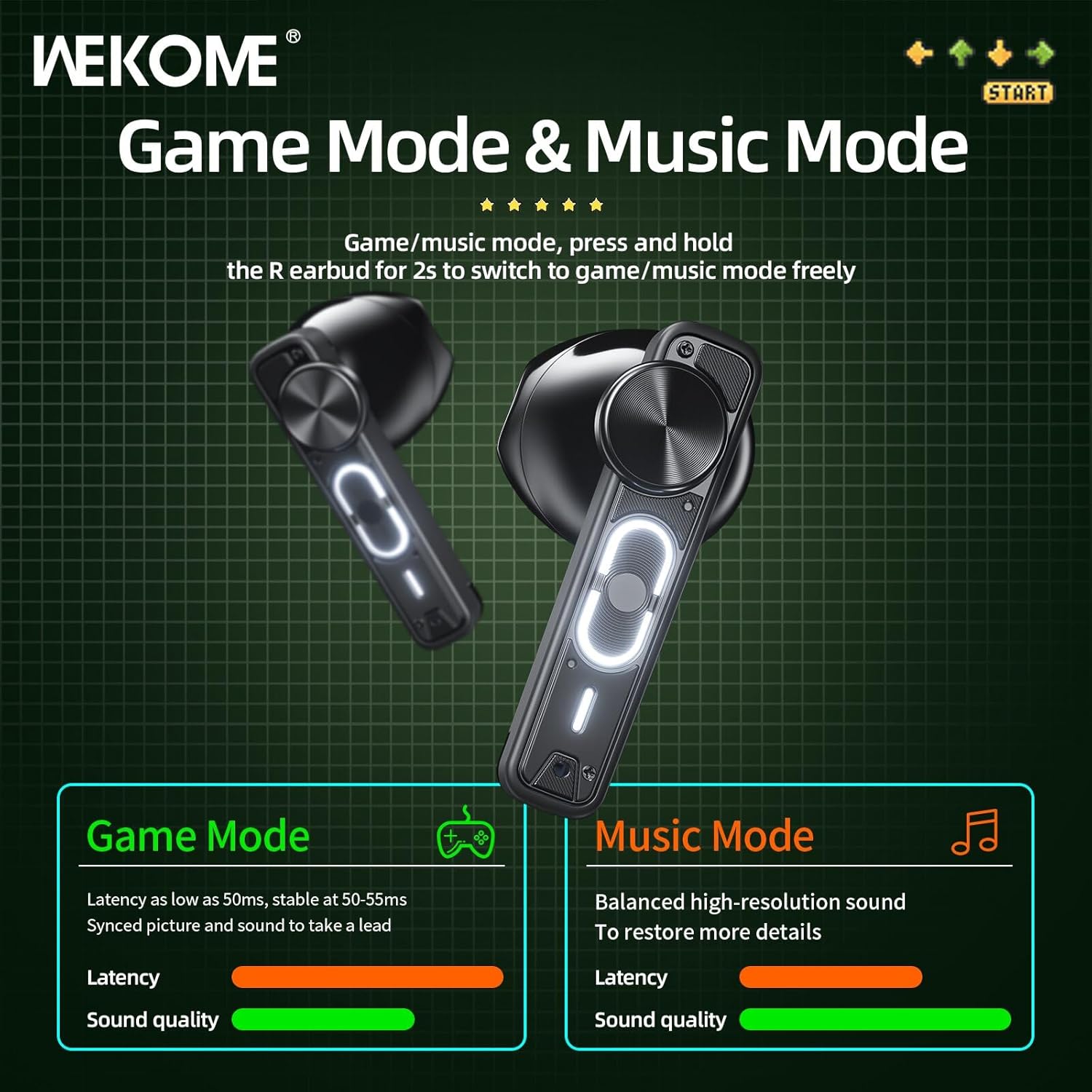
Image: Visual representation of the Game Mode and Music Mode, highlighting their respective benefits in latency and sound quality.
Opretholdelse
- Rensning: Rengør regelmæssigt ørepropperne og opladningsetuiet med en blød, tør og fnugfri klud. Brug ikke skrappe kemikalier eller slibende materialer.
- Opbevaring: Når ørepropperne ikke er i brug, skal de opbevares i deres opladningsetui for at beskytte dem og holde dem opladede. Opbevares køligt og tørt, væk fra direkte sollys og ekstreme temperaturer.
- Vandtæthed: Disse ørepropper er ikke vandtætUndgå udsættelse for vand, regn, sved eller overdreven fugt.
- Opladningsport: Hold Type-C-opladeporten fri for støv og snavs.
Fejlfinding
| Problem | Mulig årsag | Løsning |
|---|---|---|
| Øretelefoner parrer/forbinder ikke | Bluetooth is off, earbuds not in pairing mode, out of range, previously paired to another device. | Ensure Bluetooth is on. Place earbuds back in case, then take them out to re-enter pairing mode. Move closer to device. Forget "WEKOME VB04" from device's Bluetooth list and re-pair. |
| Kun én øretelefon virker | Low battery on one earbud, earbuds not properly synced. | Place both earbuds back in the charging case, close the lid for a few seconds, then take them out again. Ensure both are charged. |
| Ingen lyd | Volume too low, not connected, incorrect audio output selected on device. | Increase volume on both earbuds and connected device. Verify connection. Check device's audio output settings. |
| Ladeetui oplader ikke | Defekt kabel/adapter, snavset opladningsport. | Prøv et andet Type-C-kabel og en anden USB-strømadapter. Rengør opladningsporten forsigtigt. |
Specifikationer
| Feature | Detalje |
|---|---|
| Modelnavn | Wekome VB04 |
| Bluetooth version | 5.3 |
| Wireless Range | <10m |
| Frekvensrespons | 20 - 20000 Hz |
| Driver enhed | 13mm Composite Diaphragm Dynamic Unit |
| Støjkontrol | Dual-Mic ENC Technology (Sound Isolation) |
| Øretelefon batterilevetid | Op til 6 timer |
| Samlet batterilevetid (med etui) | Op til 36 timer |
| Opladningstid | Ca. 1.2 timer (kasse) |
| Opladningsmetode | Type-C port |
| Kontroltype | Smart Touch kontrol |
| Materiale | PVC |
| Vandtæt | Ingen |
| Kompatible enheder | Tablets, Telephones, iPhone, Laptops, Android |
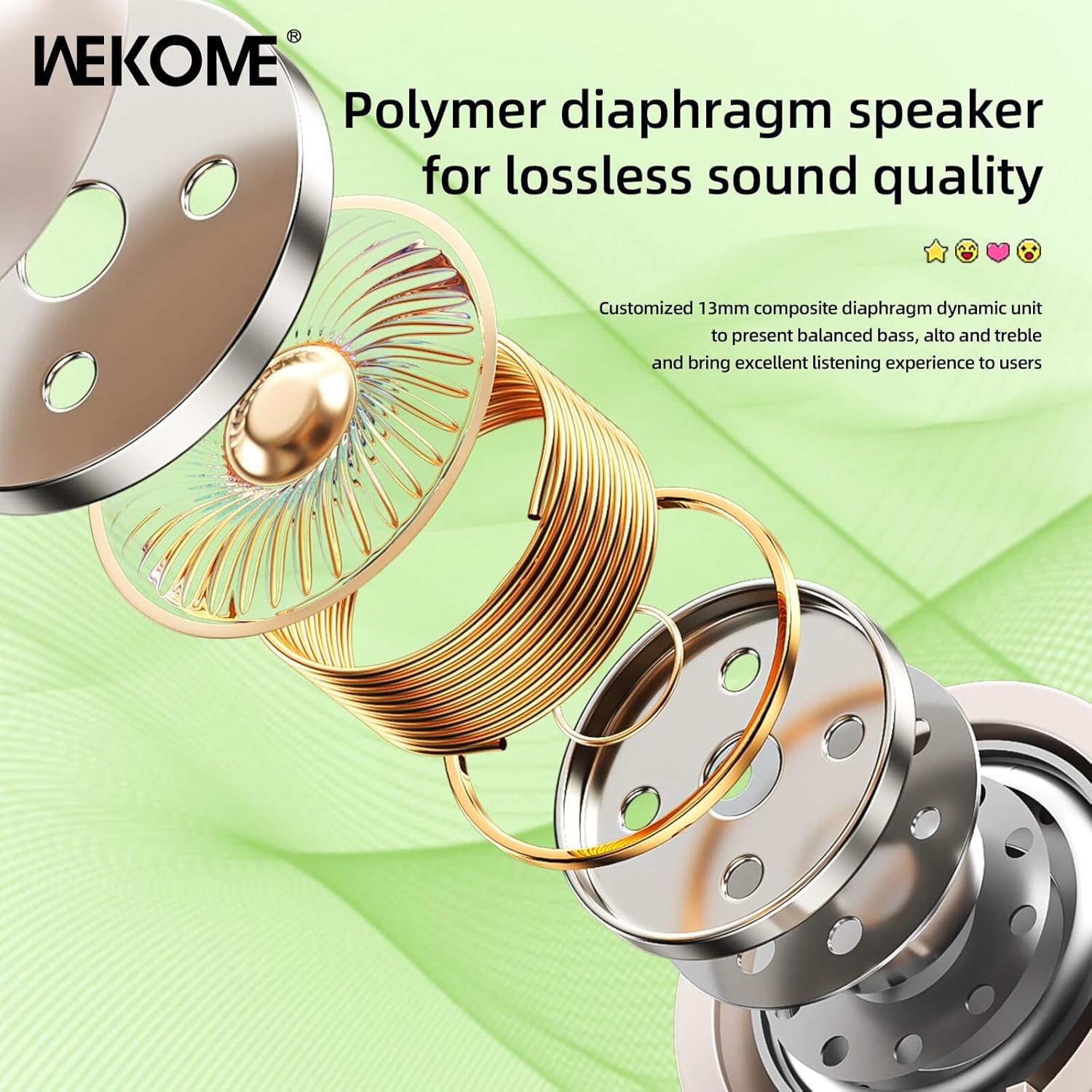
Billede: En eksploderet view illustrating the components of the 13mm composite diaphragm speaker, designed for lossless sound quality.
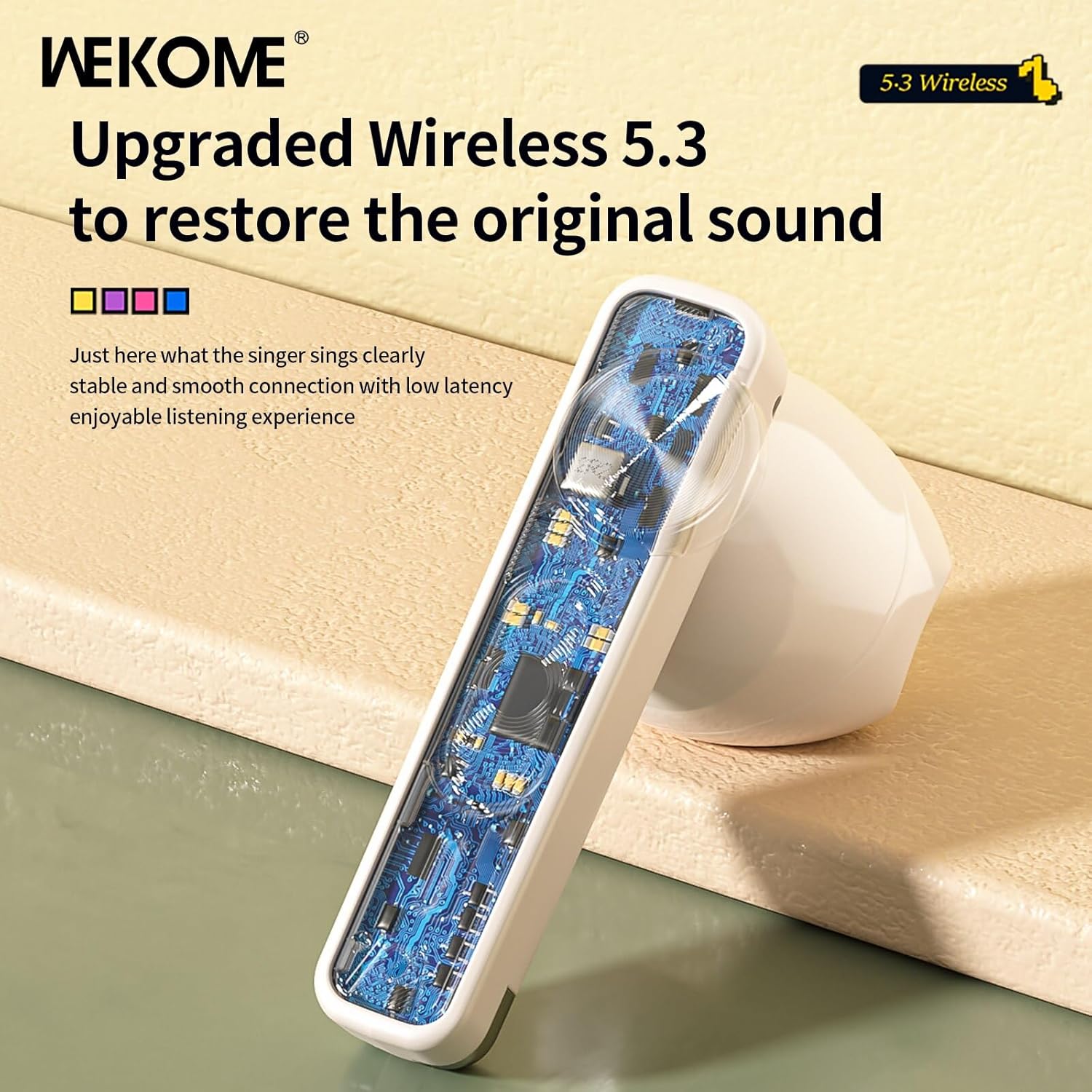
Billede: Et nærbillede view of an earbud's internal circuit board, highlighting the advanced Wireless 5.3 technology for stable and smooth connection.
Garanti og support
For warranty information and technical support, please refer to the contact details provided on the product packaging or the official WEKOME webwebsted. Gem din købskvittering som købsbevis i tilfælde af garantikrav.


