Indledning
The CIAO TECH WiFi Extender is designed to enhance your wireless network coverage, eliminating dead zones and providing a strong, consistent signal throughout your home or office. With speeds up to 300Mbps and robust security features, it ensures a seamless online experience for multiple devices.

Front view of the CIAO TECH WiFi Extender, showing the WPS button and indicator lights.
Pakkens indhold
- 1 x CIAO TECH WiFi Extender
- 1 x Ethernet-kabel
- 1 x Brugermanual (dette dokument)
Opsætningsvejledning
Metode 1: Hurtig opsætning via WPS-knap
- Tilslut: Plug the WiFi Extender into an electrical outlet near your main router. Wait for the Power indicator light to turn solid.
- Aktivér WPS på routeren: Press the WPS button on your main wireless router. Refer to your router's manual for the exact location and procedure.
- Aktivér WPS på extender: Within 2 minutes of pressing WPS on your router, press the WPS button on the front of the CIAO TECH WiFi Extender.
- Vent på forbindelse: The Extender's signal indicator lights will flash and then turn solid when a connection is established. This may take a few moments.
- Flytning (valgfrit): Once connected, you can unplug the extender and move it to a location halfway between your router and the Wi-Fi dead zone. Ensure the signal indicator lights remain solid, indicating a good connection.
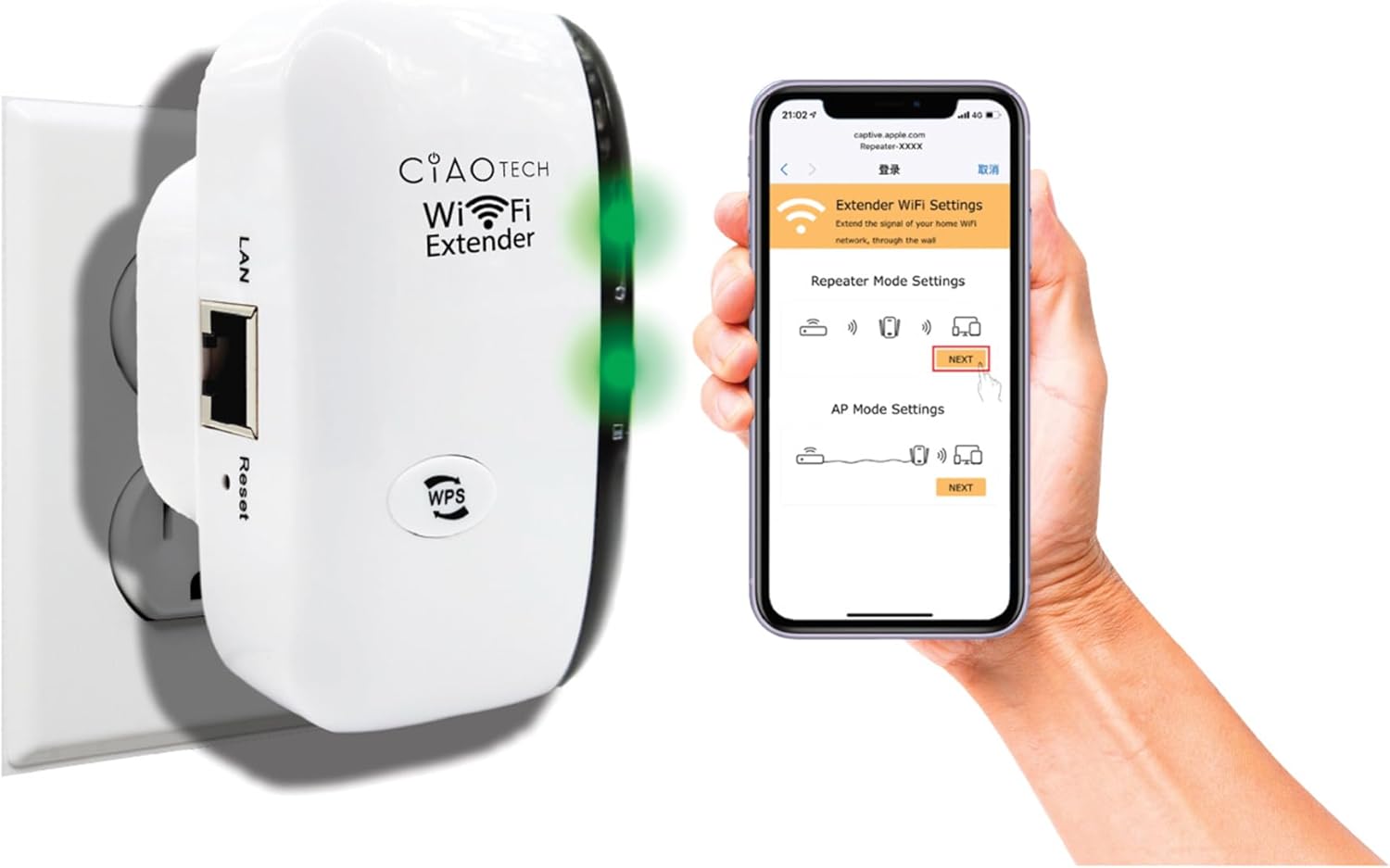
The WiFi Extender plugged into a wall outlet, with a smartphone displaying the extender's setup interface.
Method 2: Setup via Web Browser
- Tilslut: Plug the WiFi Extender into an electrical outlet near your main router. Wait for the Power indicator light to turn solid.
- Opret forbindelse til extenderens Wi-Fi: On your computer or mobile device, connect to the Wi-Fi network named "WiFi Repeater-XXXXXX" (where XXXXXX are the last 6 digits of the extender's MAC address, found on the label). There is no password initially.
- Adgangsopsætningsside: Åbn a web browser (e.g., Chrome, Firefox, Safari) and enter 192.168.11.1 i adresselinjen.
- Log ind: If prompted, the default username and password are "admin" (or refer to the label on the device).
- Vælg tilstand: Choose your desired operating mode (Repeater Mode or AP Mode).
- Konfigurer indstillinger:
- Repeater-tilstand: Select your existing Wi-Fi network from the list, enter its password, and optionally change the extender's SSID.
- AP-tilstand: Connect an Ethernet cable from your router to the extender's LAN port. The extender will create a new Wi-Fi network. Configure the new SSID and password.
- Anvend indstillinger: Gem indstillingerne, og vent på, at extenderen genstarter.
- Connect to Extended Network: On your devices, connect to the newly configured extended Wi-Fi network.

Bag view of the WiFi Extender, displaying the LAN port and the label with default settings and IP address.
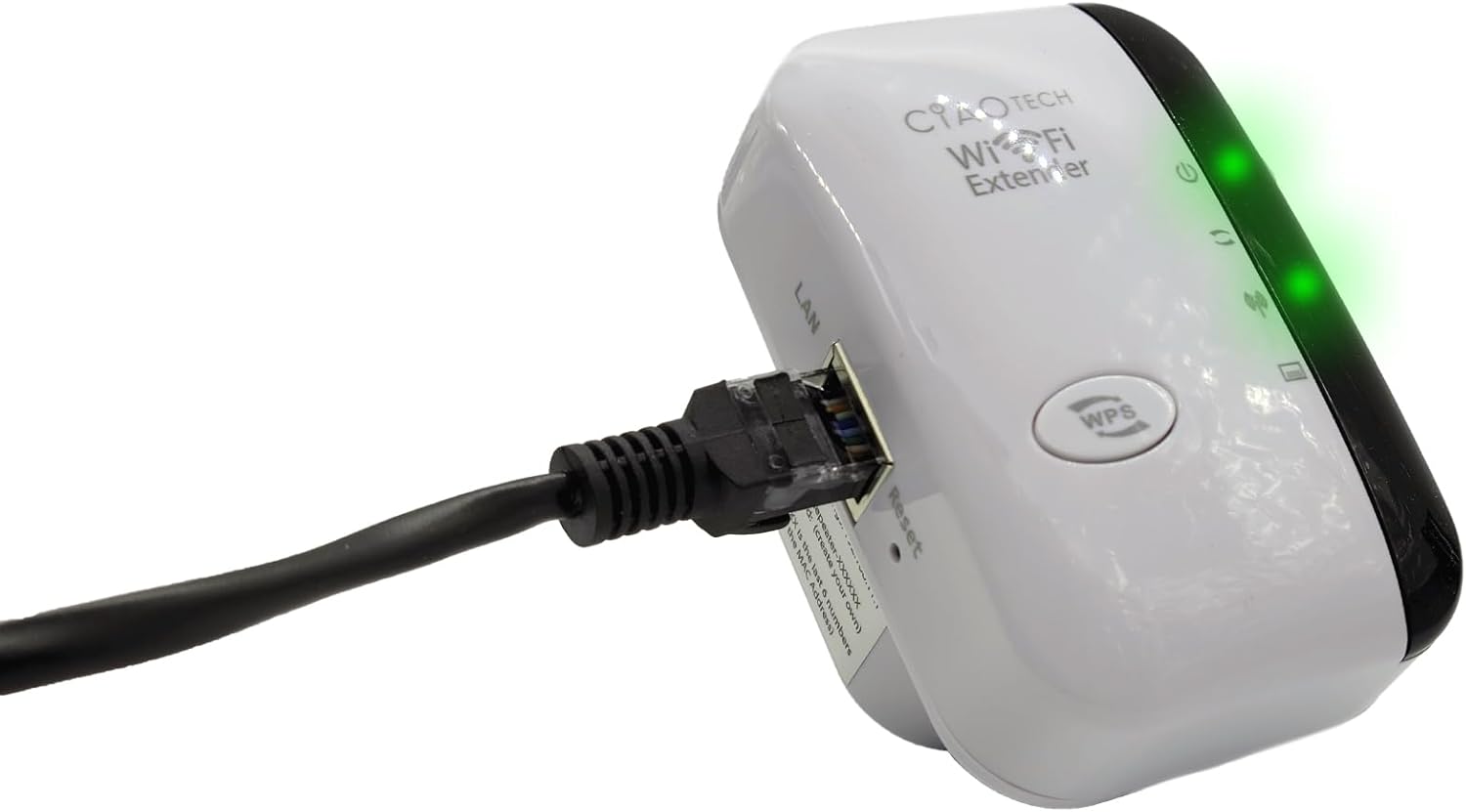
The WiFi Extender with an Ethernet cable connected to its LAN port, indicating a wired connection option.
Driftstilstande
Repeater-tilstand
In Repeater Mode, the extender wirelessly connects to your existing Wi-Fi network and re-broadcasts it, extending the coverage area. This mode is ideal for eliminating Wi-Fi dead zones and improving signal strength in areas with weak coverage.
AP -tilstand (adgangspunkt)
In AP Mode, the extender connects to your router via an Ethernet cable and creates a new wireless network. This mode is suitable for converting a wired network connection into a wireless one, or for creating a separate Wi-Fi network.
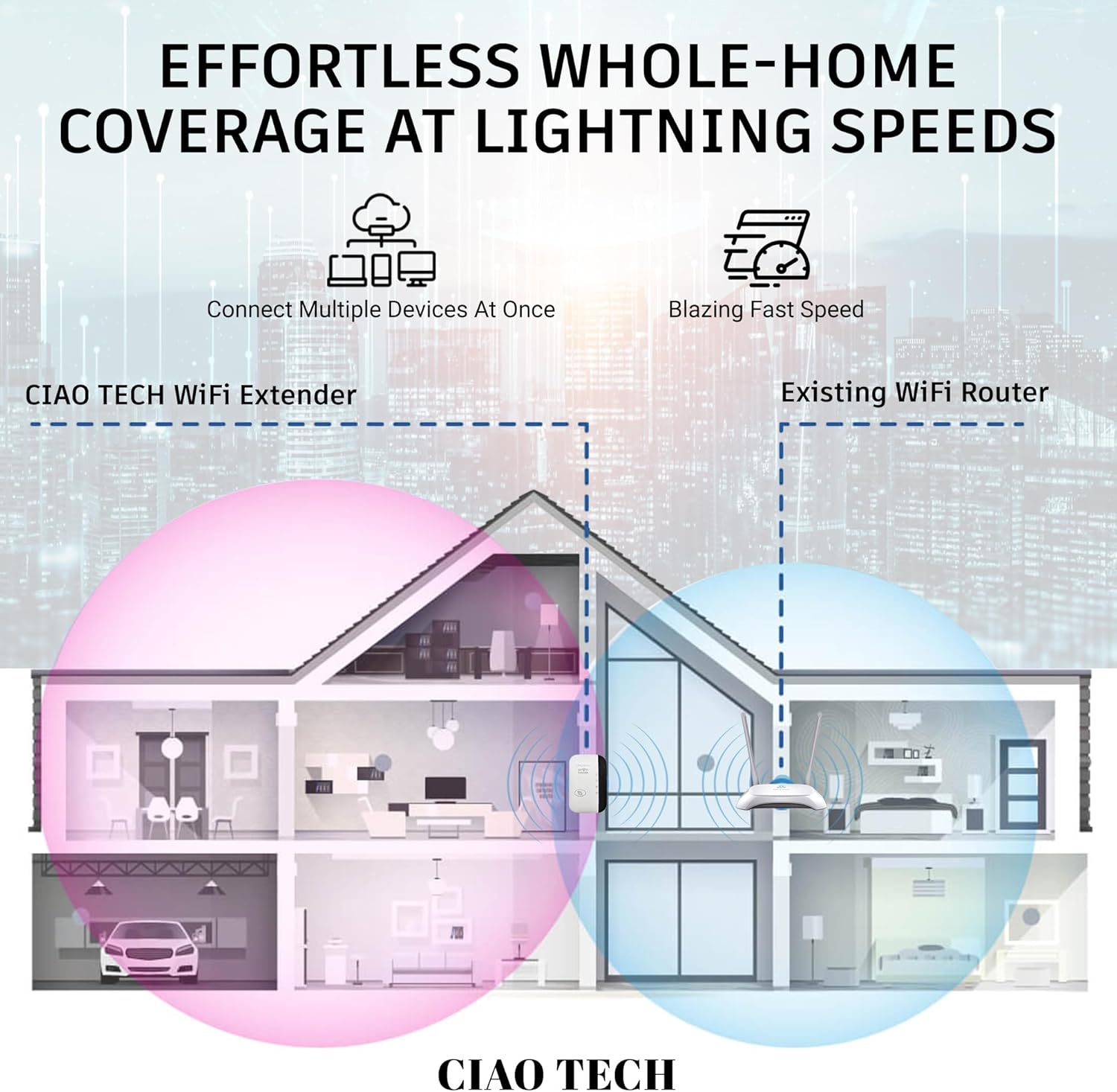
A diagram illustrating how the WiFi Extender provides expanded coverage throughout a home, connecting multiple devices.
Opretholdelse
- Optimal placering: Place the extender in a location that is roughly halfway between your main router and the area where you need improved Wi-Fi. Avoid placing it near large metal objects, concrete walls, or other electronic devices that may cause interference.
- Hold rent: Tør enheden regelmæssigt af med en blød, tør klud for at fjerne støv. Brug ikke flydende rengøringsmidler eller aerosoler.
- Firmwareopdateringer: Tjek producentens webbesøg webstedet regelmæssigt for firmwareopdateringer. At holde firmwaren opdateret kan forbedre ydeevne og sikkerhed.
- Power Cycle: If you experience persistent issues, try power cycling the extender by unplugging it from the outlet for 10 seconds and then plugging it back in.
Fejlfinding
- Ingen internetadgang efter opsætning:
- Sørg for, at extenderen er inden for rækkevidde af din primære router.
- Verify that the password entered for your main Wi-Fi network during setup was correct.
- Prøv at genstarte både din primære router og extenderen.
- If using Repeater Mode, ensure your main router has internet access.
- Svagt signal fra extender:
- Flyt extenderen tættere på din primære router.
- Avoid physical obstructions like thick walls or large appliances.
- Kontrollér for interferenskilder (f.eks. mikrobølgeovne, trådløse telefoner).
- Kan ikke få adgang Web Management Page (192.168.11.1):
- Ensure your device is connected to the extender's Wi-Fi network (e.g., "WiFi Repeater-XXXXXX").
- Ryd din browsers cache og cookies, eller prøv en anden browser.
- Deaktiver midlertidigt al VPN- eller firewallsoftware på din computer.
- Reset the extender to factory defaults (use a paperclip to press the reset button for 5-10 seconds) and try setup again.
- Langsom hastighed:
- Ensure the extender is placed in an optimal location, not too far from the router and not too far from the devices.
- Check for network congestion or too many devices connected to the extended network.
- Verify your main internet speed.
Specifikationer
| Modelnummer | OWEWM00-001 |
| Trådløs Standard | 802.11ac |
| Dataoverførselshastighed | Op til 300 Mbps |
| Sikkerhedsfunktioner | 64/128/152-bit Encryption |
| Havne | 1 x RJ45 Ethernet Port |
| Dimensioner | 4.61 x 4.45 x 2.72 tommer |
| Vægt | 3.84 ounce |
Garanti og support
For warranty information and technical support, please refer to the contact details provided with your purchase or visit the official CIAO TECH webwebsted. Gem din købskvittering for garantikrav.


